Arduino: Hello World for ESP32 + I2C SSD1306 OLED
I saw a lot of ESP32 introduction articles, fancy its wifi and Bluetooth support, and can also use the Arduino IDE to develop, so itchy, from a treasure into an ESP-WROOM-32 development board to play.
The Arduino environment was built with reference to the brother's article, and I would like to thank you for this:ESP32 arduino IDE 1.8.5 development environment to build。
Summarize a few key points:
1. In addition to the newer Arduino IDE, install python2.7 (bad news: Python 2.7 will reach the end of its life on January 1st, 2020.). Haven't tried 3.x yet.
2. Create a new directory espressif\esp32 under C:\Program Files (x86)\Arduino\hardware\;
3, fromhttps://github.com/espressif/arduino-esp32Download the zip and extract its contents to C:\Program Files (x86)\Arduino\hardware\espressif\esp32\;
4. You must run C:\Program Files (x86)\Arduino\hardware\espressif\esp32\tools\get.exe as an administrator.
5, similar to UNO's 13th PIN connection onboard LED, my ESP32 development board LED is No. 2 PIN. So you can change the built-in LED to 2 when you brush the blinker demo. In addition to the ESP32 example, there is an AnalogOut LEDSoftwareFade breathing light effect is also very interesting, can be used as a test program. Also change the LED_PIN to 2.
==========
Next, you can experiment with I2C OLED.
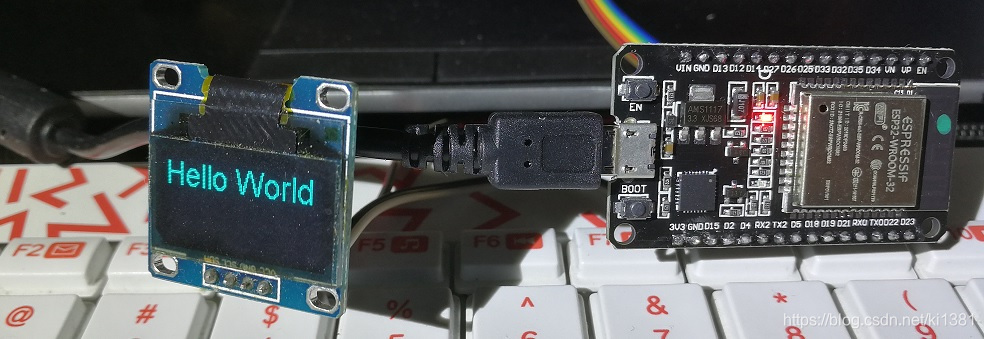
Wiring: Vcc and GND are not much to say, a 3.3V GND. D21 corresponds to SDA; D22 corresponds to SCL.
driver: library management, search keyword ssd1306 esp32
Refer to the sample code:
#include "SSD1306.h"
SSD1306 display(0x3c, 21, 22);
void setup() {
display.init();
display.setFont(ArialMT_Plain_24);
display.drawString(0, 0, "Hello World");
display.display();
}
void loop() {
}
Reference materials:
https://techtutorialsx.com/2017/12/02/esp32-arduino-interacting-with-a-ssd1306-oled-display/
Intelligent Recommendation
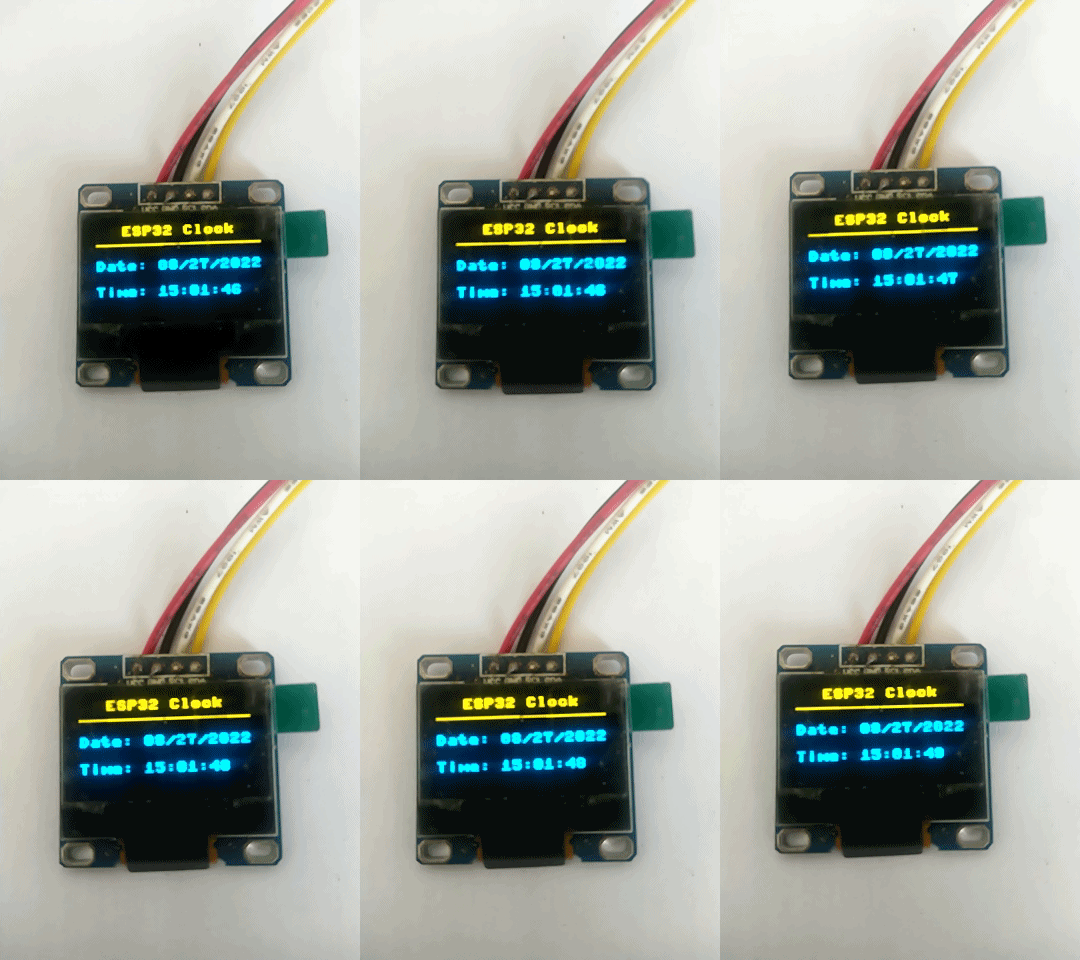
【Micropython ESP32】 SSD1306 0.96 "OLED+Network Clock
【Micropython ESP32】 SSD1306 0.96 "OLED+Network Clock This example is based onThonnyPlatform development. Display effect Display part usessd 1306 0.96 "OLED screen to display time. Wiring des...
Arduino + SSD1306 OLED Display DEMO program
Arduino + SSD1306 OLED Displays DEMO program The screen used is 1.3 inch OLED screen Development board is Nodemcu Development environment is Arduino IDE code...
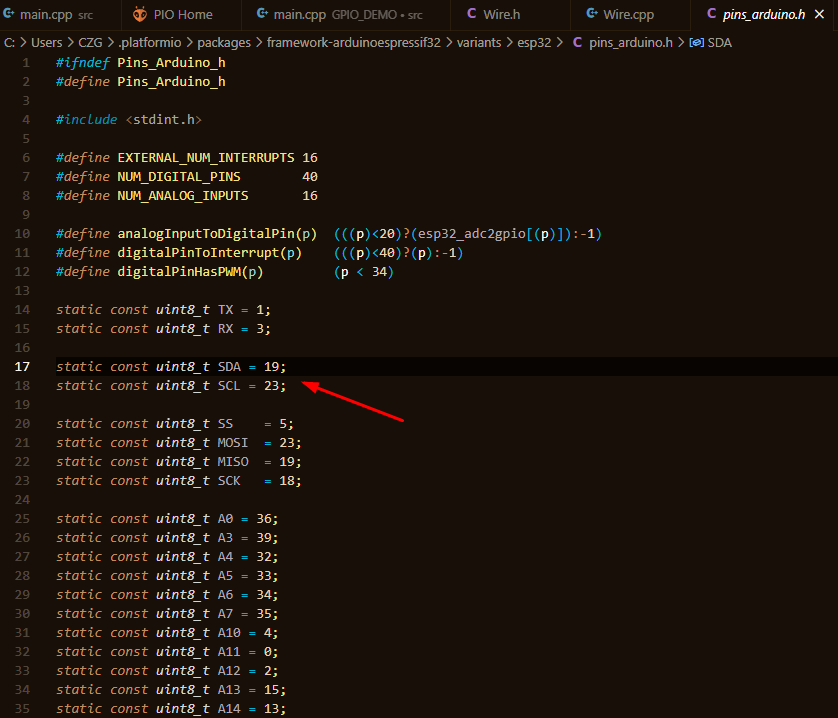
【ESP32 】2· ,vscode ,oled i2c ,
content 1.GPIO 2. 3. 4. 5.PWM 6.I2C 7.OLED 1.GPIO 2. , , 。 3. Serial.read() , ; Serial.parseInt() 。 4. Serial.println("ADC value on Pin(%d) is %d!",analog_value); , , , , , 。 5.PWM PW...
ESP32 Drive I2C-OLED -Duino
ESP32 I2C-OLED display IDE:Arduino Foreword I have made some Arduino libraries before to understand the format of the Arduino library. Originally, I planned to transplant the I2C-OLED driver of the ST...
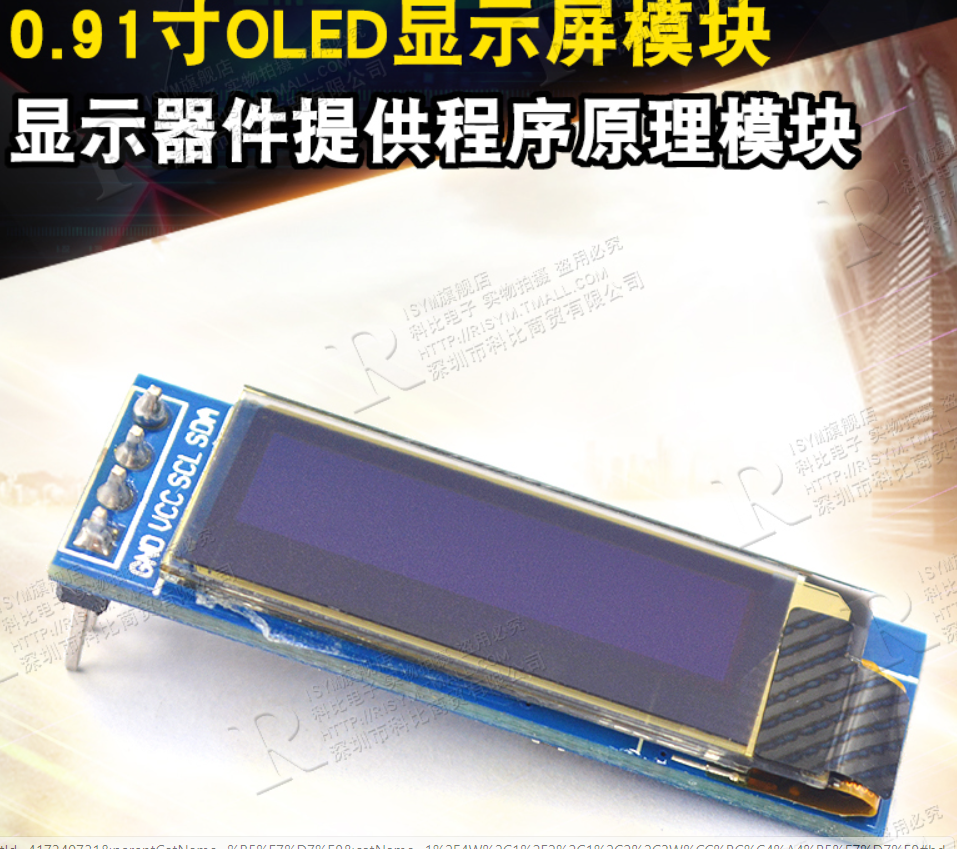
ESP32 Arduino Driver 0.91 "OLED
Article catalog 0.91 "OLED" I2C pin definition Arduino program Reference link 0.91 "OLED" I2C pin definition With I2C communication, it is inevitably involved in the definition of ...
More Recommendation
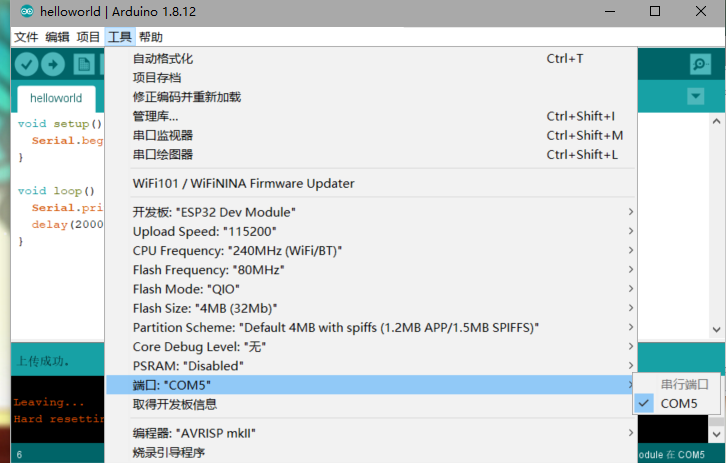
Using Arduino to develop ESP32 (two): chip selection and hello world!
I used the esp32-s of Anxin Kejia before tried to build the environment according to his information, but the information on the website was unclear, and it didn’t work in the end. Forget it, us...

Getting Started with ESP32 Arduino Development (2)--Hello world
Note:Those who are interested in ESP32 open source technology can join a group. Let's explore and exchange together, group number: 782473783. Group name: ESP32 open source technology exchange g...
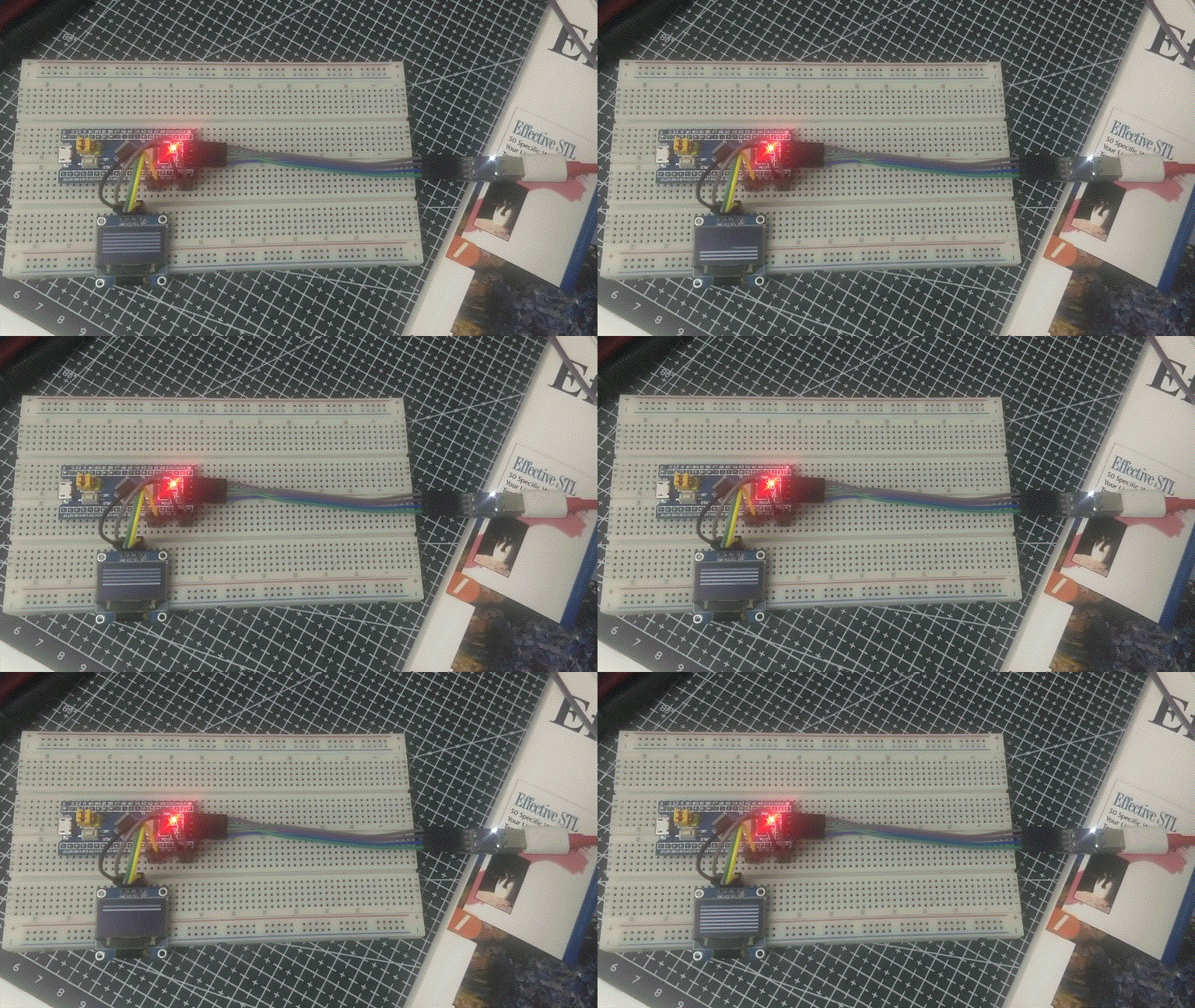
STM32 HAL library I2C driver OLED SSD1306 12864, with FreeRTOS
The chip is STM32F103C8T6, running at 72MHz. The code is the complete main.c, and all the codes are in it. The project generated using STM32CubeMX, in addition to the basic configuration, has FreeRTOS...

ESP32 development notes (two) OLED ssd1306 apds9960 gesture control
ESP32 OLED Demo Source address:GitHub source address Realize function The ESP32 OLED demo implements the following functions: Temperature and humidity data collection Network update real time OLED pag...

ESP32 Micropython Development Tips 7 - DHT11 OLED SSD1306, simple player
DHT11 OLED SSD1306, simple player DHT11 and DHT22 🎉Micropython built-in library 🔎 Creating a DHT instance - DHT.DHT11 (PIN) 🔎 Start measurement - Sensor.measure () 🔎 Read the temperature - Sensor....