Call between MATLAB \ Simulink and python
Matlab-Python calling each other
PythonIs more and more widely used, and has great advantages in deep learning, machine learning, data mining, etc., and python is open source and has a powerful third-party library, which is the biggest advantage of python. However, MATLAB is extremely optimized in terms of scientific computing, especially SIMULINK's modular programming method is very convenient. In actual applications, frequent data exchange and calling between SIMULINK and python are often required. Here is a brief introduction to MATLAB and python. Mixed programming. All operations in this document are implemented in Window10 environment.
1. MATLAB \ SIMULINK calls python function
Starting from MATLAB2014b, MATLAB supports calling Python directly. I installed the latest version of MATLAB2017b, so I can directly connect to Python after installation and verify the method of MATLAB connecting to Python.

My computer has two versions of Python, 2.7 and 3.5, which are connected to python3.5 by default. You can also manually switch to python2.7 version.

Define the python function as a very simple sum of two numbers, the file name is te2, and the function name is c2.

Call the python function in MATLAB, and call the function in the format of py.file name.function name (parameter).

See the python help documentation. More usage and examples can be found in the help documentation. The document contains two parts, namely MATLAB calls Python, and Python calls MATLAB.

Calling python function in SIMULINK, first of all, we consider that the function statement calling python will be written into MATLAB-Function. But this method needs to declare the statement as an external compilation method, which will reduce efficiency. The SIMULINK flowchart and m function are as follows:


Then use the python function in the real-time simulation environment, and use the S-Function method to call the py statement. The use of S-function does not require external compilation, which improves simulation efficiency.

S-Function is.

The above is to call the Python function through MATLAB statement and SIMULINK module.
Second, call MATLAB through Python
There are many ways to call MATLAB in Python. The engine provided by MATLAB is used for calling. This method is very convenient for calling some simple statements in MATLAB.

The specific operation is,

The following example, call MATLAB engine in python to draw.

For more details, you can refer to the official documentation:
https://cn.mathworks.com/help/matlab/matlab-engine-for-python.html
Also use many methods to directly call matlab:
Intelligent Recommendation
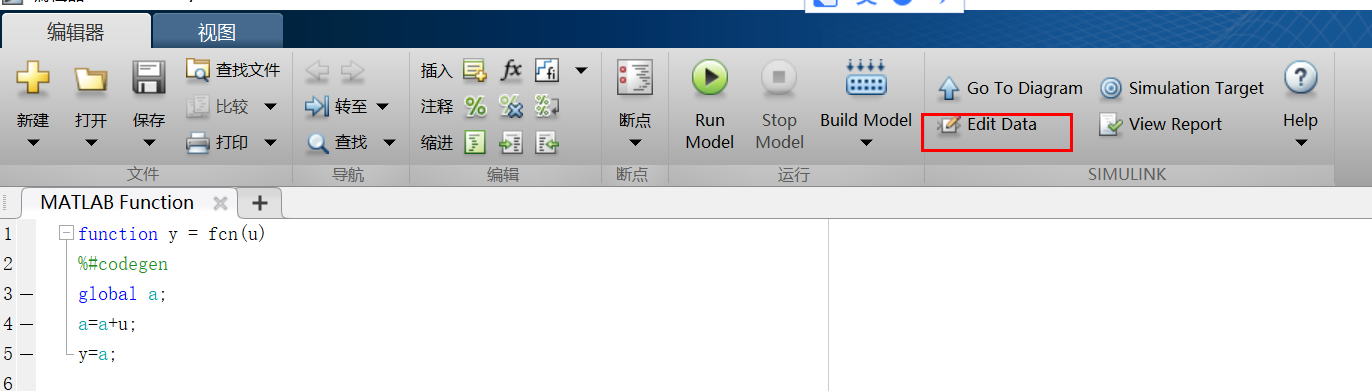
Matlab simulink call function how to use global variables
smulink can easily build a system model, through the use of function can transplant C code, verify the actual discrete system performance. Matlab function box is as follows: 1. First define the global...
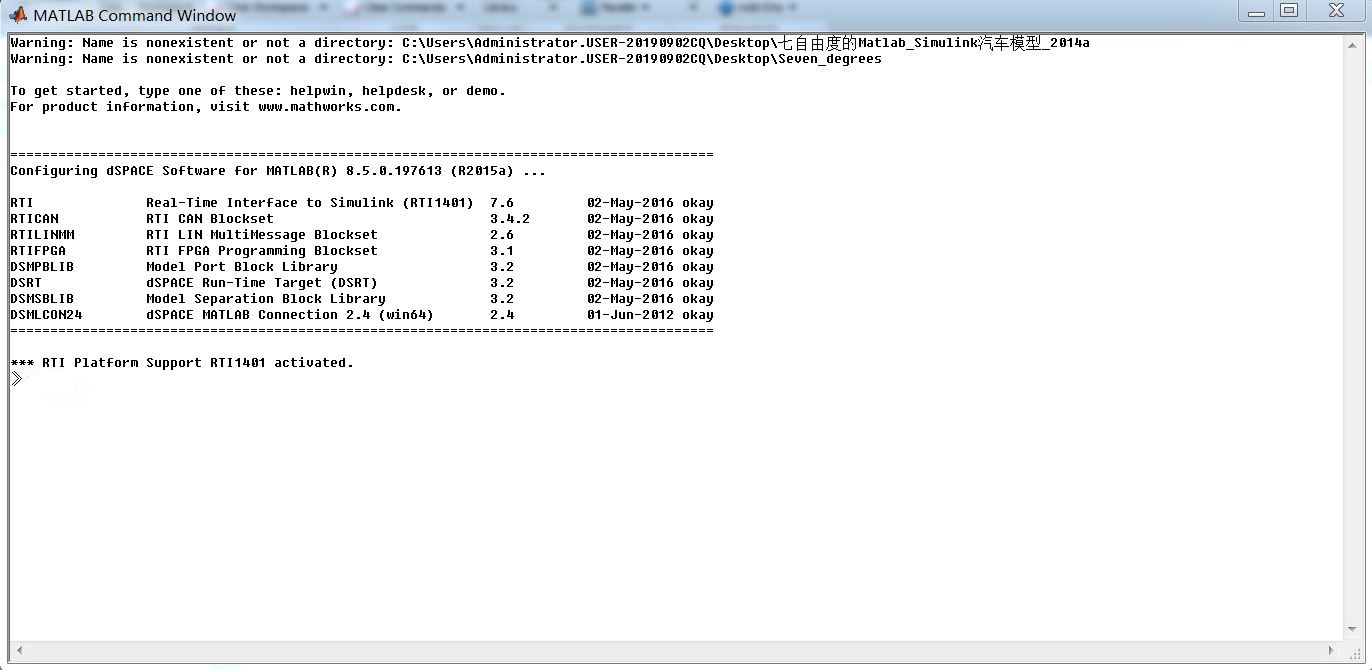
Call up matlab homepage during Carsim/Simulink co-simulation
When Carsim and simulink are co-simulating, after clicking send to simulink, only the MATLAB command window appears, as shown in the figure below. But it is more convenient for us to process some data...
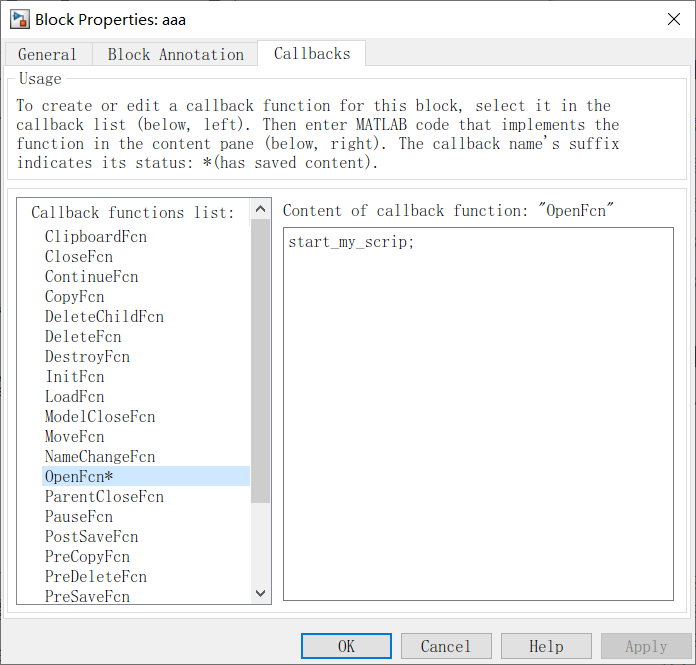
Double-click the Simulink module call custom MATLAB scripts
Double-click the Simulink module call custom MATLAB scripts 1. Module set the callback function 2. Open the module by script Reference: http://blog.sina.com.cn/s/blog_627927570102wq0d.html 1. Module s...
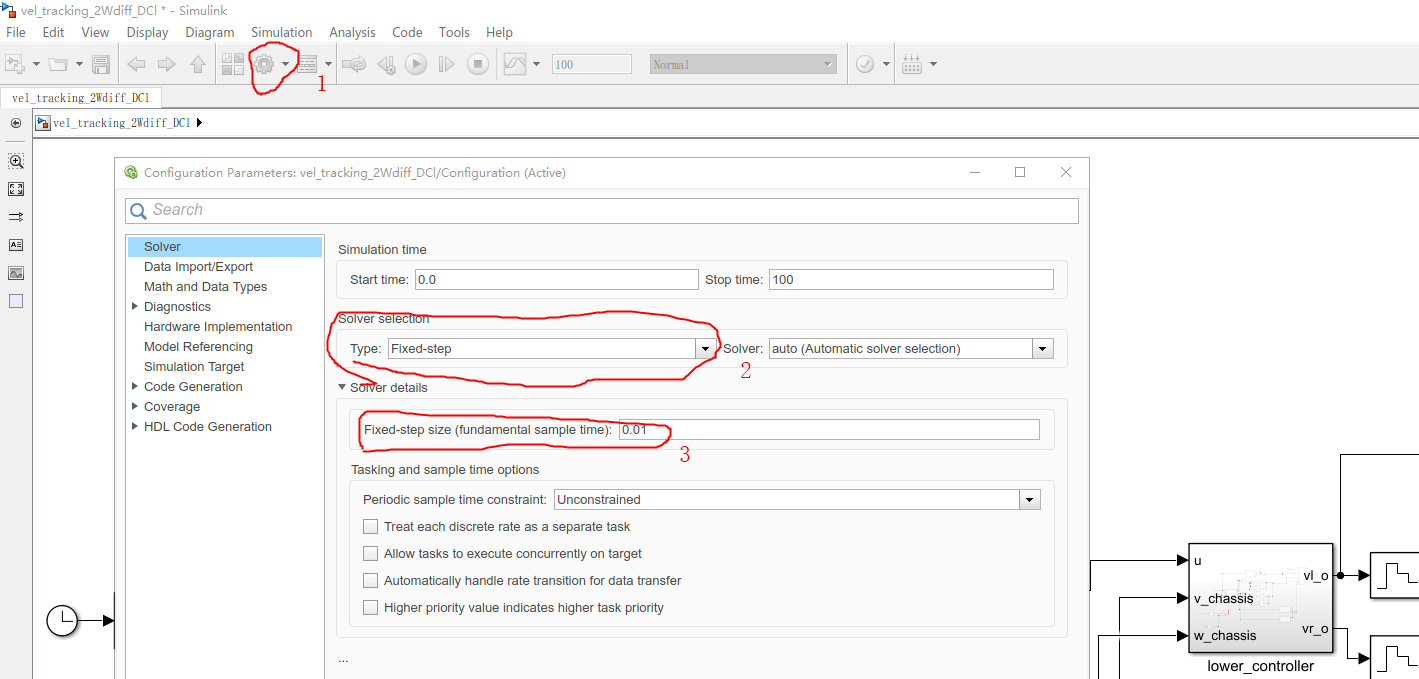
The relationship between MATLAB SIMULINK, the control cycle, and the sampling frequency (withdress)
Recently, I have encountered problems that need to set up a control cycle in the simulation. I have been shared for a while, and I will share my understanding. Welcome to discuss it together. The mean...
Matlab GUI programming skills (4): data transmission between files and simulink
Matlab GUI programming skills series articles index: Matlab GUI programming skills (1): How to make the interface of the GUI editor run in the middle Matlab GUI programming skills (2): function struct...
More Recommendation

Matlab simulink note 06-the difference between using Simulink to solve differential equations / simulink block diagram and control system block diagram
table of Contents 1. Solve differential equations using an integer 1.1 Solving steps 1.2 Examples 2. The difference between simulink block diagram and control system block diagram I just...
Call Python under MATLAB
Configuration Python is already installed and MATLAB cannot find the path; MATLAB supports Python reference implementations of 2.7, 3.5, and 3.6 (commonly known as CPython); Python is in a non-standar...
python call matlab
python call matlab Install MATLAB engine API for Python python call matlab file python function call matlab Install MATLAB engine API for Python Find the path MATLAB folder. Start MATLAB, matlabroot a...
Matlab call Python script
Matlab call Python script Recent attempts to call Python script in Matlab environment, summed up several problems encountered under here. 1. Python module load In Matlab function, you want to file as ...