Matlab GUI programming skills (4): data transmission between files and simulink
tags: Matlab GUI programming skills matlab Development language gui Visualization
Matlab GUI programming skills series articles index:
Matlab GUI programming skills (1): How to make the interface of the GUI editor run in the middle
Matlab GUI programming skills (2): function structure and parameter transmission
Matlab GUI programming skills (3): display the Figure file on the Axe of GUI
Simulink model
Use Matlab's M language to create a new Simulink model, named Test, and open it. The code is as follows:
new_system('test');   % New model
open_system('test');    % Open the model
save_system('test');    % Save the model
close_system('test');  % Off the model
delete('test');              % Delete model
Data transmission between M Files and Simulink
The parameter transmission between the Simulink module and the M file can be usedget_paramandset_paramto fulfill.
M File's connection to Simulink:
1. Open it first in the M filemdlFile, useopen_system('model');
2. Then use in the M fileset_param()andget_param()Function changes and obtain the parameter value of the module in Simulink;
details as follows:
For example, you have asimulink model documenttest.mdl, Including a nameSineWaveThe sine generator, you need to set its sampling time through the M file. But you don't know where youtest.mdlmiddle,SineWaveThe name of this attribute of the sampling time can be obtained by this command:
get_param('test/SineWave','ObjectParameters')
After the statement runs, some are:
                     SineType: [1x1 struct]
                    TimeSource: [1x1 struct]
                     Amplitude: [1x1 struct]
                          Bias: [1x1 struct]
                     Frequency: [1x1 struct]
                         Phase: [1x1 struct]
                       Samples: [1x1 struct]
                        Offset: [1x1 struct]
                    SampleTime: [1x1 struct]
                VectorParams1D: [1x1 struct]
Seeing, Sampletime is its sampling time.
Okay, you can pass at this timeget_param('test/SineWave','SampleTime')To get the sampling time of the sine generator in the original module.
Similarly, you can pass in the M fileset_param('test/SineWave','SampleTime',Ts)Let's set its sampling time, among themTsTo set the sampling time.
Pack the M function into the Simulink module
Can be applieduser-Defined Functions insideEmbedded MATLAB Function;
The M function can directly change the FCN function input and output when input and multiple output, just save it;
SIM () function
The call format of the SIM () function is:
[t,x,y]=sim(f,tspan,options,ut)
fThe model name of SimulinktspanControl the variable for simulation timeoptionsControl parameters for the modelutFor external input vector.
Intelligent Recommendation
MATLAB programming skills: Set Mask properties in the Simulink module
MATLAB programming skills: Set Mask properties in the Simulink module Set the MASK property of SIMULINK in SIMULINK through m code, you can also delete the comments on Mask directly Some of the follow...
MATLAB programming skills: Create the Simulink module and signal line through the script
This article studies the method of creating a model through the MATLAB script. Articles directory 1 Related function 1.1 Create a module 1.2 Create a signal line 2 Actual application 3 summons 1 Relat...
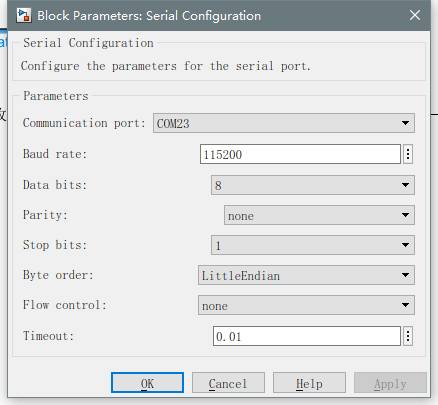
[STM32-Matlab] Simulink uses serial port for data transmission
SIMULNK receiving, STM32 send 1. Search the server configuration module, and set the parameters as shown in the figure 2. Search for the Serial Receive module, and set the parameters as shown in the f...
[Matlab / python] data transmission between matlab and python
Many times, we need to save data in matlab and then use Python. Method 1 (.mat format) Directly store MATLAB's data into. MAT format, then use the loadmat function in scipy.io in Python to read Method...
matlab — Simulink Learning (4)
Server by bytes and receiving One, environment Second, serial port receiving byte -byte by byte Third, the serial port is sent by byte by byte One, environment Hardware: Ti Picocolo F2803X, USB to 485...
More Recommendation
Matlab GUI, transfer data between forms
(Code: Main window 2\main1.m,Child window 2\ch1.m ) Main window: Child window:...

Matlab GUI programming skills (12): Menu creates menu or menu item
L Operating environment: matlab Written author:Left -handed tomorrow Selected column:《python》 Recommended column:"Algorithm" Hello everyone, I amLeft -handed tomorrow! Recently updated:May 3...
Matlab GUI programming skills (16): design and functional design of graphical interface
L Operating environment: matlab 🚩 Written author:Left -handed tomorrow 🥇 Selected column:《python》 🔥 Recommended column:"Algorithm" Hello everyone, I amLeft -handed tomorrow!💗 📆 Recently...

Matlab programming skills: reading and writing text files
Various text files are involved in MBD (model-based design), and the automated processing of text files can greatly improve work efficiency. This article briefly introduces the first step of processin...
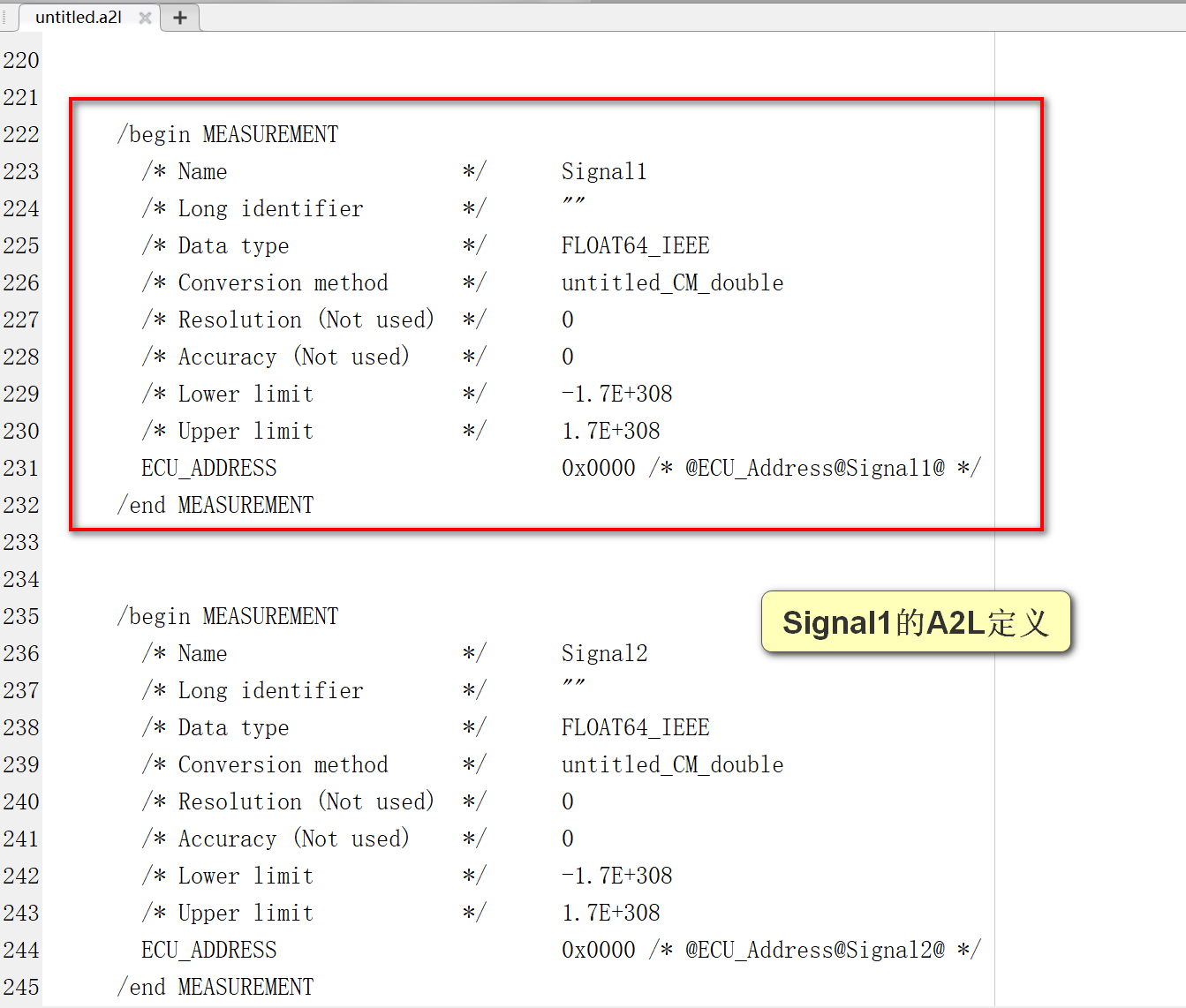
Matlab programming skills: import A2L files
This article studies how to import A2L files through Matlab scripts, and write some information of the A2L files into the table. Article Directory 1 A2L file 2 Analysis of A2L file 3 Import A2L inform...