Data interaction between MATLAB and Simulink
Simulink is an integrated toolbox of MATLAB for system modeling and simulation. Unlike MATLAB, Simulink's graphical programming function, but when using Simulink, sometimes you need to interact with MATLAB for data. This article introduces Simulink and Two methods of MATLAB data interaction.
1 Simulink data output
There are two main methods for Simulink to output data. One is to use the to workspace module to directly output the data to the working area of MATLAB. You can directly write MATLAB programs to use the data. This method is simple, but the data is also lost after closing MATLAB. In order to save the data permanently, you need to use the to file module in Simulink to save the data in the form of a .mat file.
1.1 to workspace module
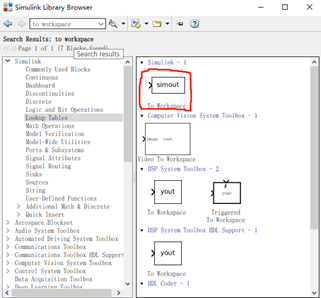
The following is its detailed parameter introduction:
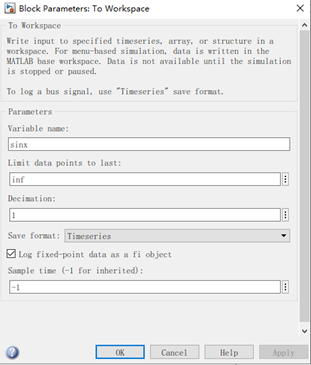
You can set the variable name, data point limit, data extraction interval, and also select the data type, supporting timeseries, array or structure data. Here is a simple example to output the positive selection function to the MATLAB workspace:
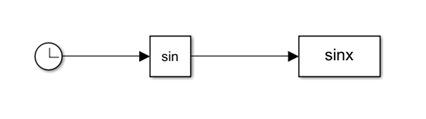
The variable will be created in the workspace after the program is finished:
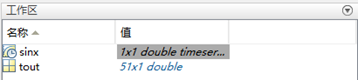
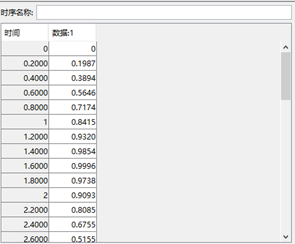
The default is timeseries type data, which has two dimensions: time and numerical dimensions.
1.2 to file module
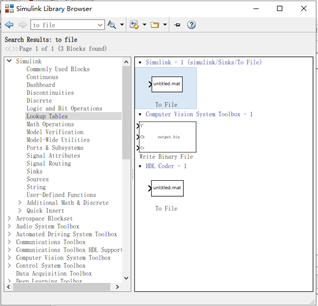
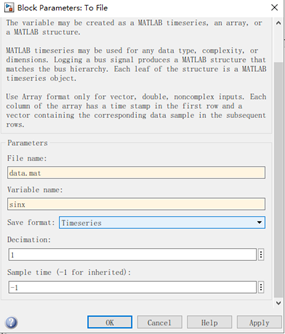
The main parameters are file name, variable name, data type, sampling interval, and sampling time. Here is a simple example that also outputs a sine signal:
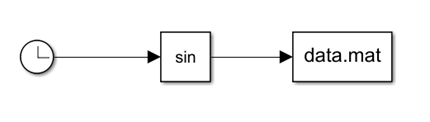
will generate a mat file in the current folder
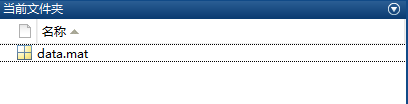
Use load(‘data.mat’) command to import data:
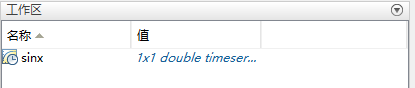
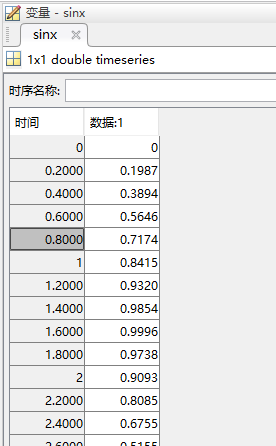
2 Simulink read data
There are also two main methods for Simulink to read MATLAB data, from workspace and from file. Next, we will introduce the specific usage of these two modules.
2.1 from workspace
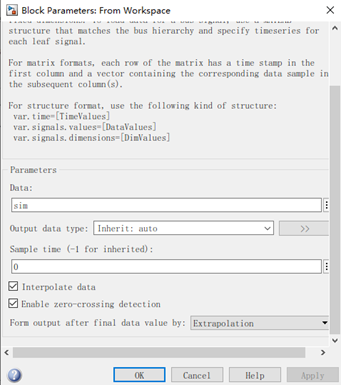
There are three ways to import data in this module: timeseries, matrix, structure, the main parameters are introduced below
Data: Used to set the variable name to simin
Output data type: used to set the output data type
Interpolate date: used to enable internal interpolation
Enable zero-crossing detection: used to enable zero-crossing detection
Form output after final data value by: Used to select the algorithm for external interpolation in the next time when the simulation time exceeds the external data
to introduce examples of data import:
(1) Import as a matrix
First create a matrix:
t=[0:0.01:10]';
x=sin(t);
sim=[t,x];
It should be noted that the sim matrix has at least two columns, one for time data and one for values.
Simulation model:
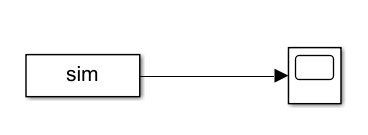
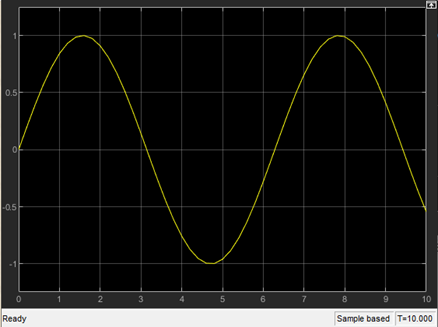
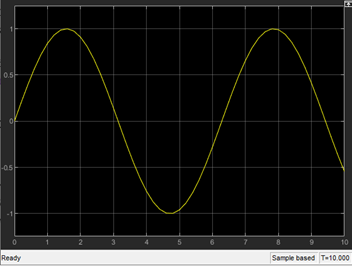
Results:
(2) Structure data:
MATLAB code:
t=[0:0.01:10]';
x=sin(t);
sim.time=t;% Assignment structure time series
 sim.signals.values=x;% Assignment structure parameters
 sim.signals.dimension=[1001,2];% Assignment structure parameter size (number of rows, number of columns)
The simulation model and results are the same as above.
(3) timeseries data
MATLAB code:
t=[0:0.01:10]';
x=sin(t);
 sim=timeseries; %define data type
 sim.Time=t;% time domain assignment
 sim.Data=x;% data field assignment
The simulation model and results are the same as (1)
2.2 from file module to read data
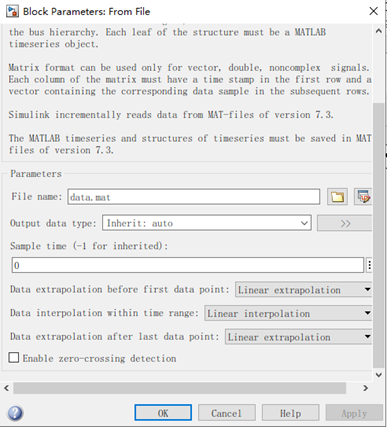
The main parameters of this module include file name, output data type, sampling time, interpolation and zero-crossing detection, etc. The following is a simple example to introduce the usage of this module.
Still use MATLAB programming to save the .mat file
t=[0:0.01:10]';
x=sin(t);
y=[t,x];
sinx = timeseries(y(:,2:end),y(:,1));%ÏÈÊý¾Ý£¬ºóʱ¼ä
save('data','sinx');
Call the module:
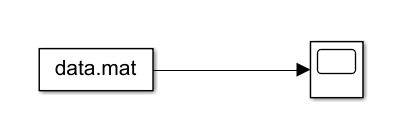
Simulation results:
Intelligent Recommendation
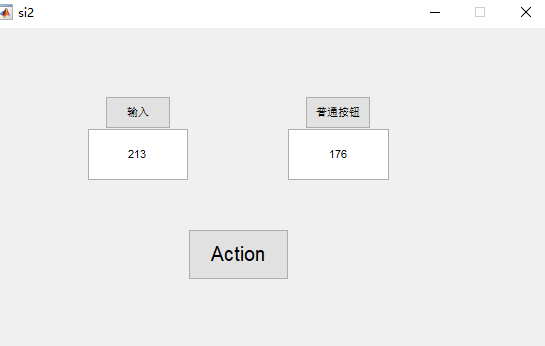
Data transmission and reading between Simulink and Matlab and GUI (to workspace and from workspace data exchange)
1. Data exchange between Matlab GUI and Simulink As shown in the figure below, enter the data in the GUI: 213, the data is transmitted to the A of Simulink after starting the button (ACTION); then the...
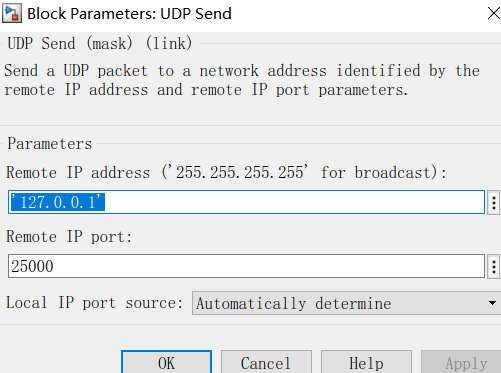
UDP communication between MATLAB / SIMULINK with labview
Article Directory 0. EDITORIAL 1. MATLAB / SIMULINK end Send 1.1 1.2 Receiving 2. LABVIEW end transceiver 2.1 reception Send 2.2 0. EDITORIAL UDP protocol is relatively rigid SIMULINK, and the data ty...

Communication between Matlab&Simulink and ROS (detailed graphics)
foreword As we all know, Matlab&Simulink is a powerful data processing and algorithm design tool, and provides an interactive interface with ROS, which allows the two to establish a connection to ...
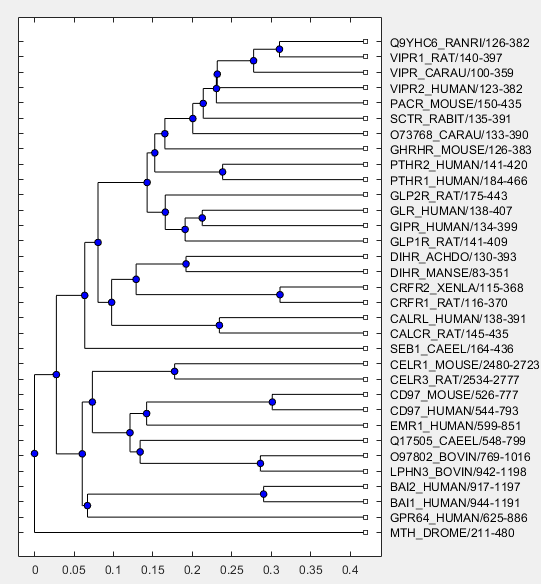
MATLAB interaction data visualization
Use the method of phytree object to create the basic framework of an evolutionary tree, in which the graph elements are all static. tr=phytreeread(‘pf00002.tree’); plot(tr) Import Phytree ...
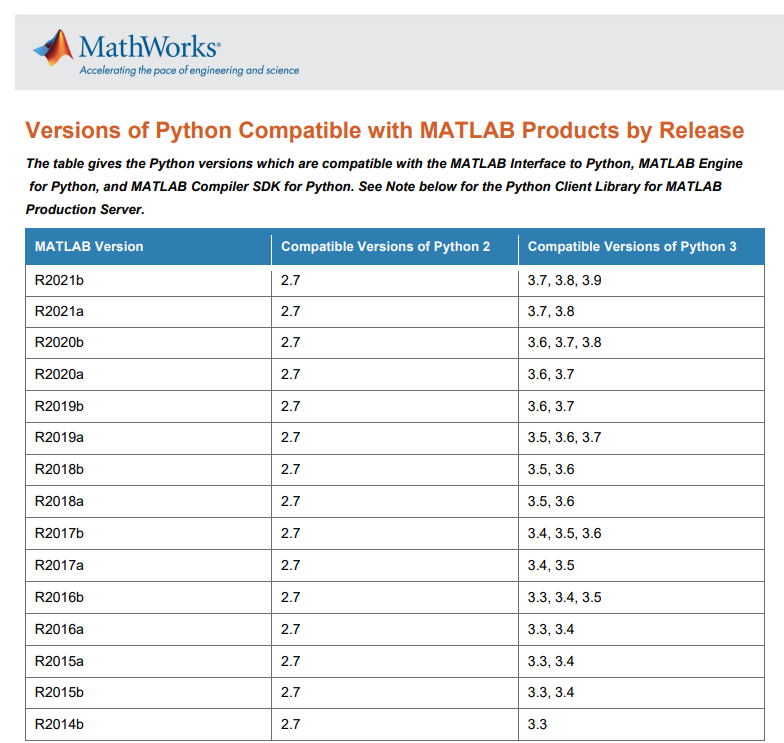
Matlab and python data interaction
1. Install the corresponding python version 2.python program: 3. Matlab program: 4. Result 5. Note If the Python program is modified, although it is stored, it is still output before modifying when it...
More Recommendation
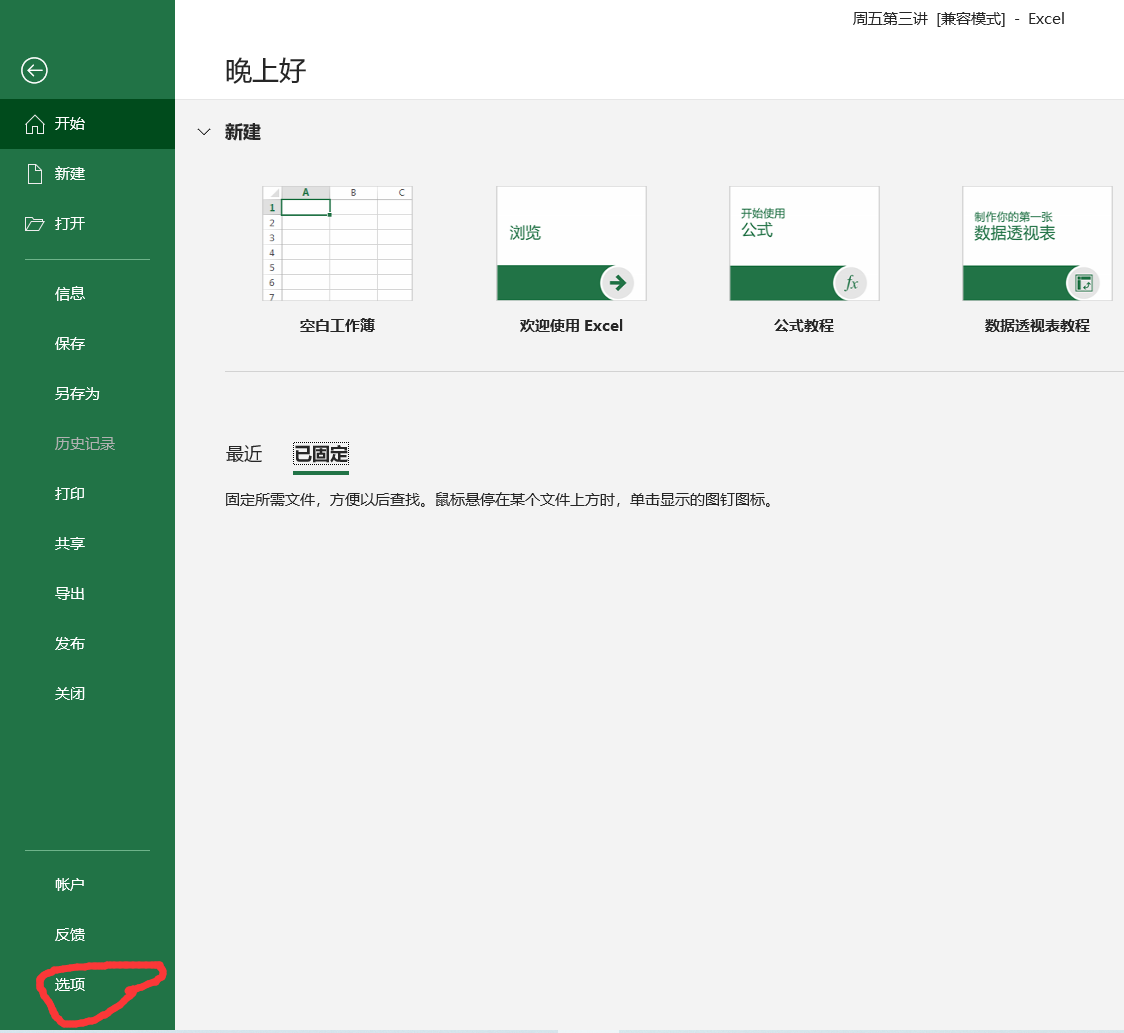
How to realize data interaction between excel and matlab / How to set up MATLAB load macro in Excel / How to realize the connection between Excel and MATLAB
1. Open Excel, click on the file, and click on the option. 2. Click the add-on and click Go. 3. Click Browse in the pop-up add-in. 4. In the browse tab that pops up, find the exlink folder under the t...
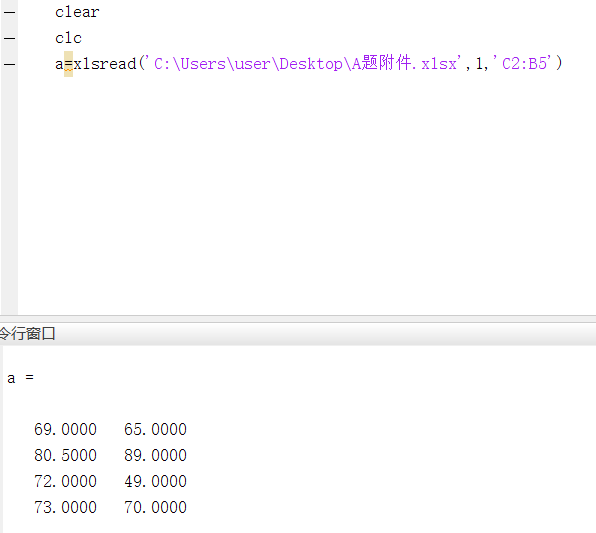
Application of MATLAB in Mathematical Modeling Notes (1)-----Interaction between MATLAB and data files
Disclaimer: This article is only a summary of personal knowledge points, does not represent the content of the book, I hope you guys do not like it.The sorting order is to sort out according to the ac...
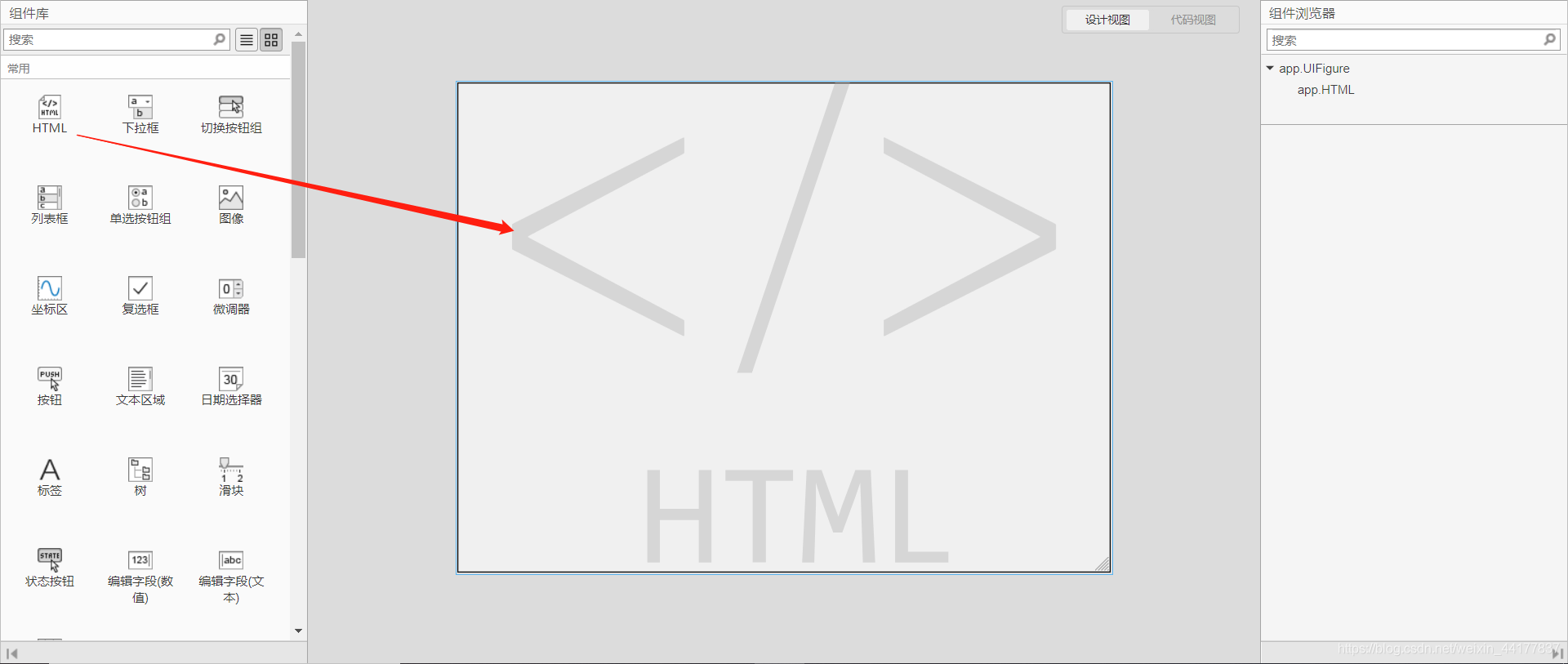
Data interaction between HTML and Matlab APP: Use HTML login interface to log in and open the Matlab application
Data interaction between HTML and Matlab APP Matlab APP part HTML part Result display Matlab APP part 1. Using Matlab 2020a, first drag the HTML component into the interface in the APP module 2. Right...
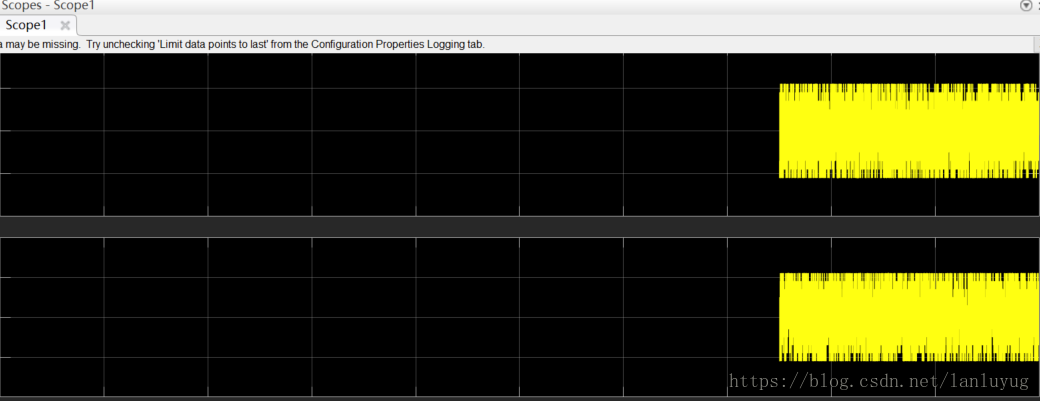
The simulink scope data in matlab2018 is exported to the matlab variable;
Looking for a long time~~~ 1. First double click on the scope os 2. Click View in the upper left corner; 3. Select Configuration Properties... 4. Click logging, check log data to workspace; variable n...
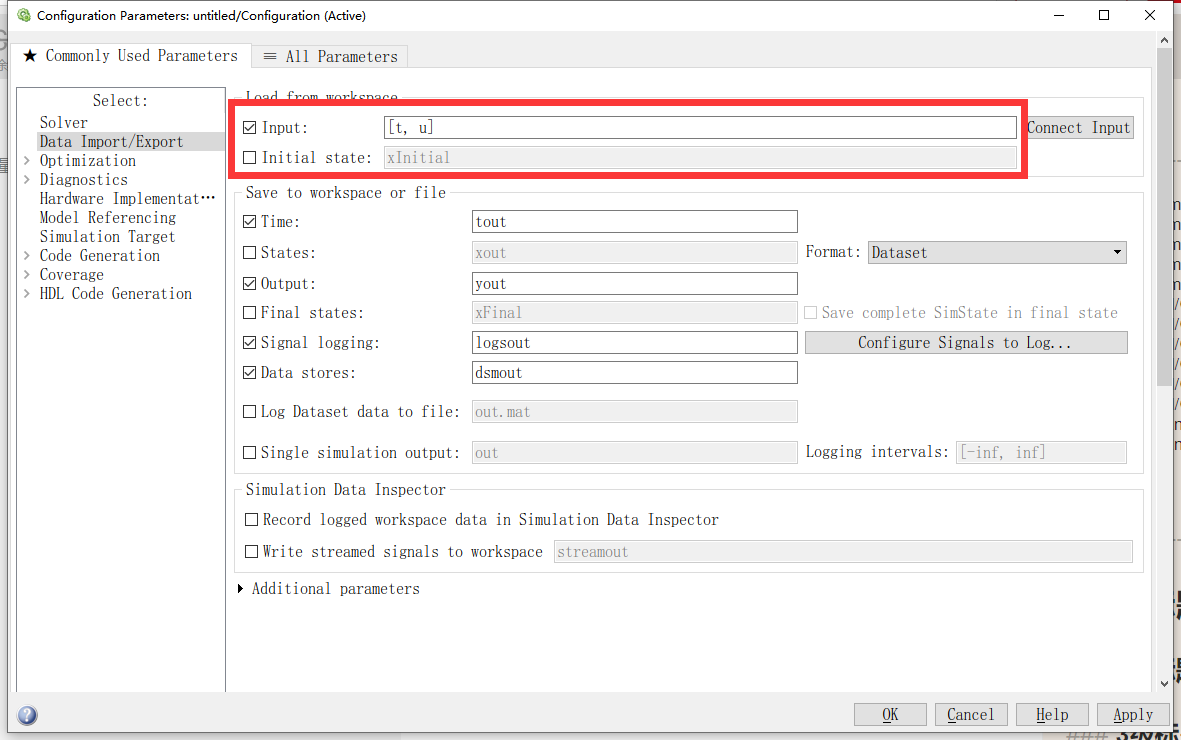
Several methods of importing data with matlab simulink
method one Enter the column vector t and the column vector directly in the terminal Set as shown You may need to click the arrow in the red box as shown If you want to input a sine waveform, the simul...