Matlab simulink note 06-the difference between using Simulink to solve differential equations / simulink block diagram and control system block diagram
tags: MATLAB learning
table of Contents
1. Solve differential equations using an integer
2. The difference between simulink block diagram and control system block diagram
I just started learning simulink, and always confused the simulink block diagram with the control system block diagram, which resulted in the inability to correctly obtain the corresponding differential equation based on the simulink block diagram or the corresponding block diagram based on the differential equation. This article, I hope to help everyone ~
1. Solve differential equations using an integer
1.1 Solving steps
1) First move the term with the highest order in the differential equation to the left side of the equation, and move the remaining terms to the right side of the equation (try the lower term if it cannot be separated);
2) Determine the number of variables in the differential equation, the general variables contain time variables, if there are N variables, there are N-1 main lines
3) Draw the main line
4) Draw the smulink block diagram according to the main line and the differential equation
5) Combine the N-1 main lines according to a certain relationship
6) Output the final result
1.2 Examples
Find the following differential equation

1) First move the term with the highest order in the differential equation to the left side of the equation, and move the remaining terms to the right side of the equation (try the lower term if it cannot be separated);

2) Determine the number of variables in the differential equation, the general variables contain time variables, if there are N variables, there are N-1 main lines
by
It can be seen that the equation contains three variables, which are x, y, t, where t is the abscissa, a function of y is required, so there are two main lines, respectively, x, y
3) Draw the main line
What is the highest derivative order of the main line? The main line generally needs as many integration modules

4) Draw the smulink block diagram according to the main line and the differential equation
5) Combine the N-1 main lines according to a certain relationship
6) Output the final result
Complete the block diagram on the main line according to each item of the differential equation, and finally connect it with the sum or add function

Add initial conditions: double-click the integration module to set
Note: The initial value represents the initial value output by the integration module

Display initial conditions: select the module-right button-propriet ...


Drawing display results through scope
Reference to other examples: Reprinted from Huashan LunjianSimulink modeling for solving differential equations》
7) Simulation:Click run to run the simulation, double-click scope to view the results

8) Error correction

Because the new version does not support the direct use of t, we can change t to something else

The fun module can only use u as the name of the variable
2. The difference between simulink block diagram and control system block diagram
The simulink block diagram emphasizes the transfer relationship of variables. Without the transfer function, the loop is simply to pass the variable expression at the beginning of the line to the terminal of the line:
And the control system block diagram, the expression is obtained by the output = input X transfer function
See the appendix for the simulink block diagram six file of this case
Intelligent Recommendation
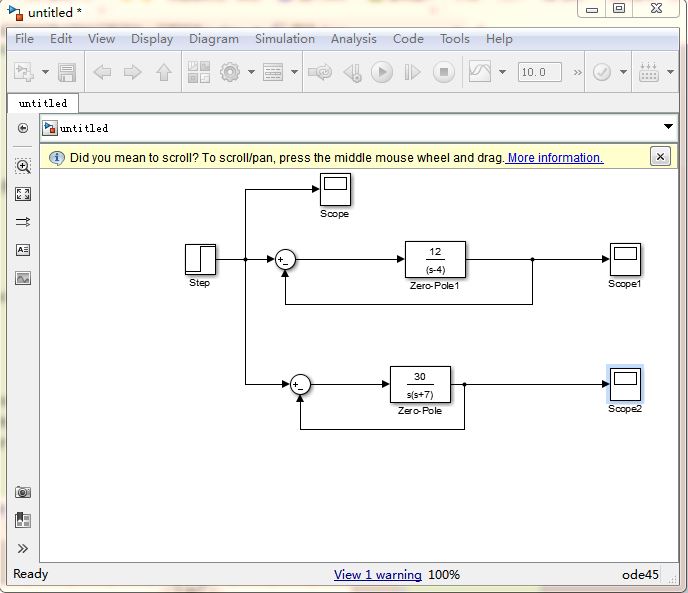
Use MATLAB program, Simulink to simulate the control system
1. Use Simulink to establish system simulation Establish the first-order and second-order system control models as shown in the figure. The parameters can be set by double-clicking on the Zero-Pole. T...
Simulink
Simulink 1. What is Simulink SimulinkK is an extension of MATLAB software. It is a software package that implements dynamic system modeling and simulation. The main difference between it and MATLAB la...

Using MATLAB and Simulink to solve differential equation problems: a case study of Lorenz attractor [including Matlab code]
Simulink design mode for solving differential equations, visualizing the results in MATLAB graphics Realize differential equations in Simulink and visualize the results in MATLAB graphics. Notes: 1. T...

Simulink simulation integral block example
Here's how to use the integral block to complete the corresponding function, as follows: 1. Open the MATLAB software and create a new simulink model in its main interface, as shown below: 2. Save the ...
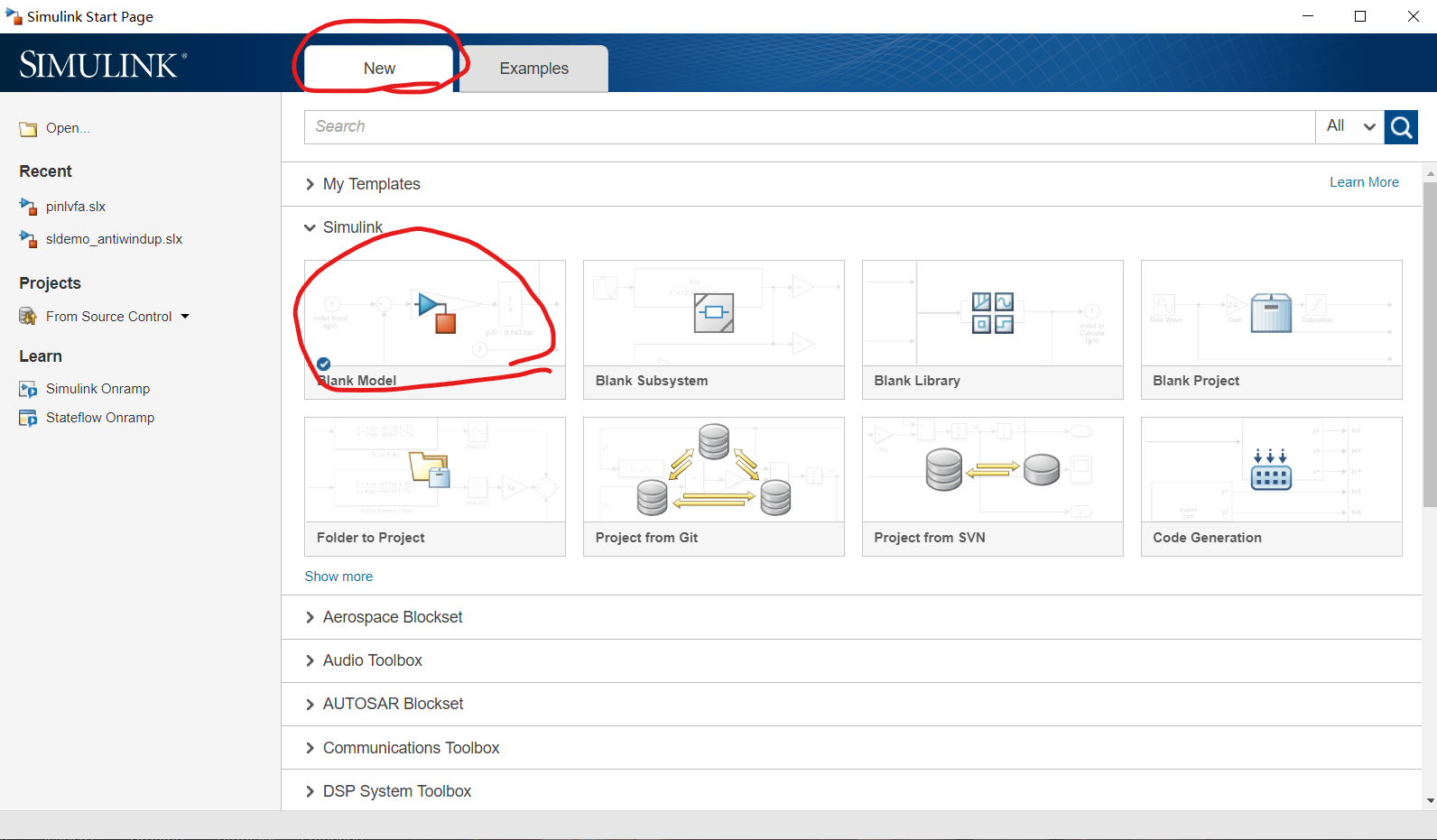
MATLAB2019 Simulates the control system using SIMULINK
Before doing experiments, it is always used by the laboratory's Matlab2008. The environment is equipped with it. Try it today 2019, record it. First, install the Simulink module: Enter the following c...
More Recommendation
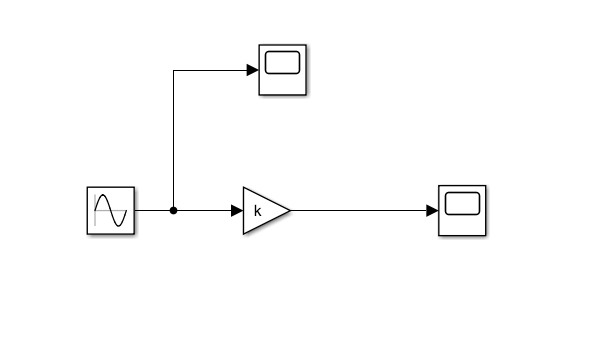
matlab and simulink
Use of simout function combined with simulink in MATLAB The simout function is able to assign the variable of the m file to the variable in simulink, so that if you want to change the parameters, you ...
Matlab - Simulink
Press the space bar to automatically zoom to display all fit to view; select a module and press enter to double-click Select some options in "Display- Blocks -Tool tip options", and automati...
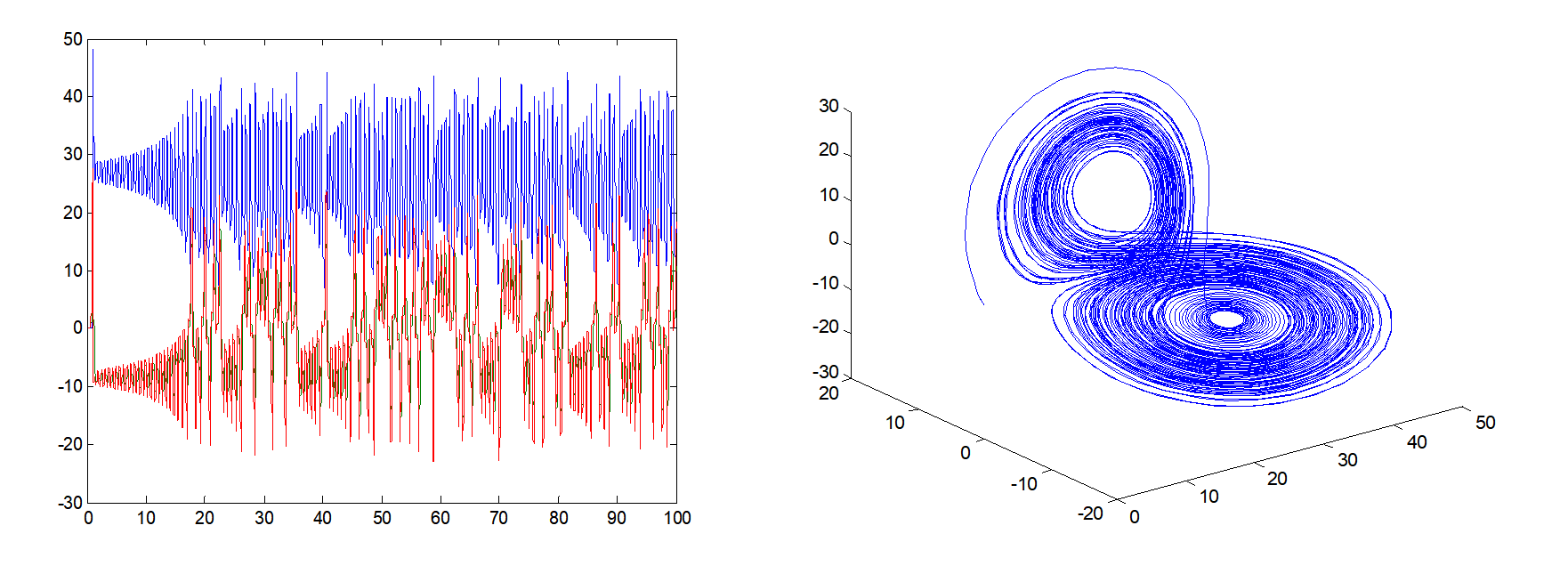
Matlab simulink solves continuous differential system chaotic system
1. Ordinary differential equation (Lorenze chaotic system): Method 1: m file implementation Method 2: Simulink fuzzy realization The initial value settings of the three integral m...
Matlab simulink: use model linearier to analyze the Bode diagram of any system (should be any single input and single output)
I'm a fool, seeThis article implements Control Design in Analysis, and the original author’s picture looks like this: Then my interface looks like this: Then I, a fool, couldn't figure ou...
Fuzzy PID control of simulink in MATLAB
Main content 1. Main tasks (1) Understand the circuit structure of the actual resistance furnace temperature control system, working principle, and algorithm implementation of the control system metho...