JavaScript and Python create cross-platform client applications --Vue-PywebView-Pyinstaller
tags: JavaScript Python
For more information, please visit me.personal blog。
Foreword
Nowadays, to say that the programming language of the comparison is JavaScript and Python. These two languages can be independently written, backend servers, mobile apps, computer clients, etc., omnipos. However, different programming languages have different focuses. For example, JavaScript write web pages should be worn, Python handles big data letter hand. So, can you take advantage of the two, build a cross-platform client framework? This has the protagonist today:vue-pywebview-pyinstaller。
Application introduction
vue-pywebview-pyinstaller It is an application based on Vue3, PywebView and Pyinstaller framework, build MacOS and Windows platform clients. The view layer of this application uses HTML + JS + CSS, and the business layer is local Python. Considering that some biological calculation scene data is large, data is private, so the data is uploaded to the server calculation, and it is not necessarily the optimal solution, and the choice of local Python is also a good choice. However, if you need to call the remote API, this application is also supported.
Application advantage
- Develop view layers with Vue3 framework, simple and efficient
- Python programming voice development business layer, rich module
- This application has packaged package, one-click to generate client applications for MacOS and Windows platforms. Developers only need to pay attention to attempting effects and business logic itself, hand over heavy complex packaged links to this application.
Applicable scene
- There is a certain sense of demand for the user interface of the software.
- Need to use the artificial intelligence, life analysis and other modules in Python
- Consider building a local application, using this machine and store resources
For people
Familiar with Vue3 and Python programmers.
Application installation
Operating environment
- npm6.0+ (NodeJS installation tutorial)
- Python3.5-3.8 (Python installation tutorial)
Notice: Under the Windows system, because PyWebView3 relying on the PythonNet package only supports Python3.5-3.8 version, it is recommended that Win users use Python 3.8 version.
Application download
Use git (Git installation tutorialDownload the app, as shown below:
git clone https://github.com/pangao1990/vue-pywebview-pyinstaller.git
Or, directly in mygithub download.
#
cd vue-pywebview-pyinstaller
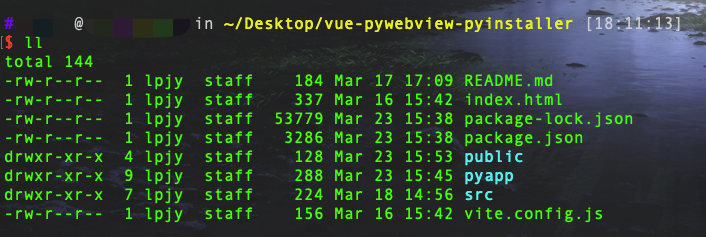
Enter the project, the list of projects is as follows:
initialization
After the download is complete, run the initialization command, the program will automatically download the required dependency software installation corresponding to the operation platform, as shown below:
# Initialization
npm run init
If there is no error message, the initialization is complete, as shown below:
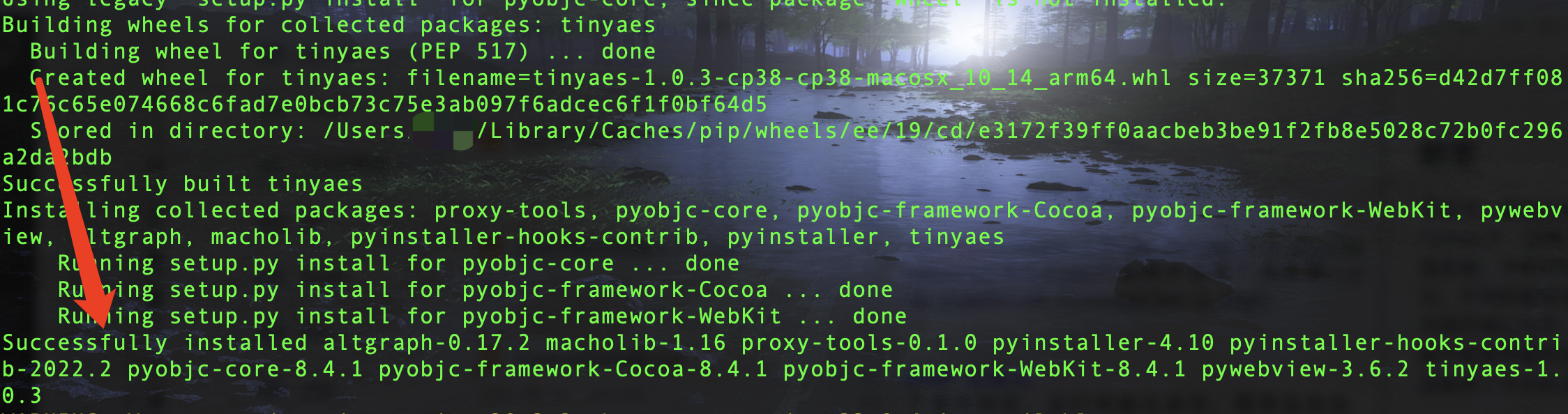
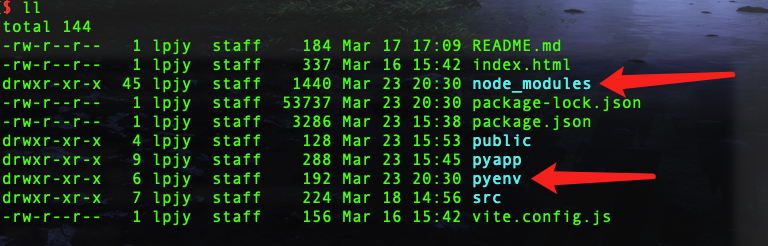
There is a Node_Modules folder in the project, used to store NPM download packages; there is a Pyenv folder to store the Python virtual environment.
Application operation
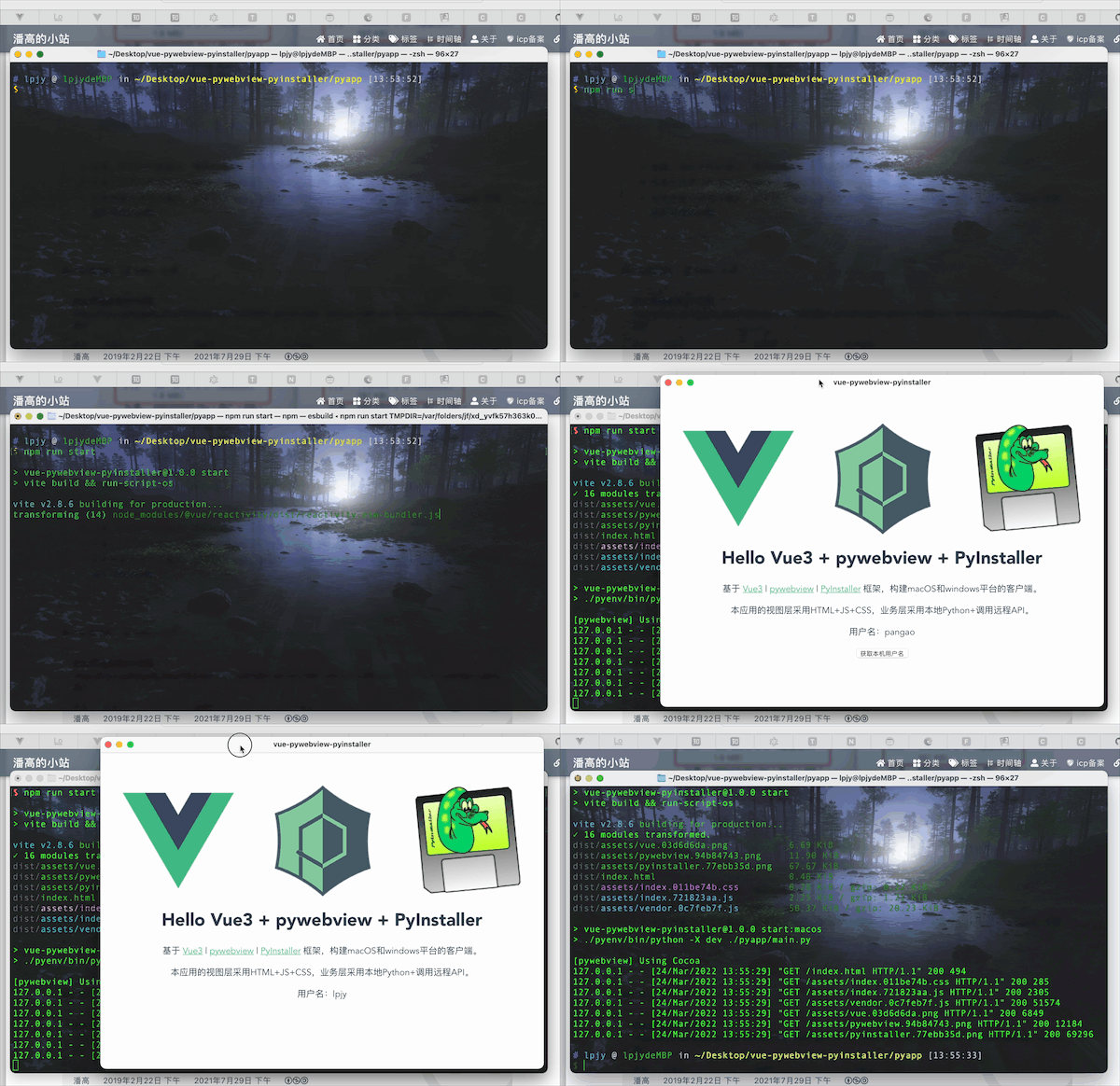
Enter the following command to start the application:
npm run start
The terminal is shown as follows:
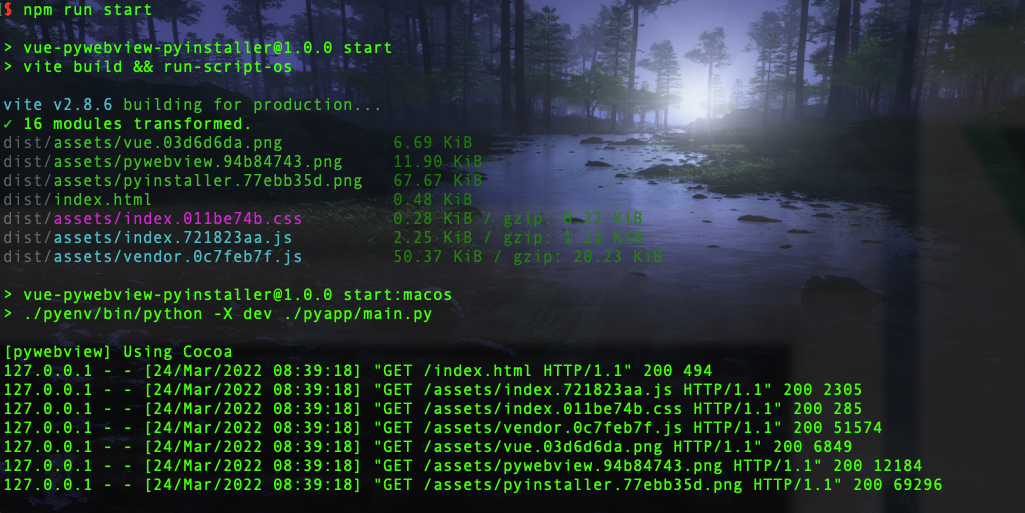
At the same time, a client program will start, as follows:
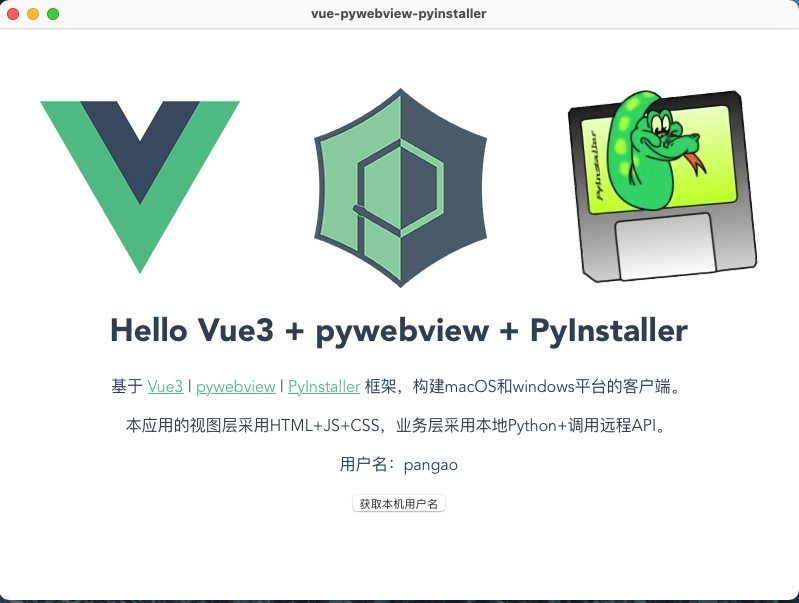
The overall effect is as follows (GIF picture load may be slow):
Advanced usage
Client engine introduction
This application is based onpywebview Build a client. The principle of the PywebView architecture construction client is to use the browser engine driver comes with the local computer to simulate the generated client. Essentially is also a web page, or a browser, but there is no difference between the sensory and the local client.
Then, based on the success or quality of the PywebView architecture, it is closely related to the local computer's browser engine.
Windows system
On the Windows system, it is generally divided into two types of client engines: normal mode and compatibility mode.
- Normal mode
In normal mode, in order to retrieve in the client engine of Edgechromium, Edgehtml, MSHTML. If the local computer EDGE browser supports these engines, the client can start normally. Otherwise, please install the correspondingEdgeWebView2Runtime The browser engine.
- Compatibility mode
If the local computer Edge browser does not support these engines, don't want to downloadEdgeWebView2Runtime Then you can use a compatibility mode. The principle of compatibility model is to useCEFPythonEmbed a WEB browser control of Chromium. That is, as long as the local computer has installed Google browser V66 and its above, the client can be started normally. Disadvantages is that the generated installation package volume will increase approximately 60m.
MacOS system
There is not so much version of the MacOS system browser engine. Due to the closure of the MacOS system, there is only one webkit engine available in the MacOS system.
However, there is another problem in the MacOS system. That is the M1 chip of Apple's independently developed. Since the Windows system is visible everywhere, I can find a lot of computer tests. I only have a M1 chip and an X86_64 chip and can't do more tests. In short, the client in which I have built in the two Apple computers cannot cross the use, and the reason is unknown.
Build a client API
Building a client's main program is main.py and maincef.py under the Pyapp folder, as shown below:
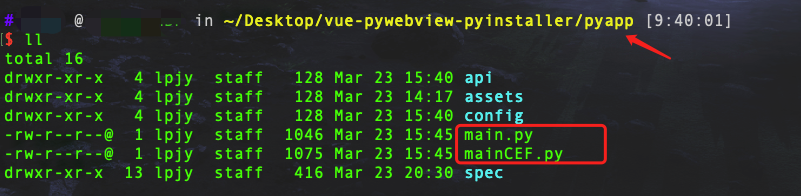
The contents of the maincef.py script are almost exactly the same, that is, a CEF mode is added to the compatibility mode of the Windows system.
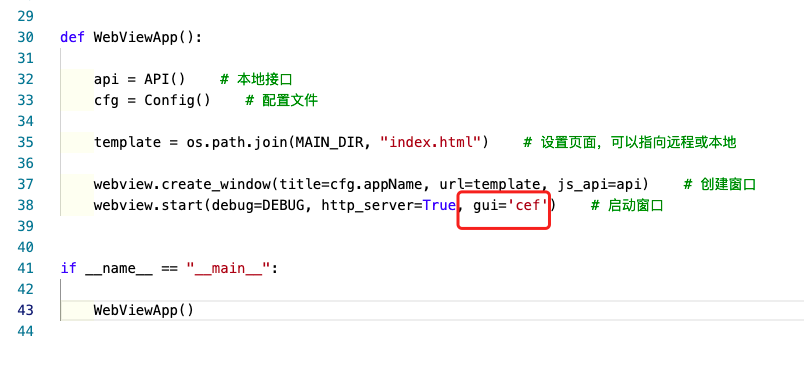
Main.py mainly relying on WebView.create_Window and WebView.Start two APIs to build clients. Other some APIs, I will also introduce in the following tutorial. Or you can view directlyPywebView official website Learn more.
webview.create_window
webview.create_window(title, url='', html='', js_api=None, width=800, height=600, \
                      x=None, y=None, resizable=True, fullscreen=False, \
                      min_size=(200, 100), hidden=False, frameless=False, \
                      minimized=False, on_top=False, confirm_close=False, \
                      background_color='#FFF')
Create a new PyWebView window and return it. The window does not display before starting the GUI loop.
- title Window header
- url The URL to be loaded. If the URL does not have a protocol prefix, resolve it to the path relative to the application entry point. Alternatively, you can pass the WSGI server object to start the local web server.
- html HTML code to load. If the URL and HTML, HTML is preferred.
- js_api Expose the Python object to the DOM of the current PywebView window. The method of the JS_API object can be done by calling Window.pyWebView.api. () Execute it from JavaScript. Note that calling the JavaScript function will receive a return value containing the Python function. Only basic Python objects (such as int, str, dict ...) can return JavaScript.
- width Window width. The default is 800px.
- height Window height. The default is 600px.
- x Window X coordinate. The default is home.
- y Window y coordinate. The default is home.
- resizable Can I adjust the window size. Default is true
- fullscreen Start from full screen mode. Default is false
- min_size Specifies the minimum window size (width, height) tuple. The default is 200x100
- hidden Create a hidden window by default. Default is false
- frameless Create a frameless window. The default is false.
- minimized Start with minimization mode
- on_top Set the window to the top of the other window. The default is false.
- confirm_close Whether the window closes the confirmation dialog box. Default is false
- background_color Background color of the window displayed before the WebView is loaded. Specifies as hexadecimal colors. The default is white.
- transparent Create a transparent window. Windows is not supported. The default is false. Note that this setting will not hide or make the window chrome transparent. Hide the window Chrome SetFrameless to TRUE.
webview.start
webview.start(func=None, args=None, localization={}, gui=None, debug=False, http_server=False)
Start the GUI loop and display the previously created window. This function must be called from the main thread.
- func The function called when the GUI loop is started.
- args Function parameters. Can be a single value or a meta value.
- localization Dictionary with localized strings. Default strings and their keys define in localization.py
- gui Force specific GUI. The allowable value is Cef, Qt or GTK, depending on the platform.
- debug Enable debug mode.
- http_server Enable the built-in HTTP server. If enabled, the local file will serve the local HTTP server on a random port. For each window, a separate HTTP server will be generated. This option will be ignored for non-local URLs.
Domain communication
Call JavaScript from Python
Window.evaluate_JS (CODE, CALLBACK = NONE) Allows you to perform any JavaScript code using the last value returned by the synchronous returns. If the callback function is provided, the promise is parsed, and the callback function is called, and the result is the parameter. The JavaScript type is converted to a Python type, such as the JS object to the Python dictionary, array to the list, is not defined as None. Due to implementation, string "null" will be calculated as NONE. In addition, the value returned by EVALUATE_JS is limited to 900 characters.
Call Python from JavaScript
Calling the Python function from JavaScript can be done by two different ways.
- By exposing an instance of the Python class to the JS_API of Create_Window. All modified methods of this class will be disclosed in the JS domain in the form of pywebview.api.method_name. The method name is not started with the underscore.
- By passing the function to the expose (FUNC) of the window object, one or more functions will be disclosed in the form of pywebview.api.func_name to the JS domain. Unlike the JS API, Expose also allows the function to be disclosed at runtime. If the JS API is conflicted between the functions disclosed in this way, the latter is preferred.
Package client
PywebView suggests MacOSpy2app Pack, Windowspyinstaller Pack. But I found that Pyinstaller can also be able to pack MacOS applications, although the transplant is a bit problem.
I didn't introduce Pyinstaller's packaging method, and I will have a detailed package introduction of this framework. Here I will pack the package method in the application, just pack it by command.
#  , with console, easy to output log information
npm run pre

 #  , with console, compatibility mode, only WIN system
npm run pre:cef

 #  , with console, generate folders, only WIN system
npm run pre:folder

 #  , with console, generate folders, compatible mode, only WIN system
npm run pre:folder:cef


 # Officially packaged
npm run build

 # Officially packaged, compatible mode, only WIN system
npm run build:cef

 # Officially packaged, generate folders, only WIN system
npm run build:folder

 # Officially packaged, generate folders, compatible mode, only WIN system
npm run build:folder:cef
For more programming teaching, please pay attention to the public number:Pan Gao accompany you to program

Intelligent Recommendation
The use of JavaScript, HTML and CSS to build cross-platform desktop applications
https://electronjs.org/ - official website https://github.com/electron/electron-api-demos/releases - download demo Download and install: Plug-in installation package / installation and p...
Use JavaScript, HTML and CSS to build cross-platform desktop applications-Electron
Electron develops desktop applications Use Electron to develop js version of desktop applications. Electron's official website:http://www.electronjs.org/ We can see a lot of information on the officia...
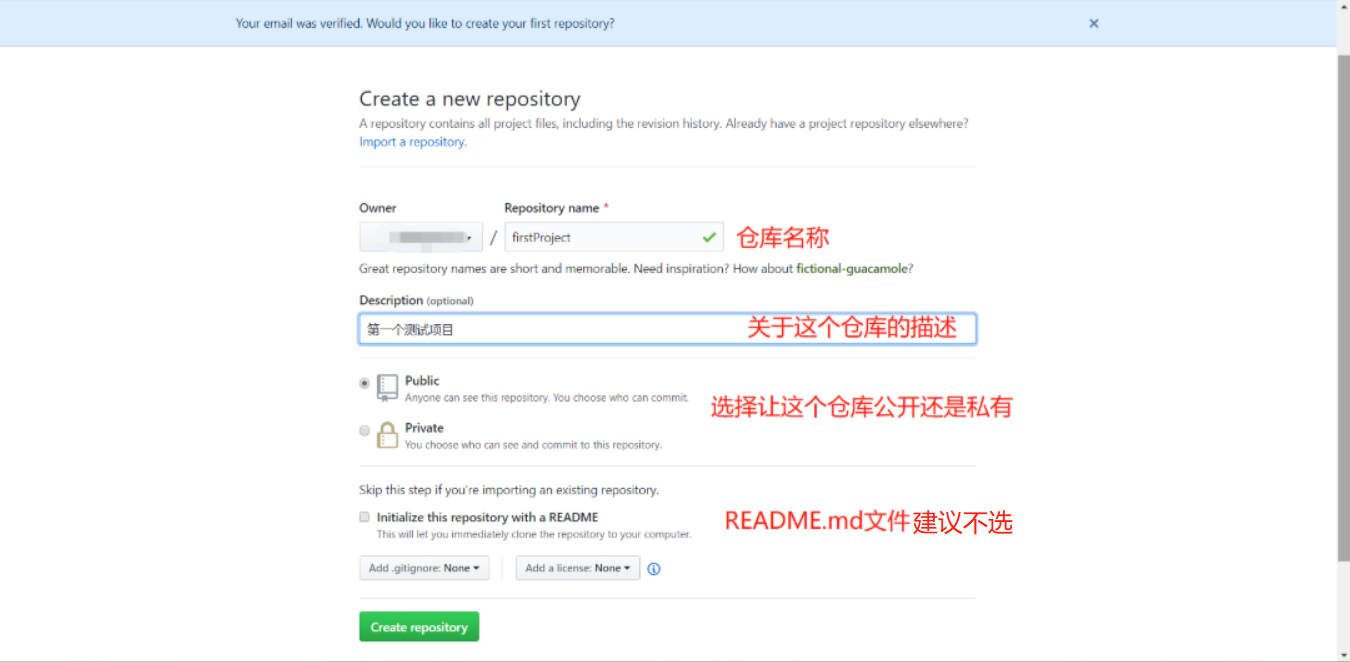
Electron + vue to build cross-platform applications-upload local projects to github
After we have created the project, what we may start to do is to quickly develop the project; but in order to avoid accidents during the development process (such as: computer failure, or work at home...

Notes: Electron+vue develops cross-platform applications (using electron-builder)
1. Project construction Use vue-cli to build the project, check the official documentation for the build method vue-cli documentation 2. Install the plugin Method one: (visual installation) vue uiOpen...

Electron+vue-cli3 develop cross-platform desktop applications
Write catalog title here 1. Create a project 1.1 Install Nodejs 1.2 Use cnpm to speed up downloads 1.3 Why not use electron-vue to build it 1.4 Install/upgrade vue-cli3 1.5 Create a vue project 1.6 Au...
More Recommendation
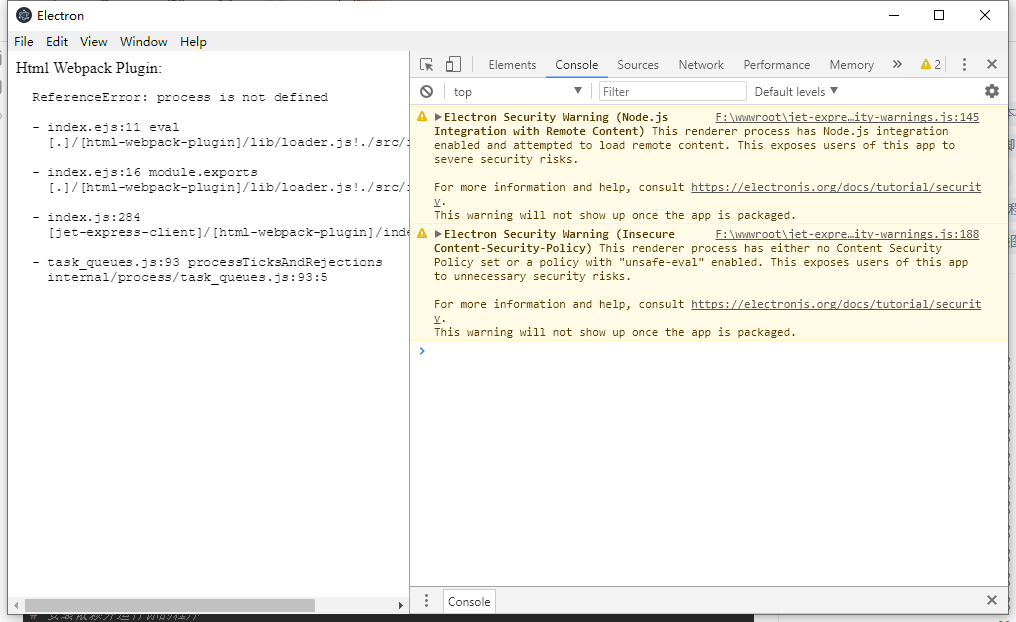
Electron+Vue develops cross-platform applications (pro-test finishing)
Electron+Vue develops cross-platform applications Official document Come to a Hello world Install Electron+Vue Install vue-cli and scaffolding boilerplate code Official document https://simulatedgreg....
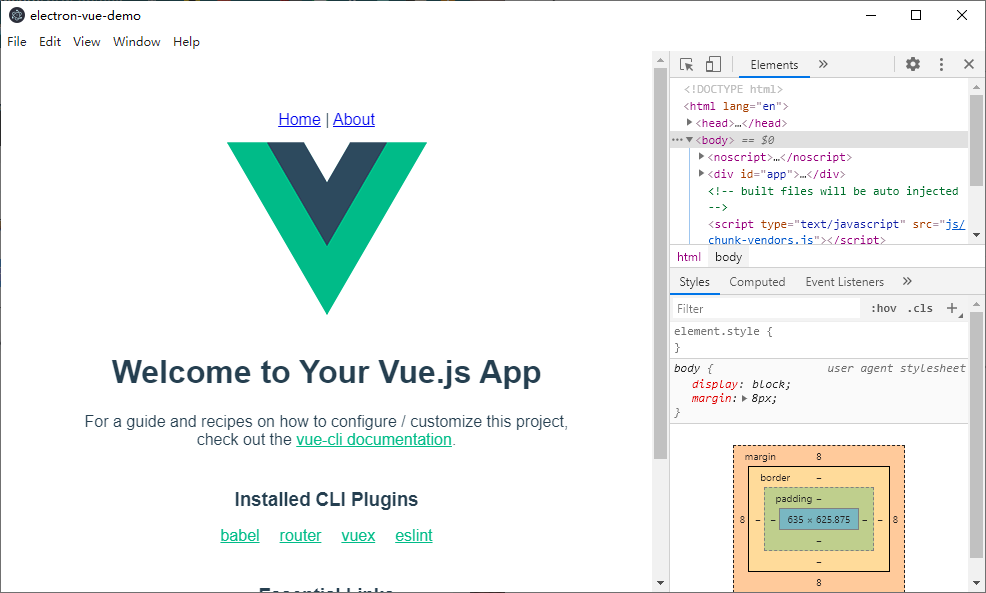
Electron+vue-cli3 develops cross-platform desktop applications
table of Contents 1. Create a project 1.1 Install Nodejs 1.2 Use cnpm to speed up downloads 1.3 Why not use electron-vue to build it 1.4 Install/upgrade vue-cli3 1.5 Create a vue project 1.6 Automatic...
Using Electron-Vue to achieve cross-platform desktop applications complete teaching
Introduction From the first quarter, each period will be updated in the future (I have issued original teaching in social media, the creation is not easy, and hope to support) Electron takes you to un...

[Electron + Vue] Develop cross-platform desktop applications [1]
table of Contents Basic comprehensive introduction: Environmental construction: Install Electron The Electron application is divided into three basic modules: the main process, inter-process com...
Python uses pywebview to develop desktop applications for managing android mobile phones in Mac
foreword Because I changed my computer to a Mac and connected my mobile phone to the computer, I couldn’t operate it. I found some software from the Internet and I don’t know why I couldn&...