Create cross-platform applications with Electron (first bullet)
Create a cross-platform application serialization directory with Electron:
- Create cross-platform applications with Electron (first bullet)
- Create a cross-platform application with Electron (second bullet) to open multiple windows
- Create a cross-platform application with Electron (third bullet) to open system notifications
Electron is an open source framework developed by GitHub that uses Node.js (as a backend) and Chromium (as a front end) to complete cross-platform development of desktop GUI applications. Currently, Electron has created a large number of applications including VScode and Atom. .
- if you have
html,css,js,NodejsFoundation, mastering Electron will be a very easy task- If you are a front-end engineer and have mastered Electron, you can create cross-platform desktop applications without learning C, Java, or Python.
Install electron
npm install -g electron
Create a project with electron-forge
Electron-forge is a scaffolding program (similar to create-react-app) that helps us quickly build an electron application. Once the application is created, we edit it directly.
src/index.htmlYou can quickly get started with the electron desktop program. Here are the specific steps to create and a few simple and practical little demos.
Global installation of electron-forge
npm install -g electron-forge
Create projects quickly with electron-forgezhaoolee-electron-app
electron-forge init zhaoolee-electron-app
Open project
cd zhaoolee-electron-app
npm start
Demo1: Change index.html content, layout with html css
- Index.html source code
<!DOCTYPE html>
<html>

<head>
    <meta charset="utf-8">
         <title>Five levels of engineers</title>
</head>

<body>
    <style>
    .title {
        font-weight: bold;
        font-size: 36px;
    }

    ol li {
        list-style: none;
        color: #413F43;
        font-size: 26px;
        line-height: 40px;
        position: relative;
    }

    ol li:hover {
        background-color: #FCF6E5;
    }

    ol li:hover:after {
        font-size: 20px;
        border: 1px solid #AB3319;
        border-radius: 5px;
        content: attr(data);
        position: absolute;
        right: 0;
        opacity: 1;
        transition: all 0.2s ease-out;
    }


    </style>
         <div class="title">Five levels of engineers</div>
    <ol>
                 <li data="Edison, Ford, Bell, Shannon, Richard Stallman">
                         First level: creating an industry
        </li>
                 <li data="Dean, Dennis Ritchie, Ken Thompson">Level 2: Ability to design and implement products that others cannot make</li>
                 <li data=" , ">Level 3: Ability to independently design and implement products and achieve success in the market</li>
                 <li data="Project Supervisor"> Level 4: Lead and lead others to complete more influential work</li>
                 <li data="Engineer of two years of development experience">Level 5: Ability to solve problems independently, complete engineering work</li>
    </ol>
</body>

</html>
If Chinese garbled, command+shift+R refreshes the cache to solve
Demo2: Read local files
The js in the browser cannot read the local file, but the electron has the blessing of the node, and the local file can be read at will, here to read
index.htmlUnder the same directorymain.jsFor example
- Index.html source code
<!DOCTYPE html>
<html>

<head>
    <meta charset="utf-8">
         <title>Read local file</title>
</head>

<body>
         <button id="btn">Show index.js content</button>
    <div id="package-json-area">
    </div>
</body>
<script>
const fs = require("fs");
const path = require("path");
let btn = document.getElementById("btn");
console.log(btn);
btn.addEventListener('click', function(e) {
    fs.readFile(path.join(__dirname, "index.js"), "utf-8", function(err, data) {
        if (err) {
            console.log(err);
        } else {
            console.log(data);
            document.getElementById("package-json-area").innerHTML = data;
        }
    })
})
</script>

</html>
Demo3: Drag and drop to read local files
- Index.html source code
<!DOCTYPE html>
<html>

<head>
    <meta charset="utf-8">
    <title>Drag and drop to read the file</title>
</head>
<style>
body {
    margin: 0;
    padding: 0;
}

#text-area {
    height: 300px;
    background-color: #FCF6E5;
    position: relative;
    font-size: 20px;
    overflow: auto;
    font-weight: bold;
}

#text-area #info {
    border-radius: 20px;
    height: 100px;
    font-size: 40px;
    color: #A84631;
    text-align: center;
    line-height: 100px;
    position: absolute;
    margin: auto;
    left: 0;
    right: 0;
    top: 0;
    bottom: 0;
}
</style>

<body>
    <div id="text-area">
                 <div id="info">Drag and drop files here to open</div>
    </div>
</body>
<script>
 /* Event triggered when the target is released:
                 Ondragenter - fires this event when the object dragged by the mouse enters its container scope
                 Ondragover - fires this event when a dragged object is dragged within the scope of another object container
                 Ondragleave - fires this event when the object dragged by the mouse leaves its container
                 Ondrop - fires this event when the mouse button is released during a drag
    */
const fs = require("fs");
const path = require("path");

let textArea = document.getElementById("text-area")
textArea.ondragenter = textArea.ondragover = textArea.ondragleave = function(e) {
    e.preventDefault();
}

textArea.ondrop = function(e) {
    e.preventDefault();
    let filePath = e.dataTransfer.files[0].path;
    console.log(filePath);
    fs.readFile(filePath, "utf-8", function(err, data){
        textArea.innerHTML = data;
    })

}

</script>

</html>
summary:
- With nodejs, the front-end programmers have gained the ability to develop the back-end of the website!
- With React-Native, front-end programmers have the ability to develop cross-platform apps!
- With Electron, we can freely read local files, and freely call a large number of toolkits under npm. Of course, we can quickly port online h5 games to desktop games. Front-end programmers can use the advanced front-end technology. A piece of desktop software cake, really incense!
- In the next article we will try to implement multiple windows:
Intelligent Recommendation
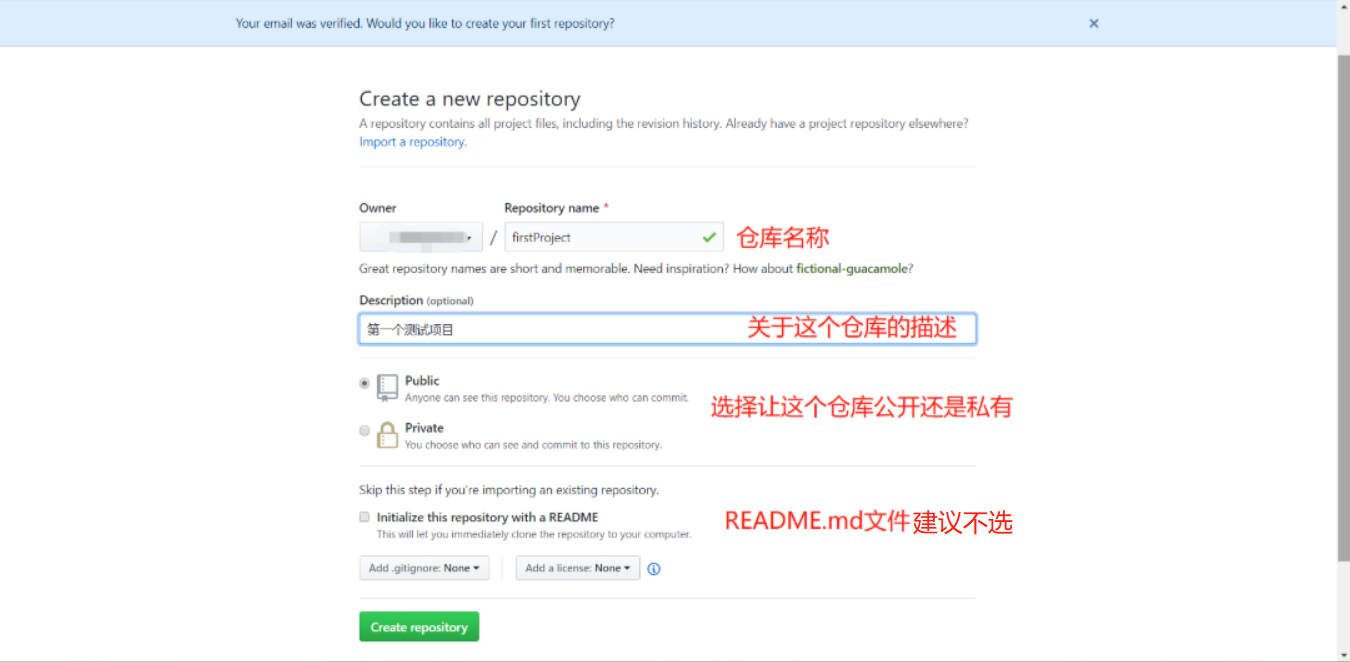
Electron + vue to build cross-platform applications-upload local projects to github
After we have created the project, what we may start to do is to quickly develop the project; but in order to avoid accidents during the development process (such as: computer failure, or work at home...

Electron+vue-cli3 develop cross-platform desktop applications
Write catalog title here 1. Create a project 1.1 Install Nodejs 1.2 Use cnpm to speed up downloads 1.3 Why not use electron-vue to build it 1.4 Install/upgrade vue-cli3 1.5 Create a vue project 1.6 Au...
Use JavaScript, HTML and CSS to build cross-platform desktop applications-Electron
Electron develops desktop applications Use Electron to develop js version of desktop applications. Electron's official website:http://www.electronjs.org/ We can see a lot of information on the officia...
Electron+Vue develops cross-platform applications (pro-test finishing)
Electron+Vue develops cross-platform applications Official document Come to a Hello world Install Electron+Vue Install vue-cli and scaffolding boilerplate code Official document https://simulatedgreg....
Electron+vue-cli3 develops cross-platform desktop applications
table of Contents 1. Create a project 1.1 Install Nodejs 1.2 Use cnpm to speed up downloads 1.3 Why not use electron-vue to build it 1.4 Install/upgrade vue-cli3 1.5 Create a vue project 1.6 Automatic...
More Recommendation
Using Electron-Vue to achieve cross-platform desktop applications complete teaching
Introduction From the first quarter, each period will be updated in the future (I have issued original teaching in social media, the creation is not easy, and hope to support) Electron takes you to un...

[Electron + Vue] Develop cross-platform desktop applications [1]
table of Contents Basic comprehensive introduction: Environmental construction: Install Electron The Electron application is divided into three basic modules: the main process, inter-process com...
Build cross-platform desktop applications (1) Quick Start with Electron
I am participating in the CSDN "new programmer" award essay, activity link: Nowadays, many platforms have started using electron to build and develop, such asVisual Studio Code,AliboxiHere a...

Use Electron to create a cross-platform front-end app
Preface Nowadays, writing desktop applications with HTML, JavaScript, CSS, Node.js is nothing new. As a front-end, being able to quickly implement the desktop applications you want in a language you a...
Cross-platform application-Electron
Electron Learning document: https://www.electronjs.org/docs/tutorial/first-app Overview 1. Electron can use JavaScript to call native (operating system) APIs to create desktop applications. 2. Think o...