PywebView + Flask writes client software
tags: python
Article catalog
PywebView + Flask writes client software
If you are familiar with the Flask framework, you can quickly develop client software in connection with PywebView, you can bring you a different development experience.
Install the dependency library
- pywebview
- flask
2. Create INDEX.HTML
<!DOCTYPE html>
<html lang="en">
<head>
    <meta charset="UTF-8">
    <title>Title</title>
    <style>
        @keyframes animated_div {
            0% {
                transform: rotate(0deg);
                left: 0px;
            }
            25% {
                transform: rotate(20deg);
                left: 0px;
            }
            50% {
                transform: rotate(0deg);
                left: 500px;
            }
            55% {
                transform: rotate(0deg);
                left: 500px;
            }
            70% {
                transform: rotate(0deg);
                left: 500px;
                background: #1ec7e6;
            }
            100% {
                transform: rotate(-360deg);
                left: 0px;
            }
        }

        #animated_div {
            width: 76px;
            height: 47px;
            background: #92B901;
            color: #ffffff;
            position: relative;
            font-weight: bold;
            font-size: 20px;
            padding: 10px;
            animation: animated_div 5s 1;
            -moz-animation: animated_div 5s 1;
            -webkit-animation: animated_div 5s 1;
            -o-animation: animated_div 5s 1;
            -webkit-animation-iteration-count: infinite;
            -webkit-animation-direction: alternate;
            border-radius: 5px;
            -webkit-border-radius: 5px;
        }
    </style>
</head>
<body>
    <div id="animated_div">
        Flask<br>
        <span style="font-size:10px">Pywebview</span>
    </div>
</body>
</html>
Add this index.html into the templates directory of Flask
2. Create a Flask app and route
Create a app.py file, add the following code in the file
from flask import Flask, render_template

server = Flask(__name__, static_folder='./assets', template_folder='./templates')


@server.route('/')
def index():
    return render_template('index.html')
3. Integrate PywebView and Flask applications
In the app.py file, add the following code
import webview

webview.create_window('Flask example', server)
webview.start()
4. Start the desktop app
After the application is started, you can see the following figure below.
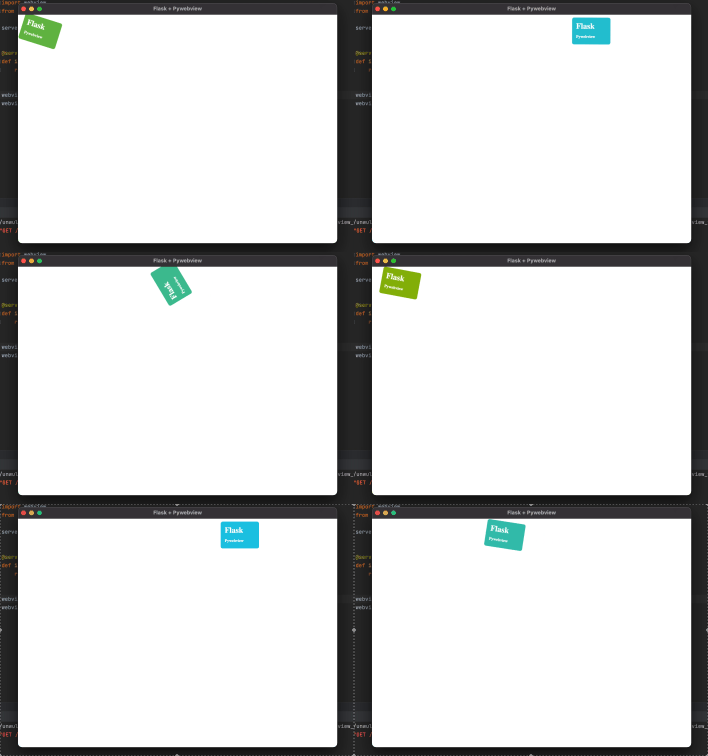
As long as you are familiar with Web development, you can add a variety of features to this application quickly.
Intelligent Recommendation
Rabbitmq: java client writes Routing
1: Import dependency packages 2:: Write the message sending class EmitLogDirect.java 3: Write the message receiving class ReceiveLogsDirect.java 4: Testing EmitLogDirect.java ReceiveLogsDirect....
C++ writes rabbitmq client on windows
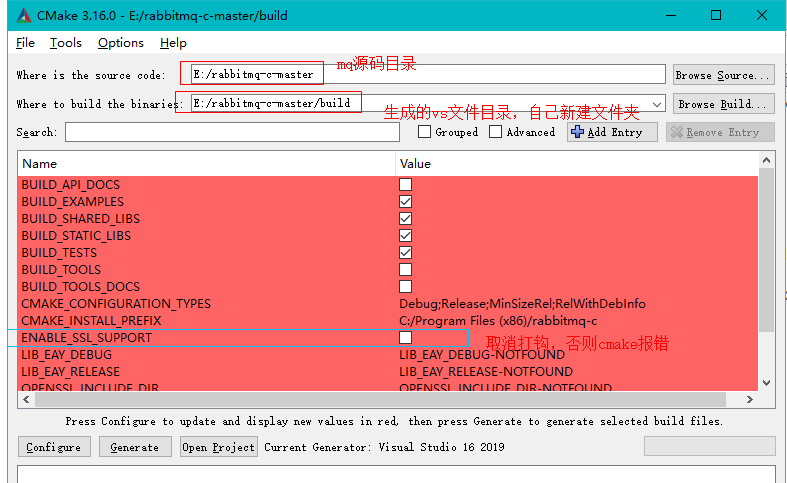
The introduction of RabbitMQ can be queried on the official website, so I won’t write it here. Attach the official website address:https://www.rabbitmq.com/getstarted.html Introduction to Rabbit...
ESP32 writes MQTT client in Python
ESP32 write MQTT client Use open source libraries Go to the download address Introduction to library functions=...
Wingide7 python2.7 writes TCP client
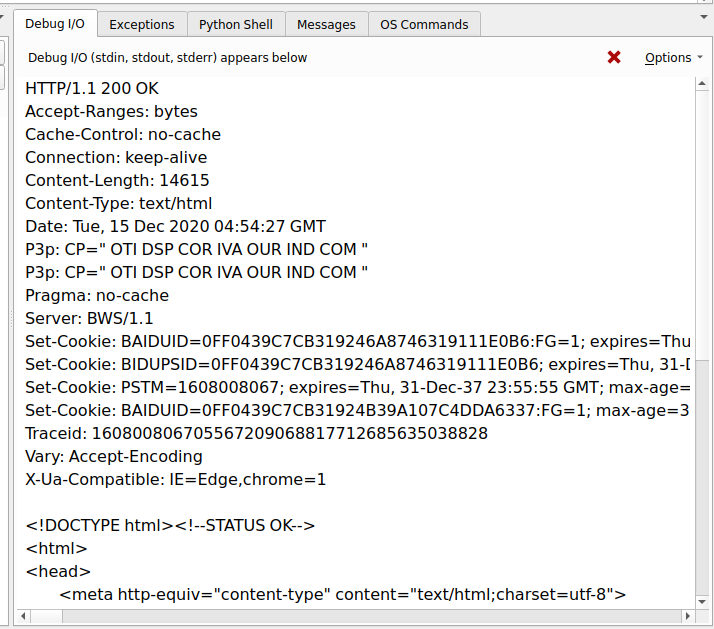
Wingide7 python2.7 writes TCP client The response is as shown in the figure, it is easy to send a request to the TCP client....
UDP writes a time server and client
Server Client...
More Recommendation
Flask writes a shell script to quickly start the service
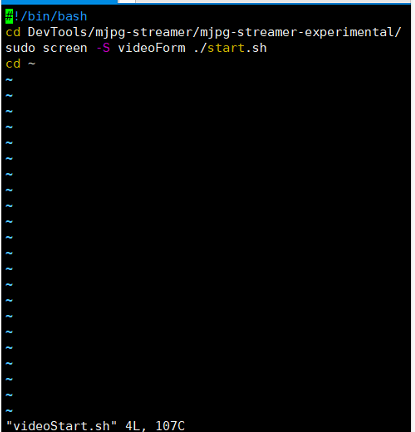
title: Flask write a shell script to quickly start the service author: HardyDragon tags: Flask shell 1. Write the corresponding shell script in the user directory End the screen process Remove the clo...
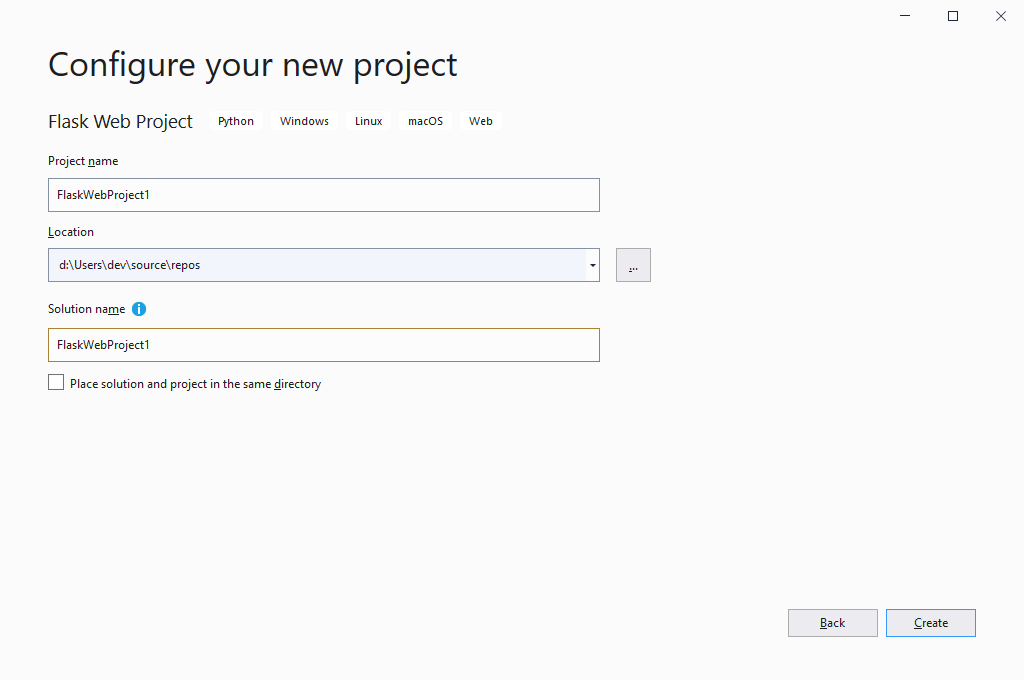
VS writes the first Flask application example
Create a Flask project with VS View code VS has been automatically downloaded to rely on Write a View to achieve simple web The menu is as follows: There will be interface CMD after startup Main code ...
Flask writes the server, receives the POST request
Then, when Flask encounters the mimeType that cannot be processed, the requested data cannot be analyzed by other means, including Request.Form, Request.json and Request.Files These commonly used use ...
Python Writes the Flask interface, incoming JSON file
POST interface Use the Pycharm to edit the following code, use the Postman tool to send the request to generate after the Pycharm run, similar to 127.0.0.1:5000/HCI. Read the incoming JSON file (Pytho...
Flask writes interface handling cross-domain issues
Install Flask_CORS Use fkask_cors to process cross-domain processing 1) Introduce Flask_CORS; 2) Speed cross-domain processing: CORS (app, supports_credentials = true)...