Flask + PywebView development desktop application actual record
Upset review
One year ago studied the development of desktop applications with PywebView:Python Develops Desktop Apps with PywebVIEW
At that time, it was just a taste, there was no complete implementation, and the time was a bit strange. Recently, there is a time, and then review the process of realizing a complete small application, good, jealousy begins to start ~ Bamboo
Goals
The goal is to implement a single-alone address desktop program, interface and function section to implement Flask and Layui. This content is mainly fascinated by Flask to do web development. You can watch it on your own, PS: write is rotten, no too thin functional implementation, mainly to record the process behind the back and packages.
https://gitee.com/lpwm/contracts_pywebview
Technology
flaskProcessing background business
layuiDo the front end (simple and rude and effective, the key is compatible with IE)
sqliteLocal database
pywebviewSet of shells into WinForm
pyinstallerBread into EXE
PywebView plus shell
createmain.pyUsed as an primary entrance to the program:
import webview
from com.application import create_app	# Flask instance factory function

if __name__ == '__main__':
    app = create_app(__name__)
    window = webview.create_window(
        title='Address Book,
        url=app,		# This will automatically start the Web service directly to the URL parameter directly to the URL parameter.
        confirm_close=True		#
    )
    # Customize the Chinese content of the prompt
    cn = {
        'global.quitConfirmation': u'confirm to close?'
    }
    webview.start(localization=cn, gui='mshtml')
Here is explained herewebview.create_windowFunction parametersurl=The back is directly incoming that the instantiated Flask object, the comparison of the official documentation is detailed:
url- URL to load. If the URL does not have a protocol prefix, it is resolved as a path relative to the application entry point. Alternatively a WSGI server object can be passed to start a local web server.
gui='mshtml'Specifies that IE is rendered, the advantage is to eat WIN7 to Win10 all platforms, it is necessary to pay attention to the use of old a little web front-end technology. If the target client is Win10, you can do this parameter, it will automatically match according to the order. Browser rendering engine, priority use Edge rendering, IE, official description:
On Windows renderer is chosen in the following order: edgechromium, edgehtml, mshtml. mshtml is the only renderer that is guaranteed to be available on any system.
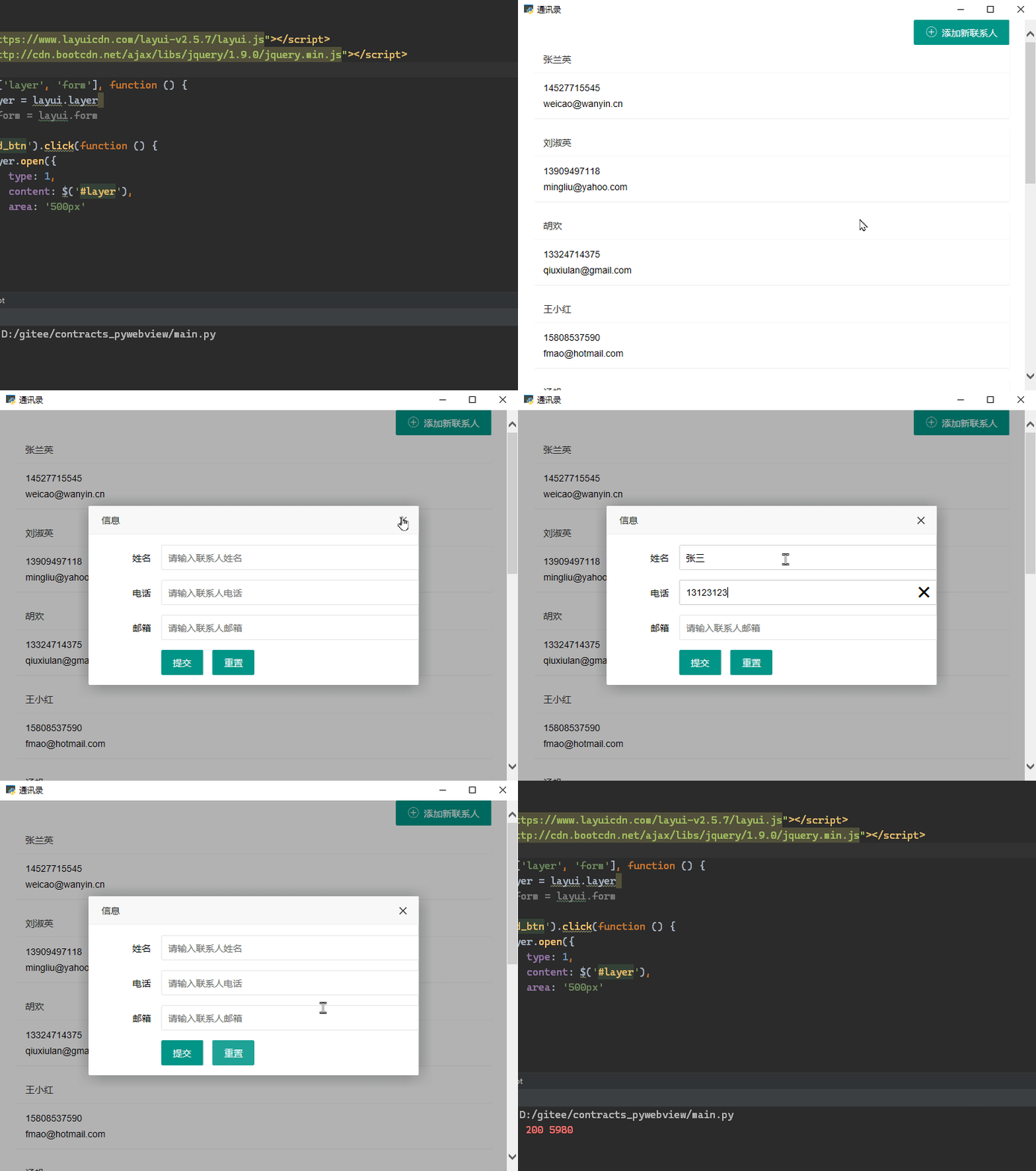
Running directly heremain.pyYou can run out:
Pyinstaller package
pyinstallerVersion> = 3.6 After packaging, it becomes simple. Automatic hook analysis depends, no need to add DLL dynamic libraries again.
pyinstaller --onefile --windowed --noconfirm --icon Chat.ico main.py
Parameter explanation:
--onefilePack into a single exe file
--windowedHidden console window
--noconfirmIf there is a DIST file that is packaged, it will be automatically overwritten.
--iconSpecify an EXE icon .ico file
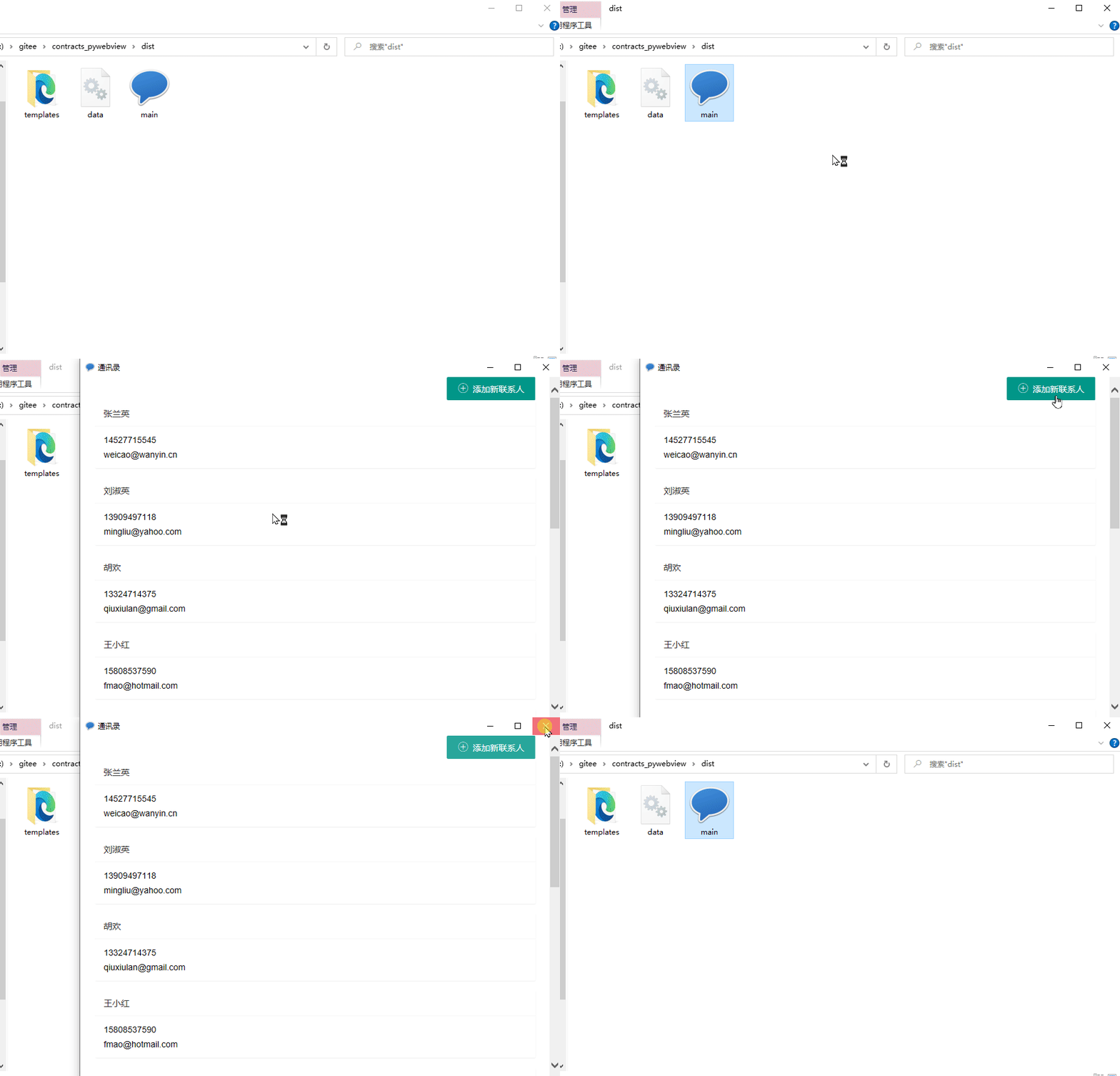
Create under the project path after packagingdistFolder, this time you need manualtemplatesFolders and SQLite database files are copied to the same path to EXE
Try to use it
--add-dataPackage the Templates and SQLite data files, find that you can't, run the error, you can't find the template and database files.
Double-click the EXE file to run normally
Intelligent Recommendation
[Flask] development record
Flask problem record Flask Request passes the file data. The front end sends file data to a service, which is forwarded to another service. Requests.Request method files parameter description Get the ...
Desktop application of electron development
1. Introduction to Electron Quoted from the official description of Electron [1]: Electron is an open source library developed by Github that uses HTML, CSS and JavaScript to build cross-platform desk...
Electron-desktop application development
Electron-desktop application development Electron Use JavaScript, HTML and CSS to build cross-platform desktop applications 1. Main concepts Main Process-MainProcess You can use the api docked with th...

Desktop application development summary
First, QT Official website:https://www.qt.io/zh-cn/ Main development language: C / C ++, QML Features: a frame; a set of code bases; any platform deployment. Some software based on QT development exam...

ELECTRON desktop application development
electron Electron consists of Node.js + Chromium + Native APIS. You can understand, it is a Node.js and Native APIs-enhanced Chromium browser based on different platforms, which can be used to develop...
More Recommendation
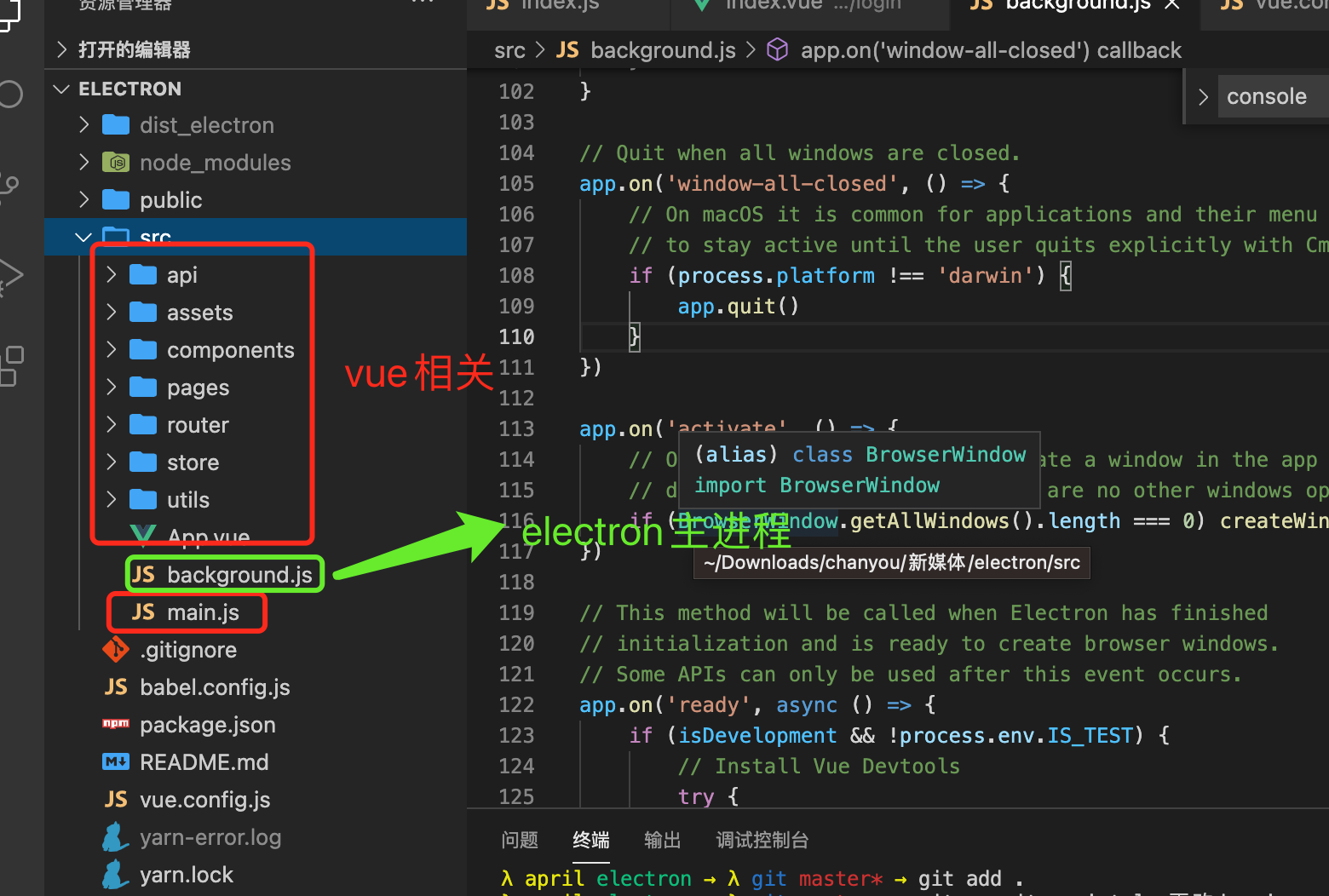
Electron development desktop application
Electron + Vue3 project Question: Due to the cause of the network, ELECTRON may be installed: Solve: I am a Mac development, only the Mac method Open linkhttps://github.com/electron/electron/releases/...
Win32 desktop application development
Article catalog WM_PAINT message generation mechanism type of data Common function Brush painting step text Text output keyboard mouse menu bitmap Dialog This semester has no one, I haven't used it, l...
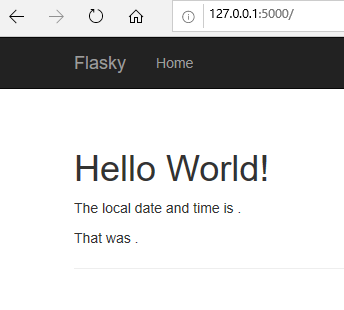
Flask Web Development: Actual Combat of Web Application Development Based on Python (2nd Edition) Summary of Problems and Solutions
@[TOC](Flask Web Development: Practical Web Application Development Based on Python (Second Edition) Summary of Problems and Solutions Question 1: Section 2.4, Web development server, set FLASK_APP=he...
Mybatis actual application record
1. When using the configuration file method, the file name of the configuration file must be consistent with the file name of the DAO interface, and the value of the namespace in the xml file needs to...
Python + HTML Develop Desktop Applications (1) PywebView Introduction
This article describes the use of Python + HTML to develop desktop applications, mainlypywebviewTo load, display the HTML page. One. Introduction to PywebView PywebView is a light cross-platform wrapp...