The difference and use of url-loader and file-loader
tags: JavaScript
Webpack is written in JS and runs in a node environment, so by default, only the dependencies between JS will be processed when webpack is packaged! ! !
If you don’t believe it, you can create a code similar to the following to try to import the image in JS
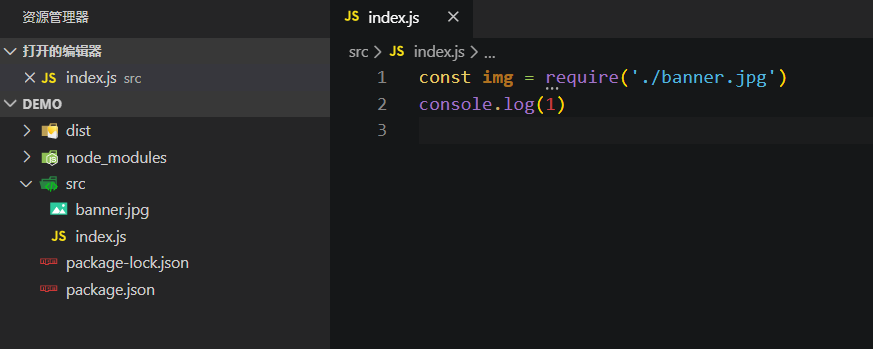
Then run the packaging command and an error occurs (you can directly package without writing webpack.config.js, this is a new feature of webpack4, but the entry file must be the src/index.js file Must have)

reminds us that we need to provide relevant loader to process image type files.
Because like.png Such a file is not a JavaScript module, you need to configure webpack to use file-loader or url-loader to process them properly.
The benefits of converting resource URLs are:
file-loader can specify where to copy and place resource files, and how to use version hash naming to get better cache. In addition, this means that you can manage image files nearby and use relative paths without worrying about URL issues during deployment. With the correct configuration, webpack will automatically rewrite the file path to the correct URL in the packaged output.
url-loader allows you to conditionally convert a file to an inline base-64 URL (when the file is smaller than a given threshold), which will reduce the number of HTTP requests for small files. If the file is larger than the threshold, it will be automatically handed over to the file-loader for processing.
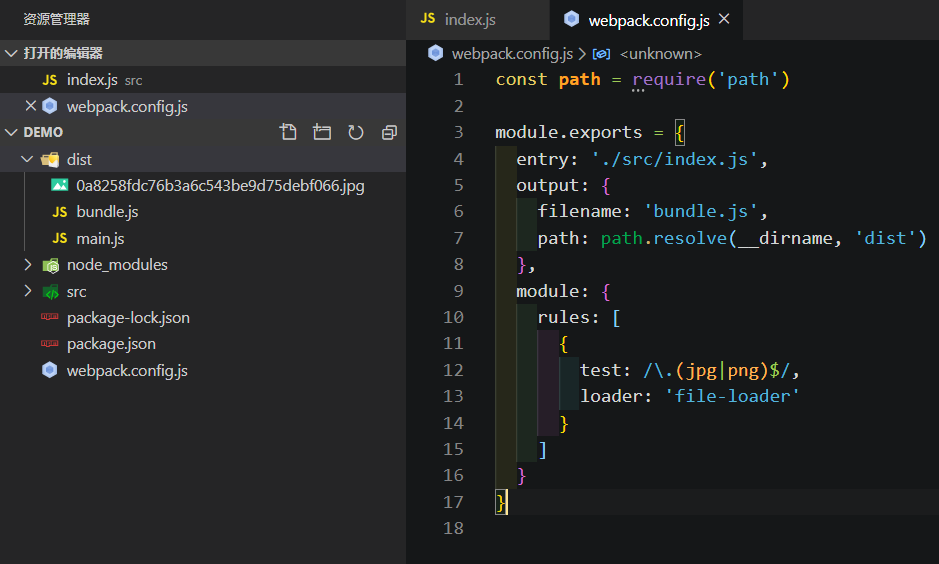
before werequire('./banner.jpg')The picture is to get the path of the picture and put the picture in the packaging folder at the same time. Note that the picture is not imported into JS. If you understandrequire The principle is actually to usefs.readFile Synchronously read the content of the file to do the corresponding analysis, the default only supportsjs with json File type, importing other file types will not be recognized, so an error is reported.
const src = require('./banner.jpg')
const app = document.getElementById('app'),
const img = new Image()
img.src = src
document.appendChild(img)
console.log('add pictures')
If there is a loader, read in the configuration.jpg End withfile-loader To deal with it, thenrequire('./banner.jpg') Parse into a path through a specific grammar0a8258fdc76b3a6c543be9d75debf066.jpg, Then at this timesrc The variable is the image path.

Summary: file-loader willimport / require() Resolve to url, and transmit the file to the output directory.
The url-loader can identify the size of the picture, and then convert the picture to base64, thereby reducing the size of the code. If the picture exceeds the set current, it is still processed by the file-loader. If you don’t care about the size and don’t want to convert to base64, you don’t need this loader. One thing to mention here, don't use file-loader to process fonts. Converting font files to base64 is not recognized by the browser. This is a wrong operation.
const path = require('path')

module.exports = {
  entry: './src/index.js',
  output: {
    filename: 'bundle.js',
    path: path.resolve(__dirname, 'dist')
  },
  module: {
    rules: [
      {
        test: /\.(jpg|png)$/,
        loader: 'url-loader'
      }
    ]
  }
}
Tip: If you have configured url-loader for pictures, don’t configure file-loader for pictures anymore, because url-loader will use file-loader to process the path relationship of pictures by default, but add one when the picture is too big The path is converted to a base64 function.
Refer to the following code when using it. Note that the esModule parameter indicates whether to use the export of the es6 module. It is enabled by default and used according to the actual situation.
const path = require('path')

module.exports = {
  entry: './src/index.js',
  output: {
    filename: 'bundle.js',
    path: path.resolve(__dirname, 'dist')
  },
  module: {
    rules: [
      {
        test: /\.(png|svg|jpe?g)$/i,
        loader: 'url-loader',
        options: {
          esModule: false
        }
      },
      {
        test: /\.(woff|woff2|eot|ttf|otf)$/i,
        loader: 'file-loader',
        options: {
          esModule: false
        }
      }
    ]
  }
}
Intelligent Recommendation
Webpack url-loader use
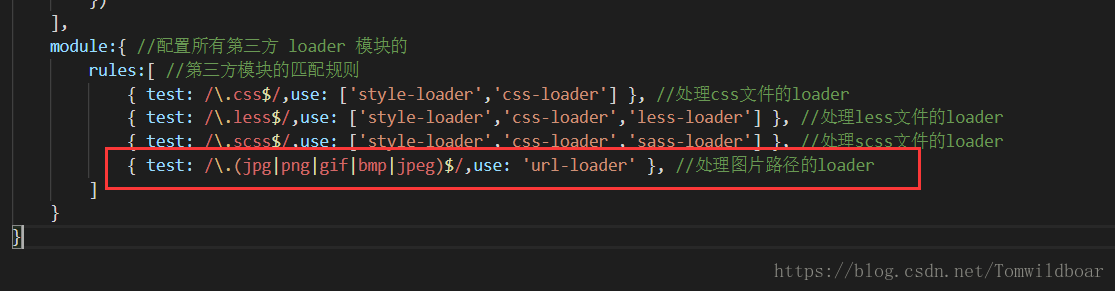
Purpose: Use webpack url-loader The project is built to see this: 1. Use url-loader to access simple images Step 1: Install url-loader (cnpm i url-loader file-loader -D) Step 2: Configure The third st...
Use of url-loader in webpack
1, using url-loader to introduce images, it can be said that it is an enhanced version of file-loader (1), the first step: install url-loader (cnpm i url-loader file-loader -D) (2), configuration: Mai...
The use of url-loader in webpack
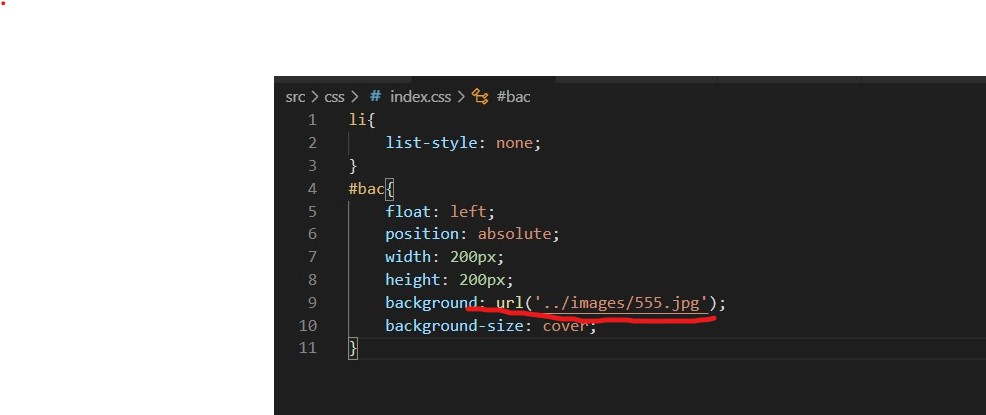
By default, webpack cannot handle url() addresses in css files, no matter if it is a picture or a font library Download: cnpm i url-loader file-loader -D Such as processing this path The type of match...
10 webpack file-loader and url-loader
Article Directory Article reference file-loader Application scenario installation Case-Introduce font library configuration url-loader installation Case-Picture packaging What is the difference betwee...
webpack.config.js configures url-loader and file-loader
If the url-loader exceeds imit, it will fallback, so the file-loader configuration must be written in the fallback. If you finish writing the url-loader configuration and then write the file-loader as...
More Recommendation
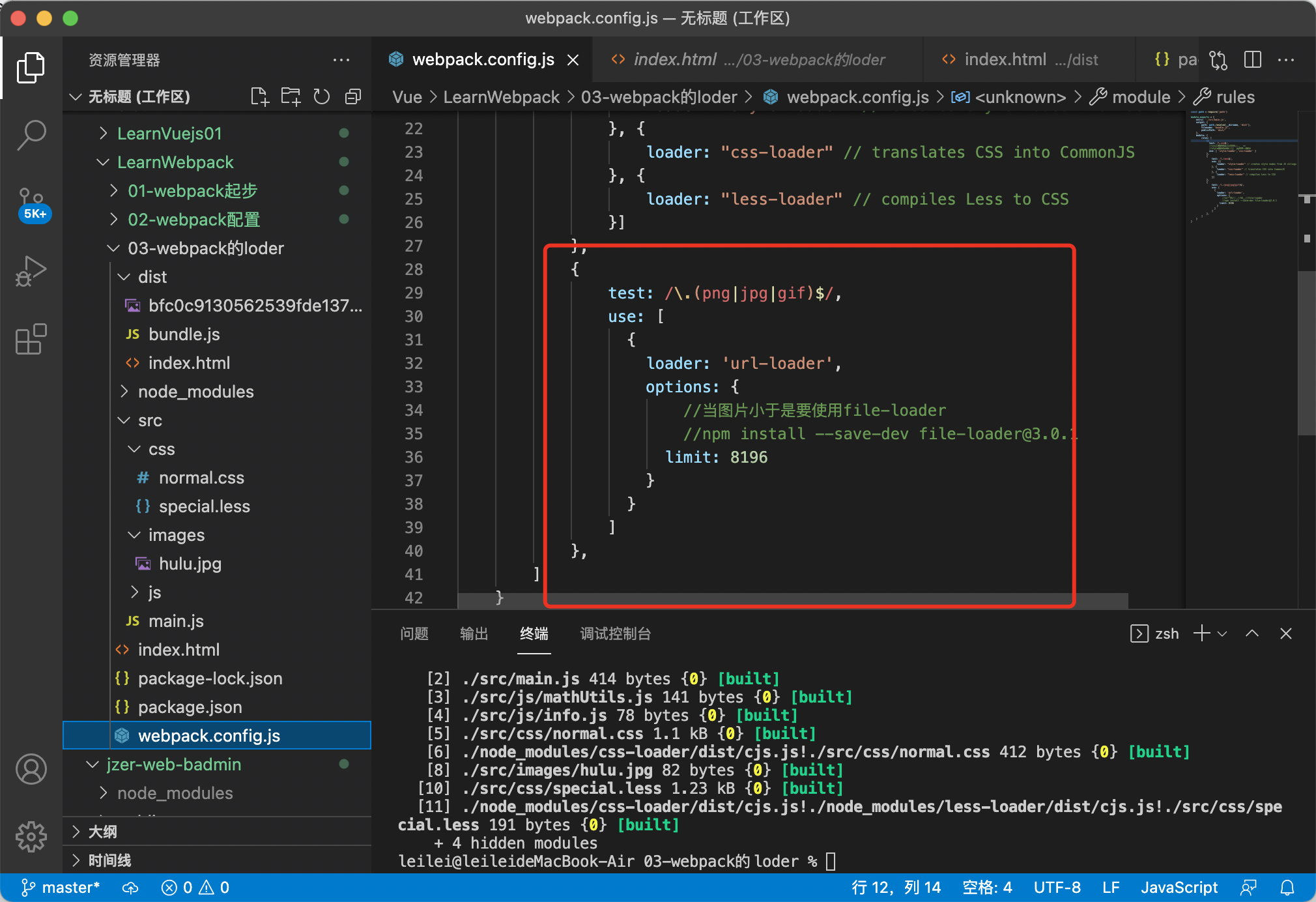
WebPack Package Picture URL-Loader File-Loader
npm install --save-dev [email protected] Configuration in WebPack.config.js npm install --save-dev [email protected] Then add it in WebPack.config.js publicPath: 'dist/'...
Handwritten webpack's babel-loader, url-loader, file-loader
Custom loader...
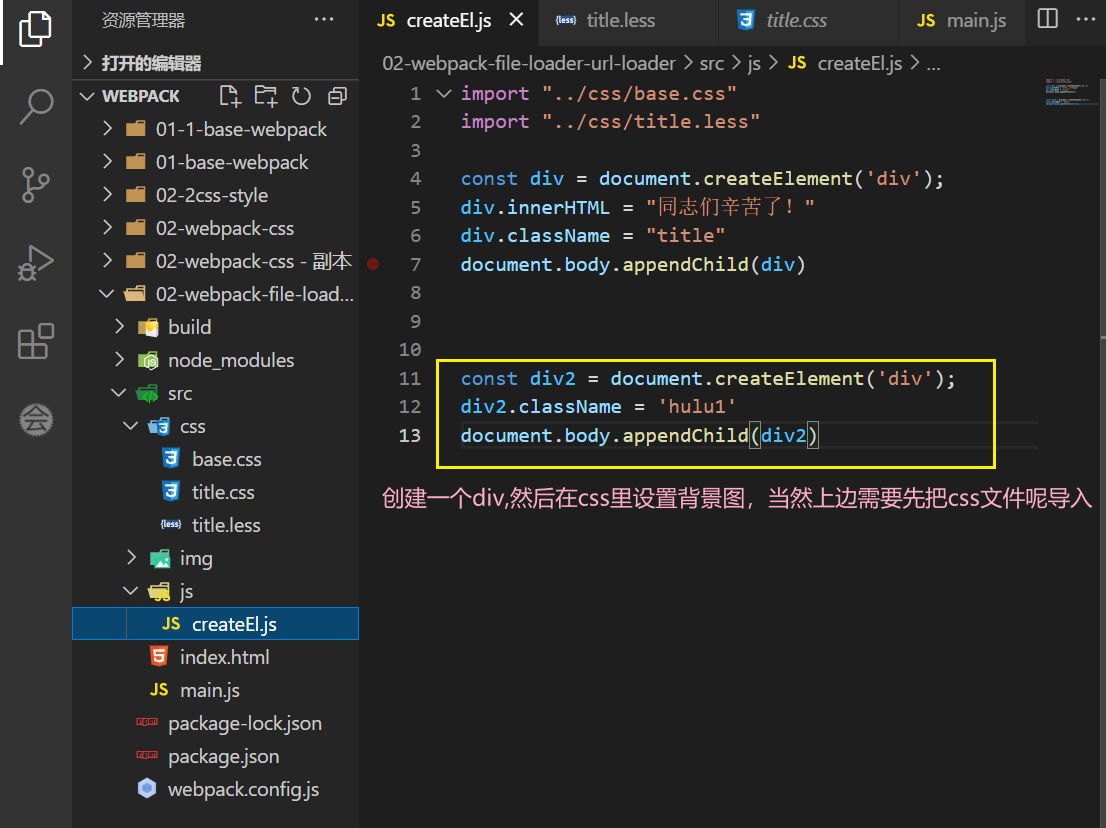
Third, Loader ---- File-Loader and Url-Loaderr (loader loaded with pictures)
1、file-loader ** In actual development, the introduction of pictures generally have two, IMG and Background-Image, 1.1, Background-Image Settings Background The class name Hulu1 here is changed to Hul...
webpack learning file-loader, url-loader, css-loader
Installation webpack Webpack command execution npx command that the implementation of the project in webpack node_modules commands executed directly webpack otherwise, you will need to install a globa...
url-loader
Original address:https://webpack.js.org/loaders/url-loader/ webpack version: 2.2.1 Converting image files to base64 encoding and loading into the browser can reduce the number of http requests, but in...