webpack.config.js configures url-loader and file-loader
tags: webpack
module.exports = {
    module: {
        rules: [
            {
                test: /\.(png|jpg|gif)$/,
                use: [
                  {
                    loader: 'url-loader',
                    options: {
                        // limit: 100000, //unit is bit
                                                 limit: 1000, //unit is bit
                        fallback: {
                            loader: 'file-loader',
                            options: {
                                name: '[name]-[hash].[ext]',
                                outputPath: 'asset/'
                            }
                      }
                    }
                  }
                ]
            },
        }
    }
If the url-loader exceeds imit, it will fallback, so the file-loader configuration must be written in the fallback. If you finish writing the url-loader configuration and then write the file-loader as usual, the picture will be packaged, but the place where you use the picture is also converted to base64, resulting in successful packaging but the picture is base64 and the picture cannot be displayed. This is The situation I encountered in practice, I don’t know if this is the same for you.
Intelligent Recommendation
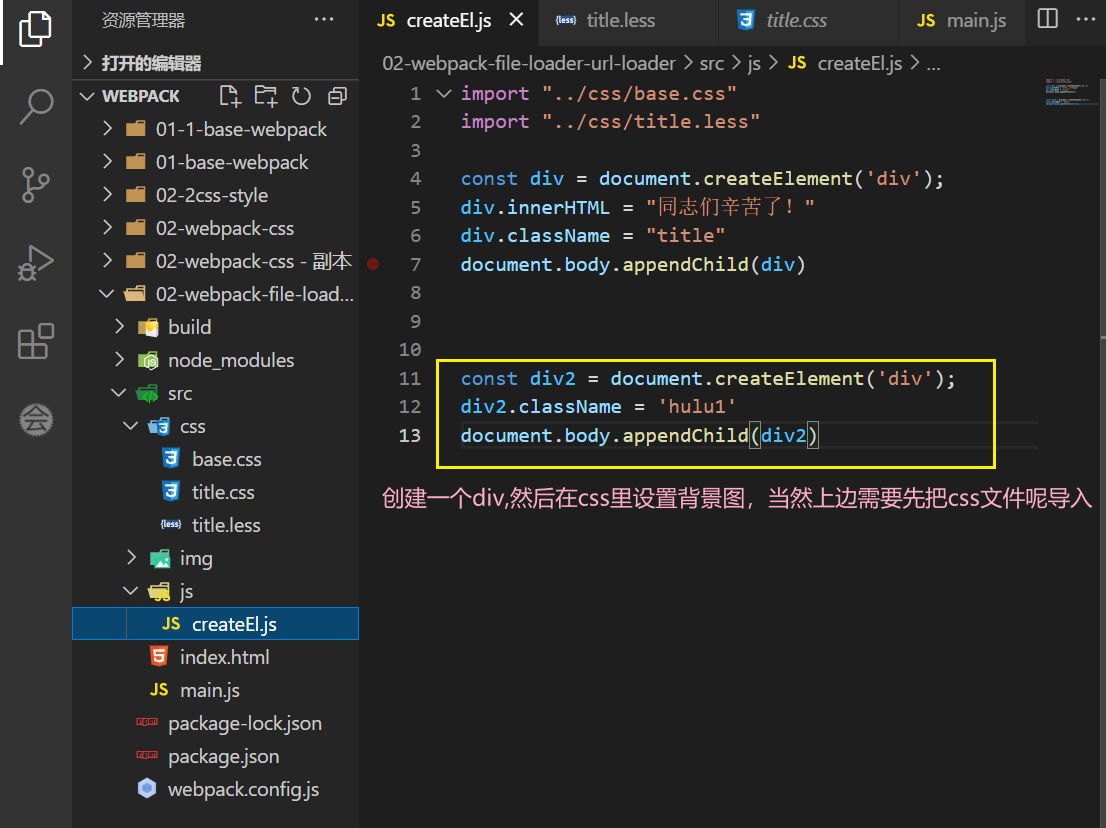
Third, Loader ---- File-Loader and Url-Loaderr (loader loaded with pictures)
1、file-loader ** In actual development, the introduction of pictures generally have two, IMG and Background-Image, 1.1, Background-Image Settings Background The class name Hulu1 here is changed to Hul...
webpack learning file-loader, url-loader, css-loader
Installation webpack Webpack command execution npx command that the implementation of the project in webpack node_modules commands executed directly webpack otherwise, you will need to install a globa...
url-loader
Original address:https://webpack.js.org/loaders/url-loader/ webpack version: 2.2.1 Converting image files to base64 encoding and loading into the browser can reduce the number of http requests, but in...
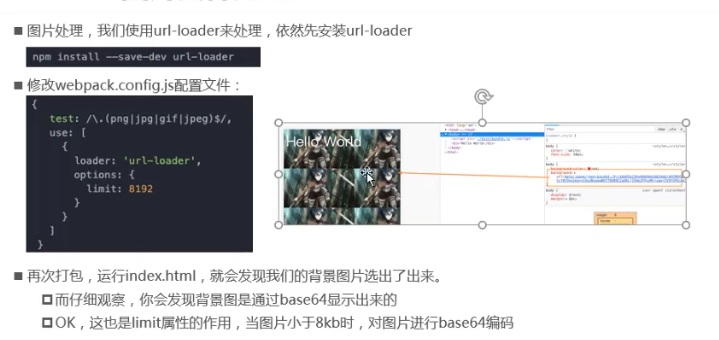
Webpack image file processing: url-loader and file-loader
1. Webpack image file processing 1.1, picture file processing method 1: url-loader 1.2, picture file processing method 2: file-loader 1.3. Image file processing-modify file name Generate file storage ...
Webpack parsing image, file-loader; and the difference between url-loader parsing
Note: Before installing, make sure the webpack project works properly! table of Contents 1. Install file-loader dependency 2. Create an img folder in the src directory and import a picture (the image ...
More Recommendation
webpack study notes -2-file-loader and url-loader
1 Introduction If we want to introduce the picture page (including the url img src and the background). When we webpack-based development, the introduction of the picture will encounter some problems....

Use webpack's file-loader and url-loader to pack image resources
I wrote the method of packaging js files in webpack, but what method will be used to package image resources? This article discusses and studies this issue. The purpose of this article is to use webpa...
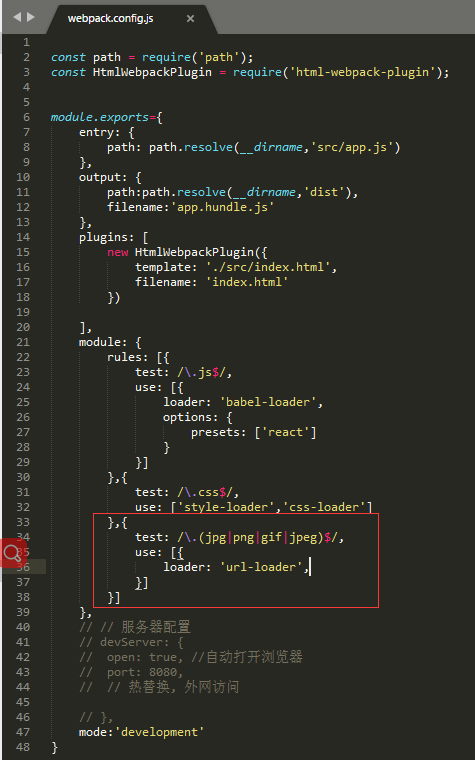
Picture introduction of webpack-enhanced file-loader: url-loader
Foreword: This article introduces url-loader (enhanced file-loader); The role of url-loader: selectively encode some small pictures into base64 format and write them into the page according to the dem...
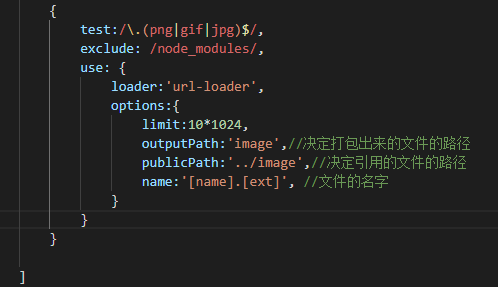
Regarding webpack's file-loader and url-loader packaging, the path is incorrect
This is a test package Link: https://pan.baidu.com/s/17zlR7WIRDw3y18Kk7mJYUA Extraction code: o4pr After copying this content, open the Baidu Netdisk mobile app, which is more convenient. The w...
Does webpack use url-loader or file-loader for images?
You can see that the url-loader is used for image compilation, and some people use file-laoder, so what is the difference between the two? Which one should I use? url-loader: Function: The function of...