10 webpack file-loader and url-loader
tags: webpack
Article Directory
Article reference
file-loader
- Official explanation:
Instructs webpack to emit the required object as file and to return its public URL - Personal understanding:
is to import the file as a module and return the URL path of the file
Application scenario
- png, jpg, svg pictures, body resources randomly generate a hash value, as the name of the picture
- Package, return the packaged file (including hash value) path
installation
npm install --save-dev file-loader
Case-Introduce font library configuration
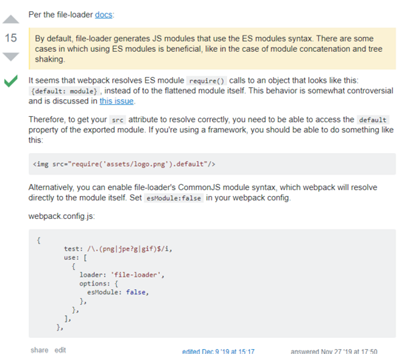
- The file-loader configuration must be set to esModule: false, otherwise the introduced resource is [object Module]
- You can specify the outputPath to specify the location of the picture packaging,
- publicPath specifies the path of the font
const path = require("path");
const { CleanWebpackPlugin } = require("clean-webpack-plugin");
const HtmlWebpackPlugin = require("html-webpack-plugin");
const webpack = require("webpack");

module.exports = {

  module: {
    rules: [
      {
        test: /\.(eot|svg|ttf|woff|woff2)(\?\S*)?$/,
        use: {
          loader: "file-loader",
          options: {
            esModule: false, // set to false here
            outputPath: "fonts/", // Specify the image input folder, the packaging address is "/dist/fonts/font file"
            publicPath: "/fonts", // Specify the path of the font, that is, the address introduced by the packaging result is "/fonts/font file name"
          }
        }
      },
      {
        test: /\.(scss|css)$/,
        /**
                   * The loader is executed from start to finish
                   * 1. Execute sass-loader first, convert sass file to css
                   * 2. css-loader converts the converted css file to js module
                   * 3. style-loader inserts css into the <style> tag in HTML
         */
        use: [
          {
            loader: "style-loader" // Generate the JS string as a style node
          },
          {
            loader: "css-loader" // Convert CSS into CommonJS module
          },
          {
            loader: "sass-loader" // Compile Sass into CSS
          }
        ]
        // Equivalent to
        // use: ["style-loader", "css-loader", "sass-loader"]
      }
    ]
  }
};
http://10.192.202.8:9000/fonts/0bce114e7fb6d91c66a3ddc5ae561ffc.ttfThe address of the packaged image
url-loader
The url-loader function is similar to the file-loader, but when the file size (in bytes) is lower than the specified limit, the file can be converted to base64
installation
npm install --save-dev url-loader
Case-Picture packaging
module.exports = {
  module: {
    rules: [
      {
        test: /\.(png|jpg|gif)$/,
        use: [
          {
            loader: "url-loader",
            options: {
              esModule: false, // set to false here
              outputPath: "images/", // Specify the image input folder, the packaging address is "/dist/images/image name"
              publicPath: "/images", // Specify the path to get the image, that is, the address introduced by the packaging result is "/images/image name"
              // limit (if it is less than 8K, it is converted to base64, otherwise it returns a url address)
              limit: 8192,
              name: "[name].[hash:8].[ext]" // Enter the picture name
            }
          }
        ]
      }
    ]
  }
};
http://10.192.202.8:9000/images/testimage.2369a289.pngThe address of the packaged image
What is the difference between file-loader and url-loader?
file-loader
file-loader returns the url of the picture
url-loader
The url-loader can process the pictures by the limit attribute. When the picture is smaller than the limit (unit: byte), it will be transferred to base64. When it is greater than the limit, the file-loader will be called to process the picture.
Same point
All process pictures, font icons and other files in webpack.
relationship
The url-loader encapsulates the file-loader, but the url-loader does not depend on the file-loader.
After the webpack packs the img in the html, the src is "[object Module]"?
ReferenceThe problem of src being "[object Module]" after img in webpack packaging html
- If you use "file-loader": "^4.2.0" or "file-loader": "^2.0.0" but it can be packaged normally
- Later found that the file-loader is in the new version
esModule defaults to true, so manually set to false
module: {
  rules: [
    {
      test: /\.(png|jpg|gif)$/,
      use: [
        {
          loader: "url-loader",
          options: {
			// By default, the file loader generates JS modules using ES module syntax
            esModule: false, // set to false here
            outputPath: "images/", // Specify the image input folder
            publicPath: "/images", // Specify the path to get the picture
            // limit (if it is less than 8K, it is converted to base64, otherwise it returns a url address)
            limit: 8192,
            name: "[name].[hash:8].[ext]" // Enter the picture name
          }
        }
      ]
    }
  ];
}
.webpackStudy .huangbiao {
    background-image: url(/images/testimage.2369a289.png);
    color: red;
}
Intelligent Recommendation

The use of webpack packing URL-loader and file-loader and the problems encountered
Import pictures in app.js: Install url-loader, file-loader: Configuration in webpack.dev.config.js: Execute: npm run dev, report an error: Reason for error: The regular expression behind test is added...
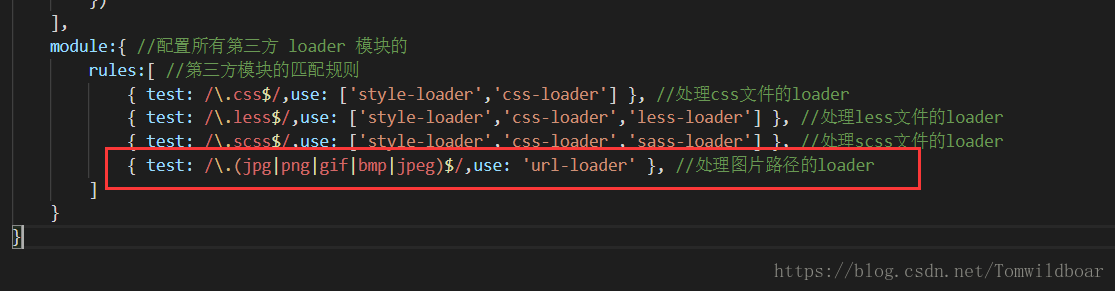
Webpack url-loader use
Purpose: Use webpack url-loader The project is built to see this: 1. Use url-loader to access simple images Step 1: Install url-loader (cnpm i url-loader file-loader -D) Step 2: Configure The third st...
Use of url-loader in webpack
1, using url-loader to introduce images, it can be said that it is an enhanced version of file-loader (1), the first step: install url-loader (cnpm i url-loader file-loader -D) (2), configuration: Mai...
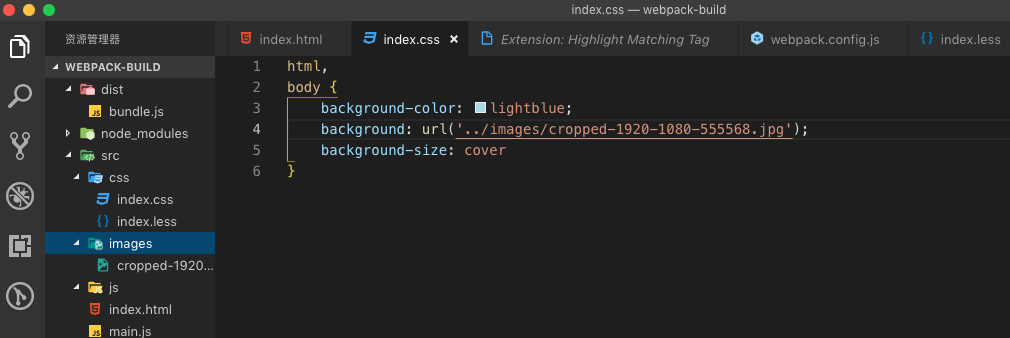
Loader for URL processing in webpack
inPreviousExplained how to passwebpackTo usNon-js filePackage processing (css,less) How to use webpack to package our url attribute files (such as pictures) Beforeindex.cssWe add a background image Ru...
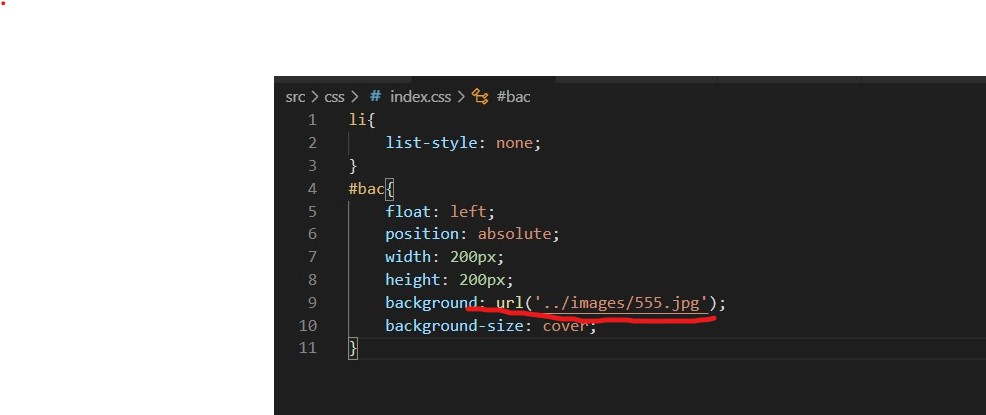
The use of url-loader in webpack
By default, webpack cannot handle url() addresses in css files, no matter if it is a picture or a font library Download: cnpm i url-loader file-loader -D Such as processing this path The type of match...
More Recommendation
Difference url-loader and file-loader of
file-loaderDist move to the next picture directory (or outputPath defined directory) and returns a path relative dist url-loaderCompared to more than a file-loaderlimitCI (1024 = 1kb), the time limit ...
Implement file-loader and url-loader
file-loader implementation file-loader.js: url-loader implementation url-loader.js: webpack.config.js:...
webpack-file-loader
1. What is a loader? The essence of webpack is a module packaging tool, so webpack can only process JS files by default, and cannot process other files. Because there is no concept of modules in other...
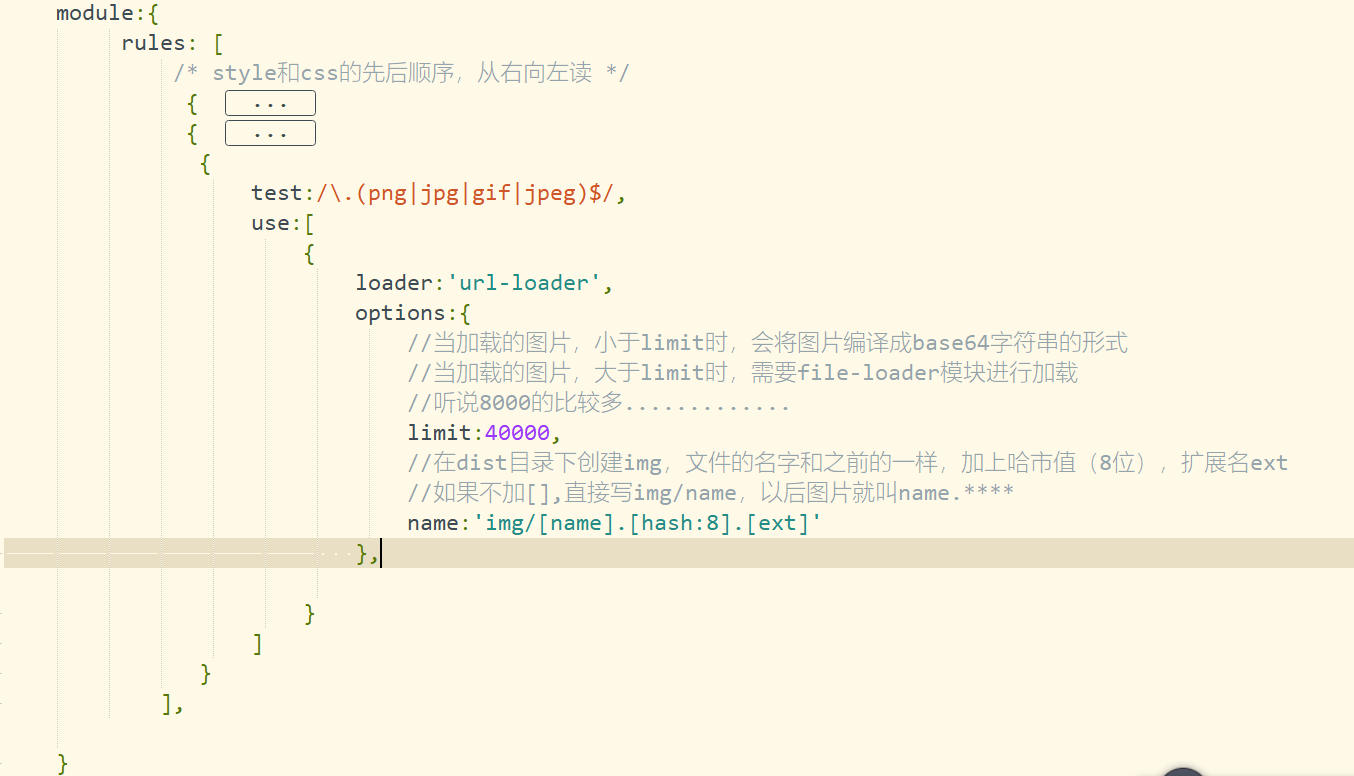
Webpack Configuring URL-Loader and Using
Webpack Configuring URL-Loader and Using Configure a module in WebPack-Config.js, configured under Rules, Test is a regular expression, Loader writes url-loader, the limit in Options is limited to the...
Configure url-loader in webpack and vue.config.js
url-loader: A Webpack loader used to convert files into Base64 URI. effect: When the project is packaged, the eligible pictures can be packed into Base64 url to reduce HTTP resource requests. Webpac...