Does webpack use url-loader or file-loader for images?
{
        test: /\.(png|jpe?g|gif|svg)(\?.*)?$/,
        loader: 'url-loader',
        options: {
          limit: 10000,
          name: utils.assetsPath('img/[name].[hash:7].[ext]')
        }
},
You can see that the url-loader is used for image compilation, and some people use file-laoder, so what is the difference between the two? Which one should I use?
url-loader:
Function: The function of url-loader is similar to that of file-loader, but when the file size (unit byte) is lower than the specified limit, it can return a DataURL.
If there are many pictures, many http requests will be sent, which will reduce page performance. The url-loader will encode the imported pictures and generate dataURl. It is equivalent to translating the picture data into a string of characters. Then pack this string of characters into a file, and finally only need to import this file to access the picture. Of course, if the picture is large, encoding will consume performance. Therefore, url-loader provides a limit parameter. Files smaller than limit bytes will be converted to DataURl, and files larger than limit will be copied using file-loader.
file-uploader:
Function: By default, the file name of the generated file is the MD5 hash value of the file content and will retain the original extension of the referenced resource. Generate the file file.png, output it to the output directory and return the public URL.
"/public/path/0dcbbaa7013869e351f.png"
What is the relationship between url-loader and file-loader?
Simply put, url-loader encapsulates file-loader. The url-loader does not depend on the file-loader, that is, when using the url-loader, you only need to install the url-loader, not the file-loader, because the url-loader has a built-in file-loader.
Through the above introduction, we can see that url-loader works in two situations:
1. If the file size is less than the limit parameter, url-loader will convert the file to DataURL;
2. If the file size is larger than the limit, the url-loader will call the file-loader for processing, and the parameters will also be directly passed to the file-loader. So we only need to install url-loader.
Intelligent Recommendation
webpack learning file-loader, url-loader, css-loader
Installation webpack Webpack command execution npx command that the implementation of the project in webpack node_modules commands executed directly webpack otherwise, you will need to install a globa...
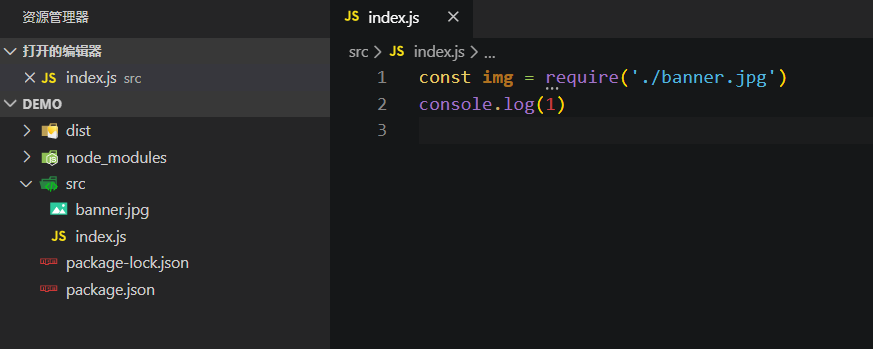
The difference and use of url-loader and file-loader
Webpack is written in JS and runs in a node environment, so by default, only the dependencies between JS will be processed when webpack is packaged! ! ! If you don’t believe it, you can create a...
Use the webpack loader loader
Learn about webpack, please moveWebpack first met! What is a loader? The loaders are used to convert the application's resource files. They are functions that run under nodejs to get the source of a r...
webpack- use url-loader handling url pictures
Installation url-loader file-loader is dependencies. In the images folder to put a picture, test.jpg Configuration rules are as follows: The third is to configure the URL, Compare our multi-format mat...
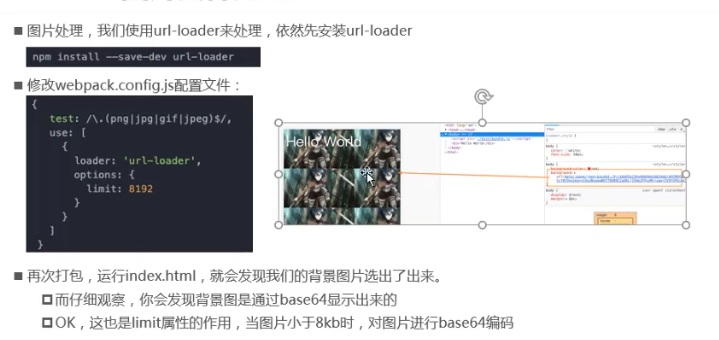
Webpack image file processing: url-loader and file-loader
1. Webpack image file processing 1.1, picture file processing method 1: url-loader 1.2, picture file processing method 2: file-loader 1.3. Image file processing-modify file name Generate file storage ...
More Recommendation
Webpack parsing image, file-loader; and the difference between url-loader parsing
Note: Before installing, make sure the webpack project works properly! table of Contents 1. Install file-loader dependency 2. Create an img folder in the src directory and import a picture (the image ...
webpack study notes -2-file-loader and url-loader
1 Introduction If we want to introduce the picture page (including the url img src and the background). When we webpack-based development, the introduction of the picture will encounter some problems....
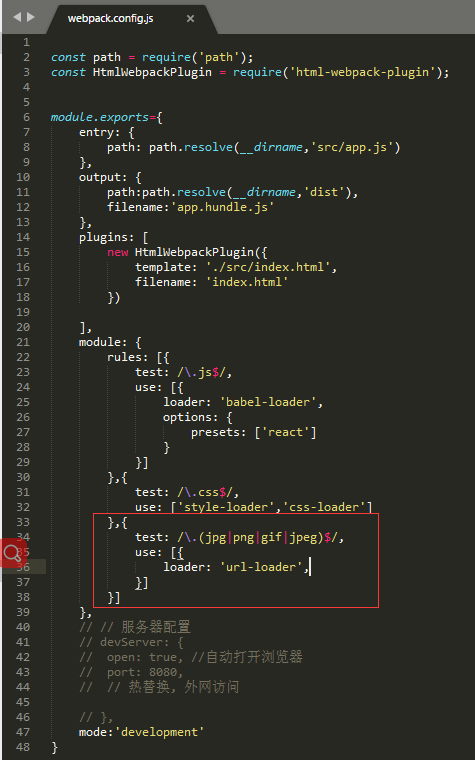
Picture introduction of webpack-enhanced file-loader: url-loader
Foreword: This article introduces url-loader (enhanced file-loader); The role of url-loader: selectively encode some small pictures into base64 format and write them into the page according to the dem...

webpack uses file-loader and url-loader to handle image resource loading
webpack uses file-loader and url-loader to handle image resource loading 1. Use file-loader to load image resources Two, use url-loader to load pictures Third, the problem of incorrect image path afte...
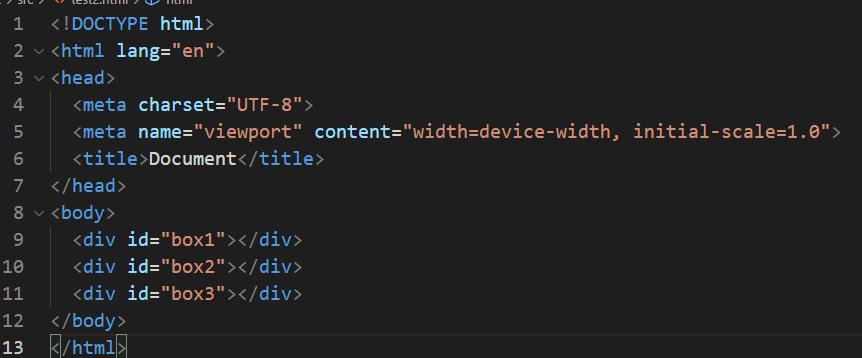
WebPack Package Picture Resources URL-Loader and File-Loader
The following tutorial is based on WebPack 4.46.0: These files in the current SRC directory: test2.html Test2.less, 3 pictures included: Test2.js, introduced TEST2.SS: Webpack.config.js is as follows:...