url-loader
Original address:https://webpack.js.org/loaders/url-loader/
webpack version: 2.2.1
Converting image files to base64 encoding and loading into the browser can reduce the number of http requests, but increases the size of the js or html files. If the image is more reusable in the project, each reference will generate a base64 encoding, resulting in The redundancy of the code. Files loaded into the browser via http request can be cached locally. When the reusability of the image in the project is high, the convenience of caching is increased for the access of the image, and the next access is faster. Therefore, we must balance considerations.
Install
cnpm install --save-dev url-loader
Usage
The url loader works similarly to the file loader, but if the file is smaller than the byte limit, it can return Data Url.
You need to specify the limit with a query parameter. The default is no limit.
If the file is larger than limit (in bytes), webpack will use file-loader to process the file, and all query parameters will be passed to file-loader.
note:
- You do not need to install file-loader when using url-loader.
- The query parameter in the file-loader is also valid in the url-loader setting.
require("url-loader?limit=10000!./file.png");
// => DataUrl if "file.png" is smaller than 10kb

require("url-loader?mimetype=image/png!./file.png");
// => Specify mimetype for the file (Otherwise it's inferred from extension.)

require("url-loader?prefix=img/!./file.png");
// => Parameters for the file-loader are valid too
//    They are passed to the file-loader if used.
Intelligent Recommendation
Summary using URL-LoADER
Install It seems that the file-loader is encapsulated in URL-Loader, you need to delete file-loader and re-execute the following cmd command (I don't know, my computer is effective) Install File-Loade...
The difference between url-loader and file-loader
file-loader File-loader returns the url of the image url-loader The url-loader can process the picture by the limit attribute. When the picture is smaller than the limit (unit: byte), it will be conve...
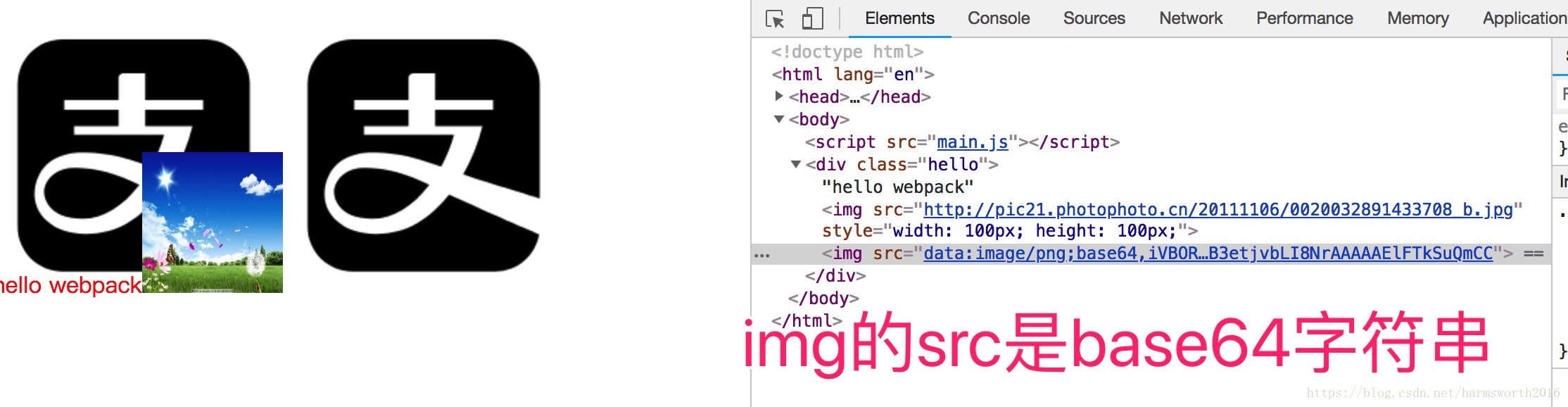
The difference between webpack's file-loader and url-loader
Foreword the difference Configuration Bale to sum up Foreword the difference Configuration Bale If the limit is changed to 4000 bytes, then the Alipay icon is greater than the upper limit. If the limi...
10 webpack file-loader and url-loader
Article Directory Article reference file-loader Application scenario installation Case-Introduce font library configuration url-loader installation Case-Picture packaging What is the difference betwee...
More Recommendation
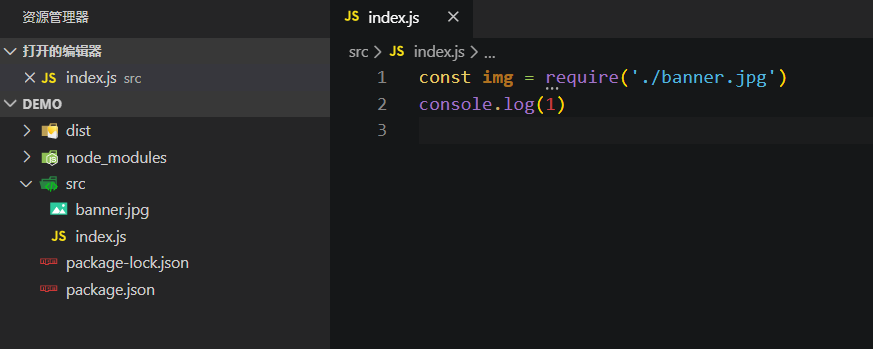
The difference and use of url-loader and file-loader
Webpack is written in JS and runs in a node environment, so by default, only the dependencies between JS will be processed when webpack is packaged! ! ! If you don’t believe it, you can create a...
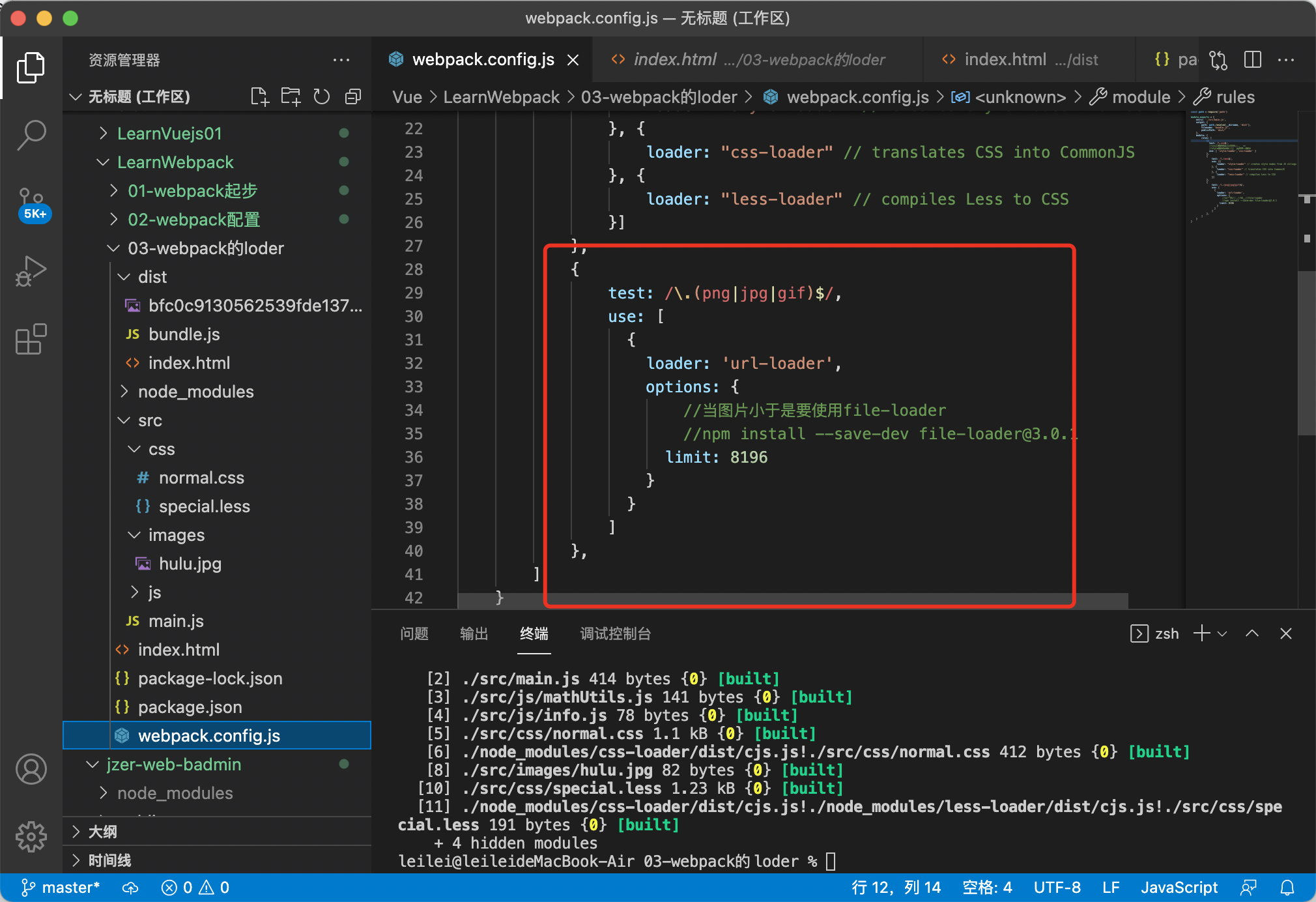
webpack.config.js configures url-loader and file-loader
If the url-loader exceeds imit, it will fallback, so the file-loader configuration must be written in the fallback. If you finish writing the url-loader configuration and then write the file-loader as...
WebPack Package Picture URL-Loader File-Loader
npm install --save-dev [email protected] Configuration in WebPack.config.js npm install --save-dev [email protected] Then add it in WebPack.config.js publicPath: 'dist/'...
Handwritten webpack's babel-loader, url-loader, file-loader
Custom loader...
Third, Loader ---- File-Loader and Url-Loaderr (loader loaded with pictures)
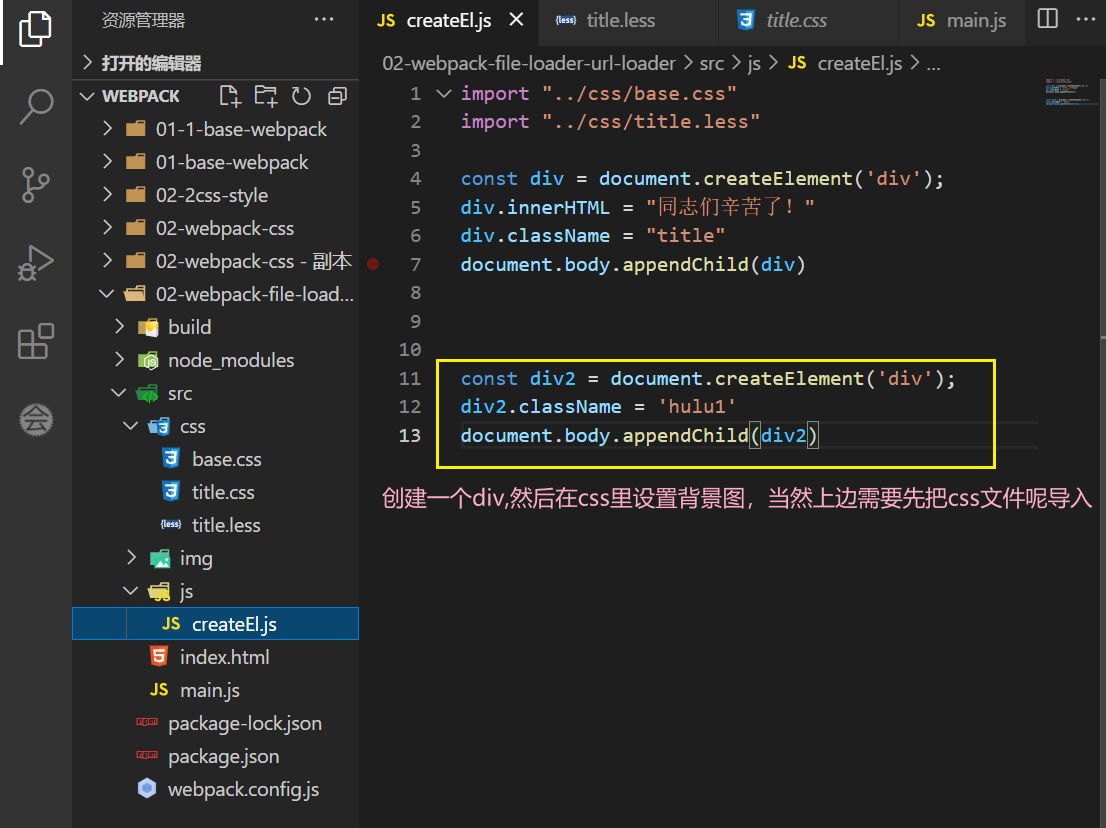
1、file-loader ** In actual development, the introduction of pictures generally have two, IMG and Background-Image, 1.1, Background-Image Settings Background The class name Hulu1 here is changed to Hul...