Problem records: File-loader and url-loader use caused by the image not show
tags: vue.js javascript front end
Problem Description: Add File-Loader in the chainWebPack in the VUE project, resulting in the image address to Base64 but the picture does not show
Solution process:
FILE-Loader: Modify the name of the file, packaged address and packaged output position
URL-LOADER: Can you determine the file size or directly encoded in the HTML code
Vue Inspect> Output.js: You can view the final valid configuration of VUE (found on the official website)
By using Vue Inspect> Output.js We can get the default configuration in the JS file.
 /* config.module.rule('images') */
      {
        test: /\.(png|jpe?g|gif|webp)(\?.*)?$/,
        use: [
          {
            loader: 'D:\\work\\SPA\\sub1-project\\node_modules\\url-loader\\dist\\cjs.js',
            options: {
              limit: 4096,
              fallback: {
                loader: 'D:\\work\\SPA\\sub1-project\\node_modules\\file-loader\\dist\\cjs.js',
                options: {
                  name: 'img/[name].[hash:8].[ext]'
                }
              }
            }
          }
        ]
      },
If I add File-Loader in ChainWebPack, the actual entry into effect is:
 /* config.module.rule('images') */
      {
        test: /\.(png|jpe?g|gif|bmp)(\?.*)?$/,
        use: [
          {
            loader: 'D:\\work\\SPA\\sub1-project\\node_modules\\url-loader\\dist\\cjs.js',
            options: {
              limit: 4096,
              fallback: {
                loader: 'D:\\work\\SPA\\sub1-project\\node_modules\\file-loader\\dist\\cjs.js',
                options: {
                  name: 'img/[name].[hash:8].[ext]'
                }
              }
            }
          },
          {
            loader: 'file-loader',
            options: {
              name: '[name].[hash:8].[ext]'
            }
          }
        ]
      },
At this time, the content of the packaged picture tag SRC property is the value of the base64 of the image address, and this value is not right, so the picture cannot be displayed
A screenshot:

Error configuration screenshot:
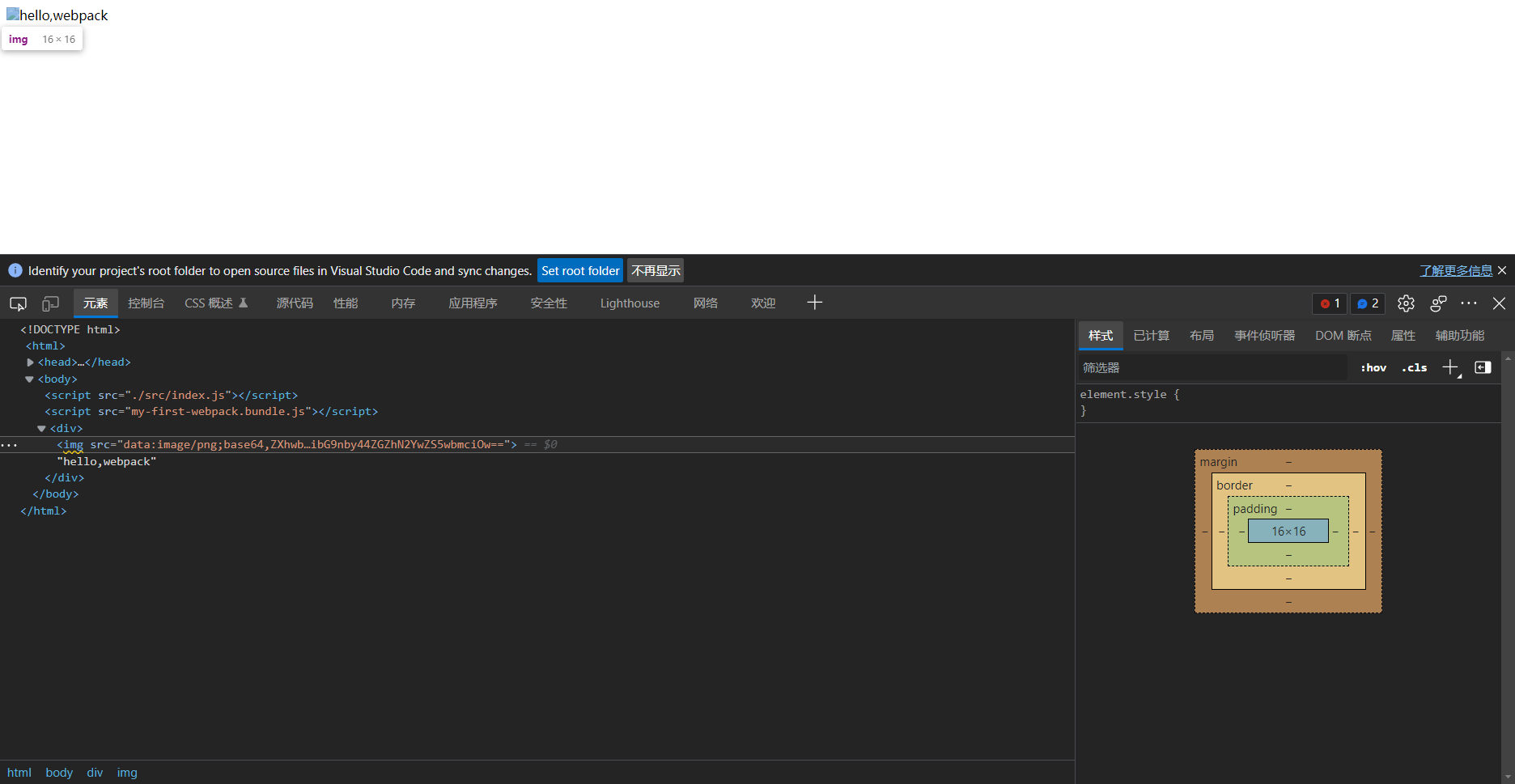
So use the file-loader to modify the name of the PNG | JPE? G | GIF | Webp file in VUE, it is best to call File-Loader through the fallback attribute of URL-Loader. The following configuration:
{
                test: /\.(png|jpe?g|gif|bmp)(\?.*)?$/,
                use: [
                  {
                    loader: 'url-loader',
                    options: {
                      limit: 4096000,
                      fallback: {
                        loader: 'file-loader',
                        options: {
                          name: '[name].[hash:8].[ext]'
                        }
                      }
                    }
                  },
                ]
}Intelligent Recommendation

The use of webpack packing URL-loader and file-loader and the problems encountered
Import pictures in app.js: Install url-loader, file-loader: Configuration in webpack.dev.config.js: Execute: npm run dev, report an error: Reason for error: The regular expression behind test is added...
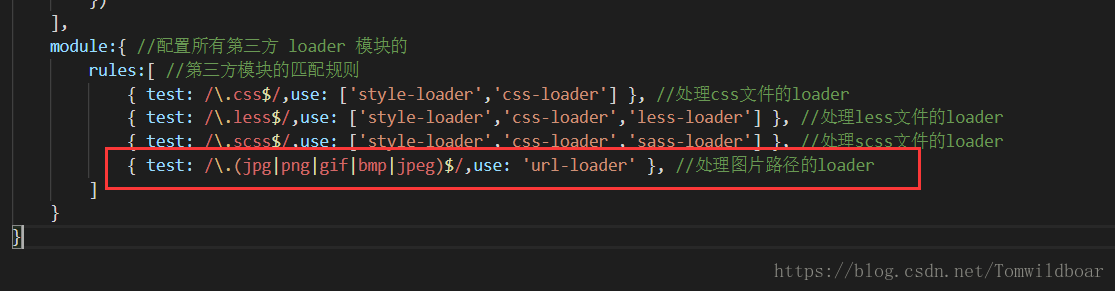
Webpack url-loader use
Purpose: Use webpack url-loader The project is built to see this: 1. Use url-loader to access simple images Step 1: Install url-loader (cnpm i url-loader file-loader -D) Step 2: Configure The third st...
Use of url-loader in webpack
1, using url-loader to introduce images, it can be said that it is an enhanced version of file-loader (1), the first step: install url-loader (cnpm i url-loader file-loader -D) (2), configuration: Mai...
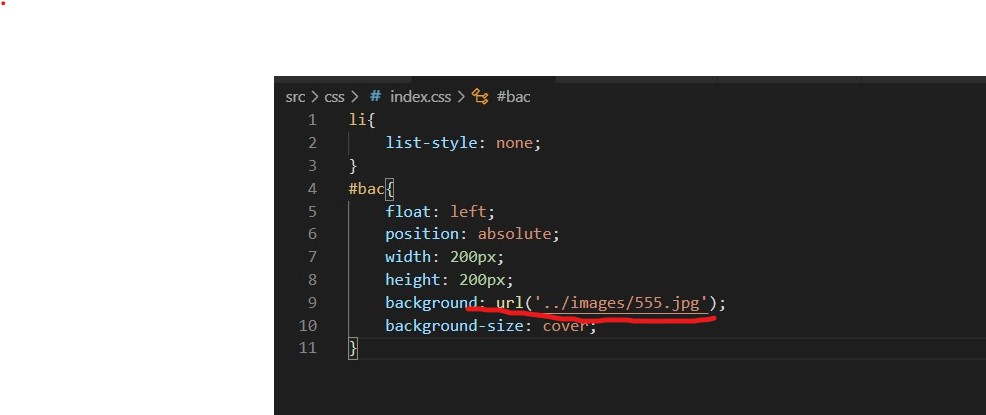
The use of url-loader in webpack
By default, webpack cannot handle url() addresses in css files, no matter if it is a picture or a font library Download: cnpm i url-loader file-loader -D Such as processing this path The type of match...
The difference between url-loader and file-loader
file-loader File-loader returns the url of the image url-loader The url-loader can process the picture by the limit attribute. When the picture is smaller than the limit (unit: byte), it will be conve...
More Recommendation
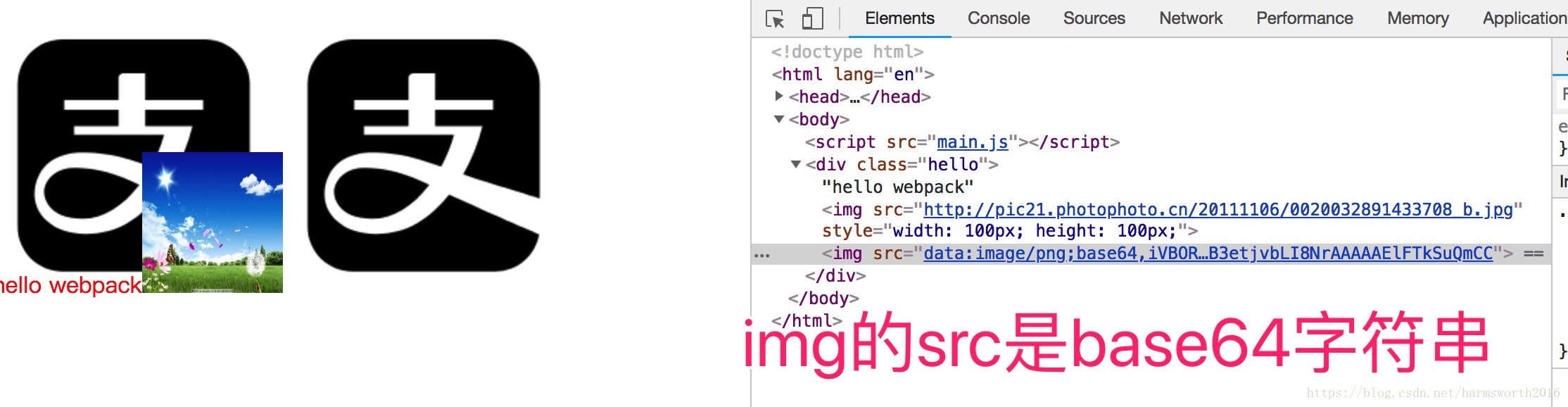
The difference between webpack's file-loader and url-loader
Foreword the difference Configuration Bale to sum up Foreword the difference Configuration Bale If the limit is changed to 4000 bytes, then the Alipay icon is greater than the upper limit. If the limi...
10 webpack file-loader and url-loader
Article Directory Article reference file-loader Application scenario installation Case-Introduce font library configuration url-loader installation Case-Picture packaging What is the difference betwee...
webpack.config.js configures url-loader and file-loader
If the url-loader exceeds imit, it will fallback, so the file-loader configuration must be written in the fallback. If you finish writing the url-loader configuration and then write the file-loader as...
WebPack Package Picture URL-Loader File-Loader
npm install --save-dev [email protected] Configuration in WebPack.config.js npm install --save-dev [email protected] Then add it in WebPack.config.js publicPath: 'dist/'...
Handwritten webpack's babel-loader, url-loader, file-loader
Custom loader...