Flutter Animation animation development-the simplest animation introduction
In the following code, we have implemented an animation that changes the width and height of the green square from 100 to 500 within 5 seconds.
class AnimationRoute extends StatefulWidget {
  @override
  AnimationRouteState createState() => AnimationRouteState();
}

class AnimationRouteState extends State<AnimationRoute> with SingleTickerProviderStateMixin {

  Animation<double> animation;
  AnimationController controller;

  initState() {
    super.initState();
    // Controller sets the animation duration
         // vsync sets a TickerProvider, the current State is mixed with SingleTickerProviderStateMixin is a TickerProvider
    controller = AnimationController(
        duration: Duration(seconds: 5),
        vsync: this //
    );
         // Tween sets the interval value of animation, animate () method passes in an Animation, and AnimationController inherits Animation
    animation = new Tween(begin: 100.0, end: 500.0).animate(animation)
             // addListener listens to the callback of each frame of the animation, this call setState () to refresh the UI
      ..addListener(() {
        setState(()=>{});
      });
         // Start animation (forward execution)
    controller.forward();
  }

  @override
  Widget build(BuildContext context) {
    return Center(
             // A square area is displayed here, which becomes larger as the animation is executed
      child: Container(
        color: Colors.green,
        width: animation.value,
        height: animation.value,
      ),
    );
  }

  @override
  void dispose() {
         // release resources
    controller.dispose();
    super.dispose();
  }
}
to sum up:
- Create AnimationController and set the duration of the animation
- Create Tween to animate the interval value
- Call Tween.animate () and pass in the AnimationController created above
- addListener () monitors the animation callback and calls setState () to refresh the UI
- Call AnimationController.dispose () to release animation resources
Intelligent Recommendation
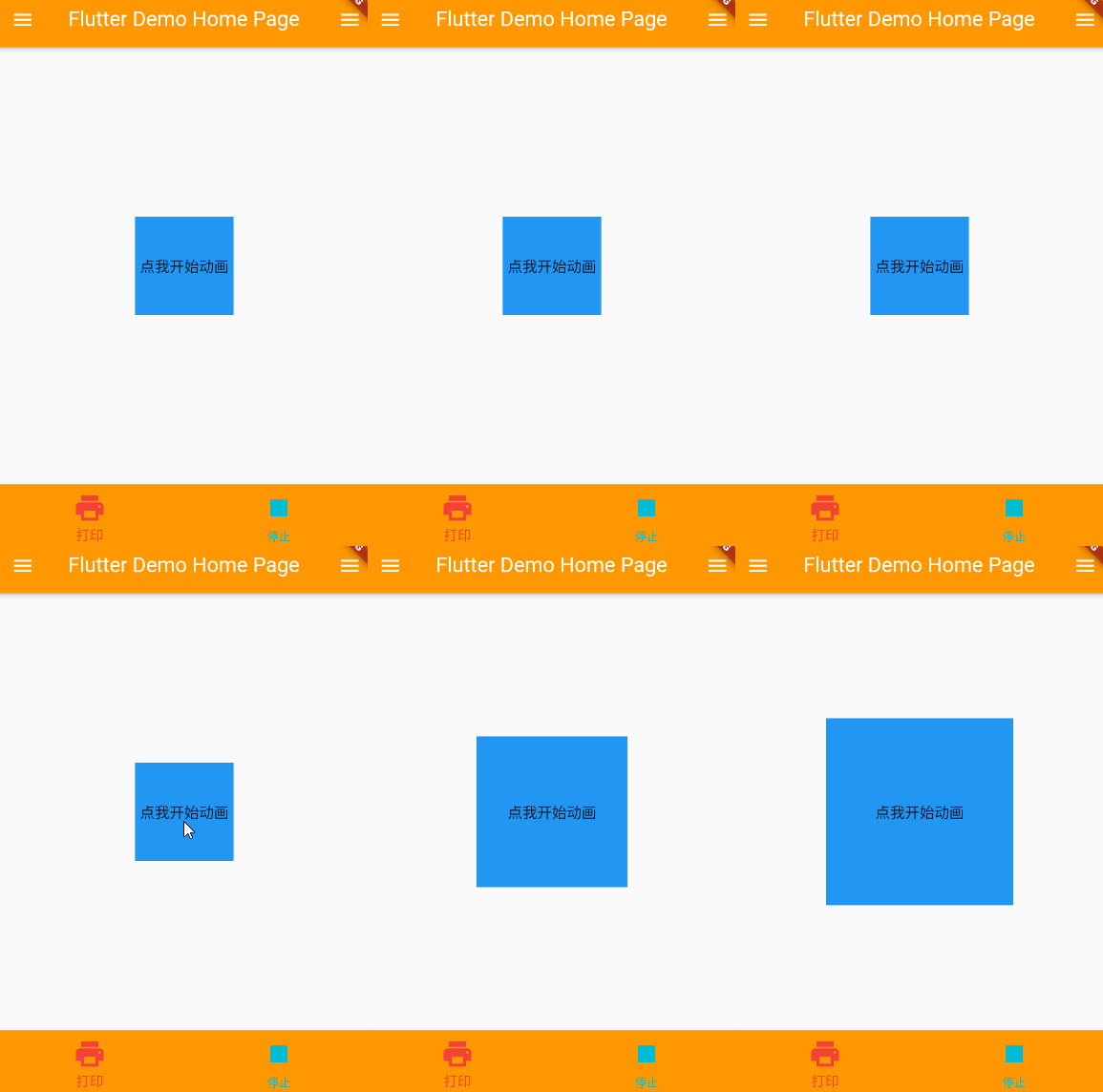
FLUTTER Development - Animation - AnimationController
I. Overview The TWEEN animation controller can perform the corresponding animation effect based on the interval value. Control the start of the animation, stop, you can also get the operation status o...
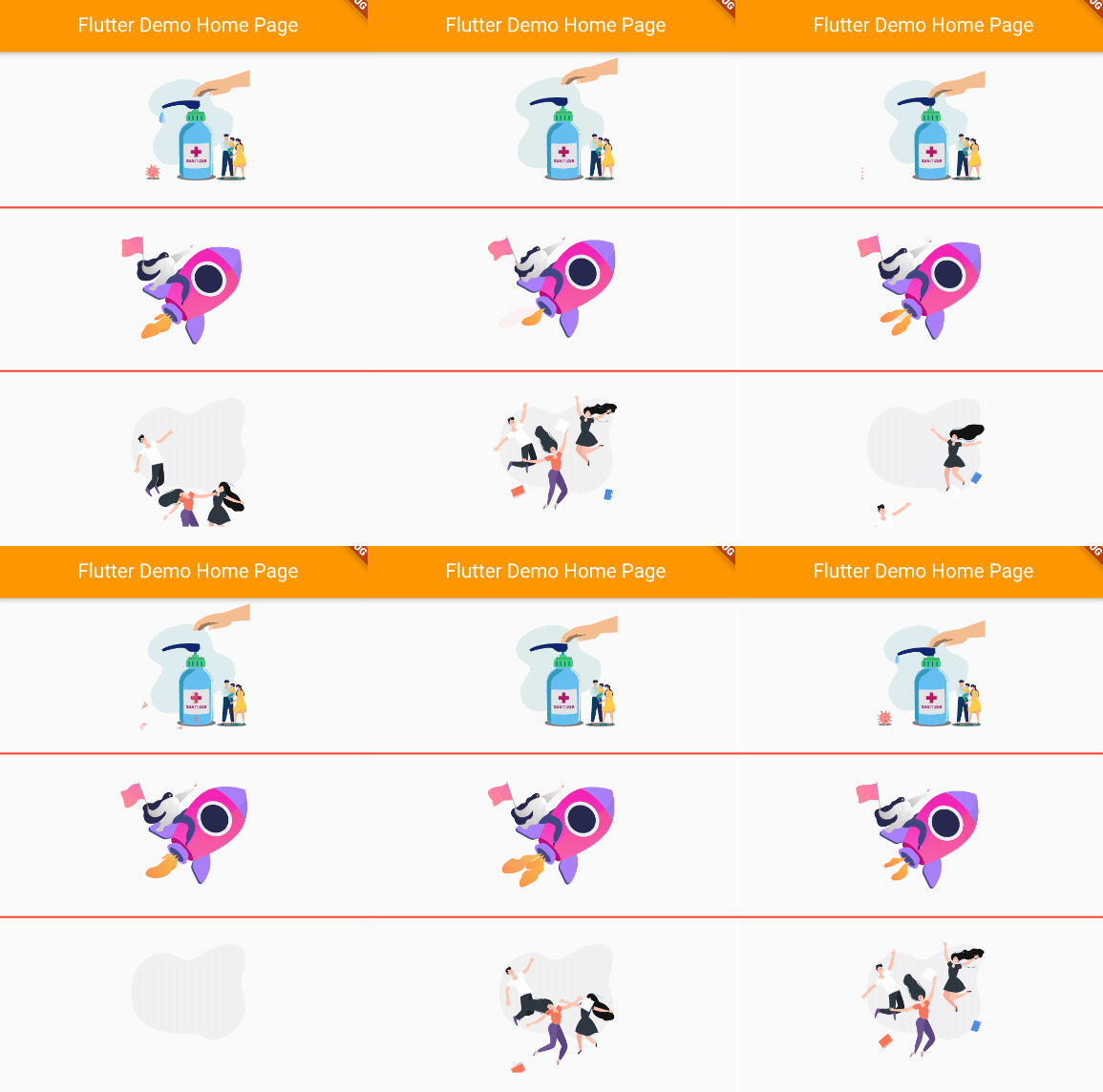
FLUTTER Development - Animation - Lottie
I. Overview Lottie is an ARIBNB open source for high-performance animation library for Android, iOS, etc. The flutter native bank does not support Lottie, but the animation effect of Lottie can be imp...

FLUTTER Development - Animation - Nima
I. Overview NIMA is a 2D vector animation tool for Skia-rendering NIMA's use operation is basically the same as Flare NIMA file decompression is included.nma.bytesFile and.pngImage file, specified whe...
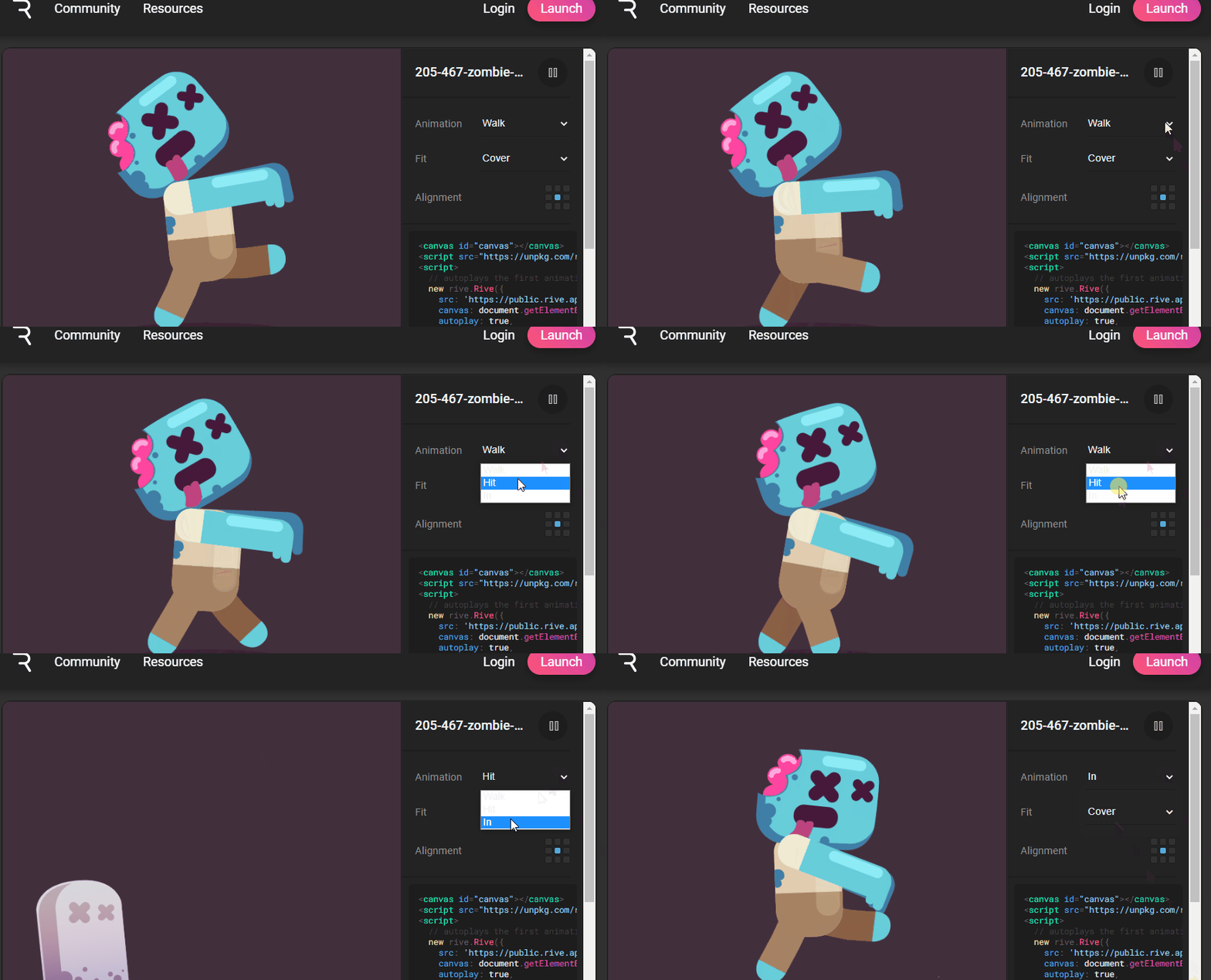
FLUTTER Development - Animation - RIVE
I. Overview Rive is a FLARE upgrade version, is a real-time interaction design and animation tool. The reciprion of the file is.riv, Use it when loading animation isRive Flutter runtime Rive supports ...
Flutter Animation animation development-reverse reverse playback
We know that AnimationController.forward () can play animation in forward direction, if you want to play animation in reverse, you can call AnimationController.reverse () Step on the pit Immediately w...
More Recommendation
Flutter Animation animation development-repeat loop playback
Introduction We know that AnimationController.forward () can play the animation in the forward direction, and AnimationController.reverse () can play the animation in the reverse direction. If you wan...
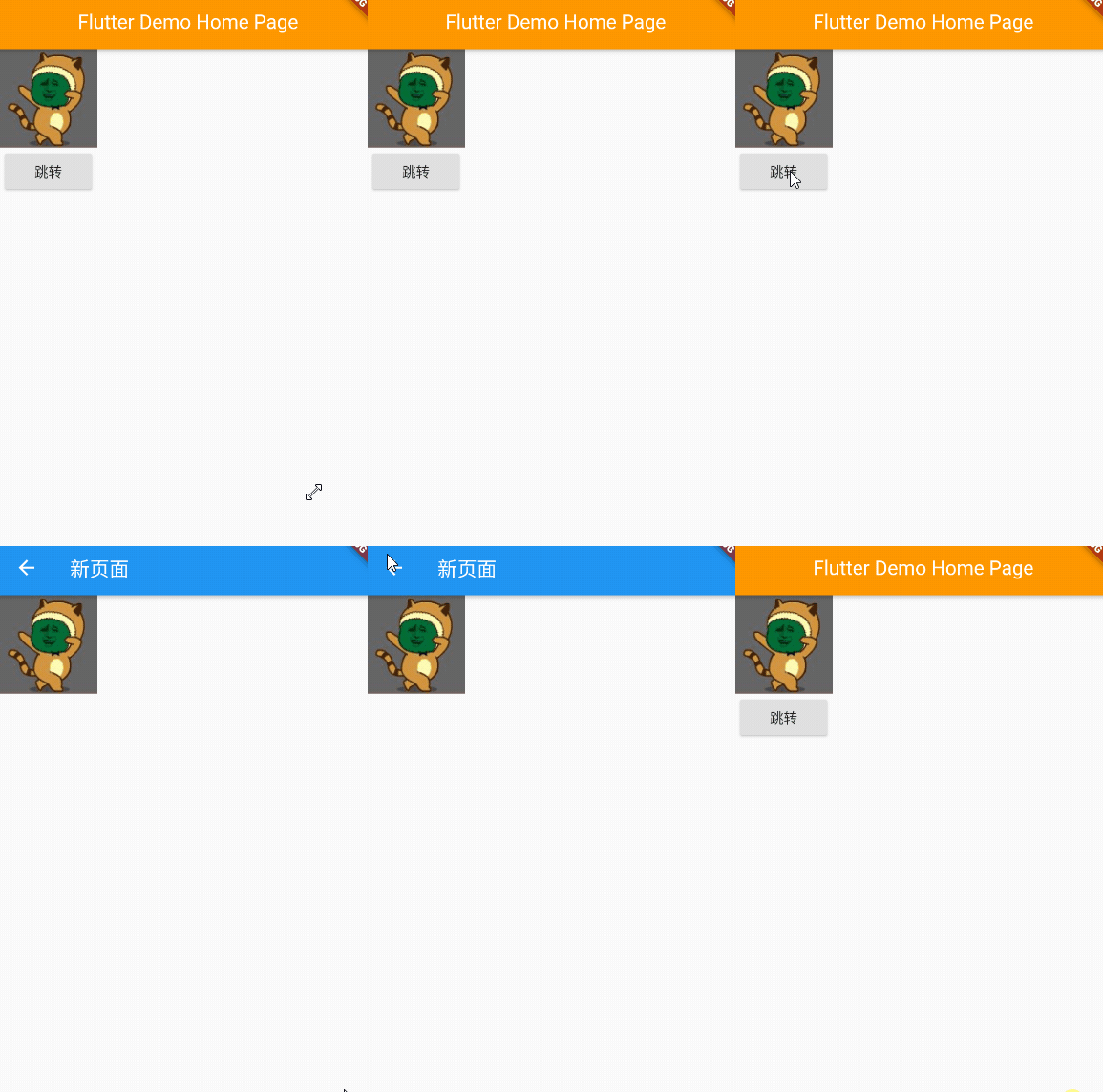
FLUTTER Development - Animation - Transition Animation Hero
I. Overview Hero animation is also called transition animation Excessive animation: When the user clicks on a picture, switch to another page, this page also has this picture. Di Hero 2.1 Constructor ...
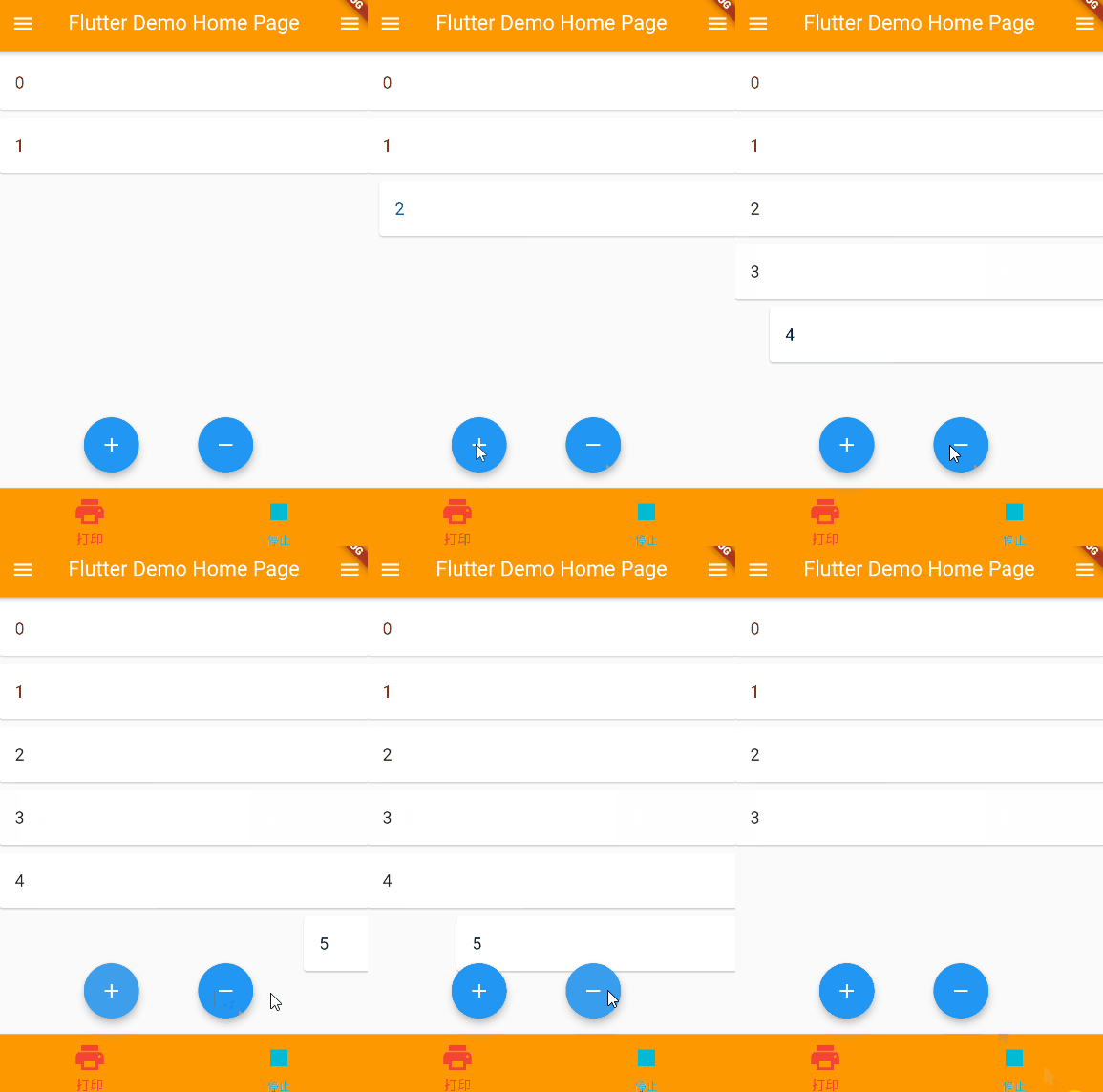
FLUTTER Development - Animation - List Animation AnimatedList
I. Overview List animation, AnimatedList animation, is a display list data when component animation When the data of the list changes (when adding or deleted), show this change in the form of animatio...

Animation in flutter (tween animation)
The animations in flutter fall into two categories: tween-based animations and physical animations. The following quoted from flutterchina: Tween animation Abbreviation for "between the two"...
14-flutter Animation Animation
Animation A Animation In the Flutter, Animation and UI rendering the object itself does not have any relationship. Animation is an abstract class, it has its current value and status (completed or sto...