Flutter Animation animation development-reverse reverse playback
tags: Flutter Animation reverse
We know that AnimationController.forward () can play animation in forward direction, if you want to play animation in reverse, you can call AnimationController.reverse ()
Step on the pit
Immediately write a piece of code to verify, the following code demonstrates a green square, the direction of the animation, the size is reduced from 200 to 100
But the ideal is very beautiful, the reality is cruel, the block remains motionless after running, and keeps the smallest state, that is, width and height 100
class AnimationRoute extends StatefulWidget {
  @override
  AnimationRouteState createState() => AnimationRouteState();
}

class AnimationRouteState extends State<AnimationRoute> with SingleTickerProviderStateMixin {

  AnimationController controller;

  initState() {
    super.initState();
    // Controller sets the animation duration
         // vsync sets a TickerProvider, the current State is mixed with SingleTickerProviderStateMixin is a TickerProvider
    controller = AnimationController(
        lowerBound: 100,
        upperBound: 200,
        duration: Duration(seconds: 5),
        vsync: this //
    );
    controller.reverse();
  }

  @override
  Widget build(BuildContext context) {
    return AnimatedBuilder(
        animation: controller,
        builder: (BuildContext ctx, Widget child) {
          return Center(
            child: Container(
              color: Colors.green,
              width: controller.value,
              height: controller.value,
            ),
          );
        }
    );
  }

  @override
  void dispose() {
         // release resources
    controller.dispose();
    super.dispose();
  }
}
Solution
Found the problem, the most effective solution is to look at the source code, we first look at the source code of the reverse method, and found that there is an optional parameter from, if the parameter is passed, the value of the current animation will be set to the value of from, and then from This value starts the animation in reverse.
I guess it may be that the start value of the AnimationController's value is lowerBound, and it is also lowerBound when playing in reverse, which causes the animation to be played because the lowerBound is the end value when playing in reverse, and it is the end value at the beginning.
So we can pass in a value from the beginning, such as 200 or upperBound, so that we can change from 200 to 100
  /// Starts running this animation in reverse (towards the beginning).
  ///
  /// Returns a [TickerFuture] that completes when the animation is dismissed.
  ///
  /// The most recently returned [TickerFuture], if any, is marked as having been
  /// canceled, meaning the future never completes and its [TickerFuture.orCancel]
  /// derivative future completes with a [TickerCanceled] error.
  ///
  /// During the animation, [status] is reported as [AnimationStatus.reverse],
  /// which switches to [AnimationStatus.dismissed] when [lowerBound] is
  /// reached at the end of the animation.
  TickerFuture reverse({ double from }) {
    assert(() {
      if (duration == null && reverseDuration == null) {
        throw FlutterError(
          'AnimationController.reverse() called with no default duration or reverseDuration.\n'
          'The "duration" or "reverseDuration" property should be set, either in the constructor or later, before '
          'calling the reverse() function.'
        );
      }
      return true;
    }());
    assert(
      _ticker != null,
      'AnimationController.reverse() called after AnimationController.dispose()\n'
      'AnimationController methods should not be used after calling dispose.'
    );
    _direction = _AnimationDirection.reverse;
    if (from != null)
      value = from;
    return _animateToInternal(lowerBound);
  }
So just change the controller.reverse () in the original example to the following code
controller.reverse(from: controller.upperBound);Or directly set 200, or any value between 100 and 200 is also possible, so that the animation can be reversed from somewhere in the middle
controller.reverse(from: 200);Or set the value of value before calling controller.reverse ()
controller.value = 200;
controller.reverse();
Intelligent Recommendation

Flutter Animation Animation Development Guide
Animation Animation Development Guide What types of animations are there in Flutter? How to use the basic class in the animation library to add animation to widget? How to add a monitor to animation? ...
Flutter Animation animation development-Curve animation curve
Introduction inFlutter Animation animation development-the simplest animation introductionIn this article we introduced the simplest animation development process Today we add an animation curve on th...
Flutter Animation animation development-the simplest animation introduction
In the following code, we have implemented an animation that changes the width and height of the green square from 100 to 500 within 5 seconds. to sum up: Create AnimationController and set the durati...
Unity3d Animator animation reverse
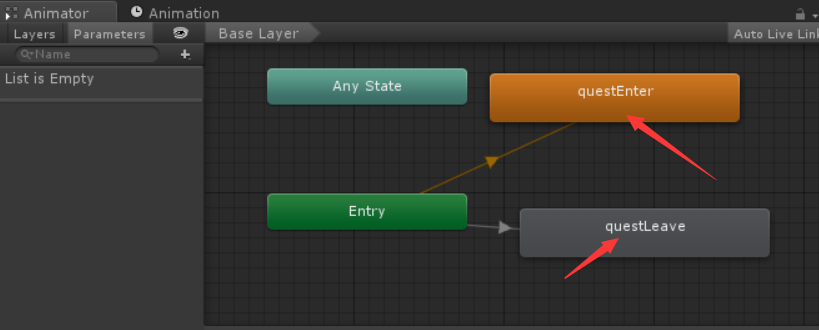
First of all: Baidu's Animator reverse method can be used ()。 ButThis method needs to add parameters in the controller. If there are many animations in the project that need to be reversed, thi...
Unity animation in reverse
Copy a state in the Animator panel and change the name. Use the same one in the motion property panel and change the speed to -1. For example, the motion of questLeave below is the same as that of que...
More Recommendation
FLUTTER Development - Animation - Tween
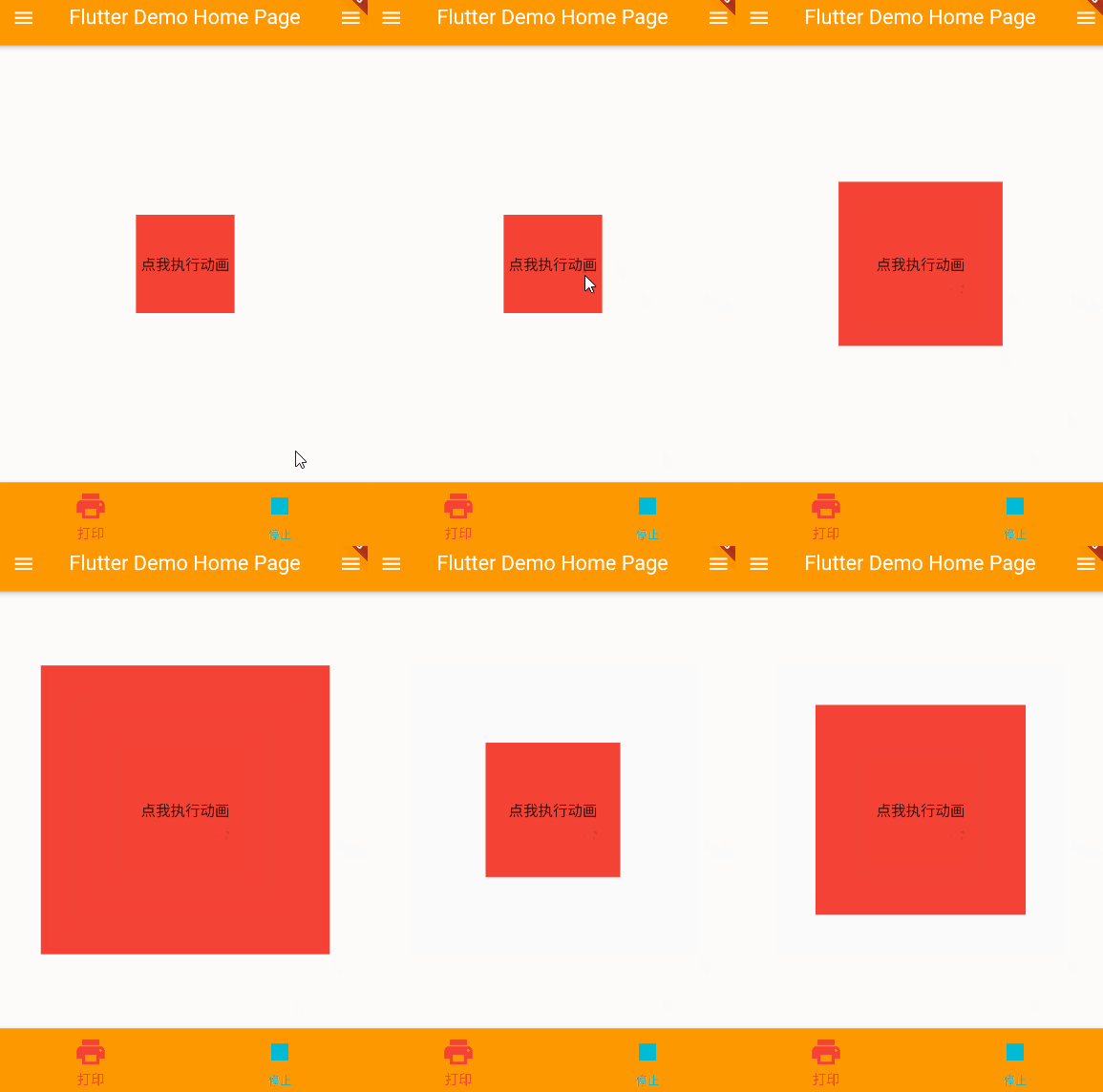
I. Overview Tween animation, also called complement animation Tween has two keyframes, begin start frames, end frames, and complement-up frames in Begin and END completed animation effects Common Twee...
FLUTTER Development - Animation - AnimationController
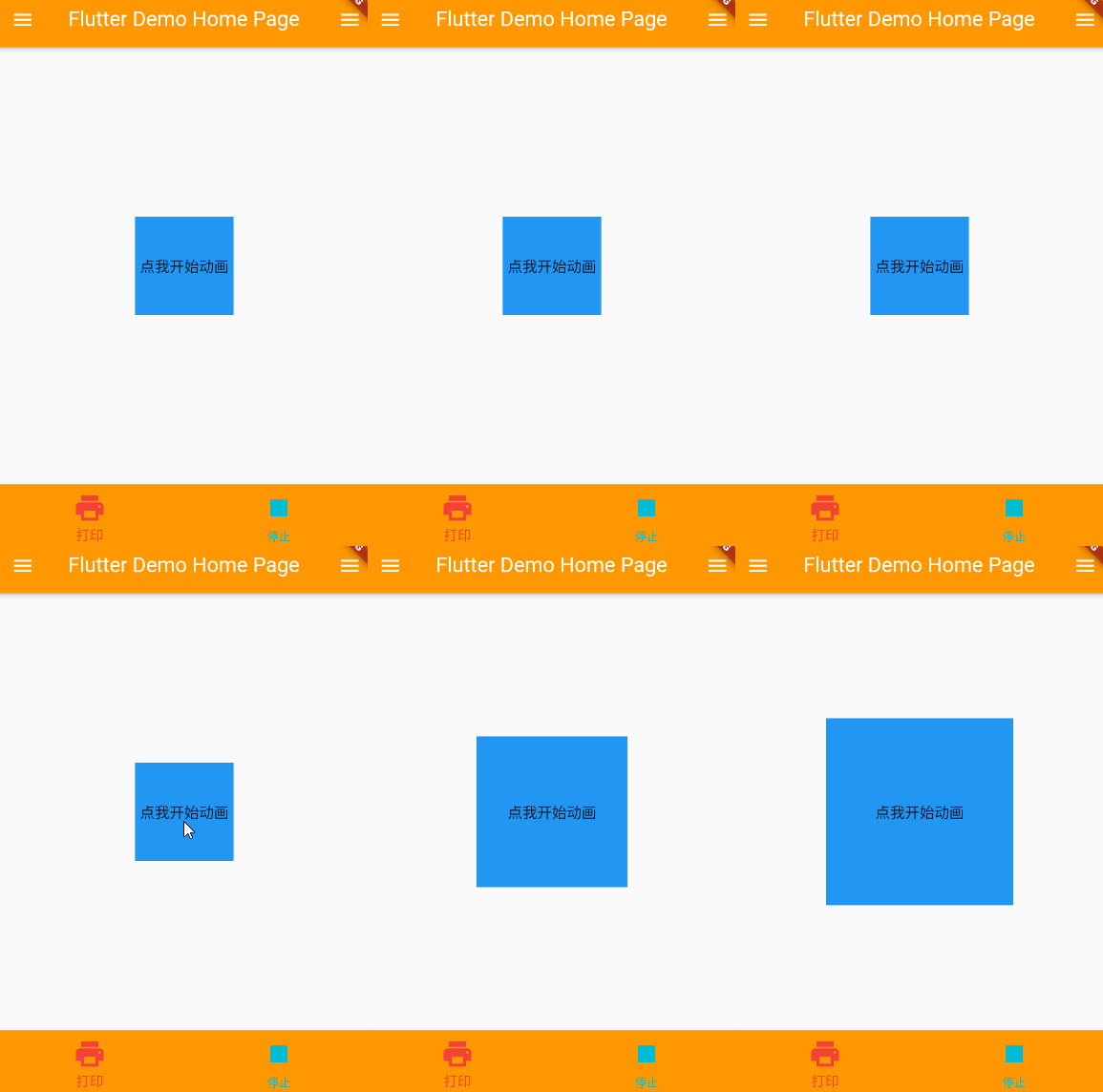
I. Overview The TWEEN animation controller can perform the corresponding animation effect based on the interval value. Control the start of the animation, stop, you can also get the operation status o...
FLUTTER Development - Animation - Lottie
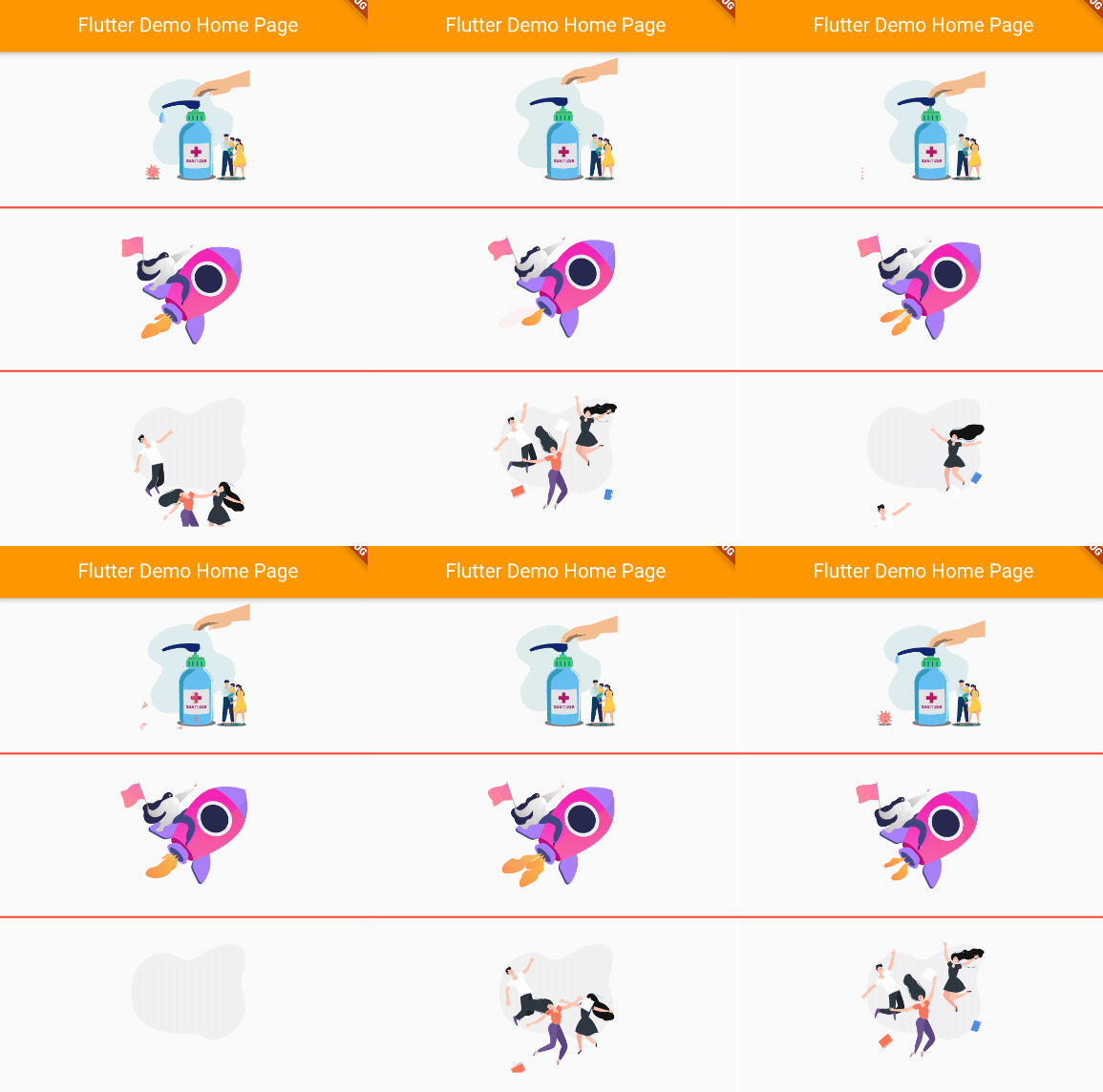
I. Overview Lottie is an ARIBNB open source for high-performance animation library for Android, iOS, etc. The flutter native bank does not support Lottie, but the animation effect of Lottie can be imp...

FLUTTER Development - Animation - Nima
I. Overview NIMA is a 2D vector animation tool for Skia-rendering NIMA's use operation is basically the same as Flare NIMA file decompression is included.nma.bytesFile and.pngImage file, specified whe...