PyQt QWidget modal dialog box is provided
Unlike QWidget QDialog, there exec_ () method to directly set a modal dialog box, but may be provided by the following method:
setWindowModality(Qt.ApplicationModal)
Detailed code is as follows:
        wgt_tmp=QWidget()
        wgt_tmp.setWindowModality(Qt.ApplicationModal)
        wgt_tmp.setMinimumWidth(700)
        wgt_tmp.setMinimumSize(QSize(700,700))
        wgt_tmp.setStyleSheet("background-color: red;")
        wgt_tmp.show()
But the strange thing is that flash across the window, and there was no modal stop, puzzled, and finally the next day wash, inspiration, suddenly want to understand, wgt_tmp is a temporary variable after method execution, It wgt_tmp has been destroyed, so the display is fleeting, detailed look at my other article, there will be described in detail, the wgt_tmp become successful after self.wgt_tmp modal window is displayed. This place thing to note is that if it is QDialog (), conducted by exec_, can block the program, but by wgt_tmp.show () does not block the program, it will be destroyed, but it did make modal dialog box (this place is somewhat similar to the multi-threaded, multi-threading is not, it did not demonstrate).
Reference Code:
        wgt_tmp=QDialog()
        wgt_tmp.setWindowModality(Qt.ApplicationModal)
        wgt_tmp.setMinimumWidth(700)
        wgt_tmp.setMinimumSize(QSize(700,700))
        wgt_tmp.setStyleSheet("background-color: red;")
        wgt_tmp.exec_()
In fact, the design by qt designer ui auto-generated py file, there are setWindowModality (Qt.ApplicationModal) sentence, when the Internet to find for a long time, the original answer is at hand!
Intelligent Recommendation
Qt inherits QWidget or QWidget directly pops up (non-modal dialog) (dialog)
QWidget is the mainstream window class in Qt. There are three main steps to realize the QWidget window pop-up. 1.1 Example of a window object QWidget * widget = new QWidget (NULL); 1.2 Call the functi...
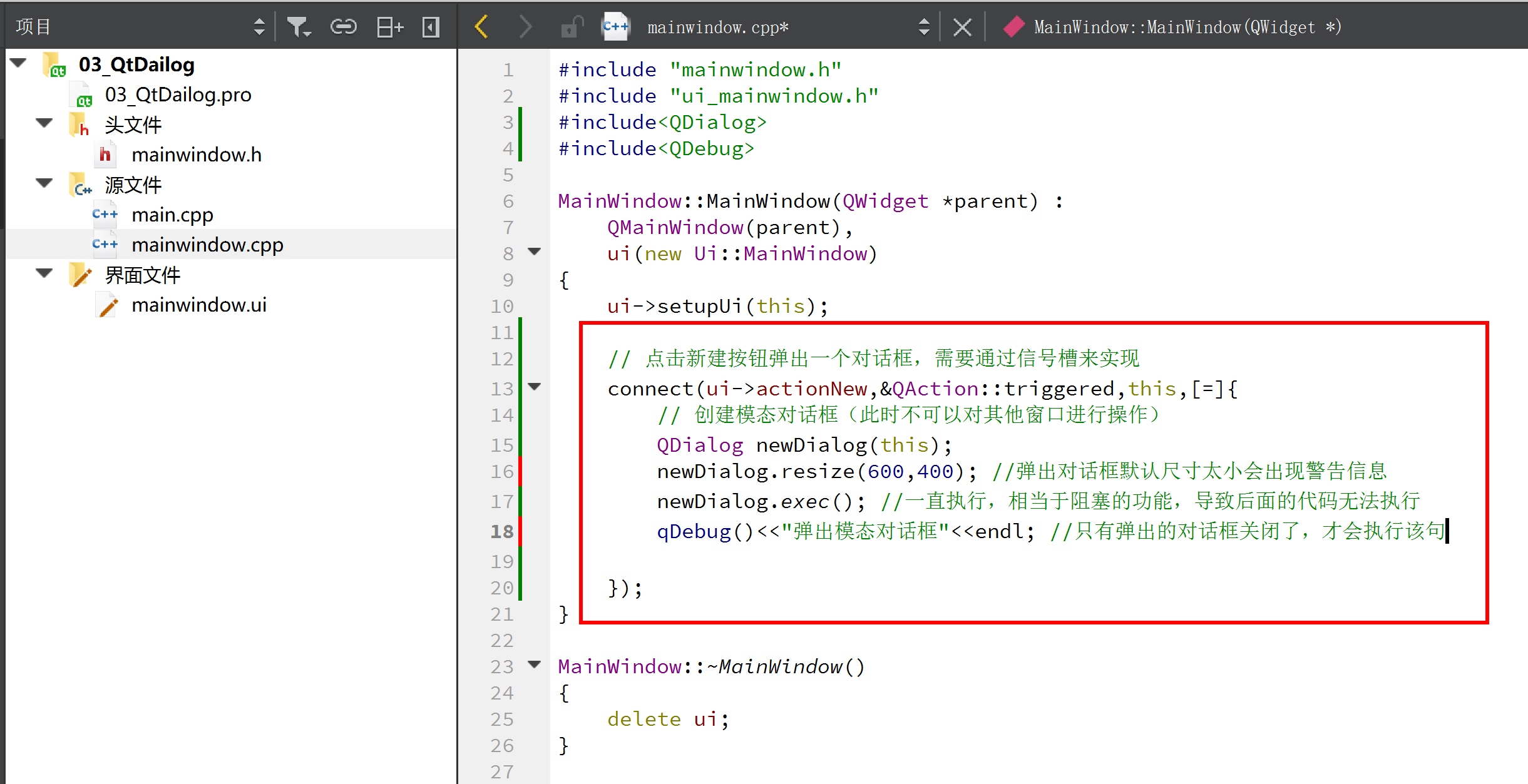
Modal and non-modal dialog box creation-06
When creating a dialog box, there are often two forms of dialog box: 1. Modal dialog box: After the dialog box pops up, if you don’t close it,Cannot operate on other windows。 2. Non-modal dialog...
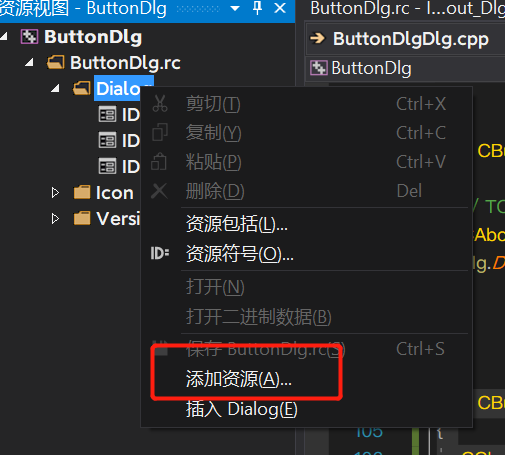
MFC_ modal and non-modal dialog box establishment
Outline ps: did not explain the relevant principles Build MFC project Add two buttons and name them (about and chat) Create a new class (derived class) in the Dialog in the resource view (add resource...
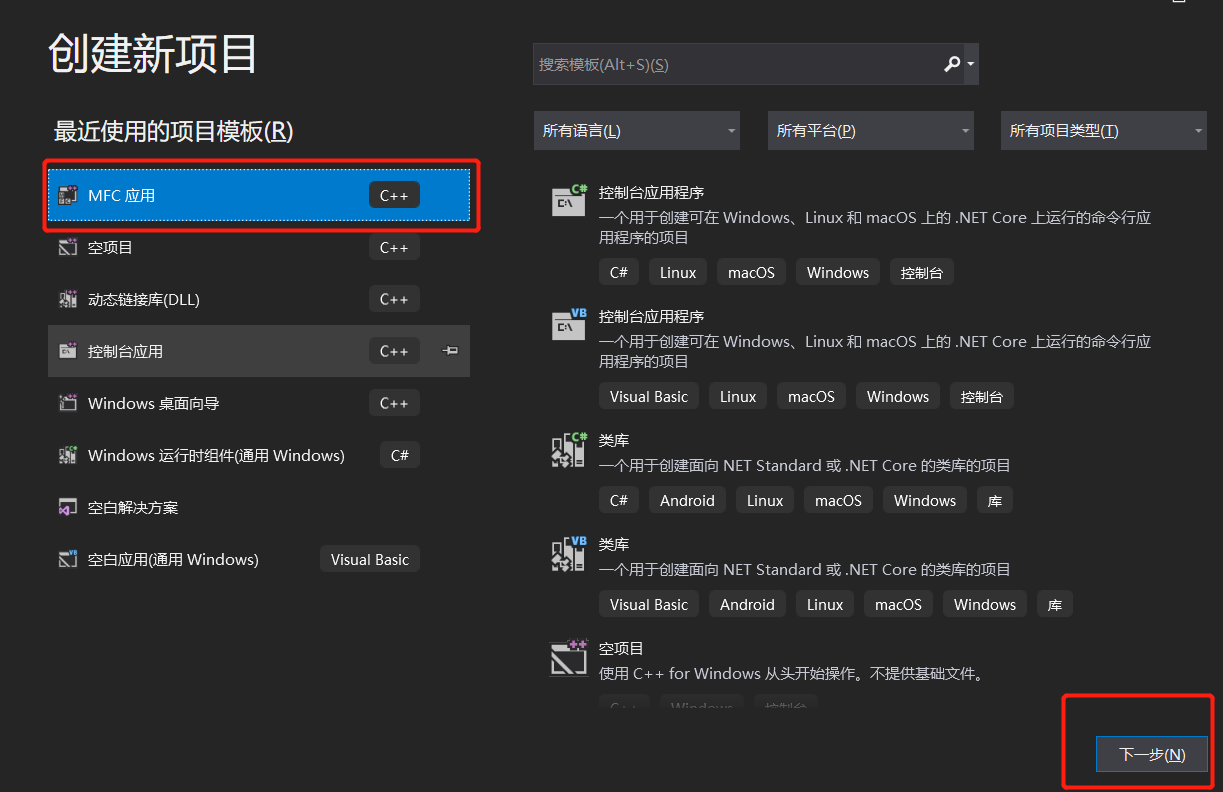
MFC creation modal and non -modal dialog box
Click to jump to the video tutorial 1. Create modal dialog box Add the code of the creation modal dialog box in the generated button click event Run, click to create a modal dialog button, you will cr...
MFC modal, non -modal dialog box
1. Model Dialog Box In the process of running the program, if a modal dialog box appears, the main window will not be able to send messages, and it can not be sent until the modal dialog box exits. Cl...
More Recommendation
QT modal dialog box and non-modal dialog box (QDialog)
A modal dialog box means that you cannot interact with other windows of the same application before closing it, such as the dialog box that pops up when you create a new project. A non-modal dialog bo...
QT-- Modal dialog box and non-modal dialog box
1. Design the main form 2. Popup form 3. The implementation of the pop-up window class .h .cpp 4. Main functions true is modal, false is non-modal....
Method for creating modal dialog box and non-modal dialog box by MFC
There are two forms of dialog boxes in MFC, one is a modal dialog box (model dialog box), and the other is a modeless dialog box (modeless dialog box). This article briefly describes how to create the...
MFC application modal dialog box and non-modal dialog box
About the dialog The first thing to understand is modal dialog and non-modal dialog Defined words: 1. The working status of the modal dialog box: When it gets the focus, it will monopolize the user's ...
QT uses QWIDGET to implement a modular dialog box
Customly define a class, derived from qwidget; Use the custom class. Note: The ApplicationModal is not useful in the QT designer attribute list, and it must be set in the code....