Flutter Animation animation development-AnimatedBuilder
tags: Flutter Animation AnimatedBuilder
Source code analysis
inFlutter Animation animation development-AnimatedWidgetIn this article we introduced the use of AnimatedWidget. The AnimatedBuilder to be introduced today actually inherits AnimatedWidget, so the function is similar to it, and there is no need to manually call addListener to listen to the animation and then call setState to update the UI. The source code is very simple, first make a brief introduction:
- AnimatedBuilder inherits AnimatedWidget
- The animation parameter is not empty, pass in an animation, and then pass the listenable of AnimatedWidget, listenable has been introduced in AnimatedWidget, used to monitor the animation, and then notify the update UI, there is no need to manually call addListener to monitor the animation and then call setState to update the UI
- The build parameter is not empty, pass in a build method to customize the animation control function
- Child is an optional parameter. If it is passed, it can be used to wrap it in the control returned by the build method. The role can be seen in the description of the child parameter in the source code. Child is a sub-control tree where animation does not work. If child is passed in from the outside There is no need to redraw the sub-control tree every time the animation updates and redraws, which can improve efficiency
class AnimatedBuilder extends AnimatedWidget {
  /// Creates an animated builder.
  ///
  /// The [animation] and [builder] arguments must not be null.
  const AnimatedBuilder({
    Key key,
    @required Listenable animation,
    @required this.builder,
    this.child,
  }) : assert(animation != null),
       assert(builder != null),
       super(key: key, listenable: animation);

  /// Called every time the animation changes value.
  final TransitionBuilder builder;

  /// The child widget to pass to the [builder].
  ///
  /// If a [builder] callback's return value contains a subtree that does not
  /// depend on the animation, it's more efficient to build that subtree once
  /// instead of rebuilding it on every animation tick.
  ///
  /// If the pre-built subtree is passed as the [child] parameter, the
  /// [AnimatedBuilder] will pass it back to the [builder] function so that it
  /// can be incorporated into the build.
  ///
  /// Using this pre-built child is entirely optional, but can improve
  /// performance significantly in some cases and is therefore a good practice.
  final Widget child;

  @override
  Widget build(BuildContext context) {
    return builder(context, child);
  }
}
Sample code
The following code demonstrates a green square with the words "Wild Ape New One" in the middle. The width and height of the square change from 100 to 200
class AnimationRoute extends StatefulWidget {
  @override
  AnimationRouteState createState() => AnimationRouteState();
}

class AnimationRouteState extends State<AnimationRoute> with SingleTickerProviderStateMixin {

  Animation<double> animation;
  AnimationController controller;

  initState() {
    super.initState();
    // Controller sets the animation duration
         // vsync sets a TickerProvider, the current State is mixed with SingleTickerProviderStateMixin is a TickerProvider
    controller = AnimationController(
        duration: Duration(seconds: 5),
        vsync: this //
    );
         // Tween sets the interval value of animation, animate () method passes in an Animation, and AnimationController inherits Animation
    animation = new Tween(begin: 100.0, end: 200.0).animate(controller);
         // Start animation (forward execution)
    controller.forward();
  }

  @override
  Widget build(BuildContext context) {
    return AnimatedBuilder(
        animation: animation,
        builder: (BuildContext ctx, Widget child) {
          return Center(
            child: Container(
              color: Colors.green,
              alignment: Alignment.center,
              width: animation.value,
              height: animation.value,
                             child: Text ('Wild Ape New One',
                style: TextStyle(
                    color: Colors.black,
                    fontSize: 18.0,
                ),
              ),
            ),
          );
        }
    );
  }

  @override
  void dispose() {
         // release resources
    controller.dispose();
    super.dispose();
  }
}
The Text in the box ('Wild Ape New One') is actually not affected by the animation, because the animation only affects the width and height of the box, but in the writing of the above code, the Text will be redrawn every time the animation is updated. In the above source code analysis, we mentioned that there is also a child parameter in the AnimatedBuilder, which can be passed into the sub-control tree that is not affected by the animation. We can pass the Text to the child, so that the control will only be drawn once, which can improve efficiency.
The build method is modified as follows, passing Text ('Wild Ape New One') to the child parameter of AnimatedBuilder, and then the child parameter of Container directly references the child of AnimatedBuilder
Widget build(BuildContext context) {
  return AnimatedBuilder(
      animation: animation,
             child: Text ('Wild Ape New One',
        style: TextStyle(
          color: Colors.black,
          fontSize: 18.0,
        ),
      ),
      builder: (BuildContext ctx, Widget child) {
        return Center(
          child: Container(
            color: Colors.green,
            alignment: Alignment.center,
            width: animation.value,
            height: animation.value,
            child: child,
          ),
        );
      }
  );
}
Intelligent Recommendation
Flutter Animation animation development-AnimatedWidget
inFlutter Animation animation development-the simplest animation introductionIn this article, we introduced the basic process of creating an animation, in which every creation of an animation must lis...

FLUTTER Development - Animation - Sequence Animation
An application scenario A component performs a sequence animation, performing the time of 5s When half of the front, long first, color changes, the back half of the time is changed Two use TWEEN anima...
FLUTTER Development - Animation - Custom Animation
Why do you want to customize an animation? When the animation provided by the system does not meet business needs, we need our own custom animation. Enhance the ability of custom components through cu...
FLUTTER Development - Animation - Physics Animation
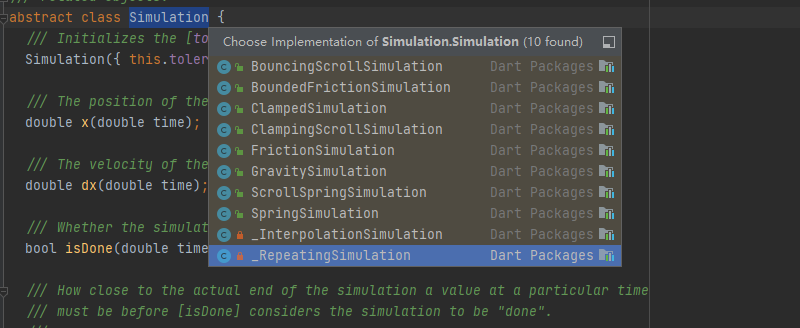
I. Overview TWEEN animation: give the starting value and end value of the animation, FLUTTER calculates the movie process Physical animation: Uncertain end value, animation simulation according to sta...
FLUTTER Development - Animation - GIF Animation
I. Overview Image component support loading GIF images GIF itself is a dynamic picture, which defines the total length of time and animation of each frame. Second Add GIF 2.1 material 2.2 Add GIF Add ...
More Recommendation

Flutter Animation Animation Development Guide
Animation Animation Development Guide What types of animations are there in Flutter? How to use the basic class in the animation library to add animation to widget? How to add a monitor to animation? ...
Flutter Animation animation development-Curve animation curve
Introduction inFlutter Animation animation development-the simplest animation introductionIn this article we introduced the simplest animation development process Today we add an animation curve on th...
Flutter Animation animation development-the simplest animation introduction
In the following code, we have implemented an animation that changes the width and height of the green square from 100 to 500 within 5 seconds. to sum up: Create AnimationController and set the durati...
FLUTTER Development - Animation - Tween
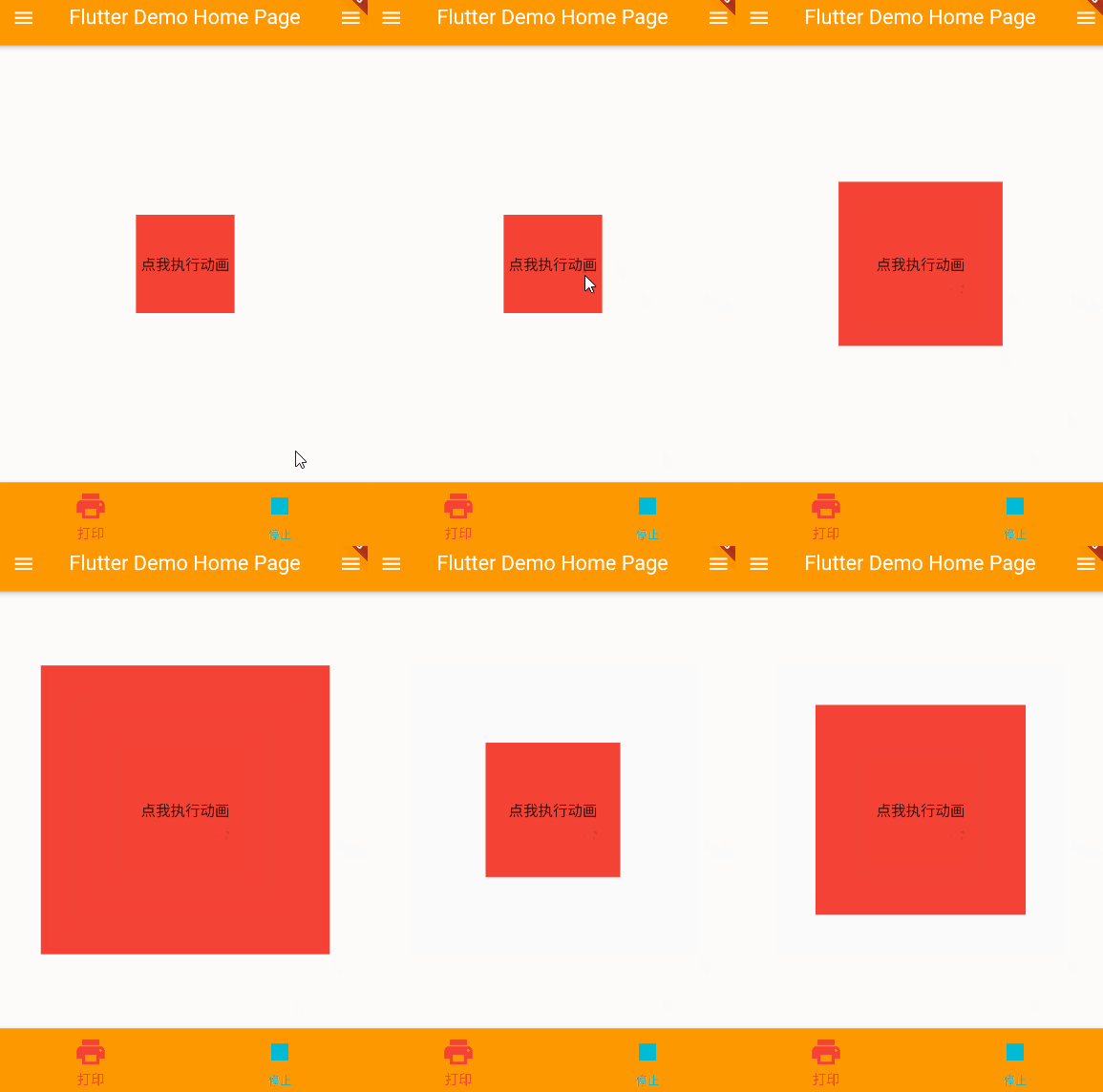
I. Overview Tween animation, also called complement animation Tween has two keyframes, begin start frames, end frames, and complement-up frames in Begin and END completed animation effects Common Twee...
FLUTTER Development - Animation - AnimationController
I. Overview The TWEEN animation controller can perform the corresponding animation effect based on the interval value. Control the start of the animation, stop, you can also get the operation status o...