pdfkit batch conversion HTML file is PDF
tags: python
The simplest EPUB file is converted to the PDF file method to use the e -book management tool Calibre, but Calibre needs to add the file to the library to change it. When it is added to the library Essence There is an EPUB file editing tool The Calibre E-Book Editor in the Calibre tool kit. Using this tool can export the resource files in the EPUB file to the local directory. After the local directory is exported to the local directory, you can use the Python package PDFKIT to PDF file.
The above method requires three preparations:
1. Install the WKHTMLTOPDF tool, PDFKIT packaged this tool. Download the installation method to ask Du Niang.
2. Use The Calibre E-Book Editor to replace the references of the html file in the EPUB file in the absolute path. As shown below:

The replacement path in the figure is FILE: /// represents the protocol. E:/Book is the directory where the resource in the EPUB file will be exported. The typical structure of the directory after exporting resource files is as follows:
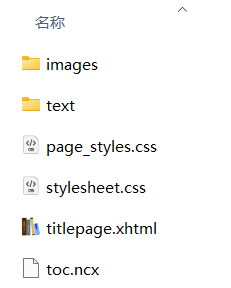
Among them, the image and other resources are saved in the Images folder, and the HTML file is saved in the Text folder.
3. Install PDFKIT package: PIP Install PDFKIT
After completing the above preparation work, we can use PDFKIT to convert the HTML file in the Text folder into a PDF file:
import pdfkit
from pathlib import Path


input_path = Path(r"E:\book\text")
output_path = r'E:\book'
#Specify the installation path of WKHTMLTOPDF, or add wkhtmltopdf.exe to the PATH environment variable
config_pdf = pdfkit.configuration(wkhtmltopdf=r'd:\programs\wkhtmltopdf\bin\wkhtmltopdf.exe')

options ={
    'encoding':'UTF-8',
    'page-size':'A4',
    'margin-top':'0.75in',
    'margin-right':'0.75in',
    'margin-bottom':'0.75in',
    'margin-left':'0.75in',
    'no-outline':False,
         #Allow wkhtmltopdf.exe to access local resources
    'enable-local-file-access': True
}


input_files = list(str(o) for o in input_path.glob("*.html"))

pdfkit.from_file(input = input_files,
                                           OUTPUT_PATH = OUTPUT_PATH + '\\ PDF file name.pdf',
                     options=options,configuration=config_pdf)

print('Done!')
In the above code, the 'Enable-Local-File-ACcess' option is FALSE by default. Do not modify it during conversion.
OSError: wkhtmltopdf reported an error:
Exit with code 1 due to network error: ProtocolUnknownErrorIntelligent Recommendation
HTML file conversion PDF file
2019 Unicorn Enterprise Heavy Glour Recruitment Python Engineer Standard >>> Gossip less, first up the code: Come and make a code explanation: 1. In the FormathTML method, all HTML cod...
Picture Batch conversion PDF file
Article catalog Depending on 2. Tool class extraction Depending on 2. Tool class extraction...
PDF of pdfkit
Speaking pdf think of a very practical tool, that is pdfkit, a few days in the previous projects, there is a feature to implement in order to achieve this function, so I vast sea of information on...
PDFKIT generates PDF file, Could Not Cennect To Display
I encountered this very entangled problem today and analyzed the reason. 1. No pre-skilled use of PDFKIT, do not know the specific use steps. 2, not familiar with Linux installer 3, unfamiliar with th...
HTML is converted into a PDF tool -Wkhtmltopdf, Python generates PDF (PDFKIT library)
Article catalog First, HTML is converted into PDF tools - Wkhtmltopdf 1. What is wkhtmltopdf 2. How to use it? 3. Frequently Asked Questions error while loading shared libraries: libjpeg.so.62: cannot...
More Recommendation
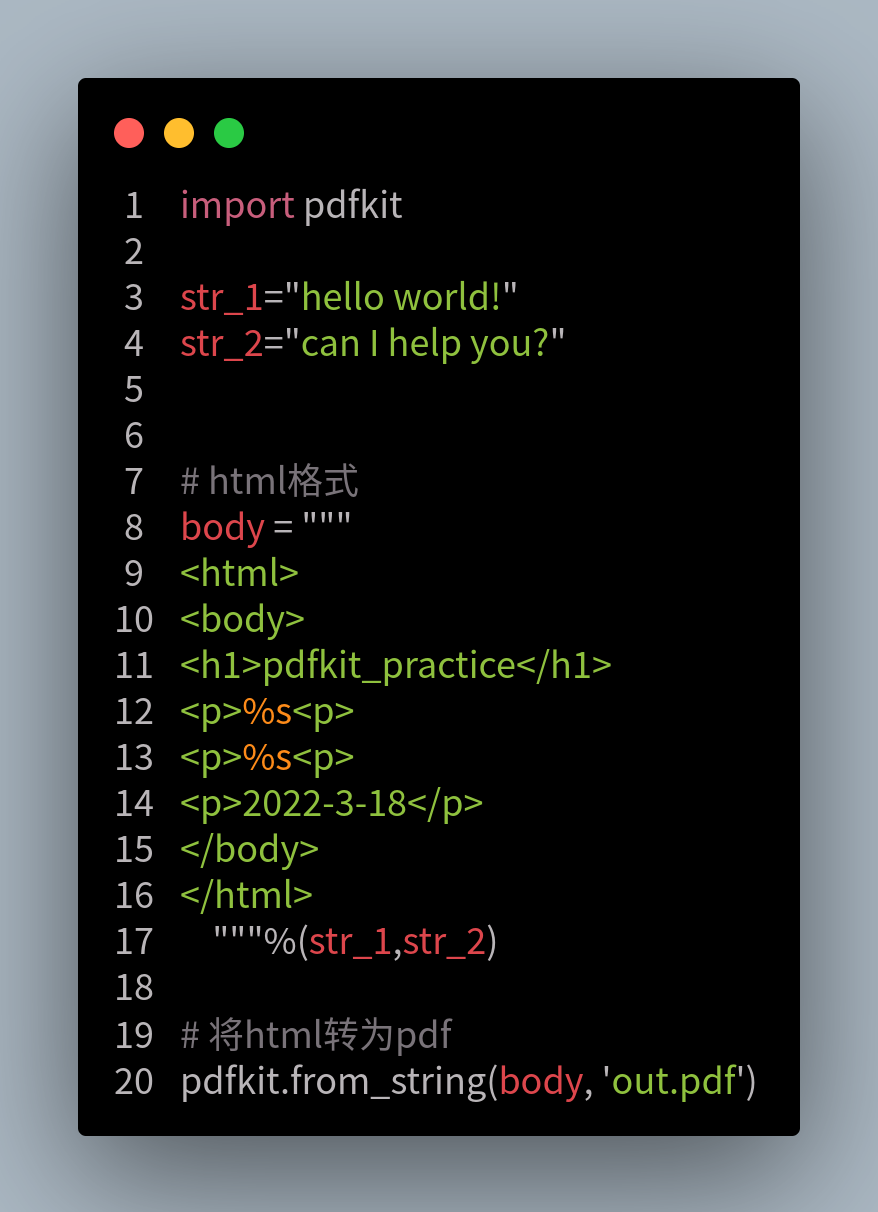
Python notes use the PDFKIT module to generate PDF (in the middle with HTML)
PDFKIT module installation example 1: run Code Example 2 run Code...
Ubuntu20.04 MARDOWN file batch conversion to PDF
Ubuntu20.04 MARDOWN file batch conversion to PDF need There are multiple MD files that have been ended in the current catalog, because the work needs to be converted to a PDF file. Solution Pandoc too...
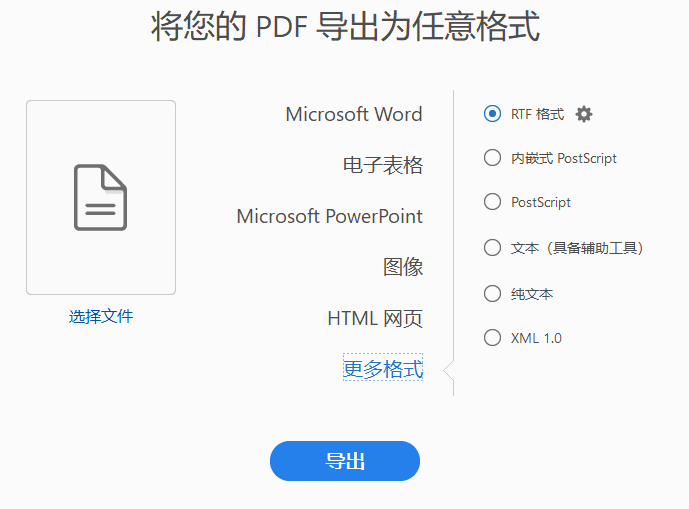
Conversion of Word, PDF, HTML, CHM file
One .adobe Acrobat DC A document processing tool, very professional, especially for the processing of PDF documents, this software should have been a long time, but I found it today, I use it the foll...
Java file conversion HTML turn PDF
Java HTML turn PDF Introduction Java code implementation If you help you, please pay attention, thank you!...
PDF with Selenium, ChormeDriver and PDFKIT
principle: Using Selenium + Chromedriver opens the page, get the HTML source, then use PDFKIT to generate PDF concept: Selenium: Selenium is a tool for web application testing. Selenium test is...