Solve when deleting a folder or file: another program is using this file and the process cannot access it.
kuaiya\kzippb-This file is being used by another program and the process cannot access it.
Problem Description:
Usually when deleting a folder or deleting a single file, we often encounter the following problems, such as the operation cannot be completed or the file or folder has been opened in another program,
 Of course, when I tried to delete a file with administrator rights, the same problem was prompted.

problem solved:
When deleting a file or folder, it prompts that access is denied, indicating that the problem is caused by our insufficient operation authority, but this problem is still prompted when we use the administrator to operate

Checking the operation permissions of the folder shows that our administrator account has full control permissions to this folder, so the reason prompted by the system does not exist.
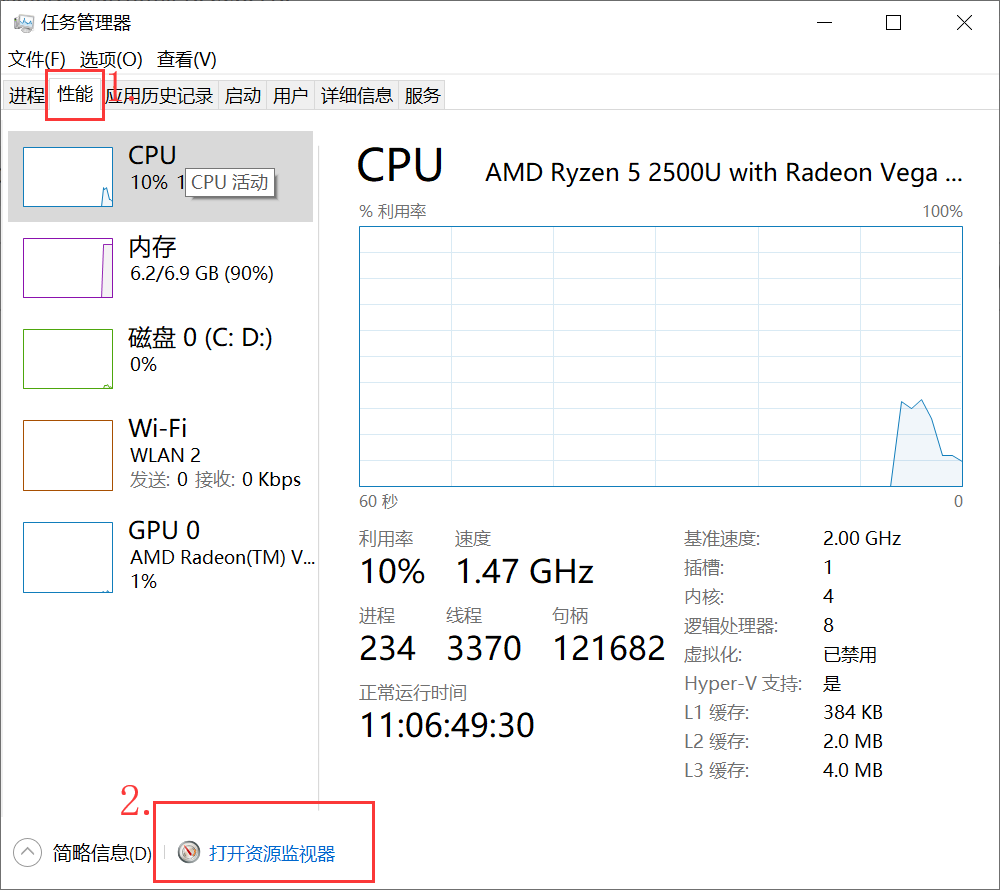
Another reason for the prompt is that another program is using this file and the process cannot be used. At this time, we need to check who is the process calling this folder, and close this process.

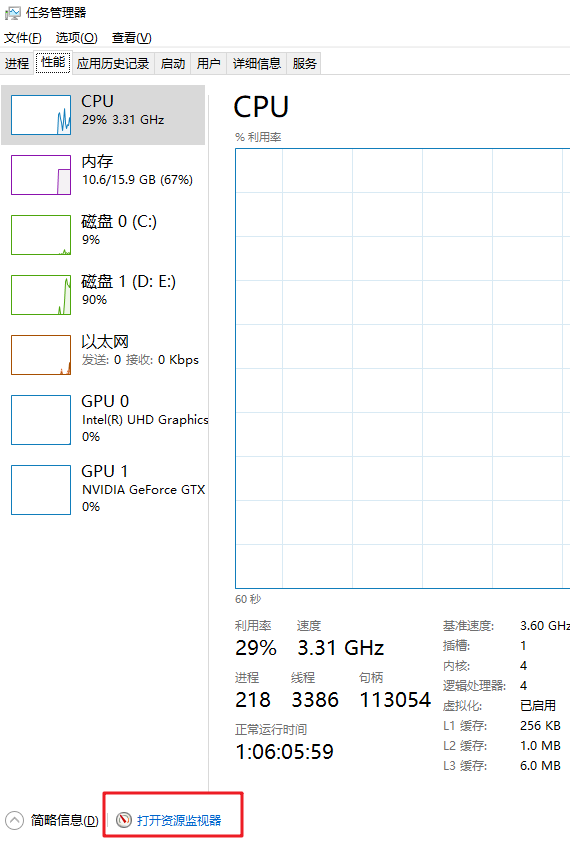
How to find the resource monitor? Press the win key, search for the resource monitor, open it
Here we found the pid, just close it directly. You can choose to right click to end the process or use the following command
 Next we are to perform our initial operation, delete the folder or file, you can right-click to delete, or use the following method:

Intelligent Recommendation
Solve the ASP.NET Core Deployment to IIS, Update Projects "Another program is using this file, the process is unable to access"
Article catalog Foreword First, solve the idea Second, the answer 3. Reference documentation Foreword Deploying an ASP.NET Core project on IIS, an error that occupies the process during the update Fir...
Java Process: Another program is using this file, the process cannot be accessed
When I recently dealt with strange problems, I made a low -level error, wasted a lot of time, and even watched the C code at the bottom of the JDK. The following test code is run by the Windows enviro...
Tips when compiling idea: another program is using this file, the process cannot be accessed; the problem is fixed
Regarding the idea when compiling idea: Another program is using this file and the process cannot be accessed. Problem repair record First report the original text: Error:Maven Resources Compiler: Fai...
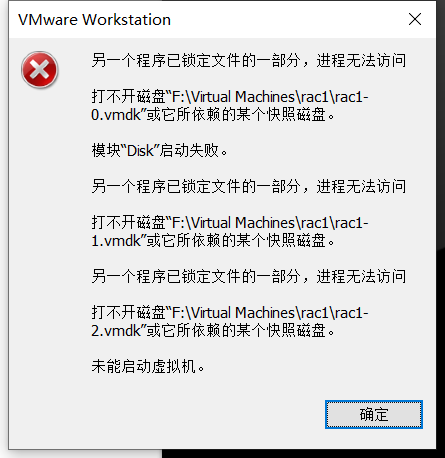
Another VMware program locks a part of the file and the process cannot access it
Another VMware program locks a part of the file and the process cannot access it This article is reproduced in the blog garden to record useful methods to solve your own problems original article Desc...
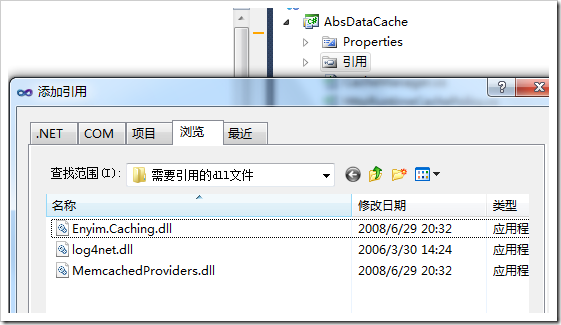
Include other people’s dll, and then we use the class library to repackage it into dll; the source file is different from the file when the module is generated; an unexpected error occurs when creating the debugging information file··PDB, and the process cannot access the file because of another A program is using this file...
The scenario is as follows:I have a project A in Disk D, There is a class library AbsDataCache, which has 3 cs files, among which CacheManager is used to encapsulate the cache cache of asp.net and the...
More Recommendation

Solve: "The operation cannot be completed because the folder or file in it is already open in another program" cannot delete the file
1. Use the shortcut key (Ctrl+Alt+delete) to open the task manager, select the performance, and open the "Explorer" 2. Search for the handle associated below (the path where the file is stor...
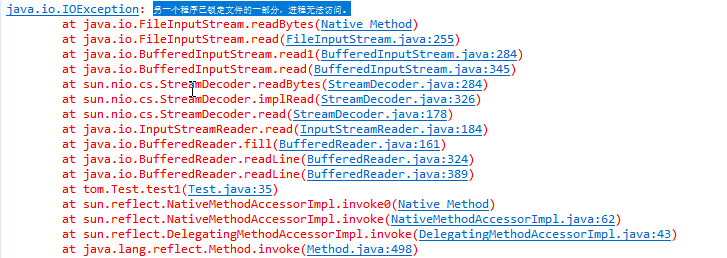
Solution: After obtaining FileLock, an error message was reported when reading the file "Another program has locked a part of the file and the process cannot access it."
After obtaining FileLock, when reading the file, an error "Another program has locked a part of the file and the process cannot access it." An error is reported when executing to in.readLine...
D: \ ...... R.jar: Another program is using this file, the process can not access.
Android studio error D: \ ...... R.jar: Another program is using this file, the process can not access. Solution: Hold down Ctrl + Shift + Esc to open the Task Manager Enter the Performance tab Click ...

Android Studio another program is using this file, the process can not access
Android Studio error when running the project: E: *** app \ buildanz \ intermediates \ merged_java_res \ debug \ out.jar another program is using this file, the process can not access Open Windows Exp...
Permissionerror: [Winerror 32] Another program is using this file, the process is unable to access
I found a problem when I was consolidated today, and I couldn't delete the source file after I merged the PDF file. Permissionerror: [Winerror 32] Another program is using this file, the process is un...