Oracle often uses statements that you may need to use sometimes
tags: Oracle
Written in front:
- The following are some of the statements that may need to be used in the work. Some of the statements that have been sorted out by various sorts are useful. If the query is incorrect, please switch to the user with DBA authority.
- These materials are shared with others for learning and use, and now I also organize and share them to implement our industry spirit.
- [I am a Java Web rookie programmer, if there is a mistake, please point out, lightly spray...]
- In the process of updating...
Oracle often uses statements that you may need to use sometimes
- Oracle user tablespace creation
- Oracle create dblink connection
- Modify the number of Oracle connections
- Oracle user unlock statement
- Oracle query table space usage
- View the current connection status of Oracle
- Query the sql statement that Oracle is executing
- Query oracle currently locked object
- Kill can not handle the lock processing (ora-00031: session marked for kill)
- PLSQL
Oracle user tablespace creation
- For example, I want to create a user whose user is bidb. The password is bidb_123
create user bidb identified by bidb_123;

 - Grant bidb users various permissions
grant create session,create table,create view,create sequence,unlimited tablespace to bidb;
grant create any procedure to bidb;
grant execute any procedure to bidb;

 --Create a bidb tablespace
create tablespace bidb datafile '/u01/oracle/app/oradata/bidb/bidb_data01.dbf' size 1M autoextend on maxsize 30G extent management local;
 --Extended table space
alter tablespace bidb add datafile '/u01/oracle/app/oradata/bidb/bidb_data02.dbf' size 1M autoextend on maxsize 30G;

 --Switch archive file
alter system switch logfile;

 --View database files
select * from dba_data_files;
 --View table space file size
select file_name,bytes/1024/1024 M from dba_data_files where tablespace_name='bidb';

 - Set the tablespace of the user bidb to bidb
alter user bidbdefault tablespace bidb;

 --delete users
drop user bidb cascade;

 --Delete table space
drop tablespace bidb including contents and datafiles cascade constraint;
Oracle create dblink connection
- First create a dblink must have permission to create dblink
 -- Authorize the user bidb
grant create database link to bidb;

 - Create a dblink that can connect to the test user. The name of the dblink is defined here as testlink.
 --test_pwd: test user password Note the IP address, port number
create database link testlink
  connect to test identified by test_pwd
  using '(DESCRIPTION =
    (ADDRESS_LIST =
      (ADDRESS = (PROTOCOL = TCP)(HOST = 127.0.0.1)(PORT = 1521))
    )
    (CONNECT_DATA =
      (SERVICE_NAME = orcl)
    )
  )';

 -- Once you've created it, you can use dblink, for example:
select * from t_test_user@testlink;

 -- If you want to create a public dblink, add /* public */
create  /* public */  database link ....
 --View dblink
select * from dba_db_links;
 --Delete dblink
drop public database link dblinkname;
drop /* public */ database link dblinkname;
Modify the number of Oracle connections
--View how many times the Oracle database allows repeated connections by default. The default is 10 times.
select * from dba_profiles WHERE resource_name = 'FAILED_LOGIN_ATTEMPTS' AND PROFILE = 'DEFAULT';

 --Modify the default number of Oracle database connections to 100 users
alter profile default limit FAILED_LOGIN_ATTEMPTS 100;

 --Set unlimited
alter profile DEFAULT limit FAILED_LOGIN_ATTEMPTS UNLIMITED;
Oracle user unlock statement
-- Unlock the user
ALTER USER username ACCOUNT UNLOCK;
Oracle query table space usage
select
 B.file_id file ID number,
 B.tablespace_name tablespace name,
 B.bytes/1024/1024||'M' bytes,
 (b.bytes-sum(nvl(a.bytes,0)))/1024/1024||'M' is used,
 Sum(nvl(a.bytes,0))/1024/1024||'M' remaining space,
 100 - sum(nvl(a.bytes,0))/(b.bytes)*100 Percentage of occupancy
from dba_free_space a,dba_data_files b
where a.file_id=b.file_id
group by b.tablespace_name,b.file_id,b.bytes
order by b.file_id;
View the current connection status of Oracle
  Select s.username username,
       S.osuser operating system user,
       S.program using the program,
       s.MACHINE server,
   s.sid,s.serial#,p.spid,
       'alter system kill session '||''''||trim(s.sid)||','||trim(s.serial#)||''';' Kill statement
   from v$session s,v$process p where s.paddr = p.addr
       --and s.username =''; --Filter users
Query the sql statement that Oracle is executing
SELECT b.sid,
               B.username username,
       b.serial#,
       spid,
       paddr,
               Sql_text is executing SQL,
               B.machine server,
               'alter system kill session ' || '''' || b.sid || ',' || b.serial# || '''' || ';' as kill statement
FROM v$process a, v$session b, v$sqlarea c
WHERE a.addr = b.paddr AND b.sql_hash_value = c.hash_value
 --and b.username=''; --Filter users
Query oracle currently locked object
SELECT l.session_id sid,
       s.serial#,
               L.locked_mode lock mode,
               L.oracle_username username,
               S.machine server,
               O.object_name is the name of the locked object,
               S.logon_time login database time,
               'alter system kill session ' || '''' || sid || ',' || s.serial# || '''' || ';' Kill statement
FROM v$locked_object l, all_objects o, v$session s
WHERE l.object_id = o.object_id
AND l.session_id = s.sid;
Kill can not handle the lock processing (ora-00031: session marked for kill)
If you use the above command to kill a process, the process state is set to "killed", but the locked resource has not been released for a long time, then you can kill the corresponding process (thread) at the os level, first execute the following The statement gets the process (thread) number:
select spid, osuser, s.program
from v$session s,v$process p
 Where s.paddr=p.addr and s.sid=24; (24 is the sid above)
Kill this process (thread) on the OS:
1) On unix/linux, execute the command as root:
#kill -9 12345 (that is, the spid queried above)
2) In windows (unix also applies) kill the thread with orakill, orakill is an executable command provided by oracle, the syntax is:
orakill sid thread
 among them:
 Sid: indicates the instance name to which the process to be killed belongs
 Thread: is the thread number to be killed, that is, the spid that is queried in step 3.
 Example: c:> orakill orcl 12345
PLSQL
Query data Chinese garbled solution
1. Execute the following statement
select (select value from nls_database_parameters where parameter = 'NLS_LANGUAGE') ||'_'||
(select value from nls_database_parameters where parameter = 'NLS_TERRITORY') ||'.'||
(select value from nls_database_parameters where parameter = 'NLS_CHARACTERSET') as NLS_LANG FROM DUAL;
2. Set environment variables
Set the NLS_LANG value obtained by the environment variable NLS_LANG to 1, and restart the PLSQL solution.
PLSQL solution & symbol insertion problem
Use the command line to execute set define off
Then continue to execute the statement you need to execute
Intelligent Recommendation
Use ILRuntime, you may need to understand these
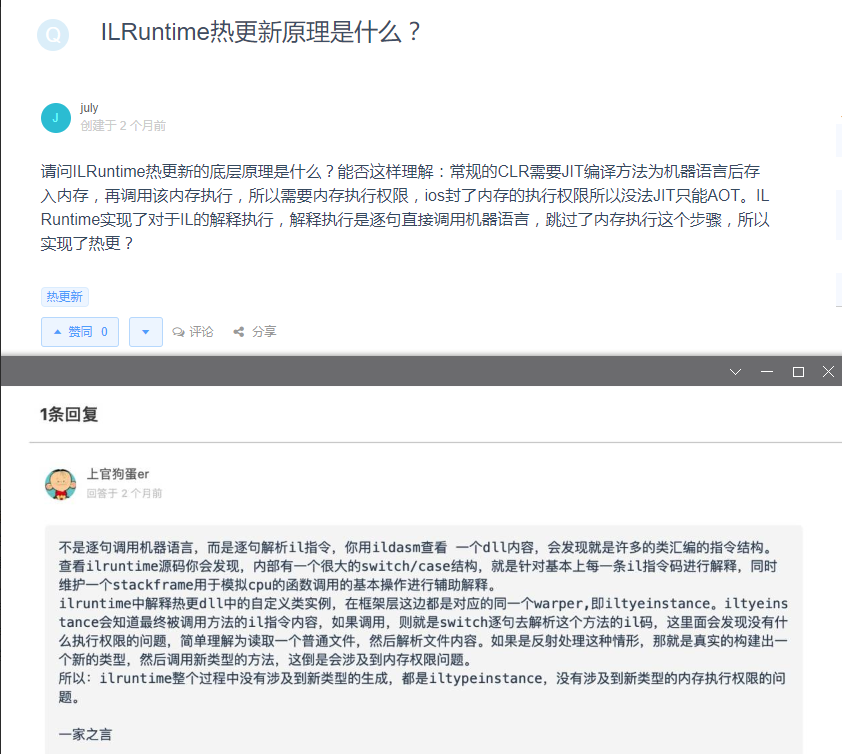
Whether to choose IL2CPP Summary: IL2CPP is best ios Currently Unity only supports 64-bit systems for compilation in il2cpp mode, and mono does not support it. In January 2016, Apple required that all...
You may not need to use Vuex for Vue 3
Vuex is a great state management library. It is simple and can be well integrated with Vue. Why would anyone leave Vuex? The reason may be that the upcoming version of Vue 3 exposes the underlying rea...
You may not need to use the derived state
React 16.4 fixes a BUG for getderiveDStateFromProps, which reproduces some known bugs in React Components. We are very sorry if this version leads to problems that have emerged. In this article, we wi...
Oracle uses the content you need to pay attention to
Considering that I have planned to learn Oracle in the future, I feel that I need to record the places you should pay attention to: 1. Modify the time display format of the session: 2, set to allow ou...
Java adapter mode-may be the mode you often use
In the previous design pattern of this blog,That's all for the creation model. In this article, let's start to contact the structural mode. There are as many as 7 structural modes, but I will accompan...
More Recommendation
SP2-0750: You may need to set ORACLE_HOME to your Oracle
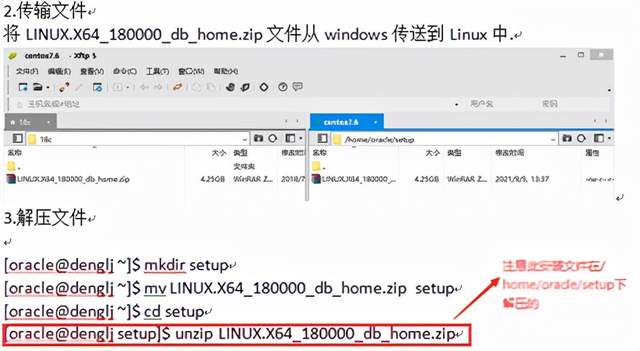
The error reported when sqlplus connects to oracle is as follows: [oracle@denglj ~]$ sqlplus /nolog Error 6 initializing SQL*Plus SP2-0667: Message filesp1<lang>.msb not found SP2-0750: You may ...
You may not need Vue
note This article assumes that you have the relevant knowledge or practical experience of: [vue single file component] [vue rendering function] [jsx(Vue)] [pug] Babel and its related plugins VAR No do...
Sometimes you need to set the destructor as a virtual function
Under normal circumstances, the destructor does not need to be set to a virtual function. If the destructor is set to a virtual function, then a virtual table needs to be created for the class and a p...