Job for network.service failed because the control process exited with error code
Job for network.service failed because the control process exited with error code
background
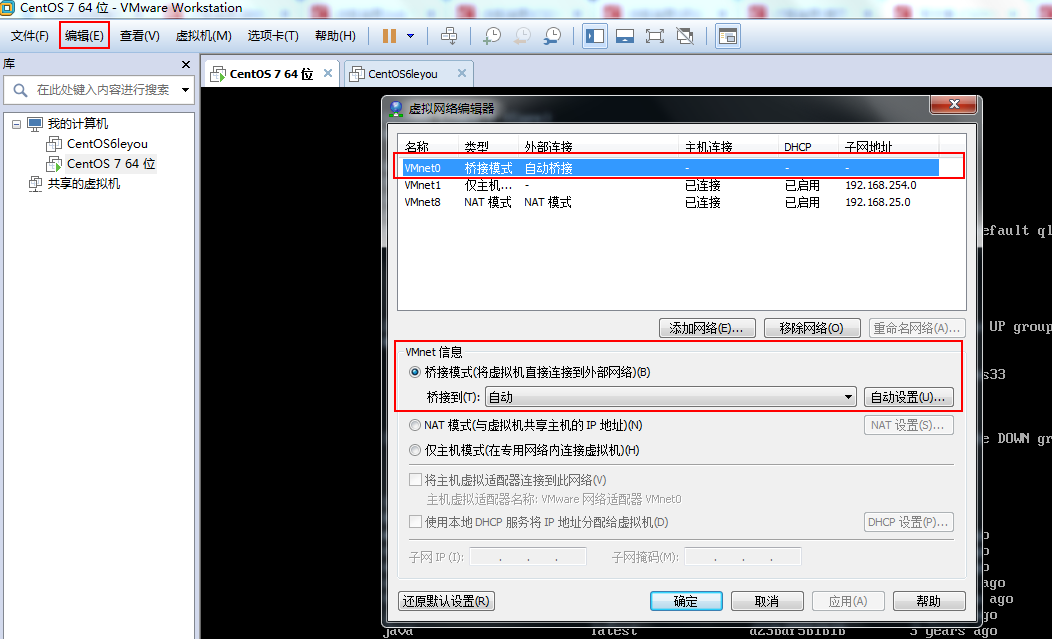
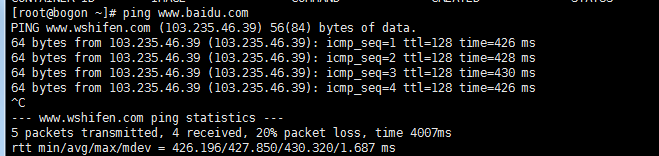
Open a centOS7 in vmware, it can be used at the beginning. After two days, turn on the virtual machine and find that xshell can't connect, ping the external network can't ping, windows can't ping linux. The initial consideration was that there was a problem with the network of the virtual machine. After checking it again, no problem was found. In fact, there is no possibility of problems, because I have not modified the network.
the reason
Because I previously had a virtual machine in vmware, the network mode was NAT mode. This virtual machine opened the network editor and found that it was in bridge mode. When I was going to set the current one to NAT mode, I found that it was not allowed.
solve
So, simply put the previous virtual machine off and keep only the currently used virtual machine, and then a miracle happened. . . everything is normal!
Intelligent Recommendation
Job for network.service failed Because The Control Process EXITED WITH ERROR CODE. Revenue Solution
Job for Network.Service Failed Because The Control Process Exited with ire code.see "Systemctl Status Network.service" and "journalctl -xe" for details (due to the control process ...
Restart the NIC Note. Job for Network.Service Failed Because The Control Process Exited with error code.
Question: After configuring static IP, I found that I can't open the NIC. First confirming that the NIC configuration is no problem, and has not found a hand mistaken. The following error message appe...
MySQL master-slave copy Job for network.service failed because the control process exited with error code problem
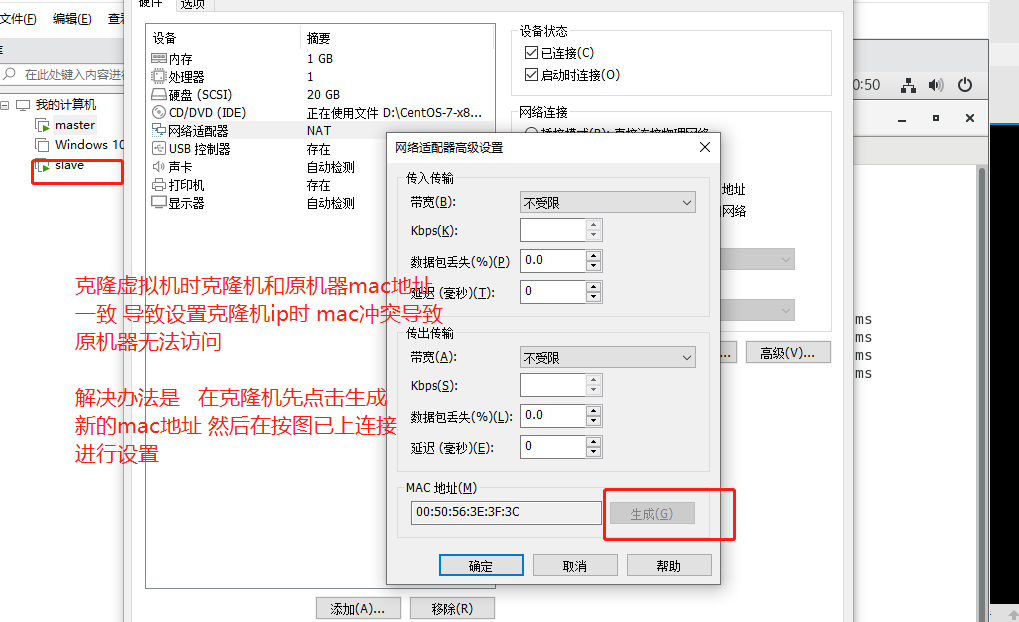
Set up the cloning machine IP. After copying the cloning machine, click to generate a new mac address to avoid conflicts with the original machine. See https://blog.csdn.net/qq_22815337/article/detail...
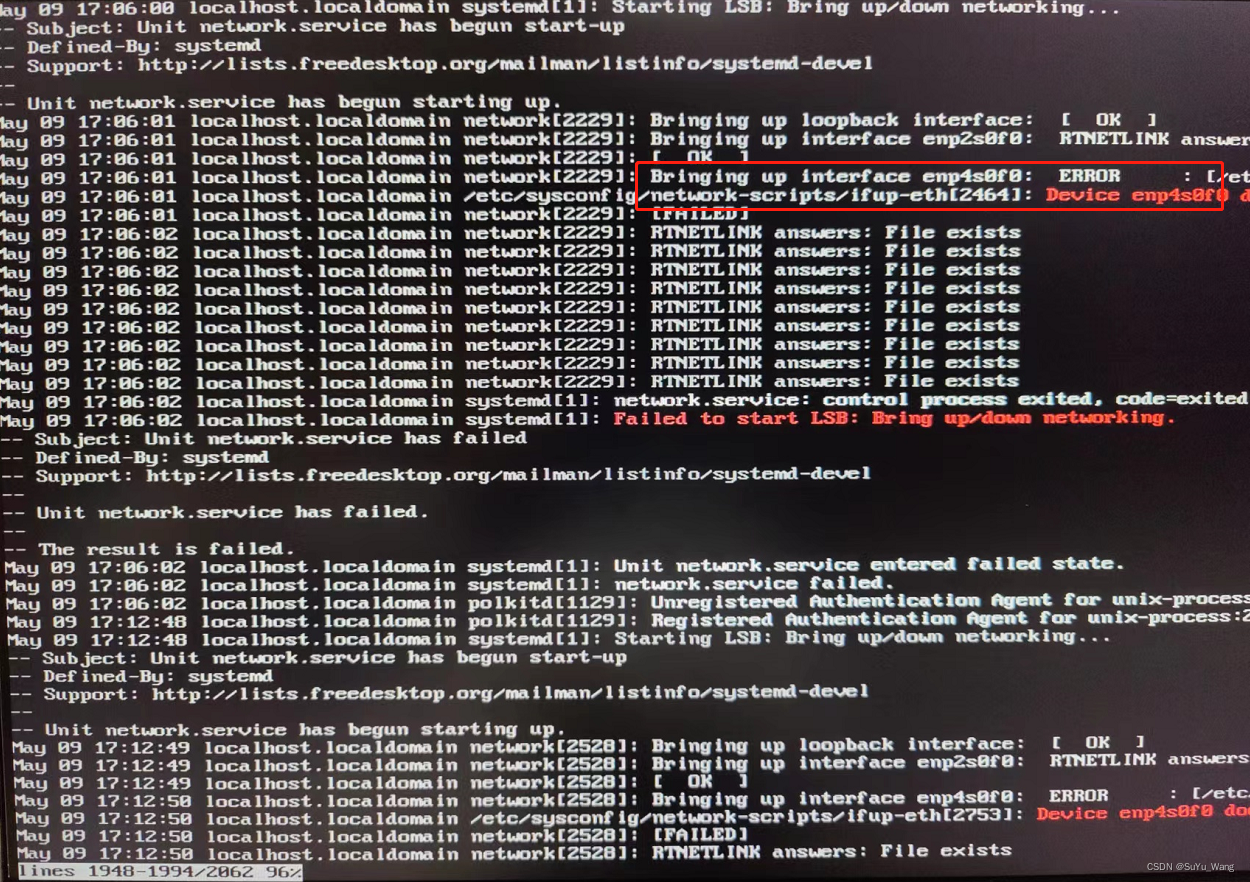
Error when installing a new optical port network card: [Job for network.service failed because the control process exited with error code] solution
Project scenario: Install CentOS7.9 on the server, add an optical port card, add a network card and solve the problem Job for network.service failed because the control process exited with error code ...
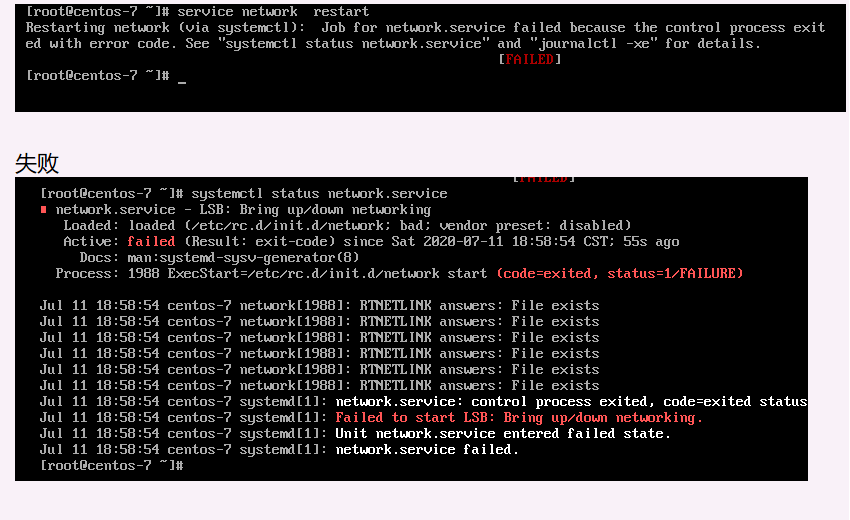
CentOS7 can ping the network, but restart the network report Job for network.service failed because the control process exited with error
Bold style After passing systemctl stop NetworkManager systemctl disable NetworkManager systemctl enable NetworkManager or modify the Mac address, restart operation still can not solve the situation S...
More Recommendation
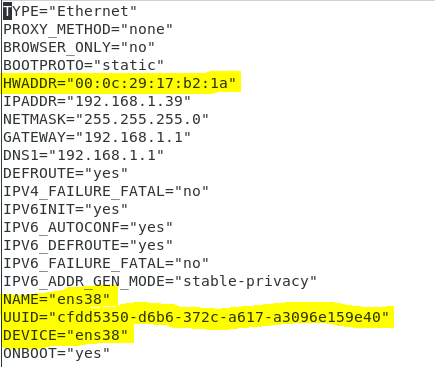
Use service network restart to report an error Job for network.service failed because the control process exited with e
Use service network restart to report an error Job for network.service failed because the control process exited with error code The network cannot restart after modifying ifcfg-ens38 under centos7 to...
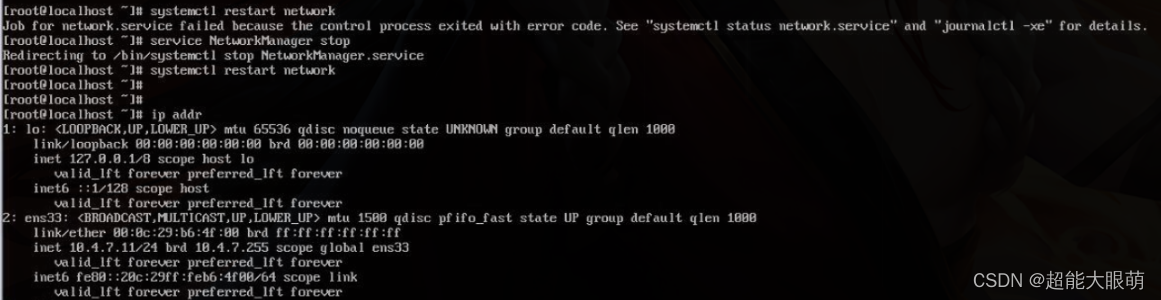
The virtual machine failed to start the network service: ob for network.service failed because the control process exited with error code
About CentOS 7 virtual machine failed to start the network service: ob for network.service failed because the control process exited with error code As shown in the figure below: question: When using ...
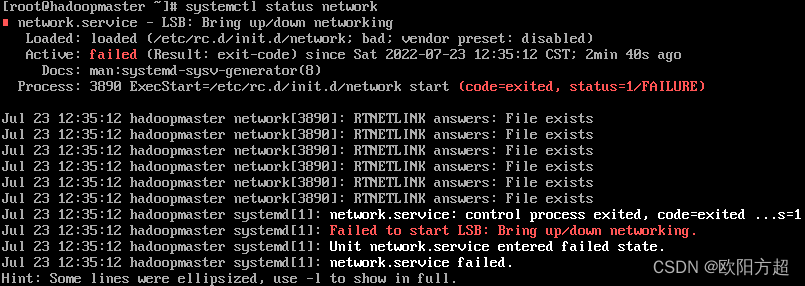
CentOS7 suddenly cannot be connected to the network&network.service failed because the control process exited with error code
CentOS7 suddenly cannot connect to the Internet 1. Overview 2. Cause analysis and solution 2.1. Check network status 2.2. Check NetworkManager status 2.3. Disable NetworkManager 2.4. Reconfirm whether...
Job for docker.service failed because the control process exited with error code. See
Use Docker in Liunx, Note: Liunx uses the centOS7 version under the virtual machine. There was no error when I first started installing Docker, but in the follow-upDuring the docker startup process, t...
Job for nginx.service failed because of the control process exited with error code.
Execute the service nginx start or restart command and the following error occurs. Inexplicably, this error occurred. I didn't find any information about the logs. After that, I stopped the process of...