Use service network restart to report an error Job for network.service failed because the control process exited with e
Use service network restart to report an error Job for network.service failed because the control process exited with error code
The network cannot restart after modifying ifcfg-ens38 under centos7 today

I checked carefully and found that there is no problem with ifcfg-ens38
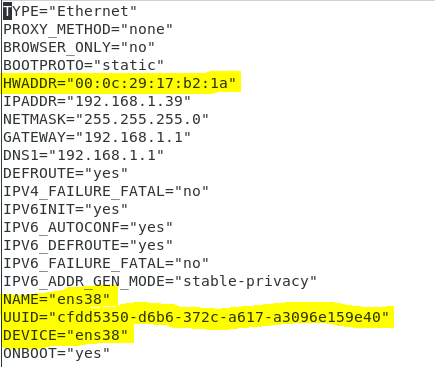


HWADDR (physical address), NAME, UUID, and DEVICE are all written correctly, so why can't the network be restarted? I found that another ens33 network card was down by me

Then I turn on the network card, and the network can restart normally

During this process, I found one particularly interesting, that is, after I changed the UUID and ip of ifcfg-ens38, I used the service network restart command to restart the network normally, and the ip I modified was normal It took effect. Using the nmcli con command, you can also see that the UUID of the network card has also been successfully modified. Later, I changed the UUID of ens38 to the UUID of ens33 and successfully replaced it, and the system also assigned another UUID to ens33. But when I helped my friend set a static IP, the IP never took effect. Later, I found out that the UUID of the two network cards was the same. The UUID was modified to take effect. Don't say anything, I am going to faint myself. . . Do any friends know why this is?
Intelligent Recommendation
Linux Virtual Machine Network "Job for Network.Service Failed Because The Control Process Exited with ERROR CODE"
Problem Description: Ping has a NetWork is unreachable Solution process: Restart Net Card: Service Network Restart, error State is failed solution:...
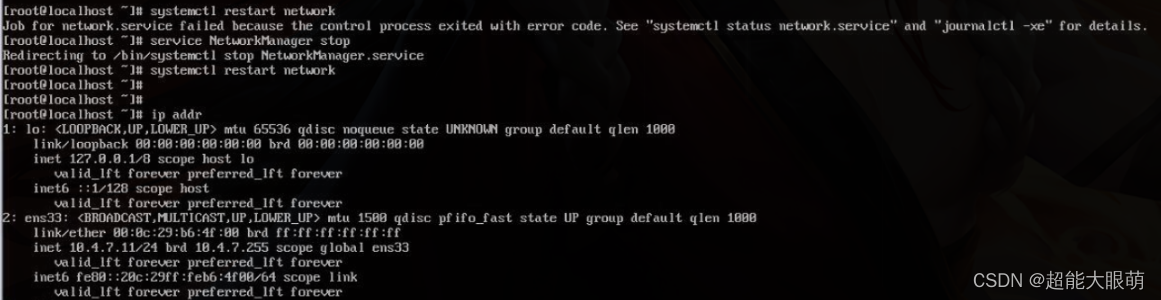
The virtual machine failed to start the network service: ob for network.service failed because the control process exited with error code
About CentOS 7 virtual machine failed to start the network service: ob for network.service failed because the control process exited with error code As shown in the figure below: question: When using ...

After centos configures the network card, restarting the network card fails, prompting: Job for network.service failed because the control process exited with error
Problem Description: I copied the vm virtual machine and copied it to the VM workstation on another machine. The following problems occurred: Question 1:ifconfigThere is only one lo, as shown in the f...
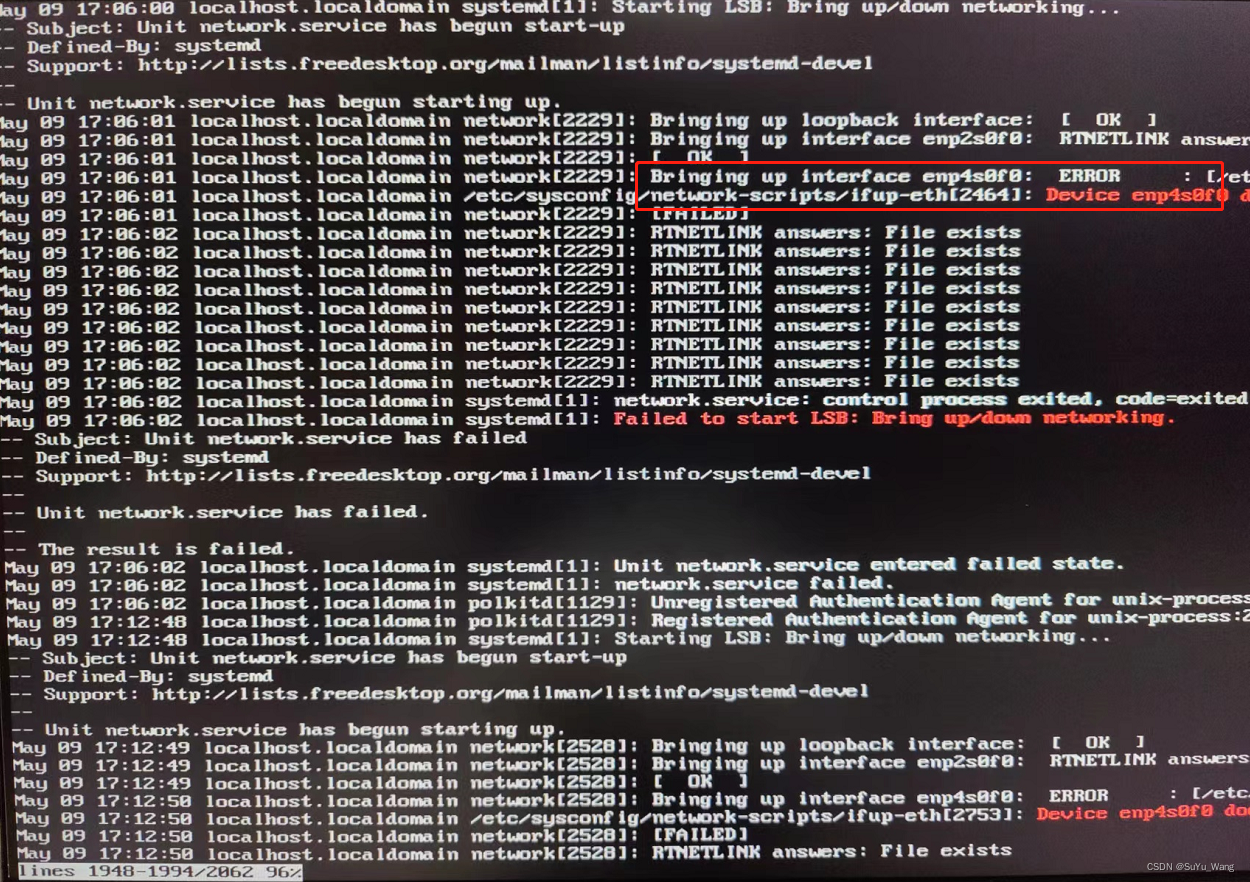
Error when installing a new optical port network card: [Job for network.service failed because the control process exited with error code] solution
Project scenario: Install CentOS7.9 on the server, add an optical port card, add a network card and solve the problem Job for network.service failed because the control process exited with error code ...
Job for network.service failed because the control process exited with error code. See “systemctl st
Virtual machine networking issues Restart the network card and report the following error: Job for network.service failed because the control process exited with error code. See “systemctl statu...
More Recommendation
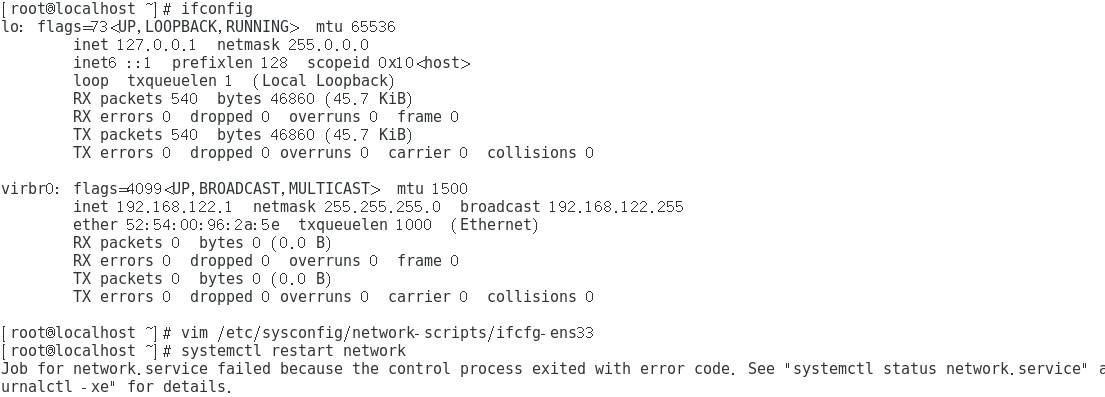
Solve Job for Network.Service Failed Because The Control Process Exited with error code. See "Systemctl
Report error Solve the problem This way is OK....
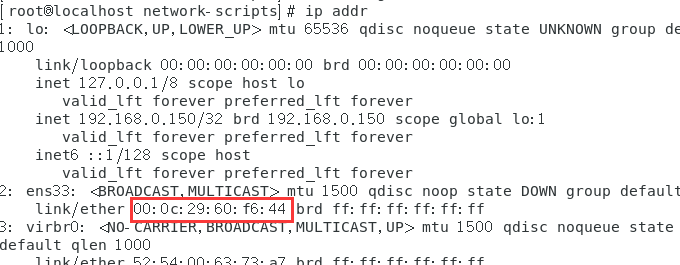
Job for network.service failed Because The Control Process Exited with error code problem solved
Job for Network.service Failed Because The Control Process Exited with error code. See "Systemctl Status Network.service" and "journalctl -xe" for details. Question solve problem c...
Job for network.service failed Because The Control Process EXITED WITH ERROR CODE. Revenue Solution
Job for Network.Service Failed Because The Control Process Exited with ire code.see "Systemctl Status Network.service" and "journalctl -xe" for details (due to the control process ...
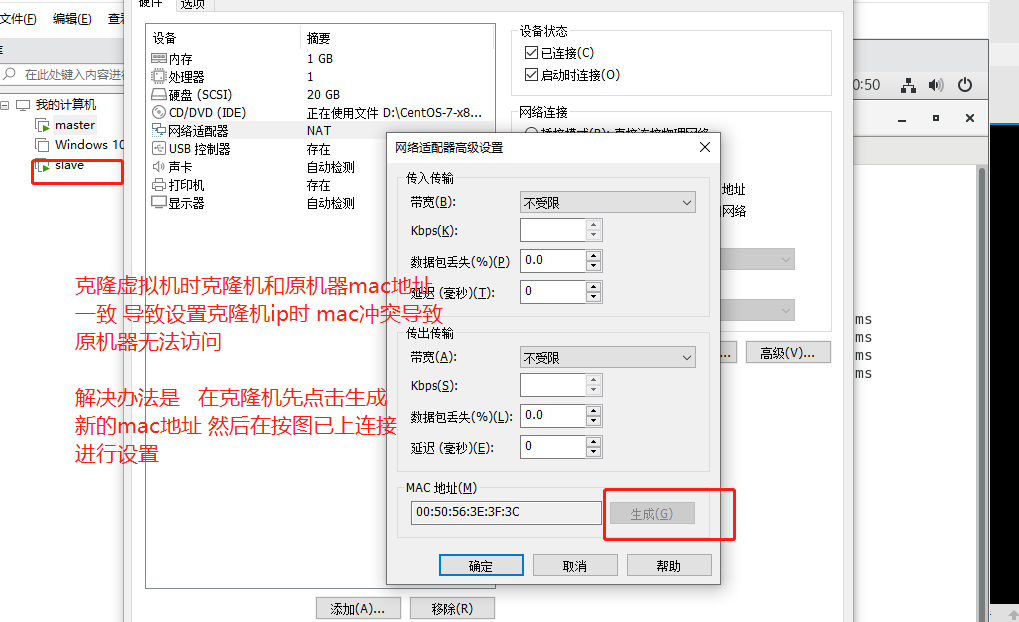
MySQL master-slave copy Job for network.service failed because the control process exited with error code problem
Set up the cloning machine IP. After copying the cloning machine, click to generate a new mac address to avoid conflicts with the original machine. See https://blog.csdn.net/qq_22815337/article/detail...
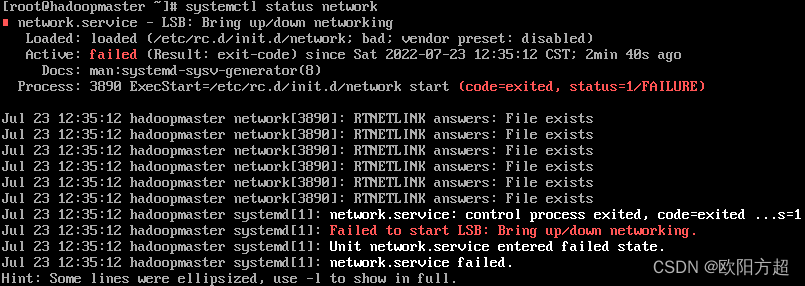
CentOS7 suddenly cannot be connected to the network&network.service failed because the control process exited with error code
CentOS7 suddenly cannot connect to the Internet 1. Overview 2. Cause analysis and solution 2.1. Check network status 2.2. Check NetworkManager status 2.3. Disable NetworkManager 2.4. Reconfirm whether...