Error when installing a new optical port network card: [Job for network.service failed because the control process exited with error code] solution
tags: rookie diary server linux network
Project scenario:
Install CentOS7.9 on the server, add an optical port card, add a network card and solve the problem
Job for network.service failed because the control process exited with error code problem
Problem Description
A problem was encountered in the actual project. The optical port card was pulled out from another server and plugged into the current server. The server is installed with the CentOS7.9 system. After the board is installed, you can see the interface information through ip addr:
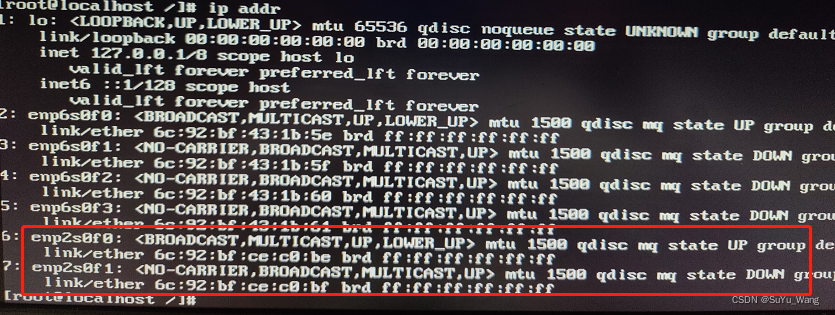
But in the network card configuration, the network card cannot be seen, and the UUID query finds that there is no UUID information of the network card:

Most of the reasons for this phenomenon are that the device installed the operating system first, and then plugged in the network card. Here we can use the nmtui tool* (abbreviation for Network Manager Text User Interface, nmtui is a convenient tool that allows you to Use the graphical display in Linux server distributions to easily configure your network interfaces by calling the nmtui command directly from the terminal or even putty)*
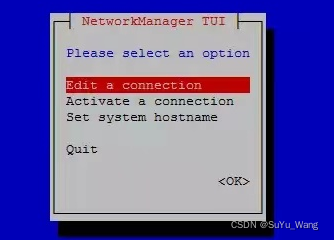
Enter nmtui directly in the command:
1. Select Edit a connection
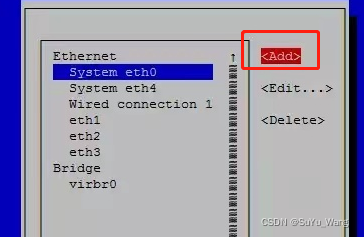
 2. Select add (create)
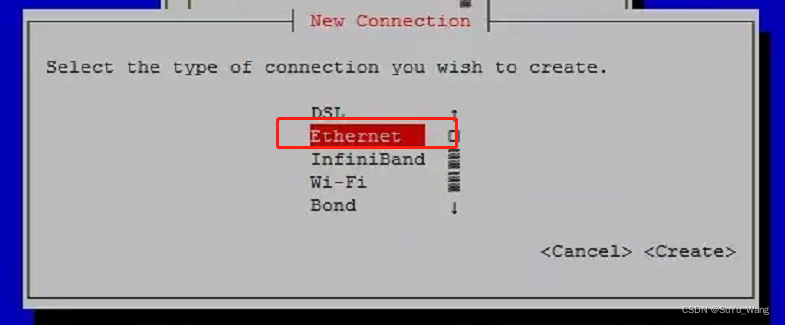
3. Select Ethernet (Ethernet)
4. Enter the configuration file name and device name. These two names are consistent. Enter the name you see when you enter ip addr: enp2s0f0. After the input is completed, other options do not need to be configured. Move the cursor to the lower right corner, OK
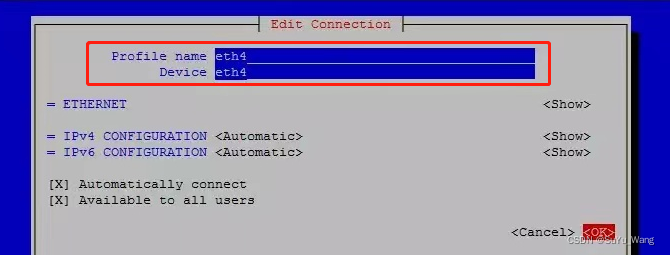
5. After the creation is complete, you can see that the network card configuration has been added on the page of step 2, and select OK to return.
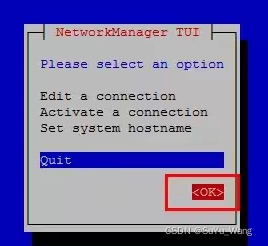
6. Back to the network card directory, you can find that the network card configuration file has been created, and a new UUID and MAC have been generated.
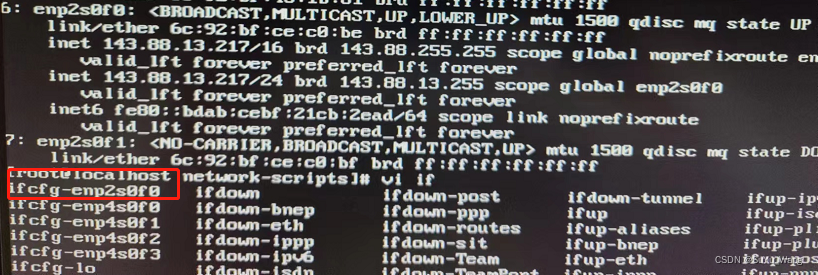
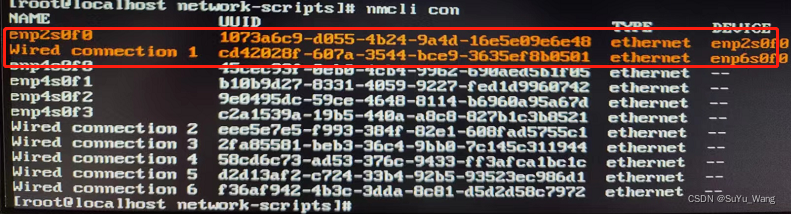
The information to add the network card here is actually over, but I reported an error during the process of restarting the network:
job for network.service failed because the control process exited with error code
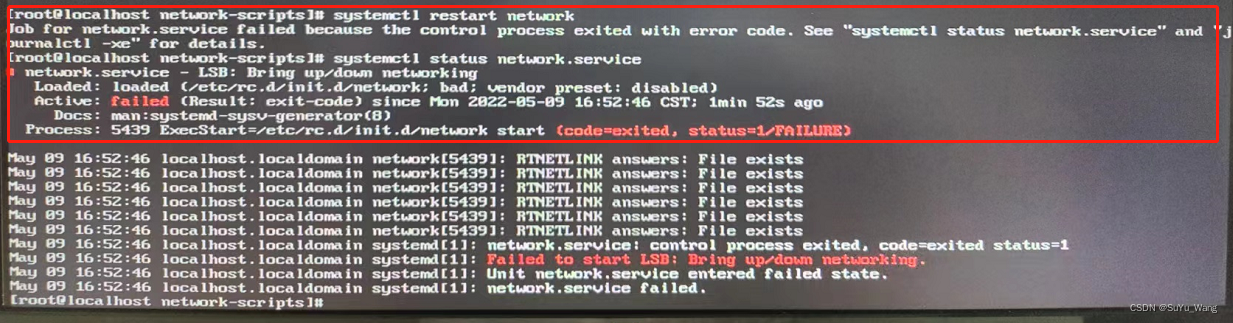
Cause Analysis:
According to online information, it has been tested:
1. NetworkManager service-related issues
2. The configuration file MAC does not match the problem
3. Restart problem
I found that it was not working, so I checked the system log later: journalctl -xe (e: start from the end, x: related directory (such as the URL related to the problem))
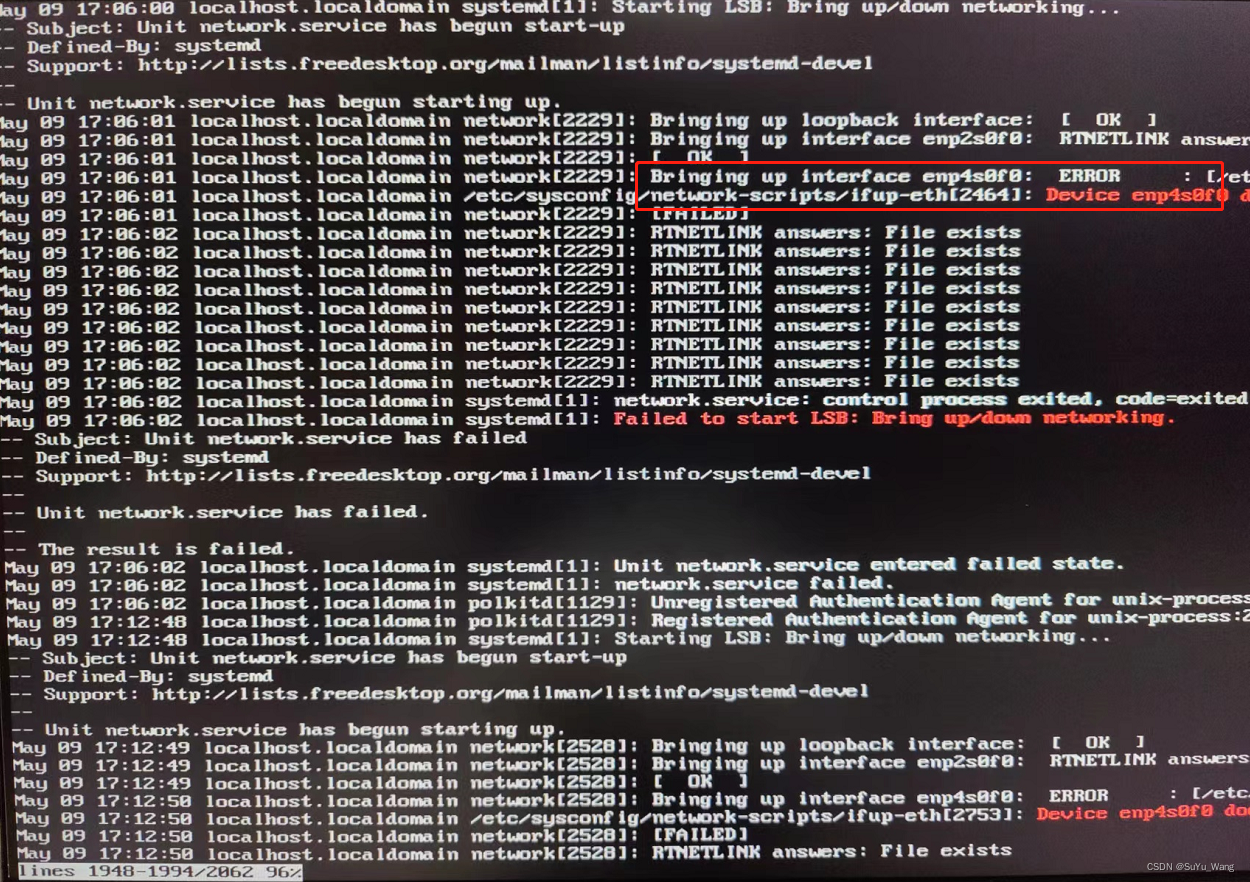
It is found that there is no problem in starting the newly added network card, but there is a problem in starting the other network card. I remembered that I have copied the configuration of this network card before. The name of our new network card is: enp2s0f0, but the name of the network card that reported the error is: enp4s0f0.
solution:
Delete the error-reported network card file in the network-scripts directory, and restart the network card to return to normal! It is recommended that friends who have this problem first check the configuration file of the network card for simple spelling mistakes. If you do not check the system log, which network card failed to start and the network cannot be reset.
Intelligent Recommendation
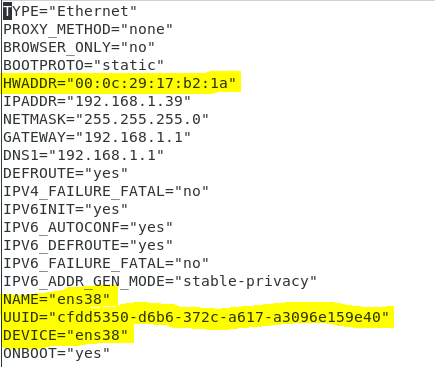
Use service network restart to report an error Job for network.service failed because the control process exited with e
Use service network restart to report an error Job for network.service failed because the control process exited with error code The network cannot restart after modifying ifcfg-ens38 under centos7 to...
Job for network.service failed because the control process exited with error code. See “systemctl st
Virtual machine networking issues Restart the network card and report the following error: Job for network.service failed because the control process exited with error code. See “systemctl statu...
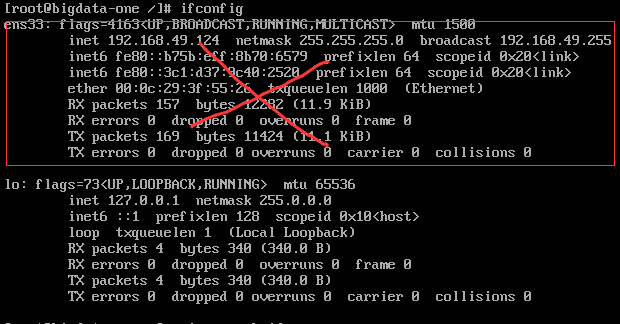
Virtual machine report: Job for network.service failed Because The Control Process Exited with error code
1. Error: Today, I opened the virtual machine to prepare a big data cluster. I didn't connect the Internet after I didn't boot. After boot, IFCONFIG didn't connect the IP address after IFCONFIG: 2. So...
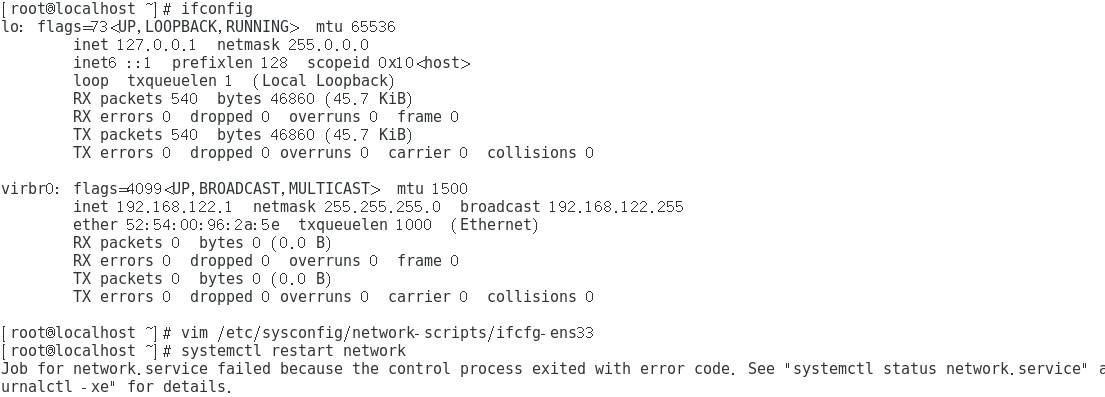
Solve Job for Network.Service Failed Because The Control Process Exited with error code. See "Systemctl
Report error Solve the problem This way is OK....
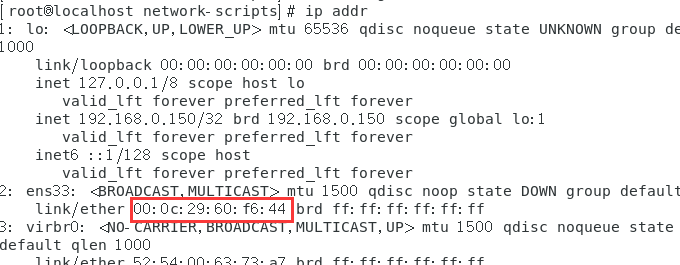
Job for network.service failed Because The Control Process Exited with error code problem solved
Job for Network.service Failed Because The Control Process Exited with error code. See "Systemctl Status Network.service" and "journalctl -xe" for details. Question solve problem c...
More Recommendation
Restart the NIC Note. Job for Network.Service Failed Because The Control Process Exited with error code.
Question: After configuring static IP, I found that I can't open the NIC. First confirming that the NIC configuration is no problem, and has not found a hand mistaken. The following error message appe...
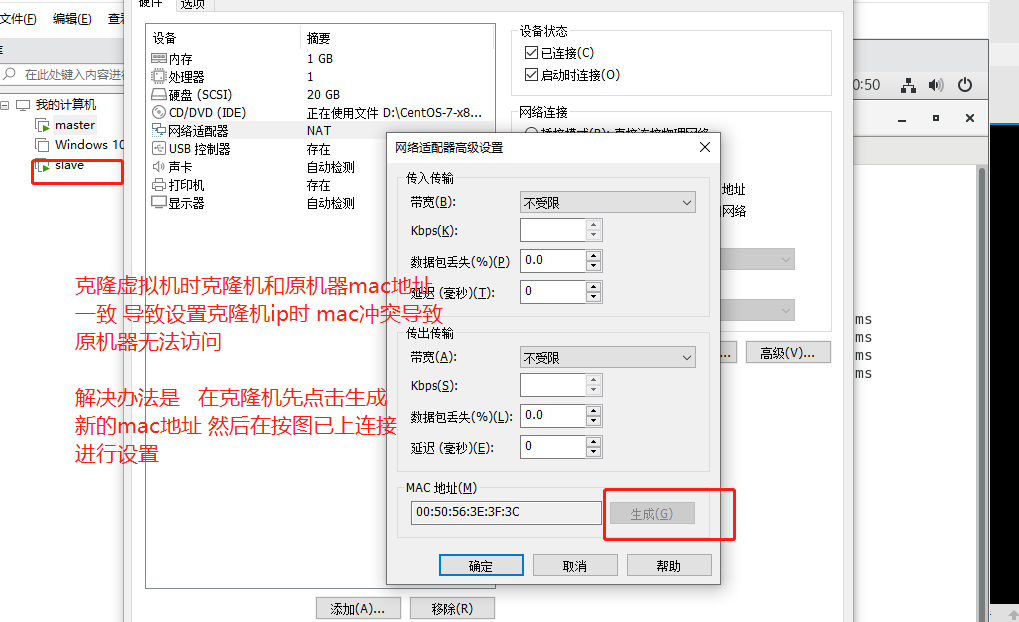
MySQL master-slave copy Job for network.service failed because the control process exited with error code problem
Set up the cloning machine IP. After copying the cloning machine, click to generate a new mac address to avoid conflicts with the original machine. See https://blog.csdn.net/qq_22815337/article/detail...
The virtual machine failed to start the network service: ob for network.service failed because the control process exited with error code
About CentOS 7 virtual machine failed to start the network service: ob for network.service failed because the control process exited with error code As shown in the figure below: question: When using ...
Job for nginx.service failed because the control process exited with error code. Solution
The error message is as follows Obviously this means that port 80 has been occupied, indicating that there is a corresponding process running, just find the process and close it! In the above picture,...
CentOS7 suddenly cannot be connected to the network&network.service failed because the control process exited with error code
CentOS7 suddenly cannot connect to the Internet 1. Overview 2. Cause analysis and solution 2.1. Check network status 2.2. Check NetworkManager status 2.3. Disable NetworkManager 2.4. Reconfirm whether...