Job for docker.service failed because the control process exited with error code. See
tags: Docker starts an error
Use Docker in Liunx, Note: Liunx uses the centOS7 version under the virtual machine.
There was no error when I first started installing Docker, but in the follow-upDuring the docker startup process, the following problems occur:
Job for docker.service failed because the control process exited with error code. See "systemctl status docker.service"
When I first encountered this problem, I found the answer on Baidu, but the answers I found could not satisfy the problem, so I slowly explored it.
- First look at the kernel version
- Because of the command: yum install docker download, the default download is the latest version of Docker, but the kernel version is low may not be compatible with the new version of Docker, so the above error may occur
solution:
Step 1: Uninstall the previously downloaded Docker, use the following command:
yum remove docker-*
Step 2: Update the kernel version of the Liunx system, using the following command:
yum update
After the update is recommended, restart the system.
Step 3: Continue to download and install docker (try to use advanced administrator rights to download) use the following command
yum install dacker
Step 4: Start docker with the following command
systemctl start docker
problem solved!
If you still get an error after installing this, follow this step again.
If you use the docker command, the following error occurs:
Cannot connect to the Docker daemon at unix:///var/run/docker.sock. Is the docker daemon running?
The first reason may be because docker did not start
The second reason is because docker has an error.
In the final analysis, the docker startup problem, the solution is still the above steps.
Intelligent Recommendation
docker error:. Job for docker.service failed because the control process exited with error code See "sy ...
centos start docker Service error: Job for docker.service failed because the control process exited with error code. See "systemctl status docker.service" and "journalctl -xe" for ...
Error when starting docker: Job for docker.service failed because the control process exited with error code. See
Use Docker in Liunx Error: This problem was reported when starting the systemctl start docker command. I found some experience on Baidu, and the solution is as follows Solution: Uninstall the previous...
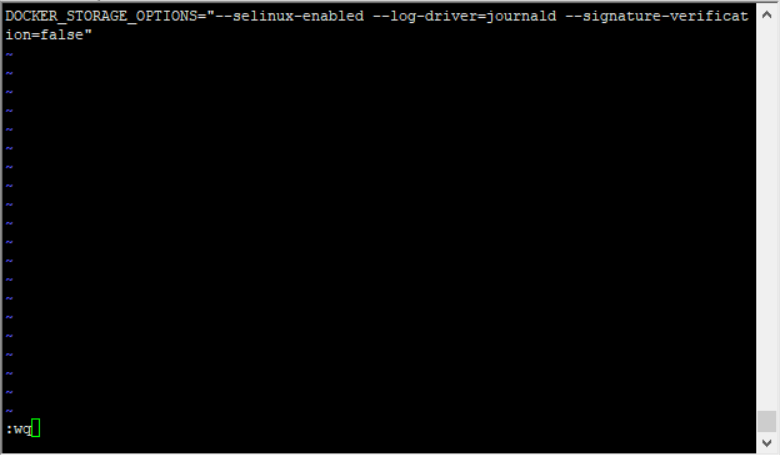
After installing docker, start reporting an error Job for docker.service failed because the control process exited with error code. See
After installing docker, start error Job for docker.service failed because the control process exited with error code. See “systemctl status docker.service” and “journalctl -xe&rdquo...
Docker launched an error Job for docker.service failed Because The Control Process Exited with error code. See "SY
Error View status Discover its display problem: Big intending is that this kernel's selinux does not support overlay2 graphics drive, either update the kernel or turns off SELinux. Solution: Add-Selin...
Job for docker.service failed because the control process exited with error code. See "systemctl sta
The docker engine is based on a storage driver provided by Device Mapper, which in turn relies on devicemapper. So I deleted it and restarted the service, which solved the problem that docker could no...
More Recommendation
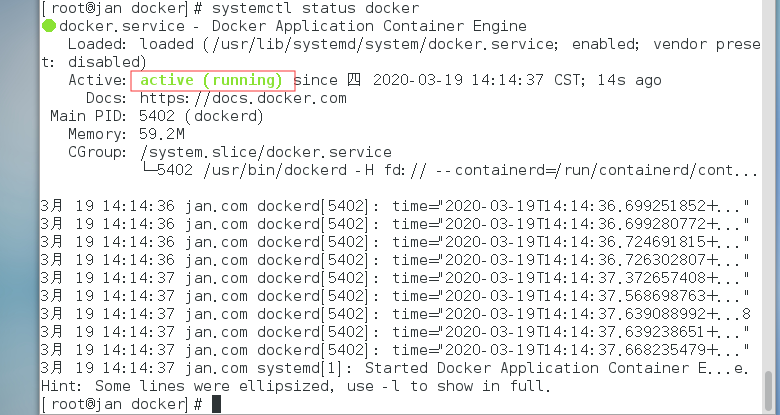
Start docker, when newspaper Job for docker.service failed because the control process exited with error code. See "
1. When using systemctl start docker.service startup error error message: Job for docker.service failed because the control process exited with error code See "systemctl status docker.service&quo...
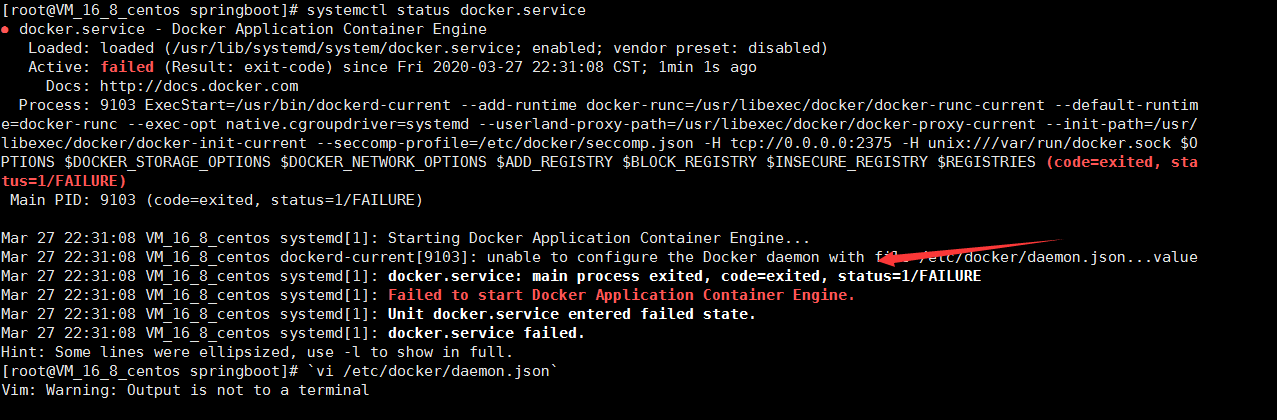
Job for docker.service failed because the control process exited with error code. See "sysDocker launch failure
Docker failed to start Enter the command to go to see the error message | | | systemctl status docker.service | | | Largely daemon.json your files are not edited, an error enter the file vi /etc/docke...
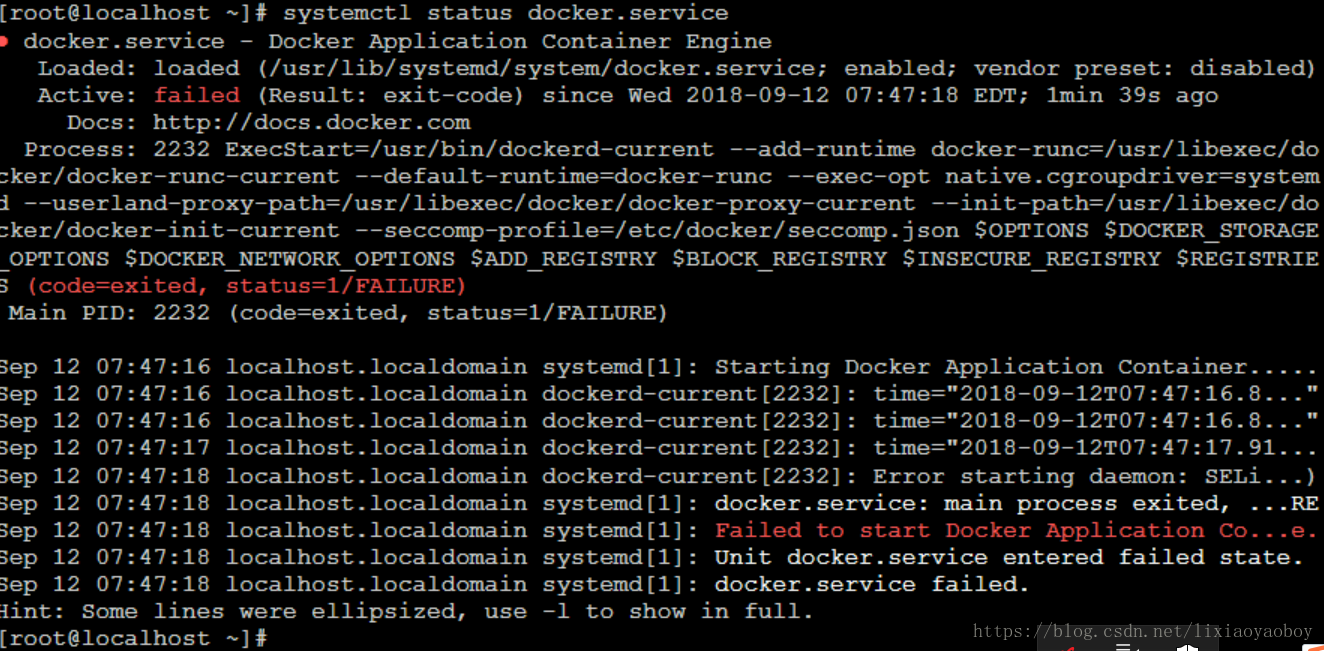
Job for docker.service failed because the control process exited with error code. See “systemctl sta
Job for docker.service failed because the control process exited with error code. See “systemctl status docker.service” and “journa lctl -xe” for details. If there is the same ...

Job for docker.service failed because the control process exited with error code. See "systemctl sta...
There was a problem :When I started to operate Docker, I reported this error after the installation started Job for docker.service failed because the control process exited with error code. See "...
Job for docker.service failed because the control process exited with error code. See systemctl sta
The docker startup error is: [root@iz8vb4rhbik3h93v48ztfvz docker]# systemctl restart docker.service Job for docker.service failed because the control process exited with error code. See "systemc...