Check the Linux firewall status error Unit iptables.service could not be found
Check firewall status under linux
[root@localhost src]# service iptables status
Redirecting to /bin/systemctl status  iptables.service
Unit iptables.service could not be found.
Tip Redirecting to / bin / systemctl status iptables.service Unit iptables.service could not be found.
In CentOS 7 or RHEL 7 firewall managed by firewalld,
If you want to add a range of exceptions such as port 1000-2000
command syntax is as follows: Enable Zone port and protocol combination
firewall-cmd [--zone=<zone>] --add-port=<port>[-<port>]/<protocol> [--timeout=<seconds>]
This will enable a combination of ports and protocols. Port may be a single port <port> or a port range <port> - <port>. Protocol can be tcp or udp.
actual command follows:
Add to
firewall-cmd --zone = public --add-port = 8088 / tcp --permanent (--permanent permanent, this parameter is not restarted after the failure)
firewall-cmd --zone=public --add-port=1000-2000/tcp --permanent
Reload
firewall-cmd --reload
See
firewall-cmd --zone=public --query-port=80/tcp
Delete
firewall-cmd --zone=public --remove-port=80/tcp --permanent
Big thank GodDescription link
Intelligent Recommendation
Linux_ exception _netfilter firewall _failed to restart iptables.service: Unit Not Found.
Reference: How can i use iptables on centos 7? [closed]...
Systemctl Status Network error: Unit Network.service Could Not Be found
@Systemctl Status Network error: Unit Network.service Could Not Be foundtoc Systemctl Status Network error: Unit Network.service Could Not Be found CENTOS7, in the Using the Command Systemctl Status N...
Failed to restart iptables.service: Unit not found.
In CentOS 7, the firewall has been managed by firewalld, and CentOS7 has firewallD by default. No installation can be installed with the yum command, and the iptables is not small. View firewall statu...
Centos7 error encountered when closing the firewall Failed to start firewalld.service: Unit not found. Unit firewalld.service could no
Centos7 turn off the firewall Today I want to turn off the firewall on centos, check some blogs, execute commands Unit firewalld.service could not be found. Then I checked a lot of information and sai...
CentOS7 Turn off the firewall: failed to stop iptables.service: unit iptables.service not loaded.
Project scene: CentOS7 closes the firewall appearance: Failed to stop iptables.service: Unit iptables.service not loaded. Problem Description: CentOS7 executes: Service iptables stops appears when the...
More Recommendation
Pit when configuring fastDfs: Restart the firewall on CentOs7 to report Unit not found or Job for iptables.service failed because the control pr...
Pit when configuring fastDfs: restart firewall on CentOs7 or Reference blog: Difference between CentOs7 and CentOs6 The default firewall for centos7 is firewalld firewall, not using iptables, so you m...
linux check firewall status, close firewall command
Linux needs to turn off the firewall when remotely connecting to the database and other operations, and the commands related to different Linux distributions are different. Here are a few of th...
Enter the service mysql status in Centos Linux error Mysql.Service Could Not Be Found
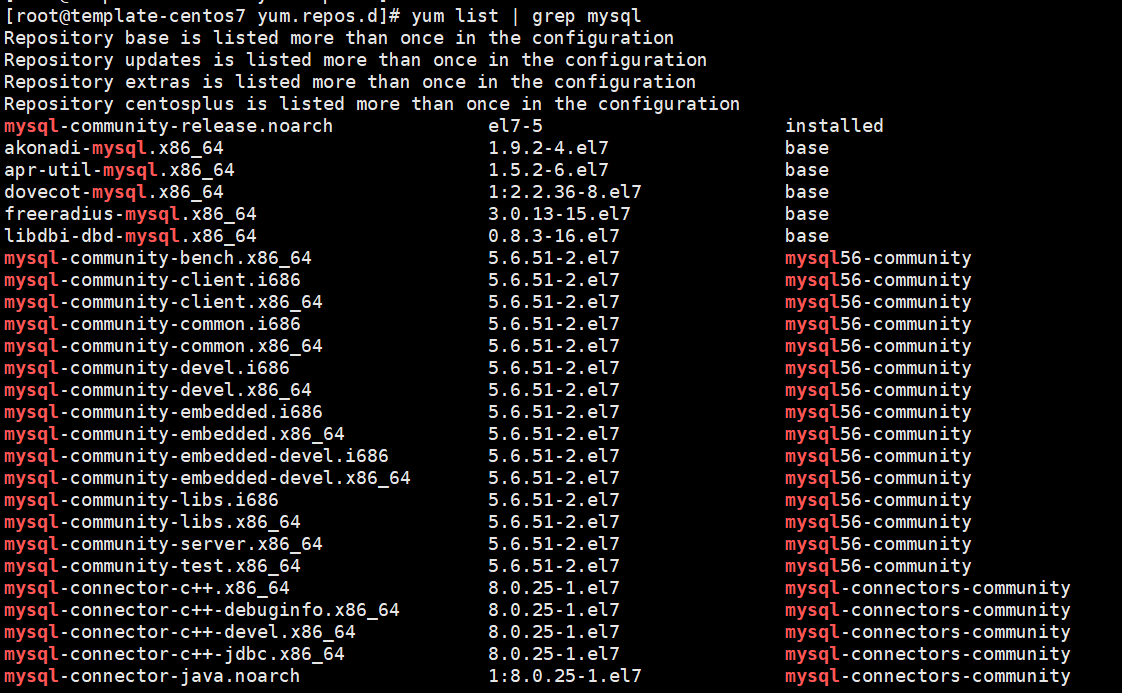
Enter the service mysql status error Check if there is mysql in the environment, see again in the USR directory and MySQL Or use the yum list | grep mysql command to find the YUM source has mysql, see...
centos7 Failed to start iptables.service: Unit not found
In CentOS 7 or Fedora or RHEL 7 firewall to manage the firewalld Add to Reload View delete ...
centos7 linux ailed to stop iptables.service: Unit iptables.service not loaded.
Because virtual machines under use win install Linux. But the win is can ping of Linux. But using the browser method Linux service win the next time, can not access. Suspected to be a firewall problem...