Unit iptables.service could not be found.
Problem Description:
service iptables status View firewall status

Redirecting to /bin/systemctl status iptables.service
Unit iptables.service could not be found.
solution:
In CentOS 7 or RHEL 7 or Fedora, the firewall is managed by firewalld. Of course, you can restore the traditional management method or use new commands for management. This article will restore the traditional management methods.
cd /etc/sysconfig
ls -l
The iptables file is not seen, but there are ip6tables-config and iptables-config. The linux in this article is CentOS 7.6, and CentOS 7 does not have the iptables file by default.

Install iptables-services
yum install iptables-services
Start iptables
systemctl enable iptables
systemctl start iptables
View, open, close the firewall
View firewall status
service iptables status
Turn off the firewall, service iptables stop Turn off the firewall (this time effective, restore the original settings after the next startup)
service iptables stop
Turn on the firewall, service iptables start Turn on the firewall (valid this time, restore the original settings after the next startup)
service iptables start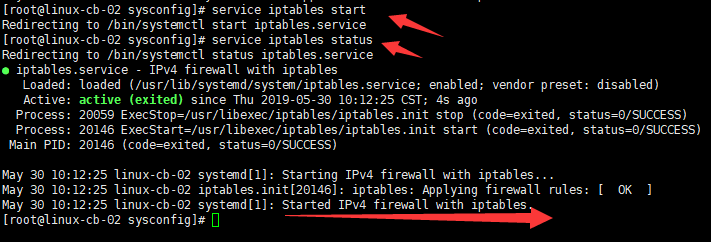
Intelligent Recommendation
Linux error: redirecting to / bin / systemctl status iptables.service unit iptables.service could not be fou
CentOS View firewall status An error message: Solution: After downloading, re-run, the following code appears, that is, it can be used....
Linux_ exception _netfilter firewall _failed to restart iptables.service: Unit Not Found.
Reference: How can i use iptables on centos 7? [closed]...
Unit firewalld.service could not be found
The default firewall under Centos7 is Firewall, which replaces the previous iptables. Firewall has two methods of graphical interface management and command line management. This article briefly intro...
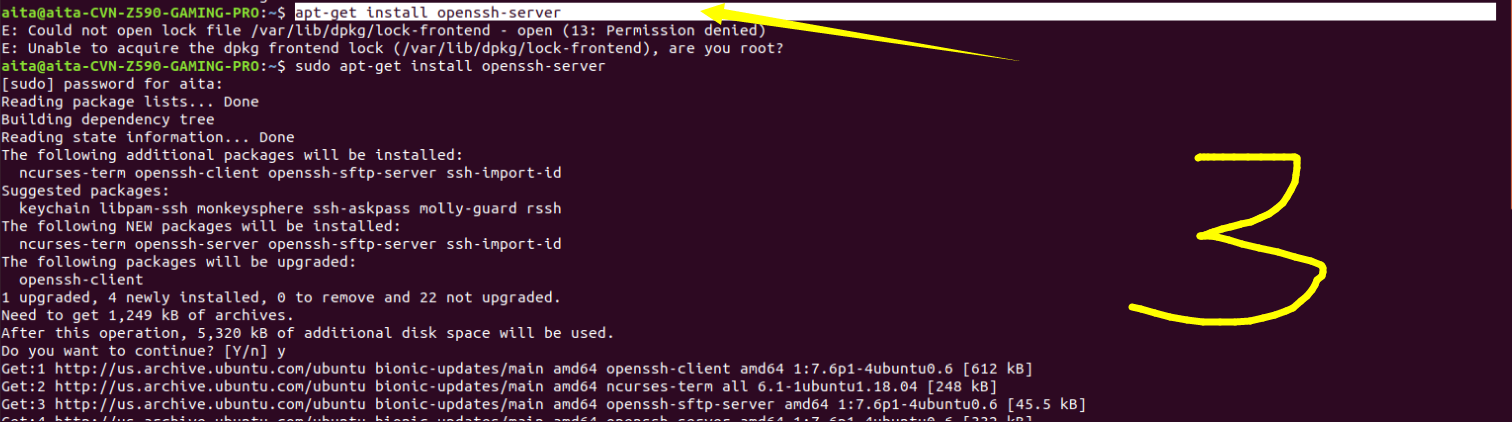
Unit sshd.service could not be found.
wrong reason: I just installed the Ubuntu 18.04 system, but failed to connect to the server with Xshell, because the server has not enabled the remote connection function. Command input: systemctl sta...
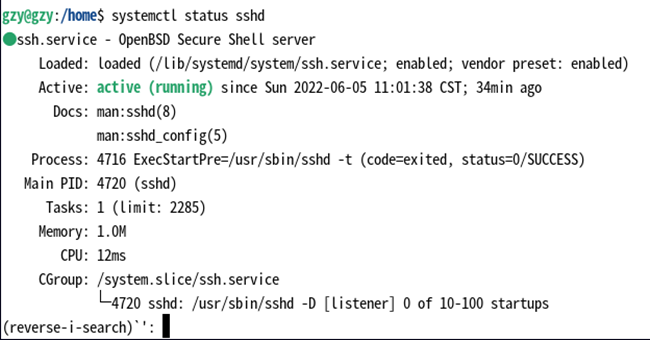
Unit sshd.service could not be found
When Linux checks the status of the ssh service, the message "Unit sshd.service could not be found" is displayed. 1. Check whether ssh and sshd are installed: ps -e|grep ssh 2. It shows that...
More Recommendation
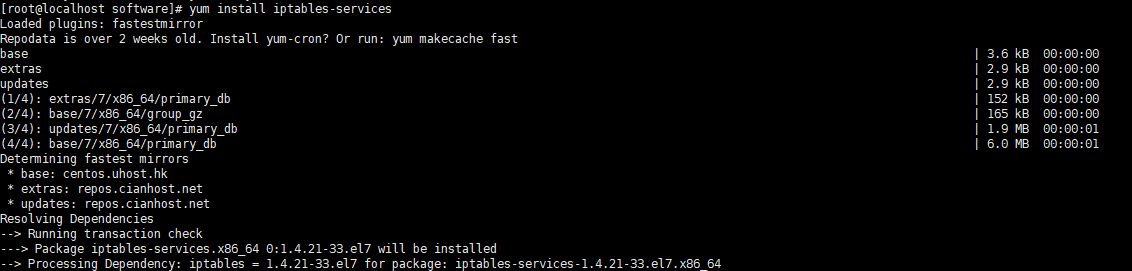
CentOS7:Unit iptables.service not loaded
Today, I rented a few new cloud servers, configured the environment, and first set up a wave of Zookeeper clusters. Like the previous machine, turn off the firewall service iptables stop first, and su...
Failed to stop iptables.service: Unit iptables.service not loaded.
When the firewall is closed, it appears: Solution: yum install iptables-services In fact, after centos7 is based on iptable systemctl stop firewalld...
Pit when configuring fastDfs: Restart the firewall on CentOs7 to report Unit not found or Job for iptables.service failed because the control pr...
Pit when configuring fastDfs: restart firewall on CentOs7 or Reference blog: Difference between CentOs7 and CentOs6 The default firewall for centos7 is firewalld firewall, not using iptables, so you m...
[Centos-Firewall] CentOS7 starts the firewall and reports an error Failed to start iptables.service: Unit not found.
Original address: Execute in CentOS7 Error: Redirecting to /bin/systemctl restart iptables.service Failed to restart iptables.service: Unit not found. The reason is because CentOS7 uses firewal...
centos7 linux ailed to stop iptables.service: Unit iptables.service not loaded.
Because virtual machines under use win install Linux. But the win is can ping of Linux. But using the browser method Linux service win the next time, can not access. Suspected to be a firewall problem...