HTTPD startup (restart) error when installing httpd service: job for httpd.service failed before the control process exited with
Table of contents
1. Install httpd
Yum installs httpd error:Error: Unable to find a match: httpd
Solution
Modify /etc/yum.conf
#vi /etc/yum.conf #Modify yum configuration fileNote the last line in yum.conf

Enter the installation command yum install httpd
#Yum Install httpd #Install Apache service
I have installed httpd above, so it prompts Already Installed.
2. Start (restart) httpd
#SystemCTL Start httpd.service #Start the Apache service
The start -up service always reports the following errors: job for httpd.service failed before the control process exited with error code.
See "systemctl status httpd.service" and "journalctl -xe" for details.
The reason for the error is that the port is occupied, we only need Kill to drop the process of occupying this port or discontinue the service of the occupation port. HTTP uses port 80
Check the usage of port 80
#netStat -NTLP | GREP 80 #View port 80 occupation status
It is found that the nginx service occupies port 80, we turn off the service, and restart the httpd service again
#SystemCTL Stop Nginx.service #Close Nginx service
 #SystemCTL Start httpd.service #Open the Apache service
#SystemCTL Enable httpd.service #apache service startupIntelligent Recommendation
Job for httpd.service failed because the control process exited with error code. See “systemctl stat
illustrate At the same time, HTTPD and Nginx are installed, the default port is 80, conflict error. Wrong solve View the port is occupied 1. Modify one of the default ports Nginx Httpd 2, uninstall on...
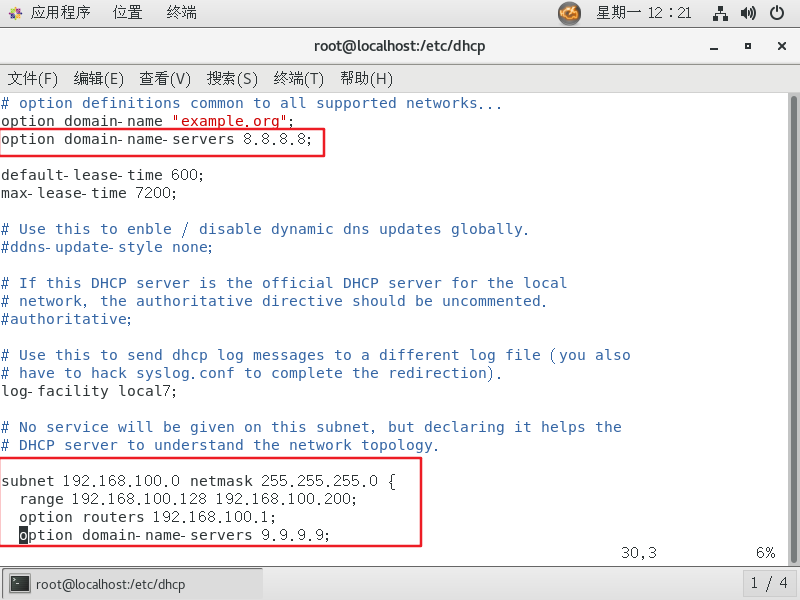
Restart the dhcp service and report an error (Job for network.service failed because the control process exited with error code)
Problem Description The following error occurred after executing the service network restart command: Restarting network (via systemctl): Job for network.service failed because the control process exi...
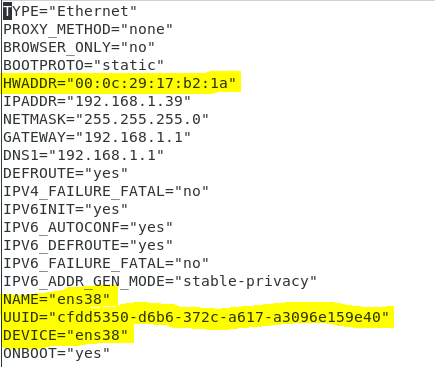
Use service network restart to report an error Job for network.service failed because the control process exited with e
Use service network restart to report an error Job for network.service failed because the control process exited with error code The network cannot restart after modifying ifcfg-ens38 under centos7 to...

Docker service startup error: Job for docker.service failed because the control process exited with error code.
Error message: Job for docker.service failed because the control process exited with error code. See "systemctl status docker.service" and "journalctl -xe" for details. surrounding...
Docker service startup error: Job for docker.service failed because the control process exited with error
Error message: Job for docker.service failed because the control process exited with error code. See "systemctl status docker.service" and "journalctl -xe" for details. Solution:Th...
More Recommendation
Nginx startup error: Job for nginx.service failed because the control process exited
Execute after the installation of nginx is completed: an error is reported after service nginx start: Starting nginx (via systemctl): Job for nginx.service failed because thournalctl -xe” for de...
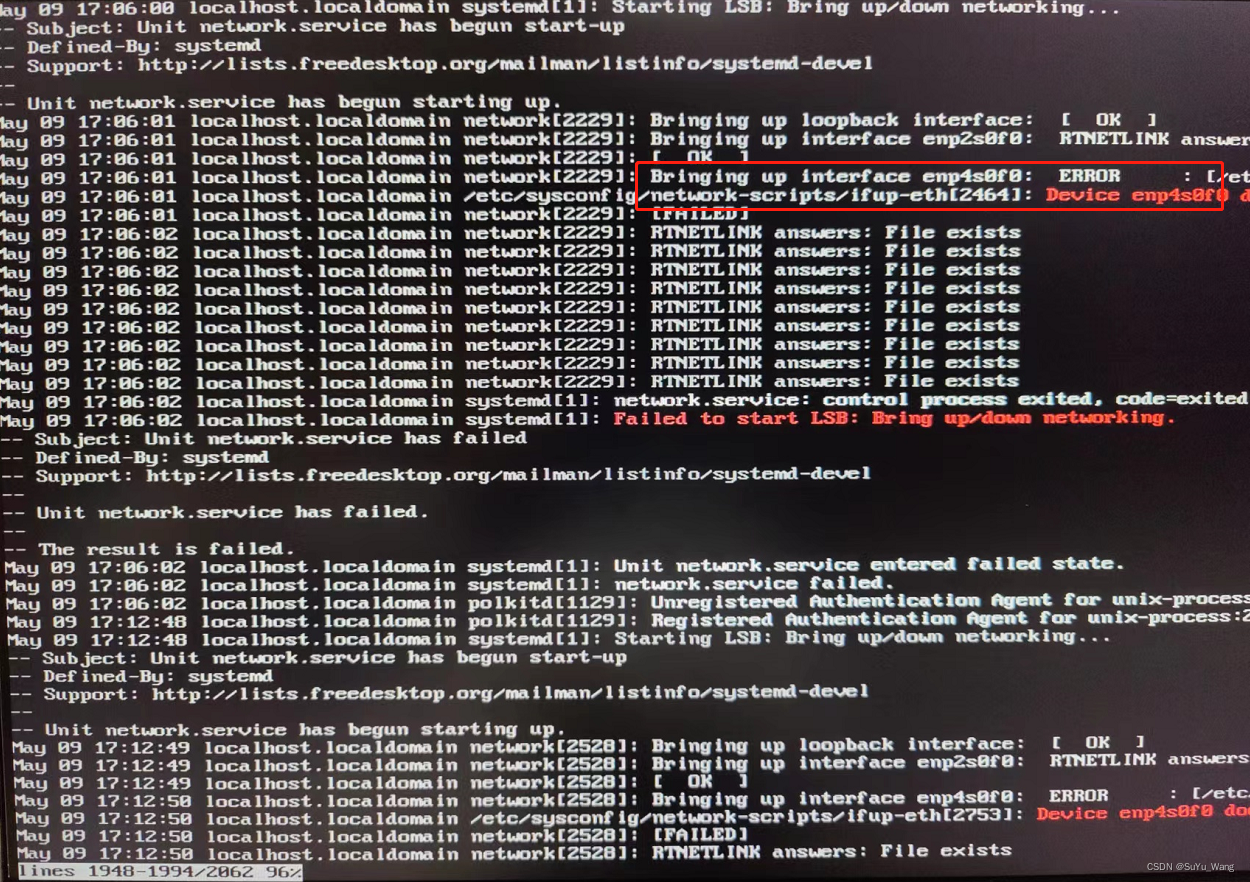
Error when installing a new optical port network card: [Job for network.service failed because the control process exited with error code] solution
Project scenario: Install CentOS7.9 on the server, add an optical port card, add a network card and solve the problem Job for network.service failed because the control process exited with error code ...
Linux failed to start or restart mysql: Job for mysqld.service failed because the control process exited with error code.
Problem Description: 1. Enter the command: systemctl start mysqld or service mysql start or service mysql restart 2. View the status of mysql solution View mysql permissions 2. View the process #ps -a...
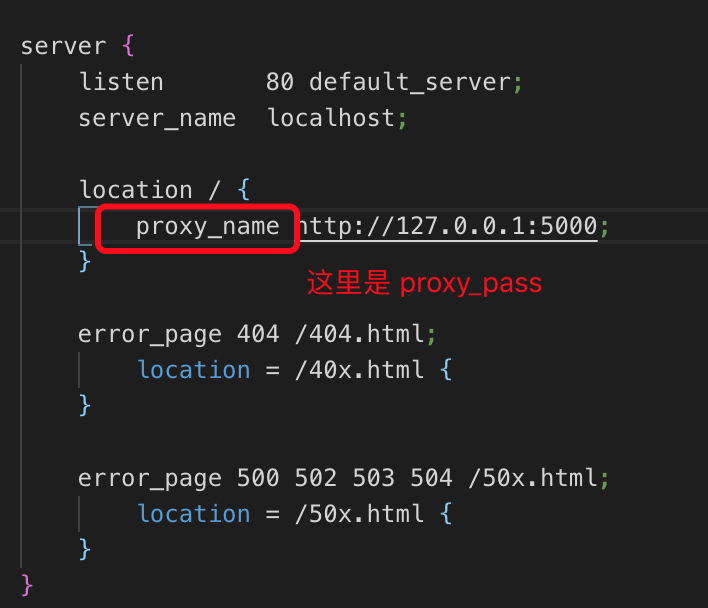
Trample diary: restart nginx error: Job for nginx.service failed because the control process exited with error code. See
Restart nginx and report an error: Job for nginx.service… Written in the front: Restart nginx after configuring nginx and report the error as above. I searched for other people in the csdn. The...
SSHD Restart error: job for sshd.service failed Becaue the Control Process Exited with Error Code. SEE "Systemm
SSHD Restart error: job for sshd.service failed becaped the control process exited with error code. SEE "Systemm" Systemm View the reason for the error or These errors are caused by the wron...