Pyspark: TypeError: An Integer is Required (got type bytes) resolved
tags: Python Big data entry Linux
Linux [Ubuntu, other versions are for reference only] Run the Pyspark program in Jupyter Notebook error, query information discovery, current2020.11.18Pyspark still does not support higher version of Python, only supports Python3.7 (some blogs may write 3.6, updated).
solution
- Switch the Python version of Jupyter Notebook in Anaconda, because the process is more complicated, did not succeed
- Repair Anaconda3
Specific process
- Uninstall the original Anaconda3, the default installation path is ~ / Anaconda3, directly delete
$ rm -rf ~/anaconda3
Then delete the configuration file~/.bashrcCentral and CONDA-related configuration, Note: There is a file at the end of the fileconda initNote, all of which delete it, and there is a path configuration related to the PATH section
There is a way to delete the use of toolsanaconda-cleanHowever, test findings is not used, maybe it is wrong :-D
- Download ANACONDA3 >>
Official websiteIf you have an IDE accelerator, speed is moderate
Tsinghua University Mirror【Recommended Use】
Pay attention to the selected version,2020.02 is still Python3.7, and 2020.07 has been updated to 3.8 (Pyspark is not supported)
- Installation configuration, referencexmu.db
Surridden to jump directly into the code
$ CD installation directory
$ bash Anaconda3-xxx.sh

...
 By default, enter/yes
...
Reopen the terminal
# Remove (Base)
$ conda config --set auto_activate_base false
# Configure
$ vi ~/.bashrc

 Modify PATH content:
	export PATH=$PATH
>>
	export PATH=$PATH:/home/Your username/anaconda3/bin

$ source ~/.bashrc
The problem is basically solved, the next is to configure Jupyter Notebook, recommended referencexmu.db
Solve this problem, turn down the Python version in Linux, it is very clear!
[Note: The final Anaconda version of Python in the system should be consistent, and it will report an error in inconsistency! 】
Python version of Linux Reference here >>Linux (ubuntu) Python version switch
Intelligent Recommendation
When importing the Sklearn library, encounter TypeError: an integer is required (got type bytes)
When importing the Sklearn library, encounter TypeError: an integer is required (got type bytes) First check your Sklearn version, when you install Sklearn, if you use the following PIP command, you m...
TypeError: an integer is required (got type str)? Solution
Code: An error was encountered when opening files The following code changes to solve the problem The specific reasons unknown, seeking answers to big brother...


【Python】TypeError: an integer is required (got type str)
Problems encountered in debugging code today TypeError: an integer is required (got type str) problem causes In the open function of the open file object in python3, the following is the wrong way of ...
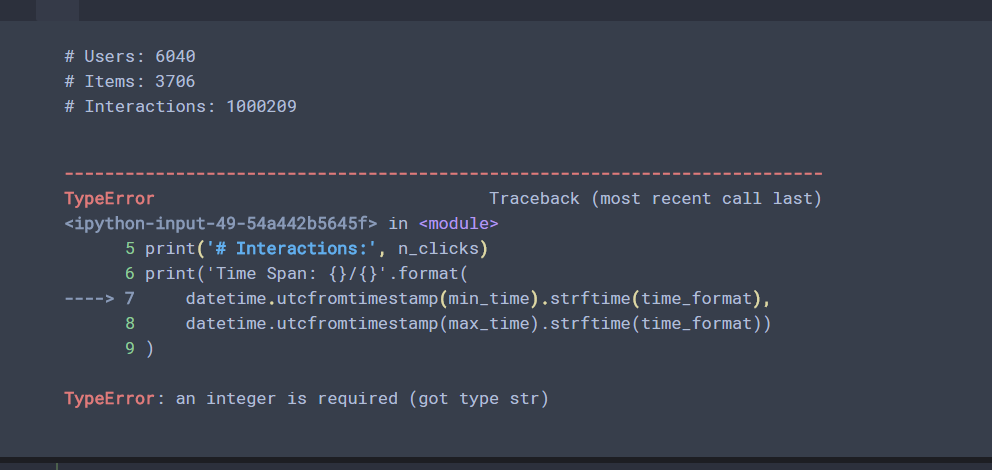
TypeError: an integer is required (got type str)
This is type alone What is needed is an int type, but input is a STR type ...
More Recommendation
TypeError: an integer is required (got type is tuple)
TypeError: an integer is required (got type is tuple), This error. To understand it literally, you need to obtain a integer data, and the original code is the tuple. What needs to be done is to change...
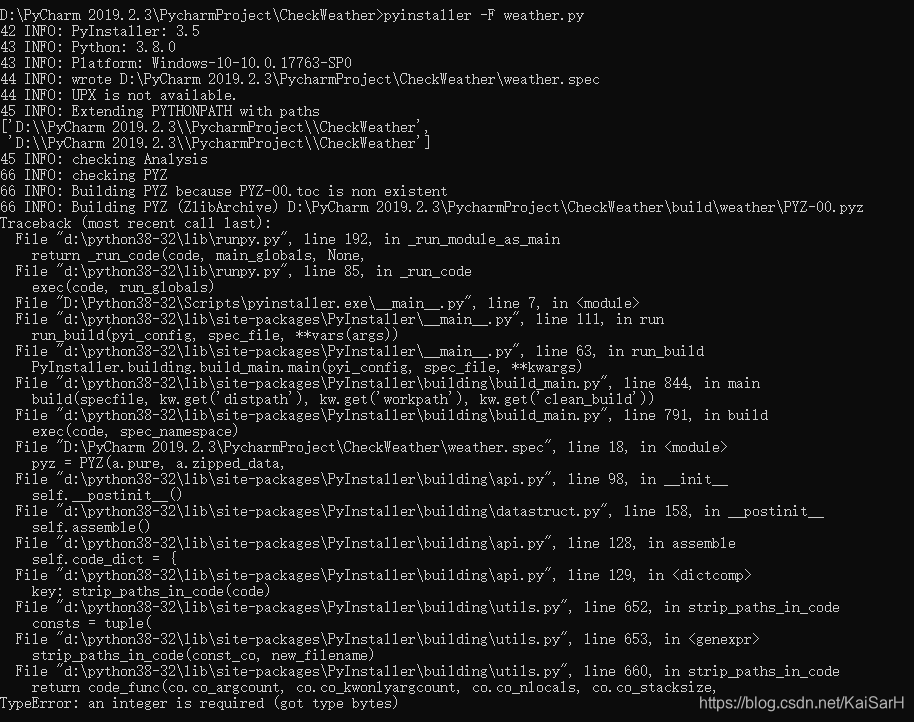
The Python program generates a Windows executable / command window does not display / Can not generate exe error TypeError: an integer is required (got type bytes) Solution
Use pyinstaller Installation command: pip install pyinstaller or pip install https://github.com/pyinstaller/pyinstaller/archive/develop.tar.gz The second recommended: because I just started using the ...
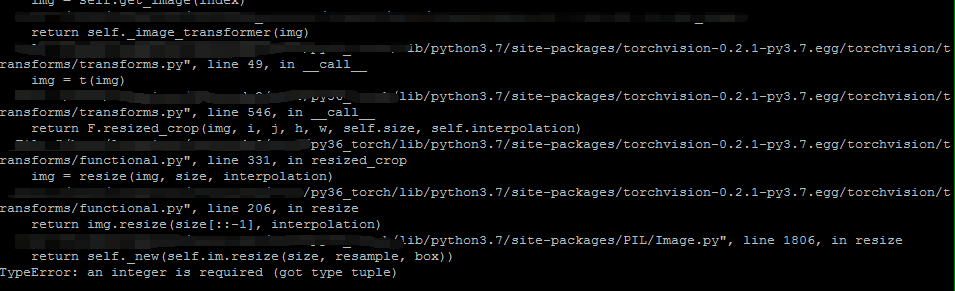
RandomResizedCrop error: TypeError: an integer is required (got type tuple)
Problem background The blogger’s version of pytorch is 0.4.1, and the version of torchvision is 0.2.1, an error occurs when the following code is executed. See the error below: Question inquiry ...
cv2.rectangle--TypeError: an integer is required (got type tuple)
Framed the face on the picture, the following error appeared: Haven't encountered it before, instackoverflowI found the explanation above, which is the reason why the image read by PIL.Image cannot us...
OpenCV [pit] TypeError: an integer is required (got type tuple)
It is really not easy to use OpenCV, always give you a surprise. If you are in the picture, your error is as follows: cv2.rectangle(src, (20, 20), (100, 100), (200, 0, 0), 1) TypeError: an integer is ...