Python uses Pyinstaller package exe file error: TypeError: an INTEGER IS Required (Got Type Bytes)
tags: Python
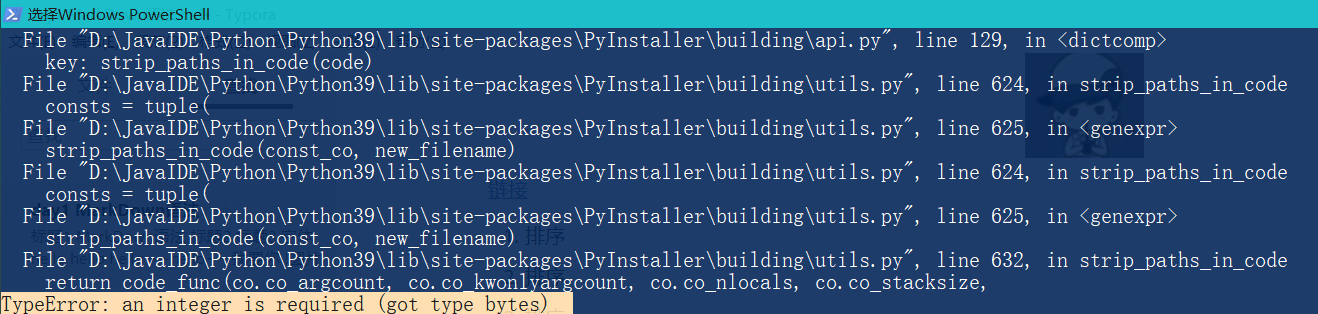
Python packs into an EXE file First, you need to install the Pyinstaller library, then enter the target file directory, enter the command line package PY file, but an error occurred:TypeError: an integer is required (got type bytes) . My python3.9, the following is the process of problem-solving problems:
table of Contents
1. Install the Pyinstaller library
2.1 pyinstaller command parameters
3. Find the reason for the error
3.1 Replace the installation of Pyinstaller
3.3 Note that the EXE icon should be .ico format
1. Install the Pyinstaller library
Open WIN + R, enter the CMD to enter the terminal Terminal. Terminal input commandpip install pyinstaller Install the library, after installationpip list Displays the Pyinstallers version 3.3.1.
pip install pyinstaller2. Pack PY file
2.1 Pyinstaller command parameters
First, you need to know the parameters of the pyinstaller command, such as:
pyinstaller -F -w -i demo.ico test.py| parameter | meaning | Detailed description |
|---|---|---|
| -i | Icon path | Need pictures for ICO format, you can convert pictures such as PNG to ICO images with online format conversion tools. |
| -F | Pack a single exe file | There is only one PY file through the code. If there are multiple PY files, don't choose this parameter. |
| -D | Package multiple files | Create a directory, DIST contains EXE and many dependencies, code to be written in the framework |
| -w | Prohibition of command line windows | When you start an Exe program, you will not pop up the command line window (which is only valid for Windows) |
| -c | Use console | Run using the console subsystem (only valid for Windows) |
| -h | View help |
It means packing the Test.py file into a single exe file, and generates an EXE icon with the root directory image Demo.ico, and the command line pop-up window is prohibited when runs the exe file.
2.2 Pack PY into an EXE file
Then enter the target file directory (I am E: \ Test \ Tree.py), execute the package commandpyinstaller -F xx.py
E: # Switch the catalog to the E disk
 CD Test # Enter the target folder
 Pyinstaller -f tree.py # Treume file Tree.py single exe file package
But an error occurred:TypeError: an integer is required (got type bytes), Packages fail. Successful sign is a tail line display completed successfully At the same time, some files are generated in the Tree.py root directory, where there is an Exe file under the Dist folder, you can run separately in any place (such as other computers).
3. Find the reason for the error
3.1 Replace the installation of Pyinstaller
Although installationpyinstaller Successful, but the installation process still has some bursts, use other methods to replace the installation of Pyinstaller, execute the command:
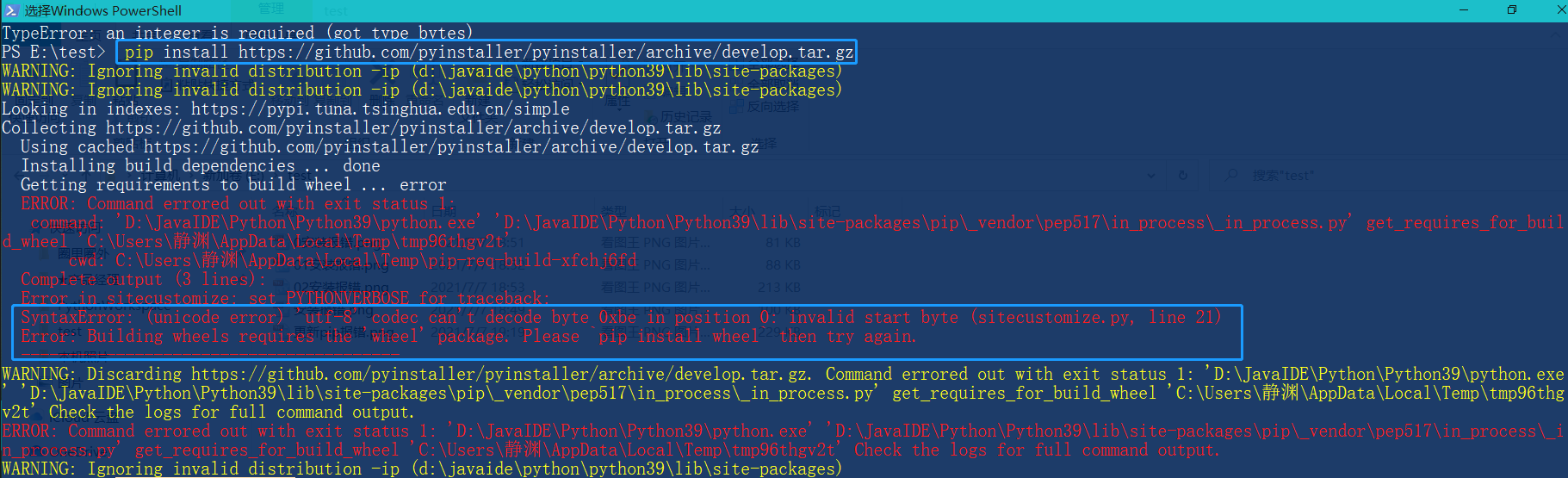
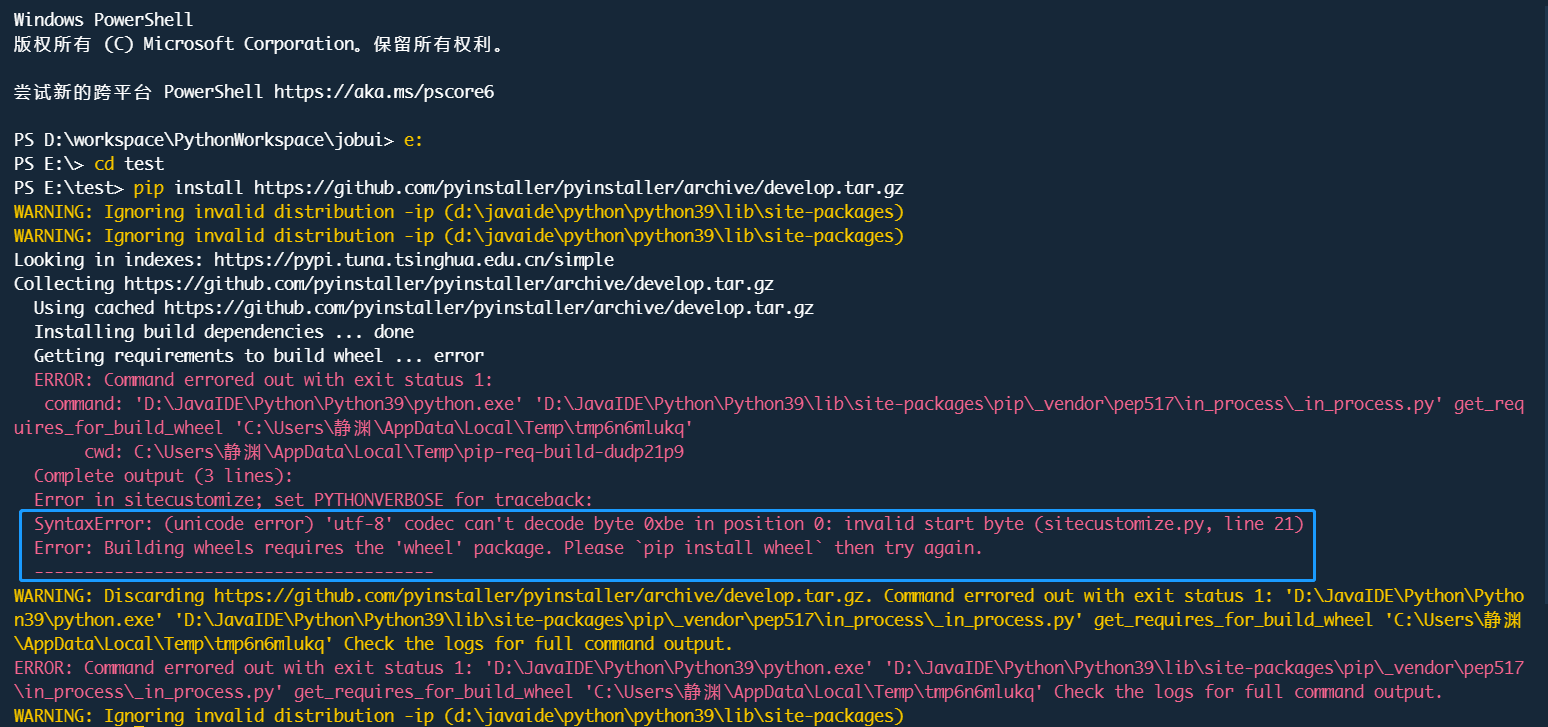
pip install https://github.com/pyinstaller/pyinstaller/archive/develop.tar.gzBut I didn't expect to report any error:SyntaxError:Command errored out with exit status 1:
3.2 View error content
Carefully check the middle of an error message:
SyntaxError:(unicode error)'utf-8' codec can't decode byte 0xbe in position 0: invalid start byte
Error:Building wheels requires the 'wheel' package. Please 'pip install wheel' then try again
The first line of SyntaxError said that the encoding error is unable to decode the UTF-8 format. The net checks some information indicates that the default is GBK encoding. You need to download the original file to modify the source code, increase Encoding = 'UTF-8', trouble;
The second line error said that the WHEEL module is missing, you can install the Wheel and try. Decide to select this method:
pip install wheel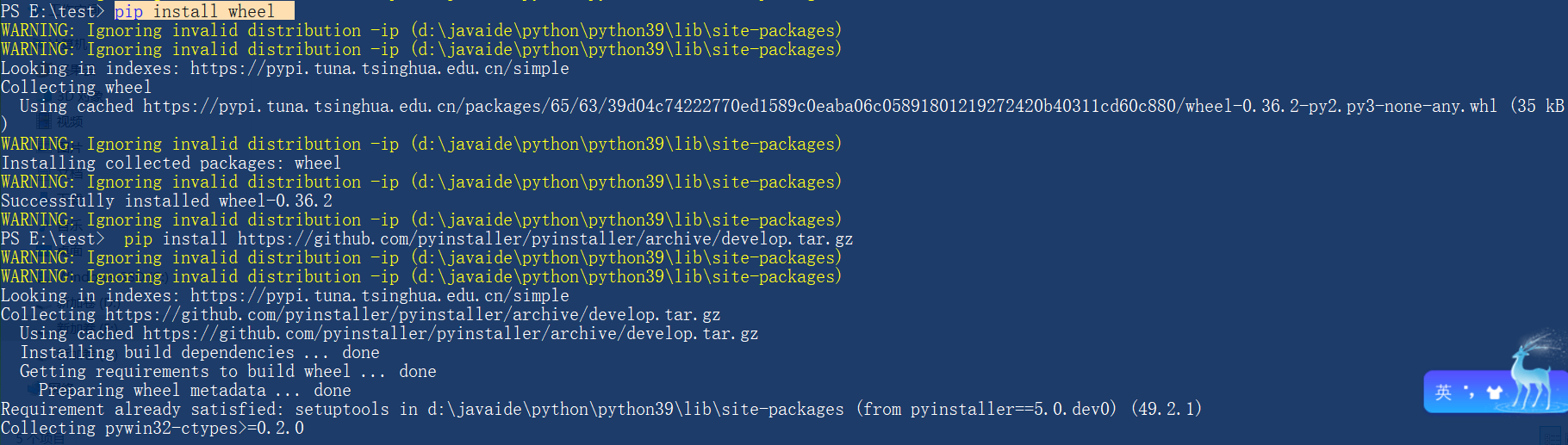
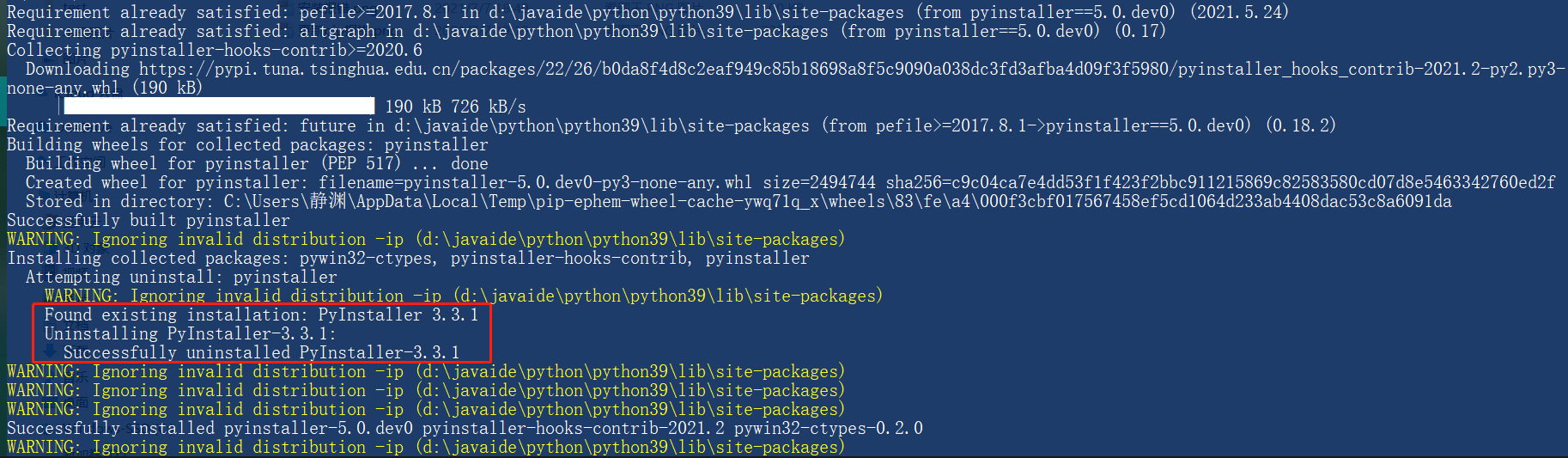
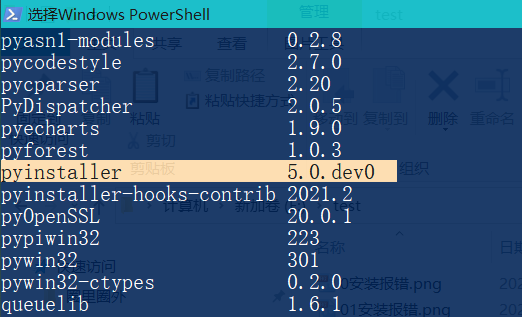
When you install the WHEEL module, you can see that the system automatically unresses the installed Pyinstaller version 3.3.1, throughpip listView replacement with a 5.0.dev0 version.
3.3 Note that the EXE icon should be .ico format
Now I can try the PY file, because I want to customize the icon logo, I downloaded an icon's PNG format file from the Alibaba Vector Icon library, directly refix the suffix .ico file, execute the command:
pyinstaller -F -i tree.ico tree.pyBut once again report:struct.error: unpack requires a buffer of 16 bytes

The query learned that the icon in the PNG format must be converted to .ICO format, cannot be forced to change the suffix, so the online conversion tool converts the icon into a .ico format. Run the command again:pyinstaller -F -w -i tree.ico tree.py Success!
pyinstaller -F -w -i tree.ico tree.py 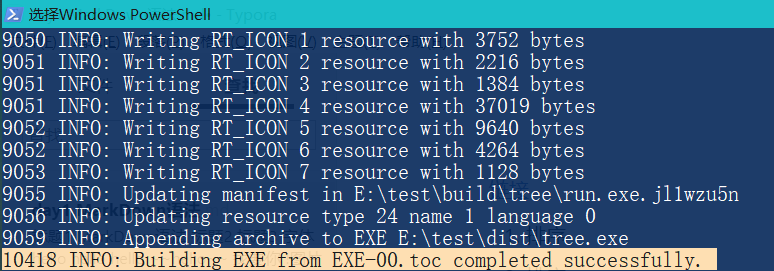
4. Final effect
Tree.Py Starting Directory:
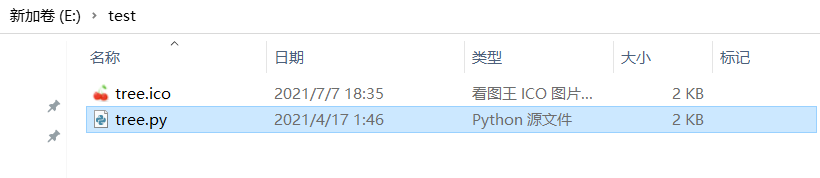
The directory after packaging the exe file automatically generates a lot of files:
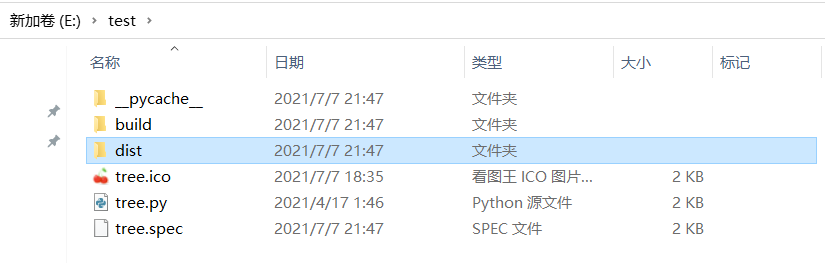
EXE file is in the Dist folder:

Double click to run Tree.exe to see the effect:
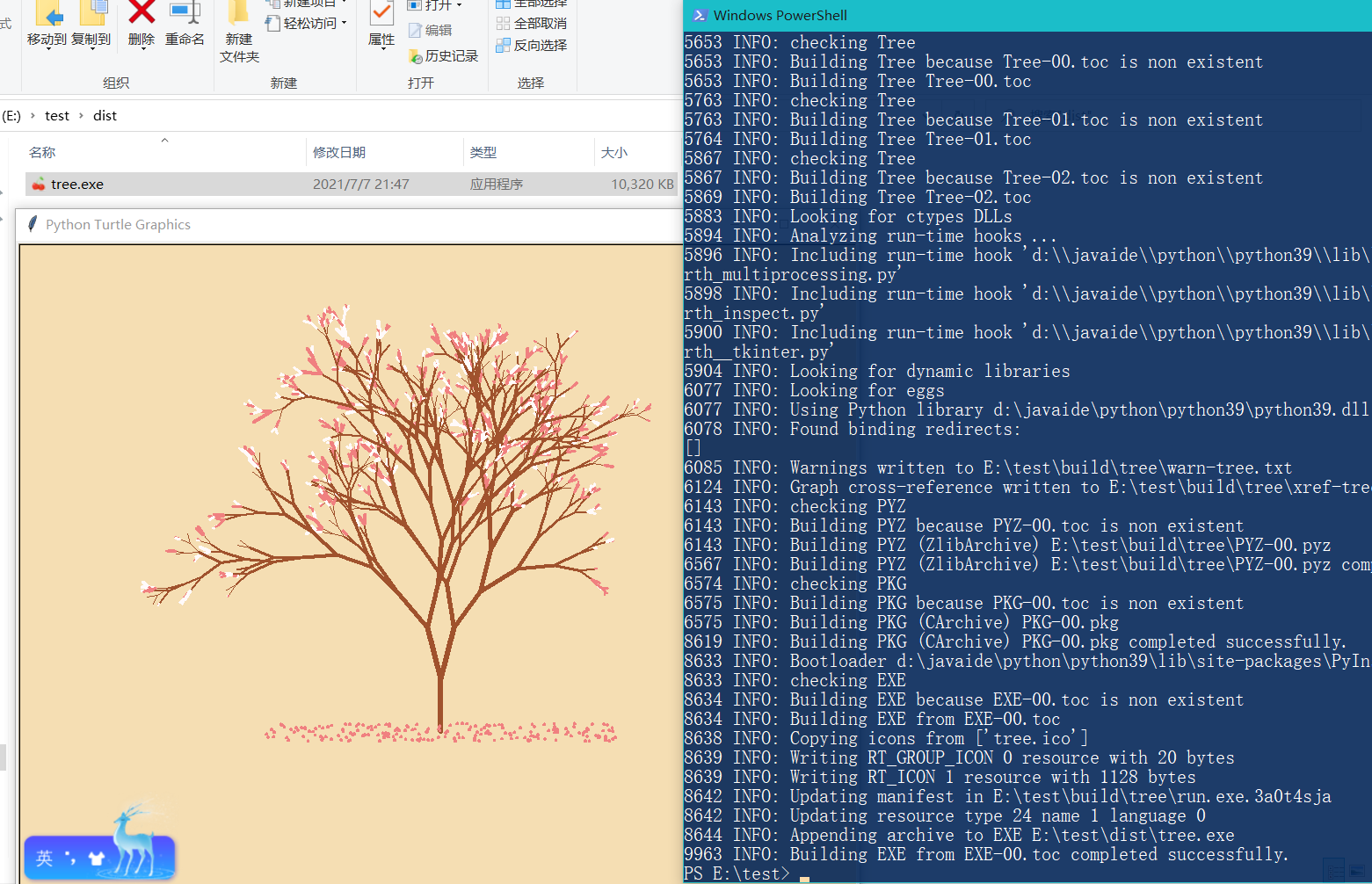
Try running Tree.exe with other computers, everything is normal. awesome!
Intelligent Recommendation
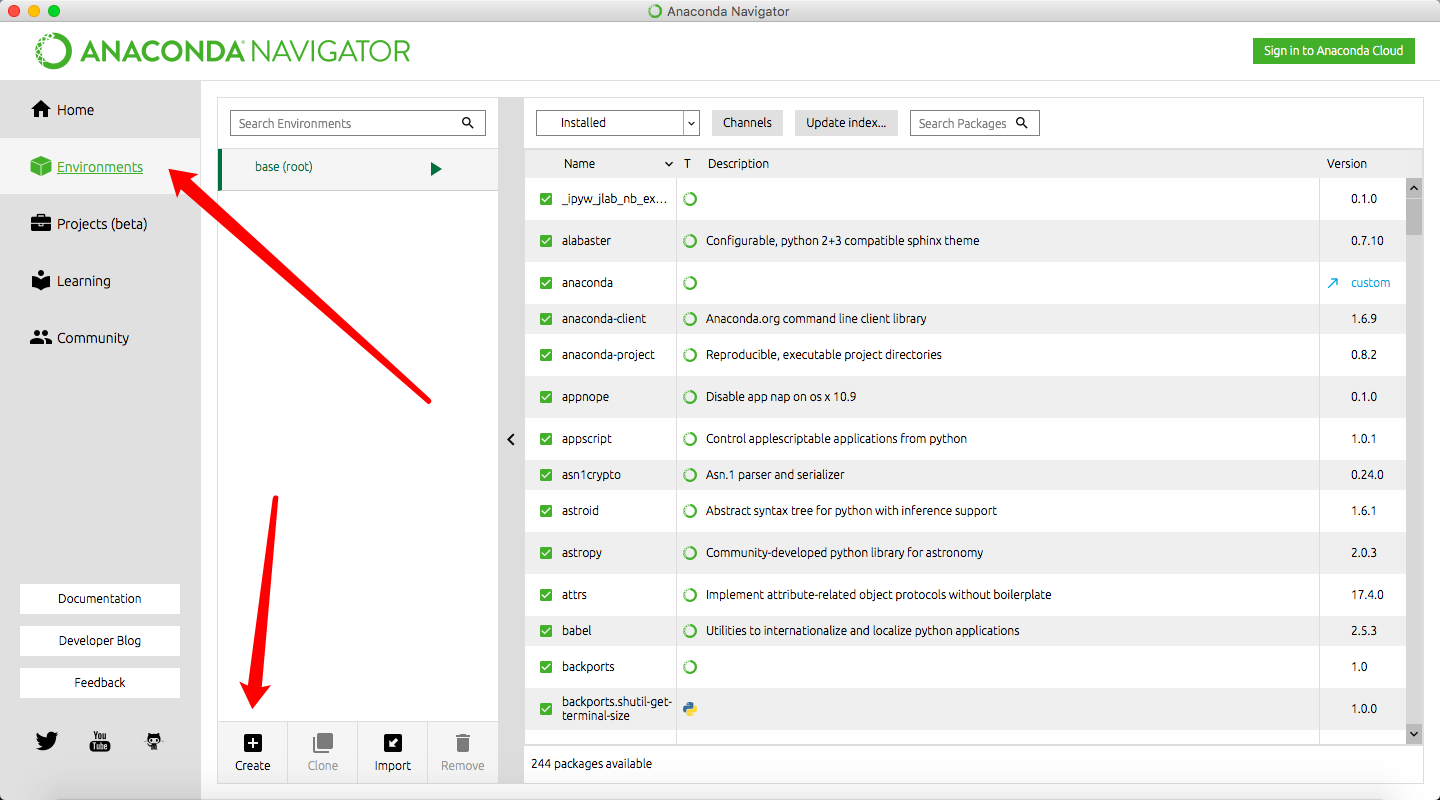
Pycharm: Error TypeError: an integer is required (got type bytes) after setting Anaconda
Background: After installing the latest version of Anaconda 3.9, after setting Python Interpreter in Pycharm to python.exe under the latest version of Anaconda file, the console fails to start and an ...
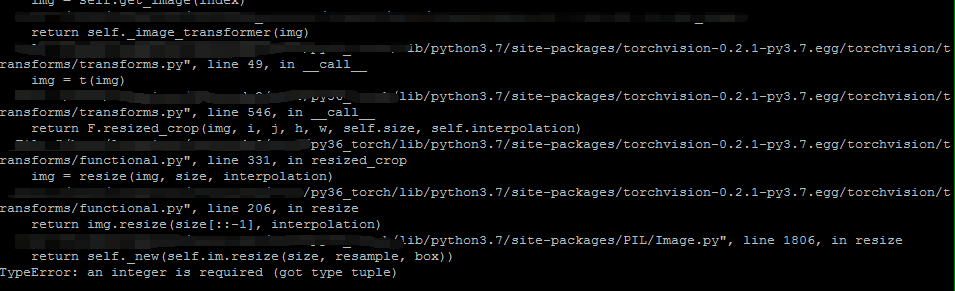
RandomResizedCrop error: TypeError: an integer is required (got type tuple)
Problem background The blogger’s version of pytorch is 0.4.1, and the version of torchvision is 0.2.1, an error occurs when the following code is executed. See the error below: Question inquiry ...
Cv2.Rectangle error TYPEERROR: An Integer IS Required (Got Type Tuple)
Announcement TypeError: An Integer Is Required (Got Type Tuple) The above operation, will occupy too much memory, operate with np.stack ((IM_B, IM_G, IM_R), AXIS = 2)...
Python socket TypeError: an integer is required (got type str)
Python Socket TypeError: an integer is required (got type str) You can see that the Python prompts to connect, and the error isan integer is required (got type str) Then I saw my code. It is only nece...
When importing the Sklearn library, encounter TypeError: an integer is required (got type bytes)
When importing the Sklearn library, encounter TypeError: an integer is required (got type bytes) First check your Sklearn version, when you install Sklearn, if you use the following PIP command, you m...
More Recommendation
TypeError: an integer is required (got type str)? Solution
Code: An error was encountered when opening files The following code changes to solve the problem The specific reasons unknown, seeking answers to big brother...

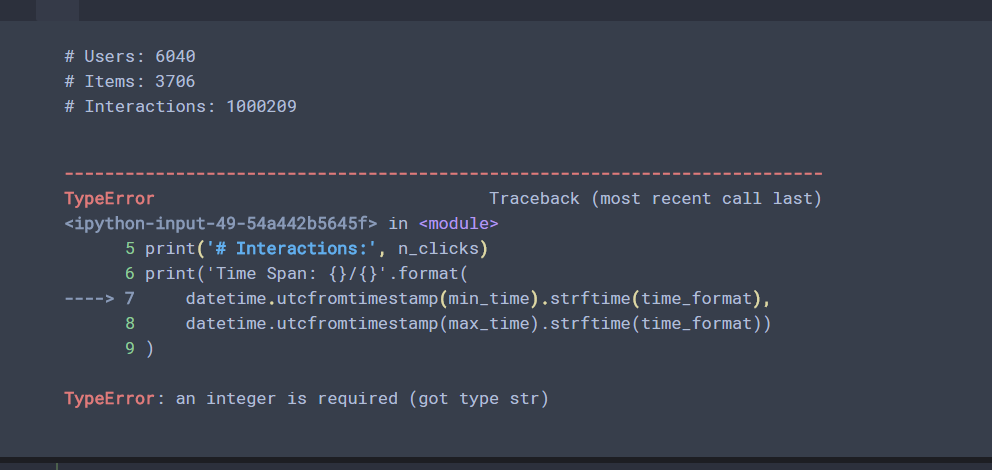
TypeError: an integer is required (got type str)
This is type alone What is needed is an int type, but input is a STR type ...
TypeError: an integer is required (got type is tuple)
TypeError: an integer is required (got type is tuple), This error. To understand it literally, you need to obtain a integer data, and the original code is the tuple. What needs to be done is to change...

Python uses Pickle error: TypeError: a bytes-like Object is required, not 'STR'
1, error 2, reason 1 "Type error: You need objects similar to bytes, not string" 2 This is the code that runs others. The environment used by people is python2. I use python3, there is a cer...