Python: Use PyInstaller to package into an exe file, and TypeError: an integer is required (got type bytes) exception resolution
tags: python Package exe pyinstaller
Using Python 3.6 or above to use pyinstaller for packaging will result in a TypeError: an integer is required (got type bytes) exception. The solution and installation pyinstaller tutorial are as follows:
1. Install PyInstaller
- pip install PyInstaller
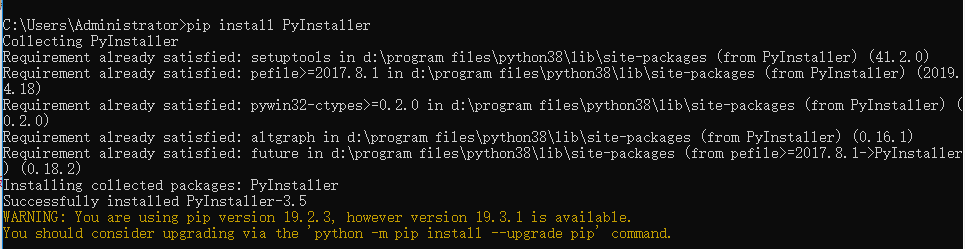
2. The commonly used PyInstaller packaging command parameters are as follows:
- -F: Package Python program as a single executable file
- -D: package the Python program into a folder
- -i: Generate icons, only applicable to Windows platform ()ps: The icon file ending with .ico must be connected after the -i parameter)
- -n: specify the name of the generated file after packaging
- -w: disable command line popup
3. Pack a single py file
- PyInstaller -F xxx.py
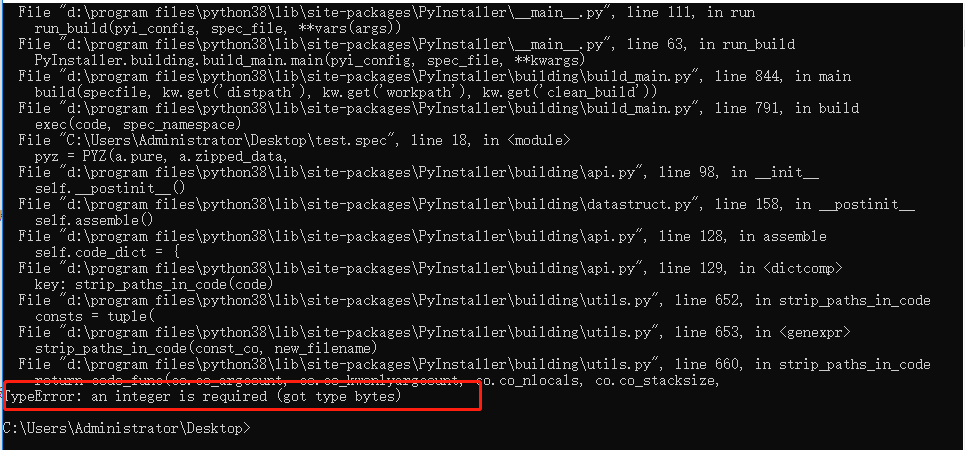
4. The result is abnormalTypeError: an integer is required (got type bytes), Solution, please enter the following command:
- pip install https://github.com/pyinstaller/pyinstaller/archive/develop.tar.gz
If there is an exception, please update pip, and then enter the previous command to install pyinstaller
- python -m pip install --upgrade pip
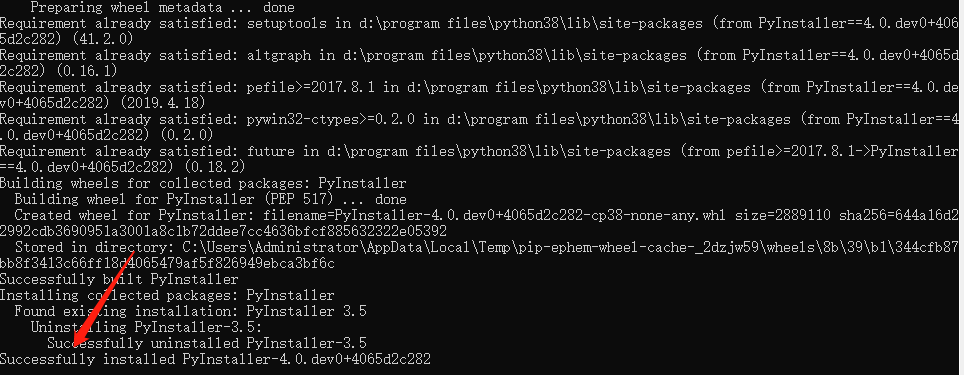
5. Execute PyInstaller -F xxx.py again and pack successfully
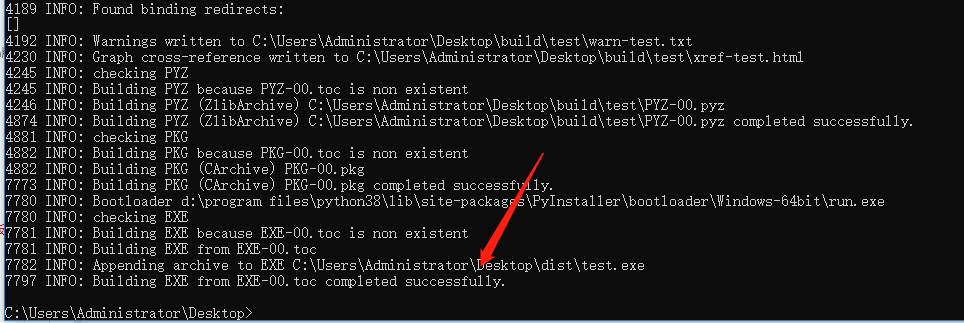
6. The directory structure is as follows, the executable exe file is in the dist directory


7. Perfectly resolve the TypeError: an integer is required (got type bytes) exception, packaged using PyInstaller
Intelligent Recommendation
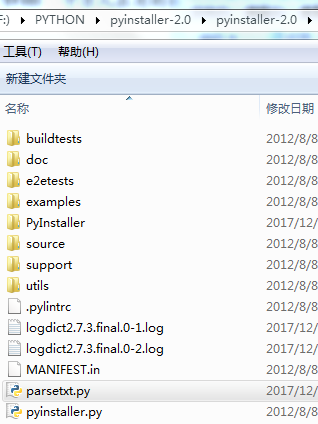
Use pyinstaller to package python to generate exe file
Python packaging, pyinstaller is currently recommended instead of py2exe. There is no problem with the code running before packaging. After py2exe is packaged, various time formats are not supported. ...
Use Pyinstaller to package as an exe file in python
Dependent package import Specific packaging into exe steps The first The second The generated file can be found from the last line of cmd output...
TypeError: an integer is required (got type bytes) error correction method of seeking correction
TypeError: an integer is required (got type bytes) error correction method of seeking correction Traceback (most recent call last): File “F:/python/automatic/tsTserv.py”, line 18, in tcpCl...
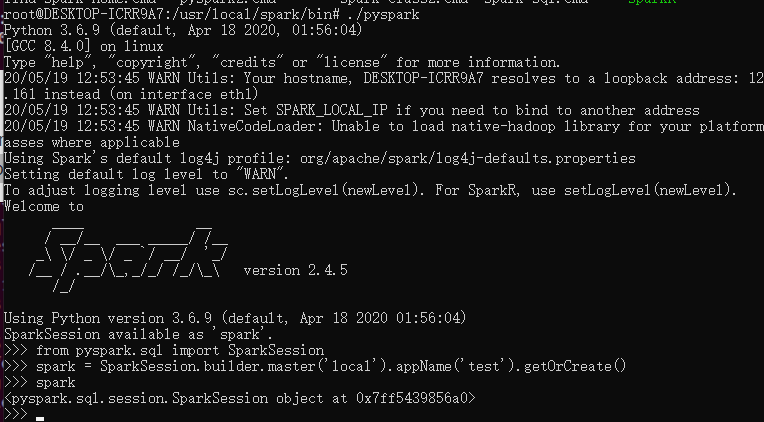
"TypeError: an integer is required (got type bytes)" error when trying to run pyspark after installing spark 2.4.4
The environment is Ubuntu, jdk8, spark-2.4.5-bin-hadoop2.7, python3.8.2 1. Reason Since spark does not yet support python3.8 2. Solution So just downgrade python, I downgrade to python3.6.9 successful...
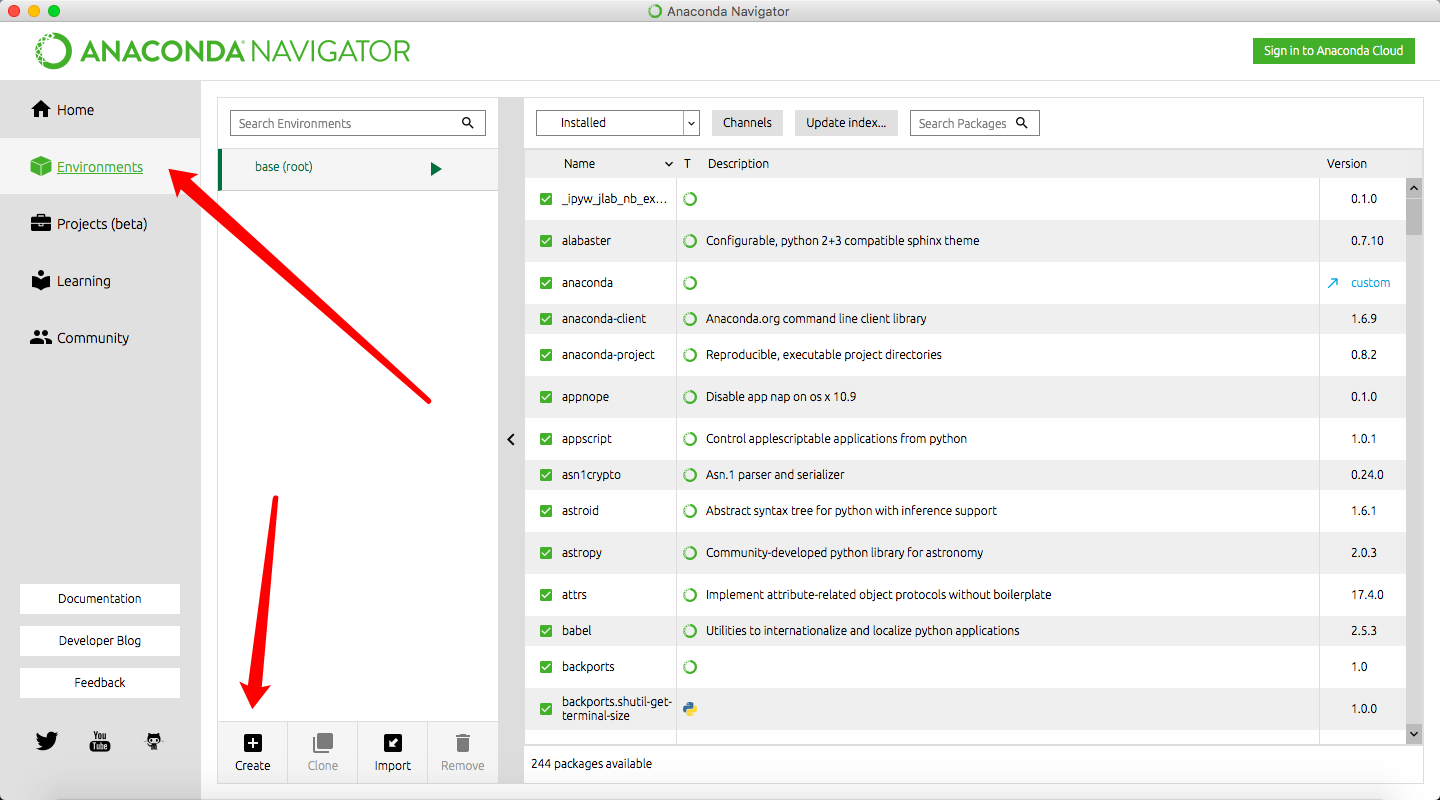
Pycharm: Error TypeError: an integer is required (got type bytes) after setting Anaconda
Background: After installing the latest version of Anaconda 3.9, after setting Python Interpreter in Pycharm to python.exe under the latest version of Anaconda file, the console fails to start and an ...
More Recommendation
Python3.8 uses scikit-learn0.20.2 Times Wrong Typeerror: an Integer is Required (got type bytes)
I must record this problem, because I have gone too much road, spend too much time! Problem Description: When the brother's project is placed on his computer, no module name 'error appears, after seve...
When importing the Sklearn library, encounter TypeError: an integer is required (got type bytes)
When importing the Sklearn library, encounter TypeError: an integer is required (got type bytes) First check your Sklearn version, when you install Sklearn, if you use the following PIP command, you m...
TypeError: an integer is required (got type str)? Solution
Code: An error was encountered when opening files The following code changes to solve the problem The specific reasons unknown, seeking answers to big brother...

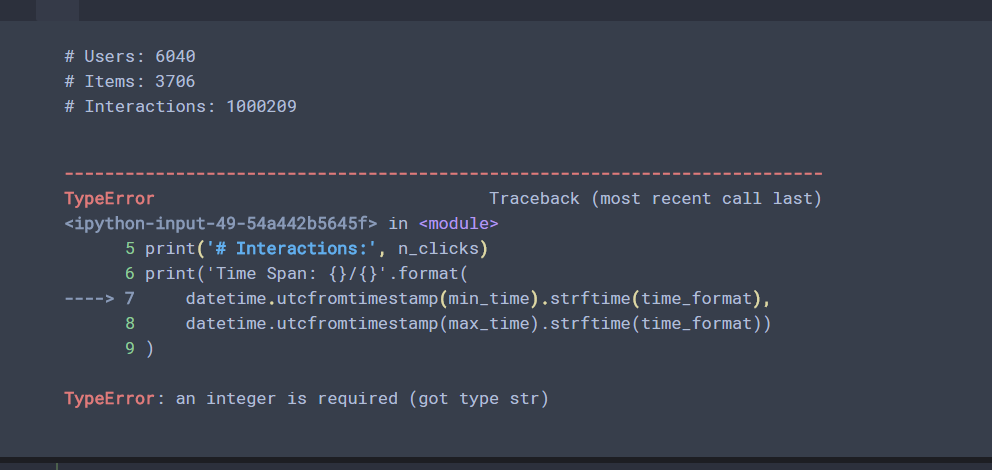
TypeError: an integer is required (got type str)
This is type alone What is needed is an int type, but input is a STR type ...