LTP, Linux Test Project
LTP-linut test project. The ltp suite is a system test suite developed by the Linux Test Project. It develops a combination of tests based on the utilization statistics of system resources to provide sufficient pressure for the system.
Use the LTP test suite to test the Linux operating system for a long time, focusing on the workload related to the Linux user environment. It is not dedicated to proving defects. To
If you need to install the latest version or recompile, refer to the Quick Start section.
Quick Start
Download ltp package
Version page:https://github.com/linux-test-project/ltp/releases
|
|
Install dependencies
CentOS 7.4
|
|
Ubuntu (Kylin)
|
|
Install ltp test cases
|
|
ltp structure
ltp folder structure (only one level is shown)
|
|
|
|
Test command
Initial test
The initial test directly uses the /opt/ltp/runltp script. By default, this script executes: file system stress test, hard disk I/O test, memory management stress test, IPC stress test, SCHED test, command function verification test, system call function verification test.
If no parameters are specified, then all use cases will be executed, and all execution processes will be printed to the screen without saving logs and results. It is recommended to add at least -p, -l parameters to save readable test results.
|
|
For parameter explanation, see http://ltp.sourceforge.net/documentation/how-to/ltp.php#_3.4my_command_file should be placed under /opt/ltp/runtest, and the content format is as follows,
|
|
After the command is executed, if the absolute path of the log file is not specified, the log will be saved in the /opt/ltp/results directory. The output content is as follows,
|
|
pressure test
Execute the ltpstress.sh script in testscripts for stress testing. The script runs similar test cases in parallel and different test cases serially. By default, this script executes: NFS stress test, memory management stress test, file system stress test, math (floating point) test, multi-threaded stress test, hard disk I/O test, IPC (pipeio, semaphore) test, system call function Verification test, network stress test.
|
|
-l: Record test results to /tmp/ltpstress.log (lowercase L)
-I: Record the result of "iostat" to iofile, the default is /tmp/ltpstress.iostat (uppercase i)
-i: Specify the sar or top snapshot interval, the default is 10 seconds
-m: Specify the minimum memory usage, the default is: RAM + 1/2 swap
-n: Do not stress test the network
-S: Use sar to capture data
-T: Use the top tool modified by LTP to capture data
-T: Specify the test time # The -t parameter of the ltpstress.sh script, only supports the integer "hour".
-b: Part of the test requires a disk without mount. If not specified, the script will create a loop device for testing
-B: description of the file system of the disk specified by -b
Note: If you do not specify -m, the pressure will be greater, and resource consumption may burst. Be sure to bring the -m parameter.
Correspondence of file structure related to stress test script:
- Ltpstress.sh in testscripts
- Stress.part1, stress.part2, stress.part3 under the runtest directory (test set configuration files)
- Run in the background pan
- Execute each test case in Testcase finally
The combination of test cases can be adjusted by modifying the stress.part<n> file under runtest.
Test data analysis
By default, the test results are placed in /tmp
ltpstress.log: Record related log information, mainly whether the test passes or fails (pass or fail)
ltpstress.data: the day file recorded by the sar tool, including cpu, memory, i/o, etc.
ltpstress.<xxx>.output1: corresponding to stress.part1, some output information of the test command
ltpstress.<xxx>.output2: corresponding to stress.part2
ltpstress.<xxx>.output3: corresponding to stress.part3
ltpstress.sh supports -S to call the sar command to record server performance data. If -S is not specified, the top command customized by ltp will be used to record performance data.
|
|
Extract the wrong use cases, and then analyze the reasons for each wrong use case.
|
|

Related test collection
-
runtests/net.nfs: contains test collections of NFS v2, v3, and v4, which need to be enabled and configured for nfs and portmap services. Excuting an order:
/opt/ltp/runltp -p -l result.yyyymmdd.log -f net.nfs - runtests/network_commands: contains a collection of tests for ftp and ssh.
- runtests/scsi_debug.part1: corresponding script testscripts/ltp-scsi_debug.sh.
In the downloaded ltp package, there is a separate disktest directory under testcases/kernal/io/. Contains the disktest script, which can be executed. The document is attached.disktest_manual.html
Reference documents:
http://ltp.sourceforge.net/documentation/how-to/ltp.php#_1
Intelligent Recommendation
[Ltp] [eas] test cases resolved
contents eas_one_small_task eas_one_big_task eas_small_to_big eas_big_to_small eas_small_big_toggle eas_two_big_three_small sched_cfs_prio sched_dl_runtime sched_latency_dl sched_latency_rt sched_prio...
Linux performance testing tools LTP
Linux Test Project Linux Test Project is sponsored by SGI, OSDL, and Bull joint project of IBM, Cisco, Fujitsu, SUSE, Red Hat, Oracle and other development and maintenance. The project's objective is ...

HanLP vs LTP word segmentation function test
The article is taken from github, this test uses HanLP 1.6.0, LTP 3.4.0 Test idea The two lexicons were trained using the same corpus, and the same test data tested the performance of the two lexicons...
Ltp test suite - pthread_rwlock_unlock_3-1 analysis record
I recently did a ltp test on the linux-4.14 kernel. The pthread_rwlock_unlock_3-1 use case test did not pass, and then I did the test on various other Linux systems. Test failed: reader did not get th...
Ltp test suite - pthread_rwlock_rdlock_2-1 analysis record
The test pthread_rwlock_rdlock_2-1.c use case failed. The log is as follows: [83#yuchen@ubuntu ltp]# gcc 2-1.c -o 21 -pthread [84#yuchen@ubuntu ltp]# ./21 main: has priority: 3 main: attempt read lock...
More Recommendation
Shell script example (2)-ltp test
Test sched_latency_dl 100 times ...
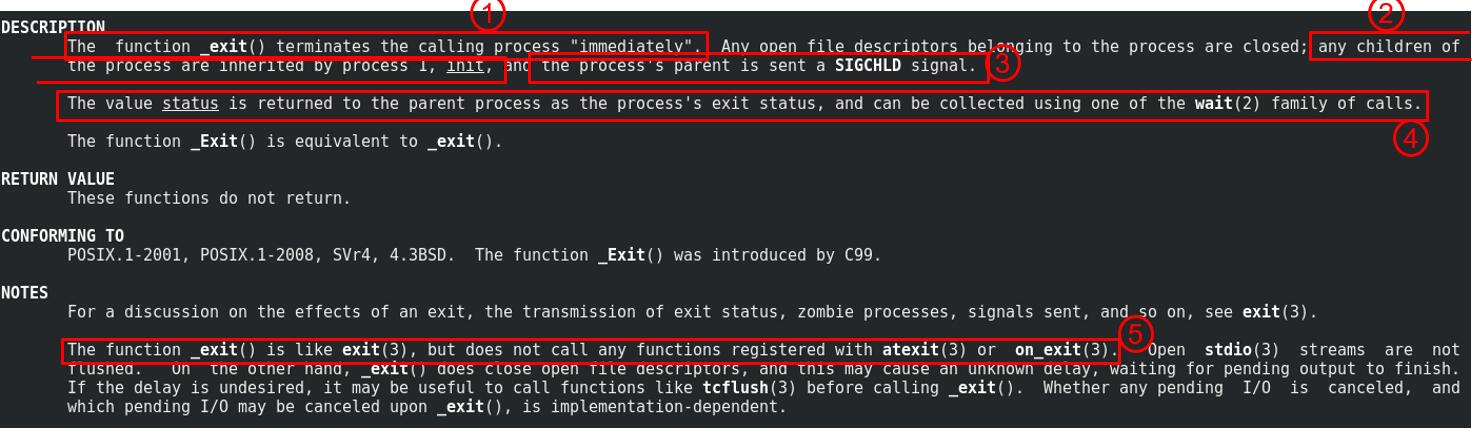
LTP Chapter 4 Development_exit() Test Set
LTP series link: Chapter 1 Introduction to LTP and Internal Mechanism Chapter 2 Develop Shell Test Set Chapter 3 Development System Call Test Set Chapter 4 Development _exit() test set Chapter 5 Devel...

LTP Chapter 2 Develop Shell Test Set
LTP series link: Chapter 1 Introduction to LTP and Internal Mechanism Chapter 2 Develop Shell Test Set Chapter 3 Development System Call Test Set Chapter 4 Development _exit() test set Chapter 5 Devel...
UOS LTP compile USSTAT test item error
Environmental information Error information Show repeatedly definition the Struct USTAT structure. analyze There is no definition of Struct USTat in a normal environment. If you want to use this struc...
LTP Chapter 6 Development of IO Blocking Test Set
LTP series link: Chapter 1 Introduction to LTP and Internal Mechanism Chapter 2 Develop Shell Test Set Chapter 3 Development System Call Test Set Chapter 4 Development _exit() test set Chapter 5 Devel...