Linux performance testing tools LTP
tags: linux
Linux Test Project
Linux Test Project is sponsored by SGI, OSDL, and Bull joint project of IBM, Cisco, Fujitsu, SUSE, Red Hat, Oracle and other development and maintenance. The project's objective is to provide a test to the open source community to validate the reliability, robustness and stability of Linux.
LTP test suite contains a collection of test Linux kernel and related features of the tool. Our goal is to improve the Linux kernel and system libraries by the introduction of test automation testing. Interested open source contributors are encouraged to join.
Project page located at:http : //linux-test-project.github.io/
The latest images are always available at the following locations:https : //github.com/linux-test-project/ltp/releases
Discussion on the item occurs in ltp mailing list:http : //lists.linux.it/listinfo/ltp
git repository located on GitHub:https : //github.com/linux-test-project/ltp
Patch example in:https : //patchwork.ozlabs.org/project/ltp/list/
warn!
These tests have to be careful!
Do not run them on a production system. Growth files, doio and iogen special emphasis on the system I / O functions, although they should not cause problems in the normal operation of the system, but they are designed to discover (or causing) a problem.
Quick Guide to run tests
If you install git, autoconf, automake, m4, pkgconf / pkg-config, libc header files, linux kernel headers and other common development package (See INSTALL and travis / * .sh), the following may occur Condition:
$ git clone https://github.com/linux-test-project/ltp.git
$ cd ltp
$ make autotools
$ ./configure
Now, you can continue to compile and run a single test, can continue to build and install the entire test suite.
For the optional library dependencies, seetravis/The main release directory script. You can also use./build.shScript to build the entire LTP.
Shortcut to run a single test
If you need to perform a test, you do not need to actually compile the entire LTP, if you want to run syscall test case, you should be able to perform the following tasks.
$ cd testcases/kernel/syscalls/foo
$ make
$ PATH=$PATH:$PWD ./foo01
Shell test case is more complicated, because they require a point to Shell library and the path to a compiled binary program help, but under normal circumstances, should be used.
$ cd testcases/lib
$ make
$ cd ../commands/foo
$ PATH=$PATH:$PWD:$PWD/../../lib/ ./foo01.sh
Open Posix Testsuite has its own build system, you need to generate a Makefile, and then compilation should be carried out in a subdirectory.
$ cd testcases/open_posix_testsuite/
$ make generate-makefiles
$ cd conformance/interfaces/foo
$ make
$ ./foo_1-1.run-test
Compile and install all the test cases
$ make
$ make install
This will install the LTP/opt/ltp。
- If you have questions, please see
doc/mini-howto-building-ltp-from-git.txt。 - If the problem persists, see
INSTALLwith./configure --help。 - If that fails, ask for help on the mailing list or Github.
If you can not find its configuration script build dependencies, some tests will be disabled.
- if
TCONFDue to lack of components caused by the test return, please check./configureOutput. - If due to lack of user or group and the test fails, refer to the "Quick Start" section
INSTALL。
Run test
Run all test suites
$ cd /opt/ltp
$ ./runltp
Please note that many test cases to be executed as root.
Run a specific test suite
$ ./runltp -f syscalls
To run all the tests andmadviseThe name
$ ./runltp -f syscalls -s madvise
See also
$ ./runltp --help
Test suites (such as syscalls) defined in runtest directory. Each file contains a list of test cases simple format, see doc / ltp-run-files.txt.
Each test has its own executable files or scripts, can be executed directly
$ testcases/bin/abort01
Some people argue
$ testcases/bin/fork13 -i 37
The vast majority of test cases accepted -h (help) switch
$ testcases/bin/ioctl01 -h
Many of the requirements set certain environment variables
$ LTPROOT=/opt/ltp PATH="$PATH:$LTPROOT/testcases/bin" testcases/bin/wc01.sh
The most common is the need to set the path variable, you need to setLTPROOTBut there are many other variables,runltpUsually set these variables for you.
Please note that all shell scripts needPATHset up. However, this is not limited to shell scripts, many C-based tests also need an environment variable.
For more information, seehttps://github.com/linux-test-project/ltp/wiki/User-Guidelinesdoc/user-guide.txtOr available online.
Network test
Network testing requires certain settings, such astestcases/network/README.md (existOn https://github.com/linux-test-project/ltp/tree/master/testcases/networkOnline description) and theINSTALL。
Intelligent Recommendation
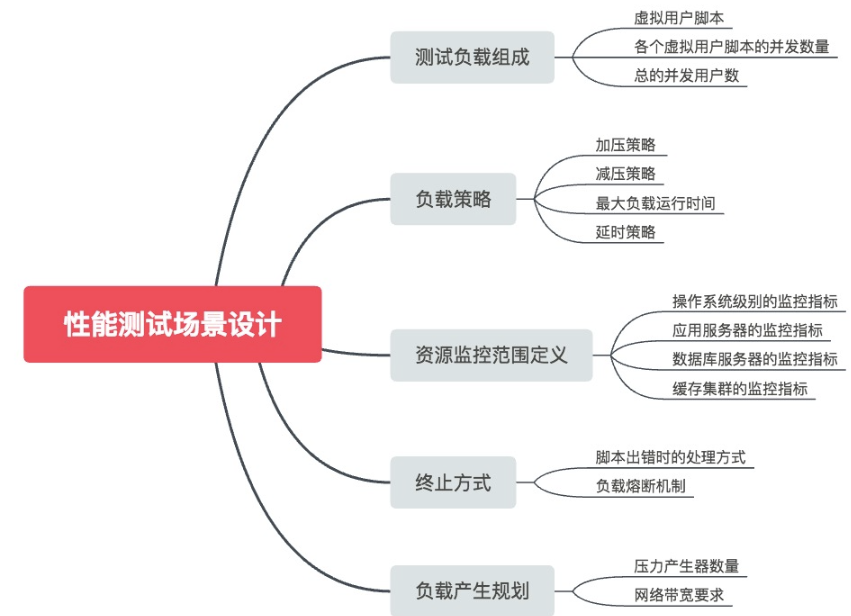
Backend performance testing tools
A complete backend performance test should include performance requirement acquisition, performance scenario design, performance test script development, Performance scenario realization, performance ...

Linux performance monitoring, testing, and optimization tools that you must know
There are a lot of performance tools on the Linux platform, dazzling, long-term exploration and experience found that the best used are the tried and tested, simple gadgets. System Performance Special...
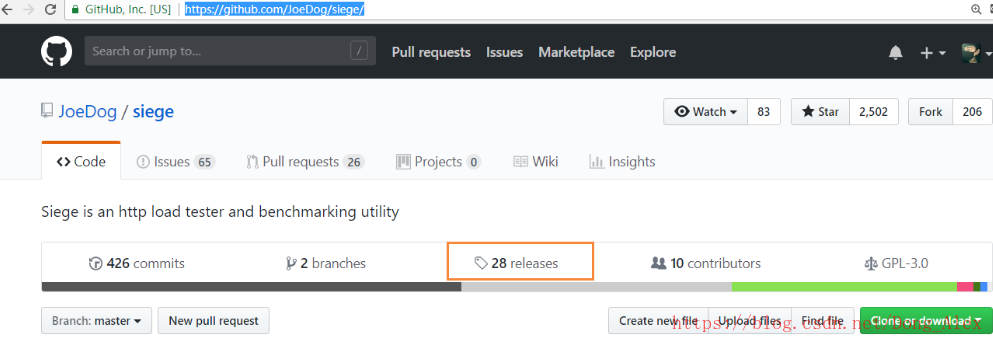
linux install server stress concurrent performance testing tools siege
linux install server stress testing tool siege Summary: Siege is a pressure test and evaluation tools, which are designed to evaluate application WEB development capacity under pressure: according to ...

Performance testing tools JMeter configuration and installation environment --Windows and Linux
First, set up the environment jmeter This article describes the installation and configuration JMeter environment under Windows and Linux platforms. 1, first talk about preconditions: jmeter is a pure...
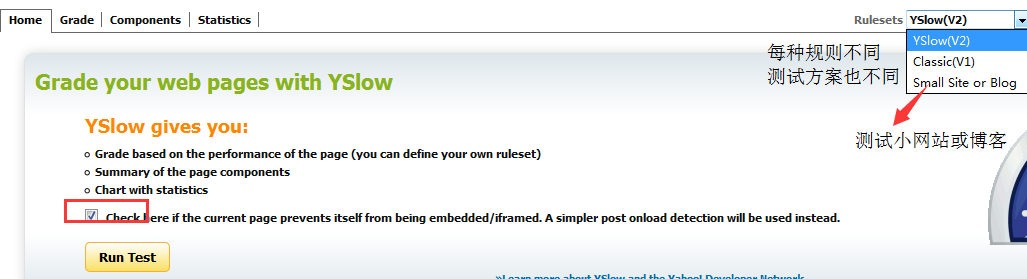
Testing tools - page performance testing tools
First, why do page performance tests Now the Internet era, rarely to be concerned with the speed of the site, because the Internet technology into today's website speed difference is very small, once ...
More Recommendation
Introduction to performance testing (3): performance testing tools
This article introduces performance testing tools: Simple simulation tool There are many scenarios where we just want to do a simple stress test. The requirements for monitoring results are not high, ...
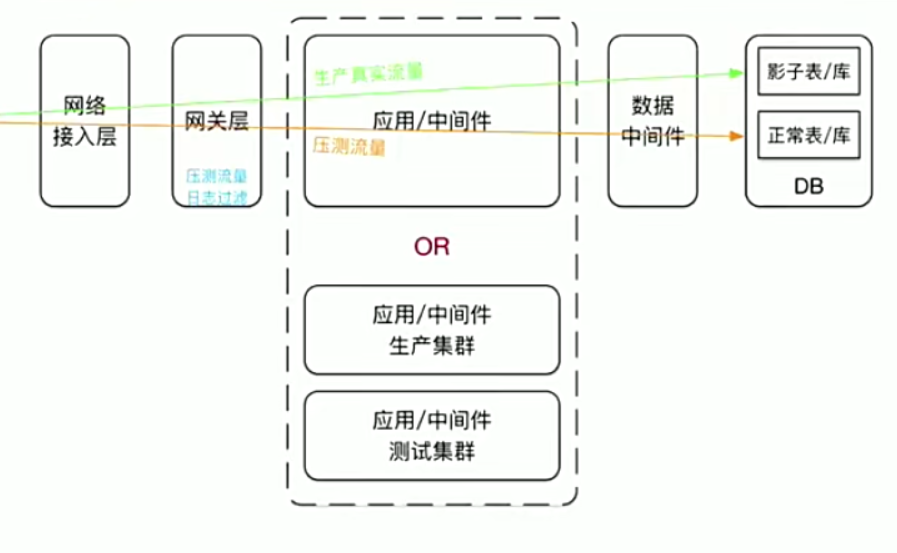
Performance testing - analysis of performance testing tools
Analysis of performance testing tools Tools used for performance testing 1. Performance testing tools Apache AB Xiaokuailing only supports HTTP, and cannot realize sceneization LoadRunner Jmeter Grind...
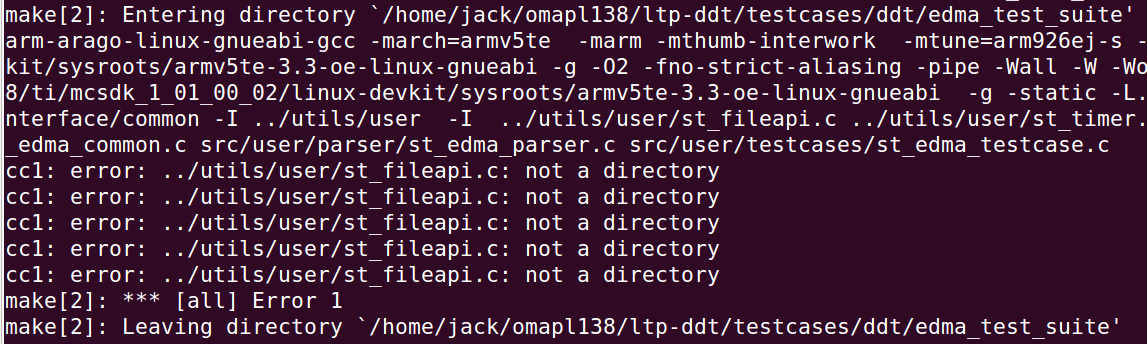
Hardware automated testing-LTP-DDT
Overview LTP-DDT is a test suite developed by TI to verify the Linux distribution. And it is based on LTP. LTP stands for Linux Test Project, which is jointly developed and maintained by companies suc...
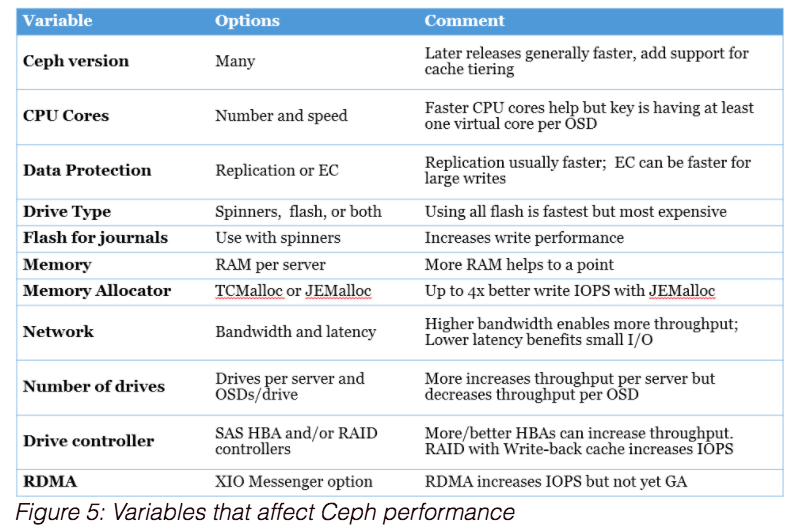
Ceph performance testing tools and methods
Test preparation 1.1 Disk read and write performance 1.1.1 Single OSD disk write performance, approximately 165MB/s. The test found that the results vary very much, sometimes on 75, sometimes 150. 1.1...
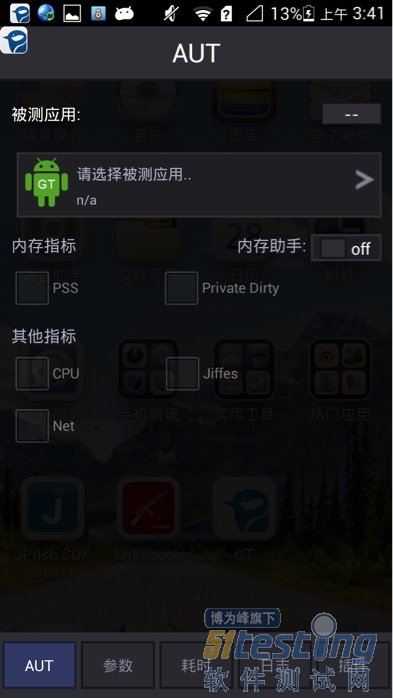
Android performance testing tools - GT
Why 80% of the code can not do farming architect? >>> GT, this tool isTencentLittle friends to the party, but also very simple and practical. This tool cantestPerformance indicato...