How to check installed tensorflow version in anaconda prompt
First open the Anaconda Prompt (tensorflow) command window. This window is generally available after installing tensorflow.
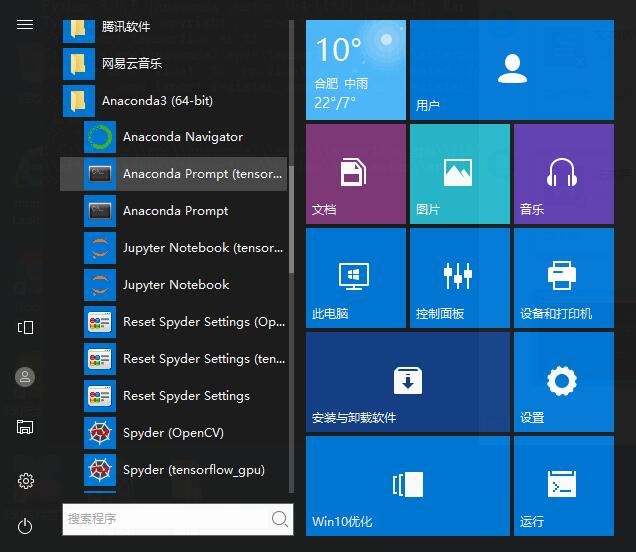
Then enter the command in the Anaconda Prompt (tensorflow) command window: python,
The version information of python will appear, mine is python3.6.5.
Then enter: import tensorflow as tf
tf.__version__
Tensorflow version information
Input: tf.__path__
The installation path of tensorflow

Intelligent Recommendation
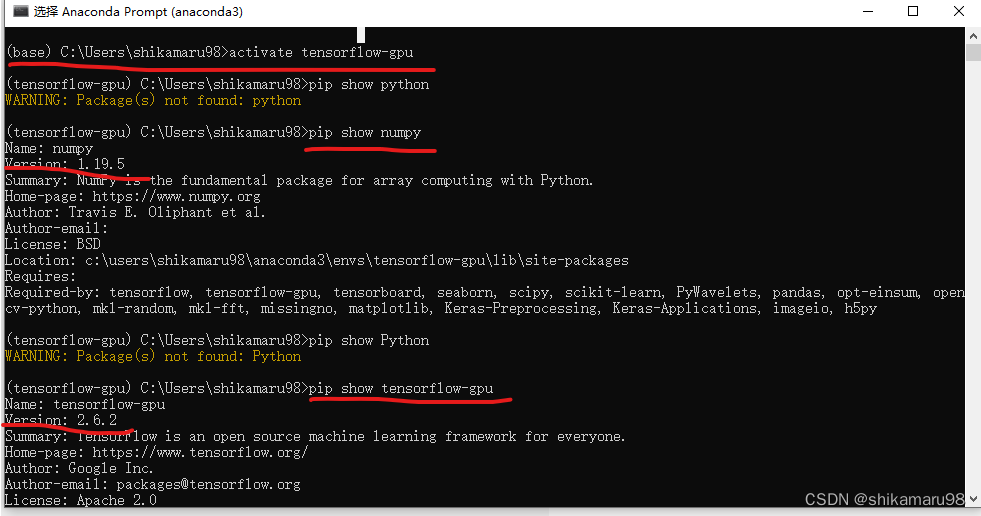
View the version numbers of python, tensorflow and each module through Anaconda Prompt
Use Anaconda Prompt to view the version numbers of installed Python, tensorflow and each imported module: Enter activate tensorflow-gpu in Anaconda Prompt; Check the version number of numpy: pip show ...
Anaconda installed Tensorflow
Establish a Tensorflow operating environment CurrentlyMacUpTensorflowOnly supportCPUVersion 3.0 and later versions support only version 3.5, so when we must create the environment plusPython=3.5. For ...
Anaconda installed Python3.5 + Tensorflow
Previously, ANACONDA has always used Python 2.7, although there is no ANACONDA at all. It is now necessary to install 3.5. Open Anaconda-> Environment-> root-> Terminal Automatically download...
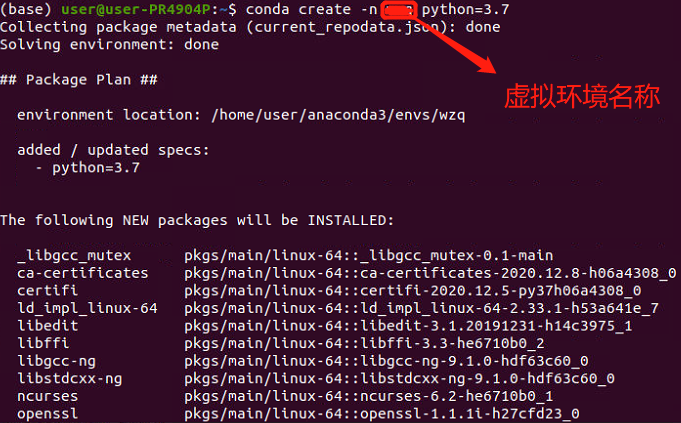
Anaconda installed Tensorflow with Keras
1. Create an ANACONDA virtual environment 2. Enter the environment 3. Install the GPU version of Tensorflow 4. Install Keras ...
Anaconda installed Python and Tensorflow
It is well known that Python has 2.x and 3.x, often cause version issues. Since I have already installed Python3.x and the corresponding Tensorflow in the Linux system, I am very troublesome when I en...
More Recommendation
Win10 is installed in Anaconda Tensorflow
It takes a few days to install this Tensorflow, leaving this experience, I hope that the future will not take the way. First, my Anaconda version is 4.3.1, built-in python3.6, and thus installing the ...
Ubuntu18.04 installed Tensorflow with Anaconda
Tensorflow installation GCC, G ++ downgradde Tensorflow only supports GCC4.8 compilation, you need to downgrade However, practice proves that no degrading, the Tensorflow installed in the following wa...
Mac system Anaconda installed Tensorflow old version (1.x)
Install the Tensorflow 1.x version under the Mac system Create Tensorflow environment Open the terminal from this environment...
Anaconda installed Tensorflow GPU version (2021.11 3060 pro test)
First step (installation tensorflow) The latest version of the Tensorflow 2.7 version seems to be compatible with CPU and GPU Open Anaconda Prompt, enter: Don't use Conda installation, there will be m...

How to install tensorflow and keras in the latest version of Anaconda
Fast implementation of tensorflow and keras with Anaconda Recently, due to course needs, anaconda was installed and deep learning framework tensorflow and keras were configured on it. Tortured me for ...