Python + Selenium installation and configuration environment
tags: Python Selenium Environment Configuration
Transfer: https: //www.cnblogs.com/sandysun/p/7838113.html
A, Python installation
Under Window System, python installation is very simple. Access python.org/download, download the latest version, the installation process is similar to other windows software. Remember to set the path environment variable After downloading, then the Windows command line you can call:

Two, the Selenium installed (installation methods, the first through PIP)
Python3.x will have after installation default pip (Pip.exe Scripts default path in the python), using pip installation selenium:
pip install selenium
It can be followed by an equal sign specified selenium version: such as:pip install selenium==2.53.0

I have installed because of selenium, can not repeat the installation.
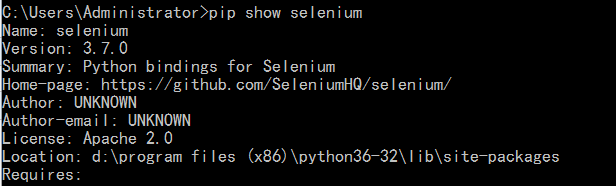
Use the following command to see if the installation was successful:
pip show selenium
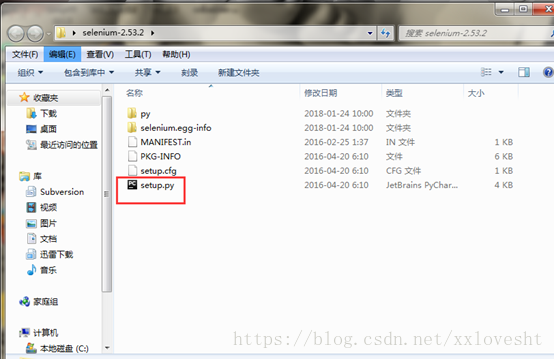
The second: by downloading selenium-python source code package
After downloading the source packageThe source package extract to any path
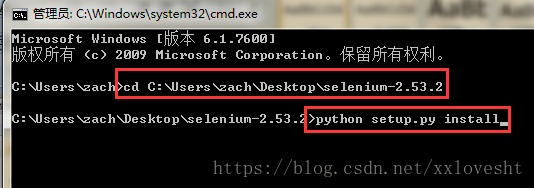
Cmd command line by entering the directory, enter python setup.py install, no error message the installation is successful
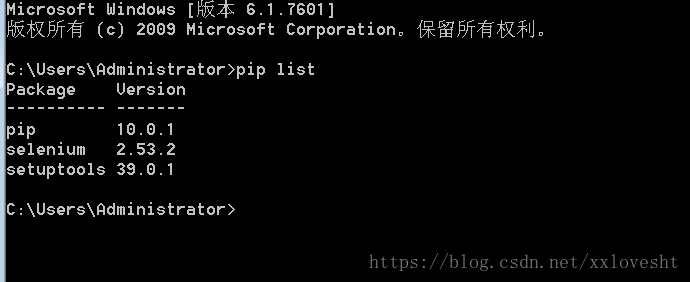
Can be successfully installed by entering pip list verification
Three, Firefox installation
Due to install the latest Firefox compatible with selenium as a problem, install the Legacy firefox47, remember to install the plug-and firepath firebug in firefox.(In addition, remember to turn off the automatic installation firefox)
Older Firefox Download: http: //ftp.mozilla.org/pub/firefox/releases/
Note: Because of compatibility issues Selenium browser, the browser can not be used to date. The use of Firefox is version 39
2) After installation off automatic update feature, to prevent the upgrade is not available
a. Open Firefox, select "Tools" column --- "Options"
b. In the pop-up "Options" box, we select the "Advanced" --- "Update", check the following "do not check for updates" and then OK to exit.
c. Locate Firefox profile folder, find the file prefs.js in the configuration directory
General Configuration folder path is: C: \ Users \ user \ AppData \ Roaming \ Mozilla \ Firefox \ Profiles
7 prefs.js file with the end line, as follows:
user_pref("app.update.migrated.updateDir",false);
user_pref("app.update.lastUpdateTime.browser-cleanup-thumbnails",0);
user_pref("app.update.lastUpdateTime.datareporting-healthreport-lastDailyCollection",0);
user_pref("app.update.disable_button.showUpdateHistory",false);
user_pref("app.update.service.enabled",false);
user_pref("browser.search.update",false);
user_pref("extensions.update.enabled",false);
Then save prefs.js, close to exit. This will completely ban the upgrade of the Firefox browser
Fourth, the installation driver ()
Selenium 3 Previously, firefox browser, no additional driver. But Selenium 3.X for firefox browser also need to install the driver:
Firefox browser to be installed geckdriver, download address: https: //github.com/mozilla/geckodriver/releases;
Appropriate, Chrome browser to install chromedriver, IE browser to install IEdriver.
driver's path can be placed directly under python path, I have here the driver placed under Scripts python path, while adding the script path environment variable.
Fifth, run a simple example
Use python IDLE comes tool, enter the following script:
from selenium import webdriver # Import package webdriver
import time
driver = webdriver.Firefox () # initialize a Firefox instance: driver
driver.maximize_window () # maximize browser
time.sleep (5) # pause for five seconds
driver.get ( "https://www.baidu.com") # by get () method to open a url site
Running the above script, the final open Baidu website, run prove successful.
PS, my operating environment:
Firefox browser version: Firefox 47.0
Python:python v3.6.2
Selenium:3.7.0
Geckdriver:v0.15.0
Intelligent Recommendation
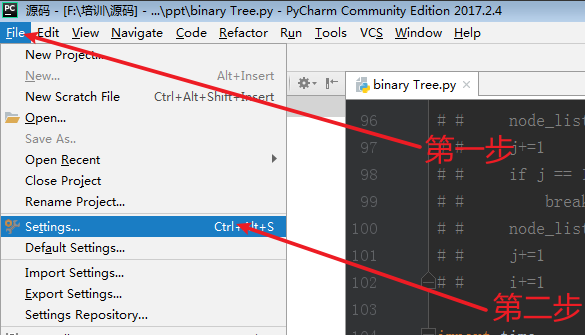
Installation and configuration of python environment selenium and solutions to common errors
1. Installation method There are several ways to install the selenium package: Install through the command line, the syntax ispip install selenium[==version number], Where the version number is option...

Python third-party library Selenium installation and environment configuration
Selenium is a tool for web application testing. Selenium runs directly in the browser, just like a real user. Selenium supports multiple browsers. 1. Installation of Selenium Installation method: pip ...
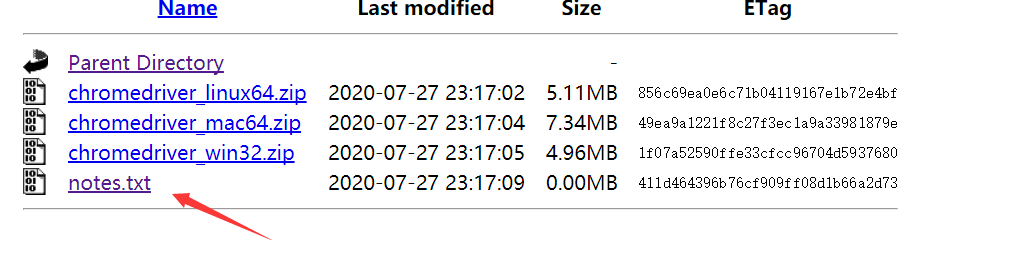
Python's selenium environment installation and configuration
Python's selenium environment installation and configuration One, install selenium 2. Install the driver corresponding to the browser (1) Google Chrome (Two), Firefox browser Three, test whether the c...
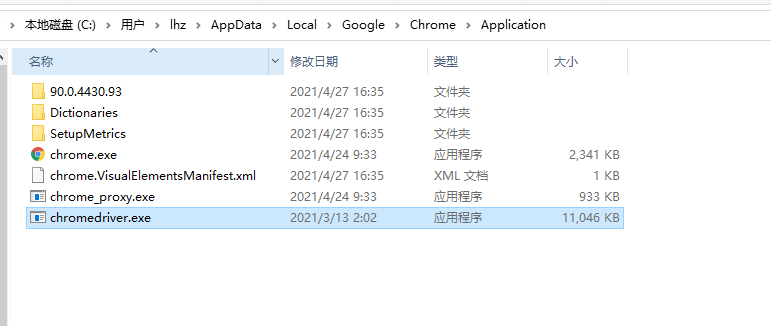
Selenium installation and use (Python environment)
Install Selenium First enter PIP Install Selenium first on the console Install Chromedriver Chromedriver's version must be consistent with Chrome's version, otherwise it will not work. download link 1...
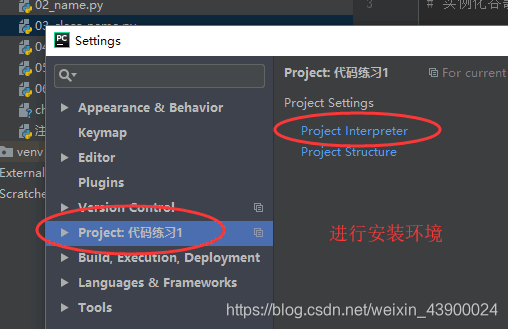
Python+selenium automation environment configuration
First install the Chrome browser, add the plugin chromedriver plugin to the python environment Chome performs element location acquisition, and element acquisition via F12 Building based on python env...
More Recommendation
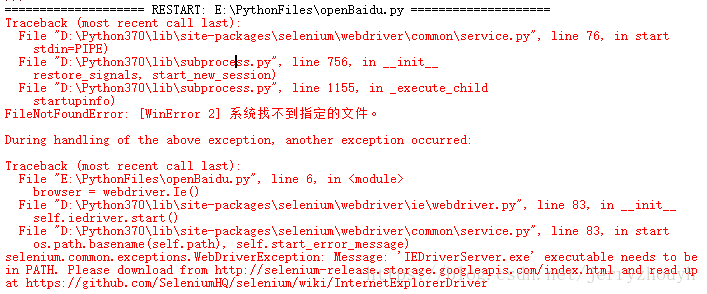
The initial environment configuration of the Python + selenium
Recently made an automated test script, because for the first time, use the configuration process encountered some trouble. The solution recorded as follows: 1. to python website: https: //www.python....

Python+Selenium+Firefox configuration environment
Python Selenium Firefox and geckodriver have version compatibility issues. Here, the latest version of Selenium+Firefox and geckodriver are used in accordance with the principle of lazy cancer. 1. Pre...
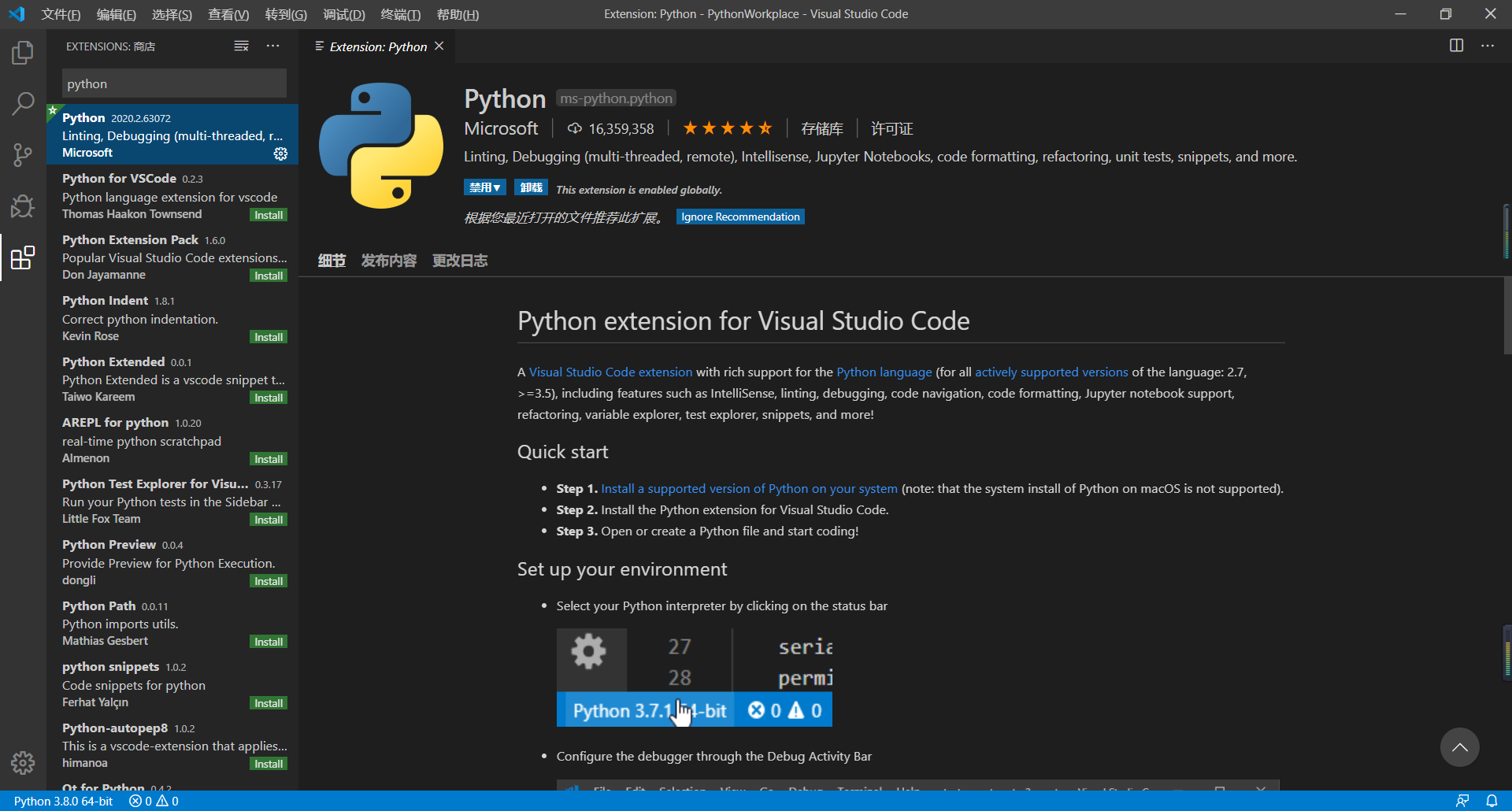
VSCode + Python + Selenium Environment Configuration
Python download installation Download on the official website:Download Python | Python.org About Python installation, a large pile of online, but it is also recommended a Python tutorial on the B stat...
Python + Selenium + BrowsermobProxy Environment Configuration
1.python version: 3.6 1.1. Use Anaconda to create a python3.6 version of the virtual environment (not necessary) Anaconda installation: Enter: in cmd: 2. Install Selenium Activate the virtual environm...
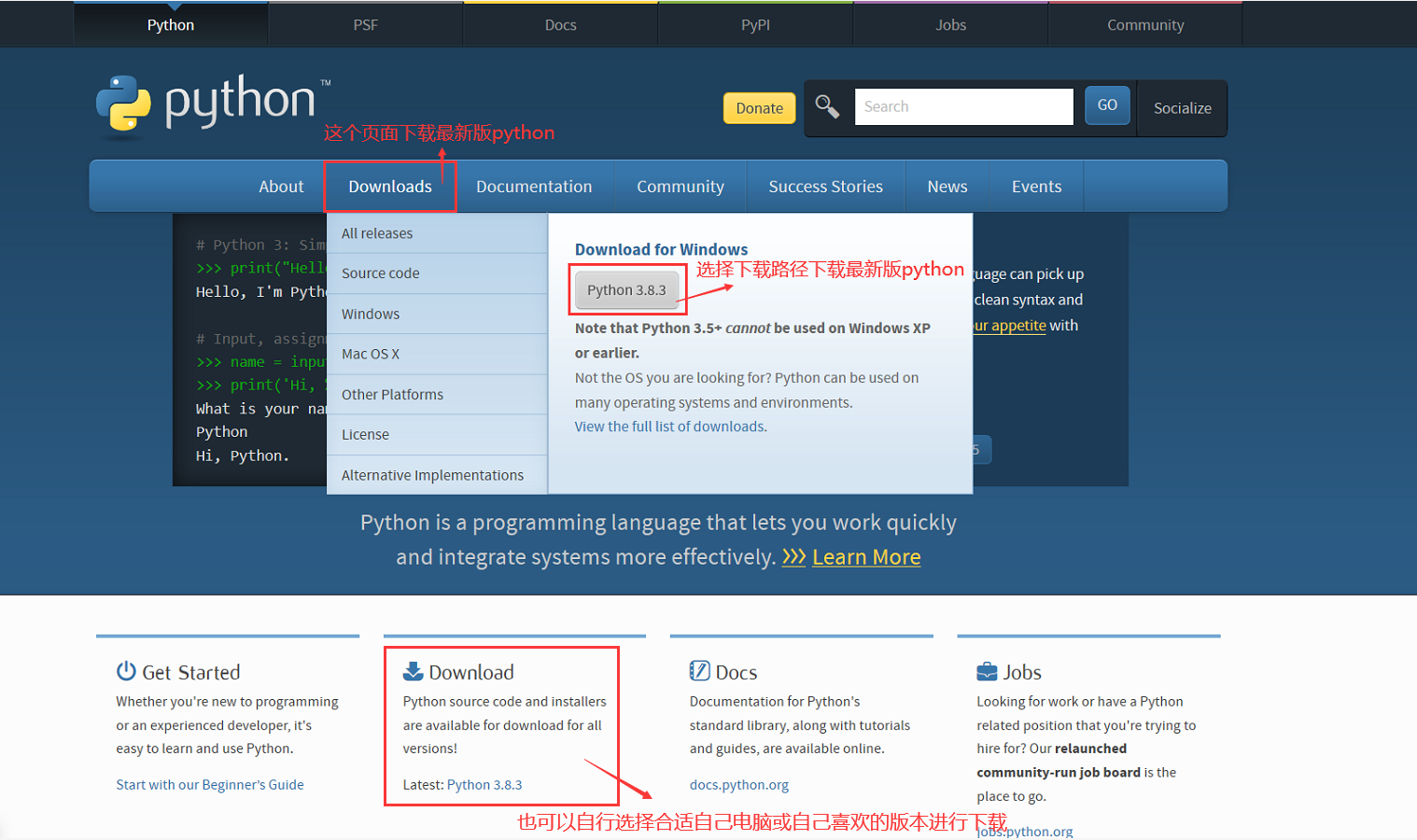
python+pycharm+selenium installation and configuration
One, python installation Go to the official website to download python and install it (URL: https://www.python.org/) Double-click the downloaded installation package, and the following interface will ...