VSCode + Python + Selenium Environment Configuration
tags: Configuration problem vscode python selenium
Python download installation
Download on the official website:Download Python | Python.org
About Python installation, a large pile of online, but it is also recommended a Python tutorial on the B station for installation.Seven days learning Python, simple _ _BilibiliIt is more intuitive and there are many guidance methods about Python beginners.
After installing Python, WIN + R enters the CMD input PIP List for views of the Python plugin.
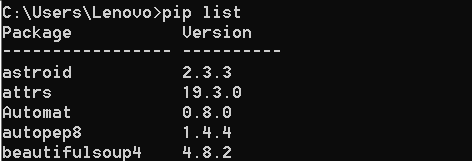
Then download FLAKE8 and YAPF. FLAKE8 is Python Send a static code selection tool to detect whether Python is specified; YAPF is a Python code formatting tool. Use the following command:
pip install flake8

pip install yapf

Install Selenium:

pip install selenium
Chromedriver Download Uix Address:
After installing, use the PIP List to view if you are installed.
vscode download installation
Go to the official website:Visual Studio Code - Code Editing. RedefinedDownload, I have been installing.
Vscode builds a Python environment
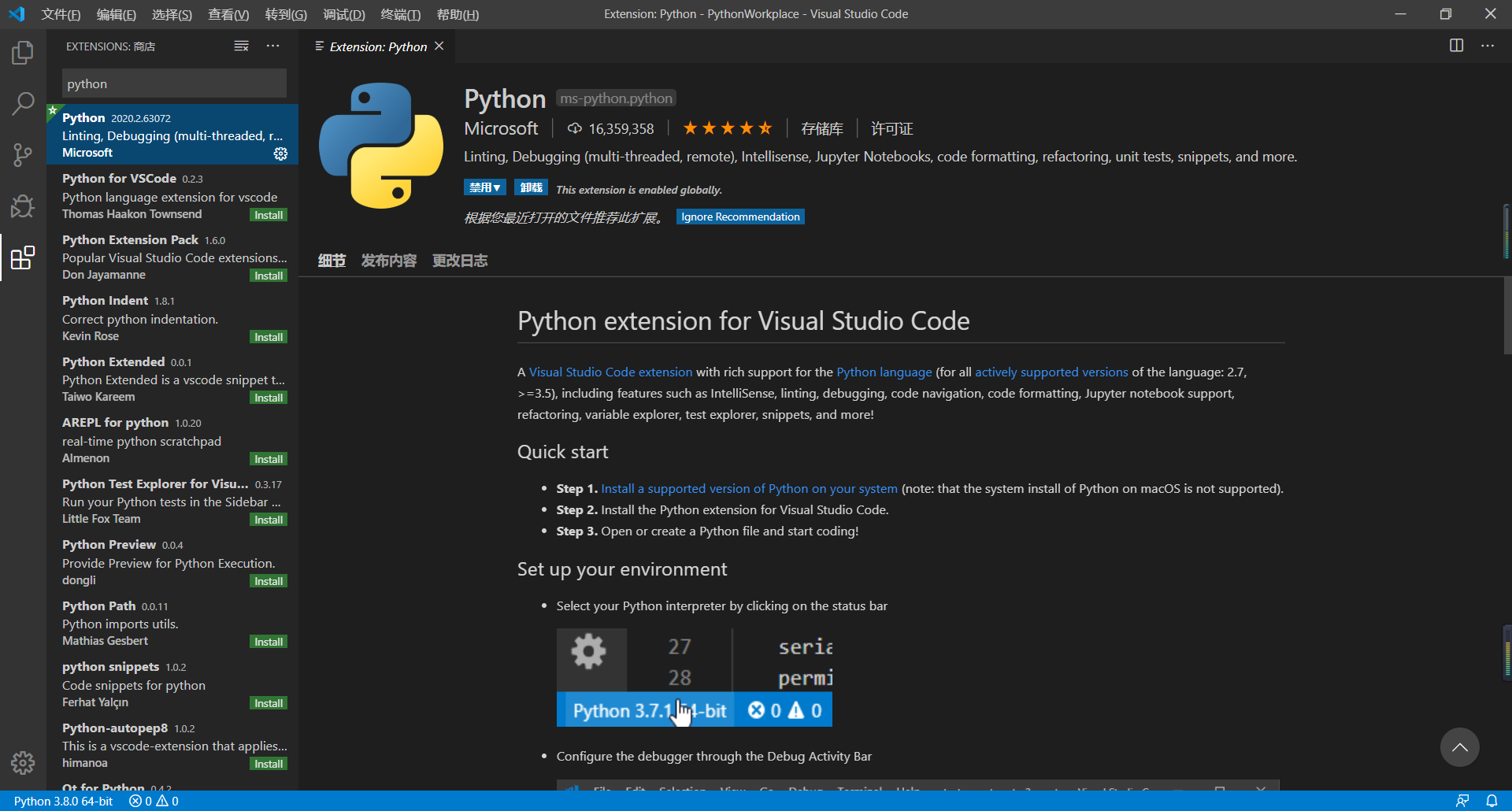
(1) After installing vscode, open, Ctrl + Shift + X for the installation of the extension, search Python, click on the first one. (I have passed the Chinese, and the Chinese process has introduced in the plugin below)
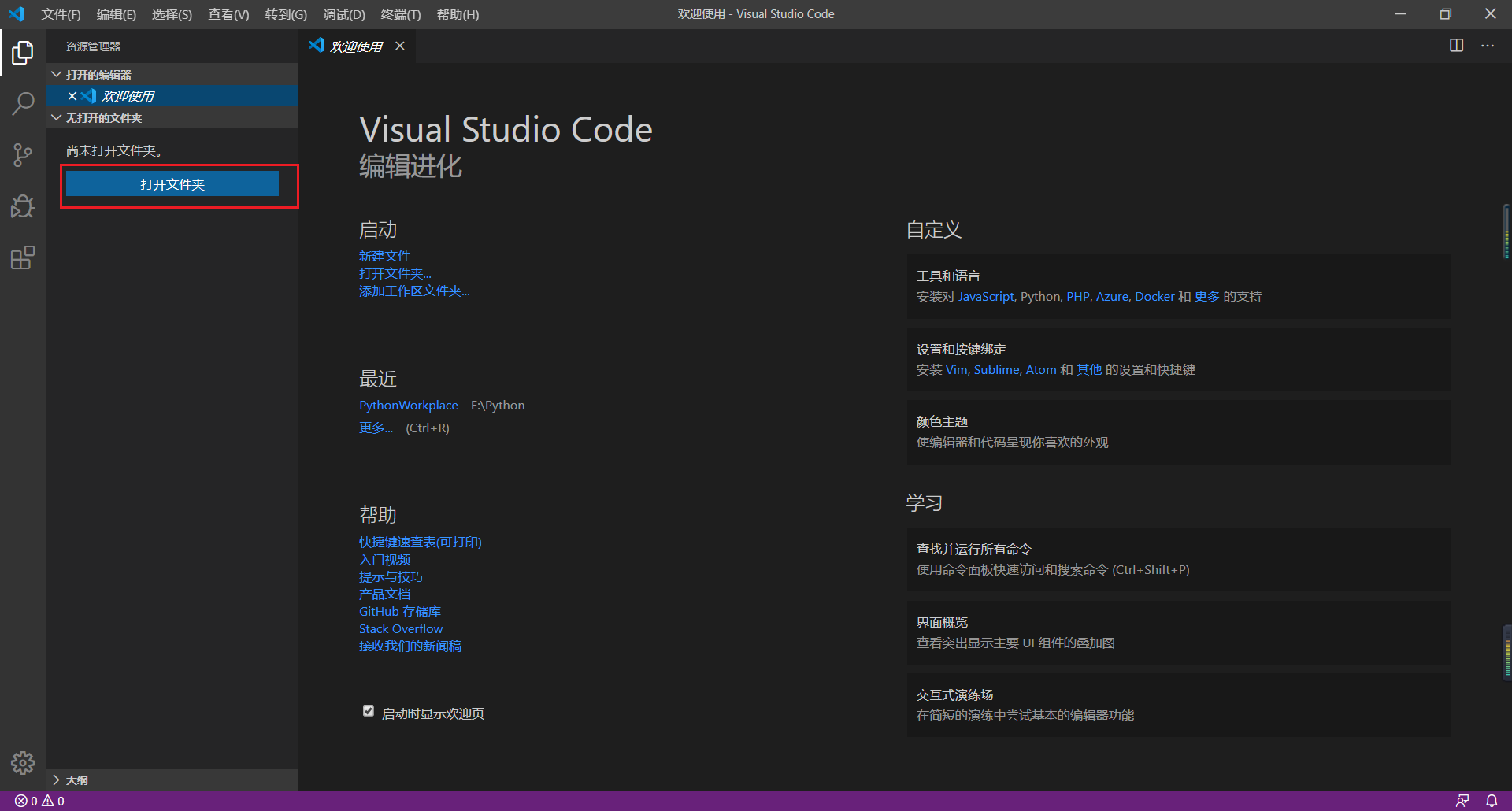
(2) Then create a file, this file is your current work space.
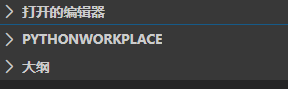
The creation will become uppercase, as shown below:
(3) Click on the upper left corner gear icon to select the setting, click the workspace, click on the JSON setting in the upper right corner.
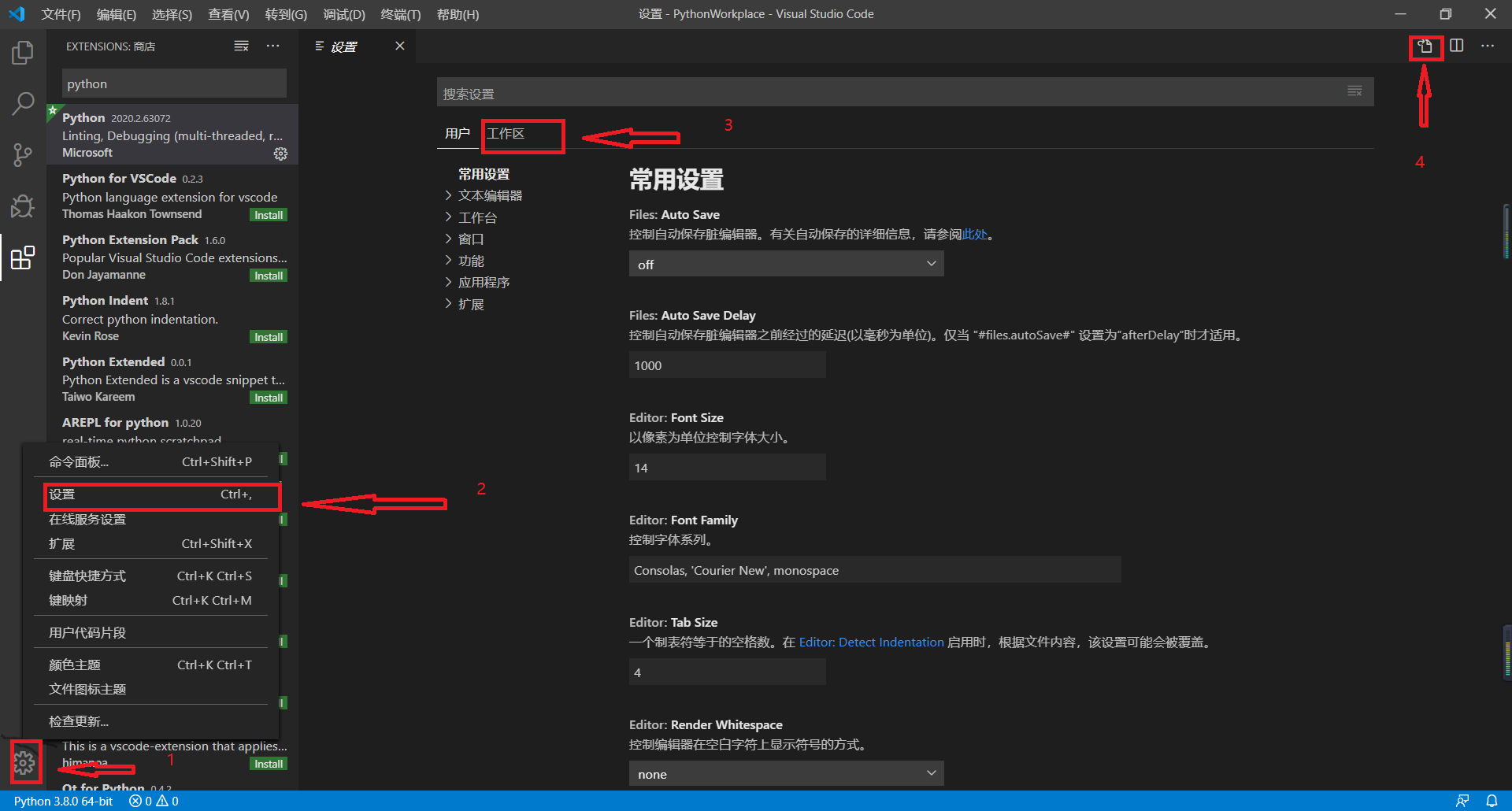
After clicking, the newly configured VSCode may setting.json is empty. Copy the following code into it, these uses to configure YAPF
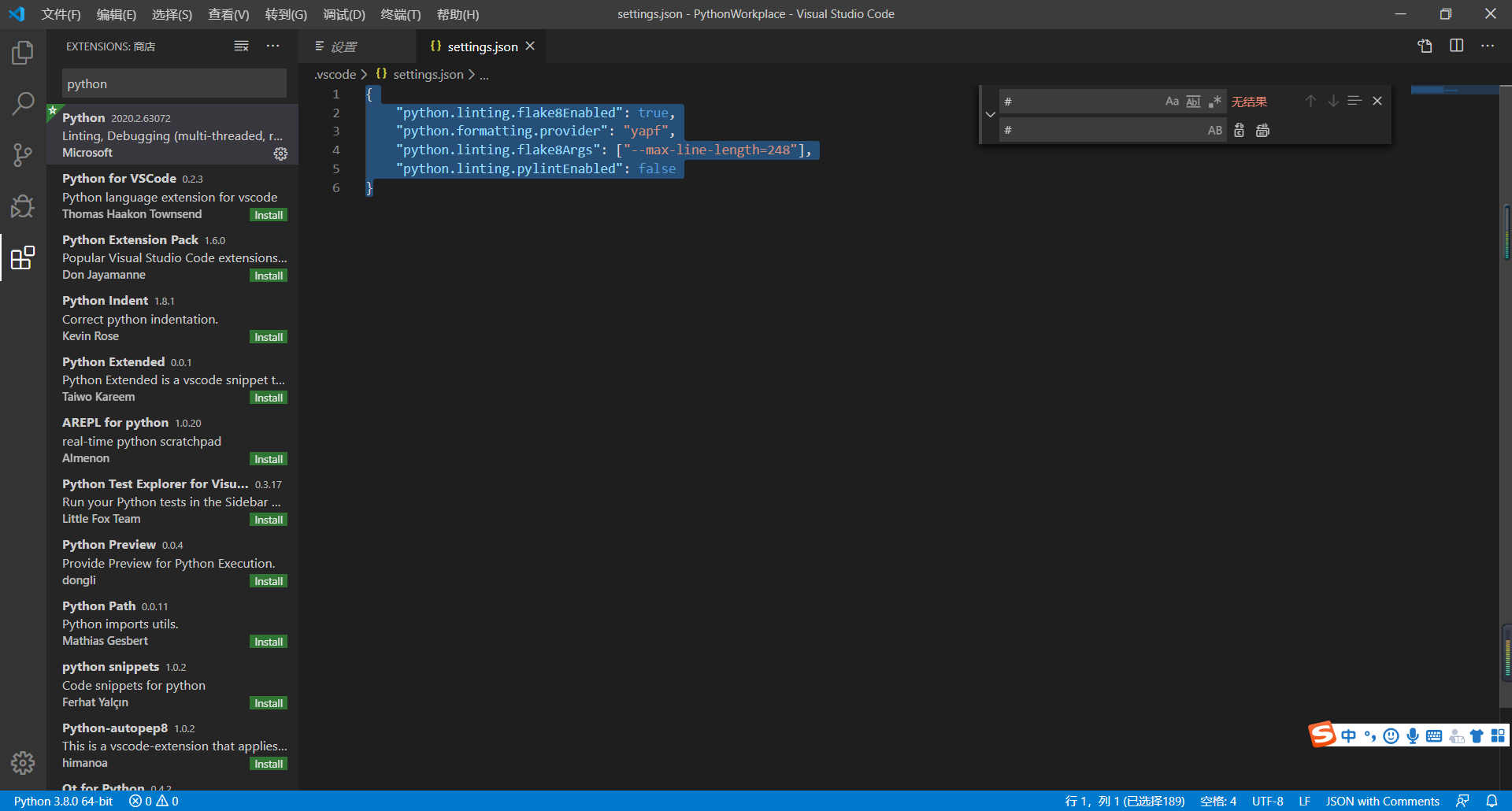
{
    "python.linting.flake8Enabled": true,
    "python.formatting.provider": "yapf",
    "python.linting.flake8Args": ["--max-line-length=248"],
    "python.linting.pylintEnabled": false
}
(4) Then click on the fourth icon on the left, open Launch.json, add a configuration, the box is the absolute path installed in your python installation.
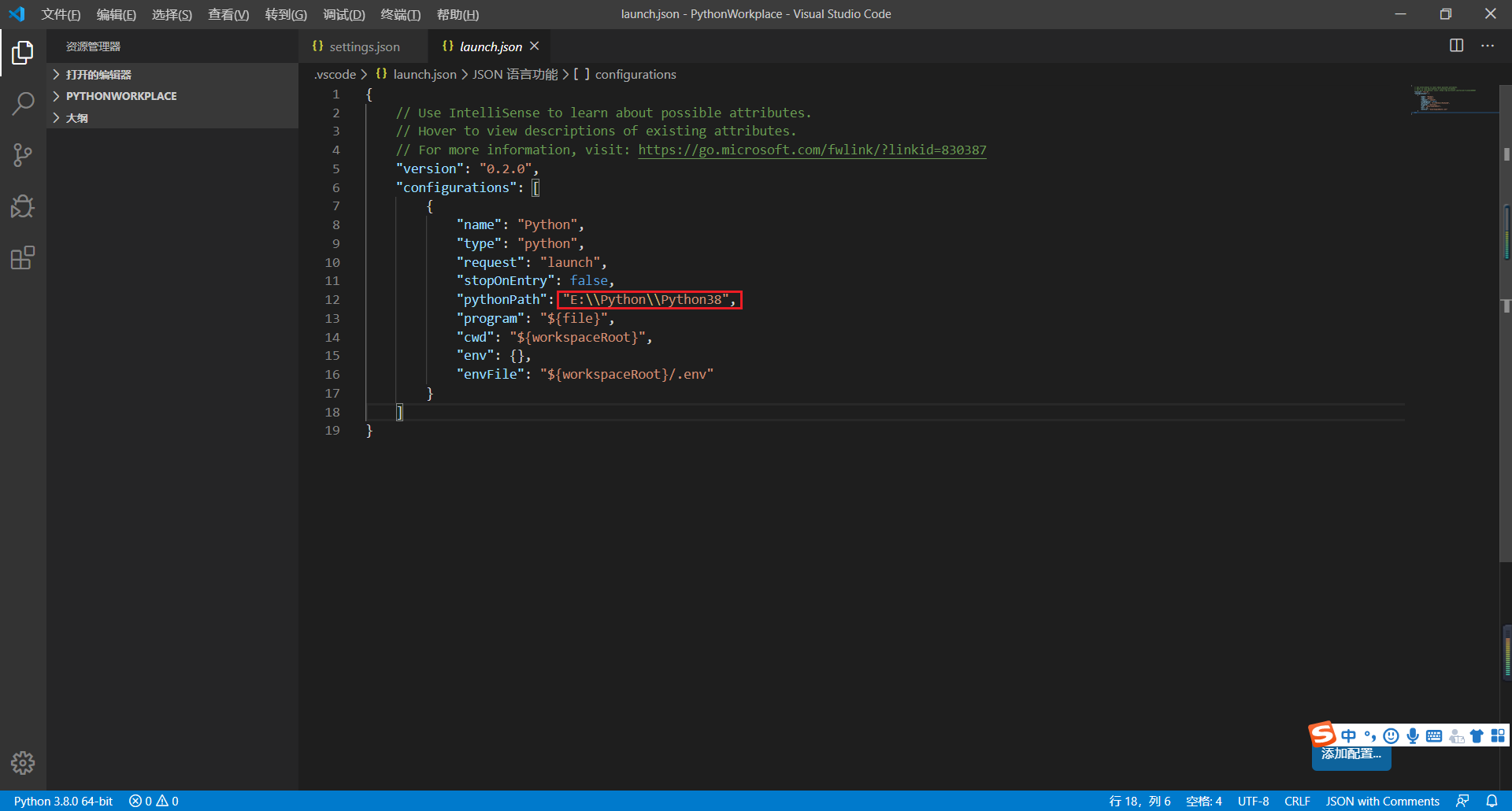
{
    // Use IntelliSense to learn about possible attributes.
    // Hover to view descriptions of existing attributes.
    // For more information, visit: https://go.microsoft.com/fwlink/?linkid=830387
    "version": "0.2.0",
    "configurations": [
        {
            "name": "Python",
            "type": "python",
            "request": "launch",
            "stopOnEntry": false,
            "pythonPath": "E:\\Python\\Python38",
            "program": "${file}",
            "cwd": "${workspaceRoot}",
            "env": {},
            "envFile": "${workspaceRoot}/.env"
        }
    ]
}
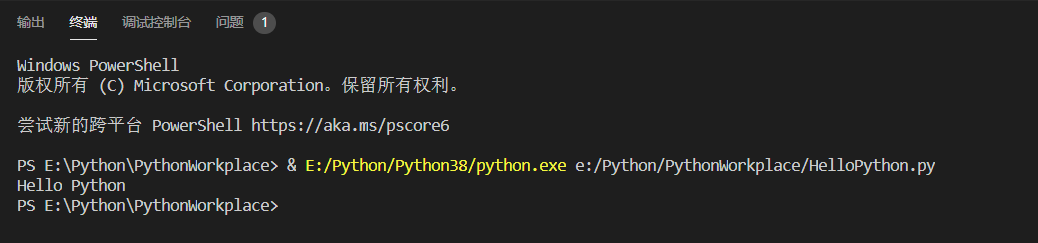
(5) Create a new .py file, write
print("Hello Python")Click on the play arrow in the upper right, or press twice in f5, and the result of the running program is as follows.
Python Selenium
Place ChromEDriver.exe in the Python installation directory, or add Chromedriver.exe to the environment variable PATH
- Check if Selenium + Python + Visual Studio Code is configured successfully
# coding:utf-8

from selenium import webdriver

 # Create a Firefox object

# driver = webdriver.Firefox()

driver = webdriver.Chrome()

driver.get('https://cn.bing.com/')

driver.quit()
F5 running code, openmustConfiguration success
End the flower, share!
Intelligent Recommendation
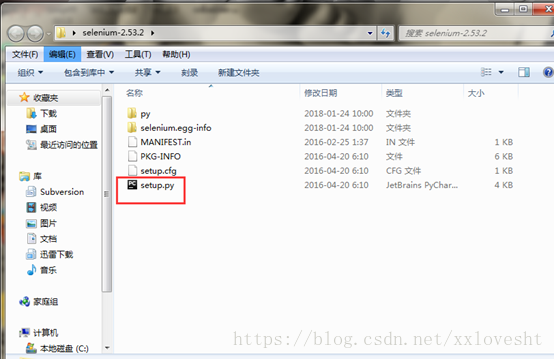
Python + Selenium installation and configuration environment
Transfer: https: //www.cnblogs.com/sandysun/p/7838113.html A, Python installation Under Window System, python installation is very simple. Access python.org/download, download the latest version, the ...

Python + selenium environment installation and configuration
1 Install python downloadPython 3.6 Note: If you havepython3.6Installation package, skip downloadPython 3.6A step of. downloadpython3.6.x, The official website download address is:https://www.python.o...

Python and selenium installation and environment configuration
python installation During the installation process, pay attention to select the "Add python x.x to PATH" option, after the installation is complete, you can omit the steps of environment va...

Python+Selenium+Firefox configuration environment
Python Selenium Firefox and geckodriver have version compatibility issues. Here, the latest version of Selenium+Firefox and geckodriver are used in accordance with the principle of lazy cancer. 1. Pre...
Python + Selenium + BrowsermobProxy Environment Configuration
1.python version: 3.6 1.1. Use Anaconda to create a python3.6 version of the virtual environment (not necessary) Anaconda installation: Enter: in cmd: 2. Install Selenium Activate the virtual environm...
More Recommendation
Python installation environment configuration in VScode
1, install python 2, install VSCODE plugin python Configure the executable path: 3, install code analysis tools The Python extension also supports different code analysis tools (pep8, flak8, pylint). ...
Simple VSCode python environment configuration
First install the python extension for vscode . The ‘extension’ button on the left of vscode, open ‘@python’ and download the installer with the most downloads. Installation is...

Vscode configuration python development environment
There are many posts on the web that build python development environment. It is said that this kind of development environment configuration class post is not love to write... Compared with the const...
vscode Anaconda configuration python environment
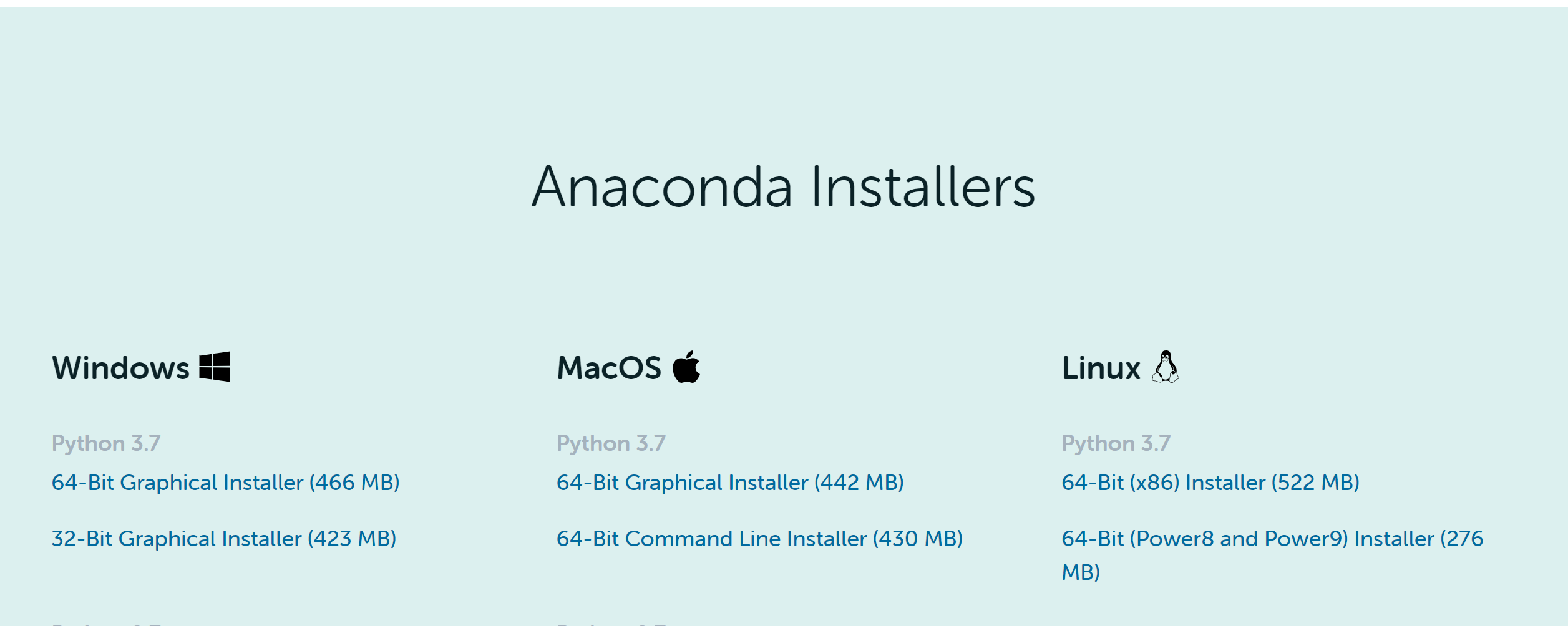
vscode Anaconda configuration python environment 1. Anaconda download,Official website address Download the latest version and run the installation package. 2. Test 1. Open cmd【WIN+R /cmd】 -conda list...
houdini python configuration vscode environment
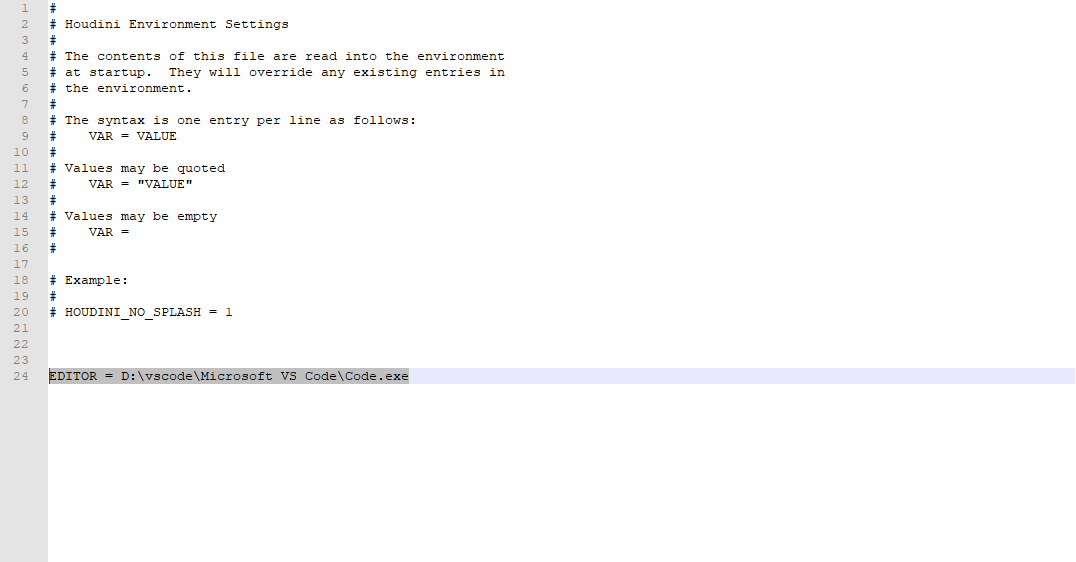
1. Find the houdini.env file in the python folder of my document, open it, and add the statement Next, press ait+E in the code compilation window such as python Source Editor in houdini to open the vs...