Ubuntu18.04 install harbor
Foreword: There are a lot of problems in the installation process. Here I will describe them one by one, and attach a solution. There are many references to Google and Baidu in the middle, so I will not list them one by one.
1. If you need to use HTTPS, you need to generate the relevant certificate, use the default HTTP to jump directly to 2, without permission, please add sudo
#Create a certificate directory
mkdir -p /data/cert
cd /data/cert/
 #Create a CA root certificate
openssl req  -newkey rsa:4096 -nodes -sha256 -keyout ca.key -x509 -days 365 -out ca.crt -subj "/C=CN/L=shenzhen/O=yanconggod/CN=harbor-registry"
 #Generate a certificate signature, set the access domain name to harbor.yanconggod.cn
openssl req -newkey rsa:4096 -nodes -sha256 -keyout harbor.yanconggod.cn.key -out server.csr -subj "/C=CN/L=shenzhen/O=yanconggod/CN=harbor.yanconggod.cn"
 #Generate the certificate of the host
openssl x509 -req -days 365 -in server.csr -CA ca.crt -CAkey ca.key -CAcreateserial -out harbor.yanconggod.cn.crt
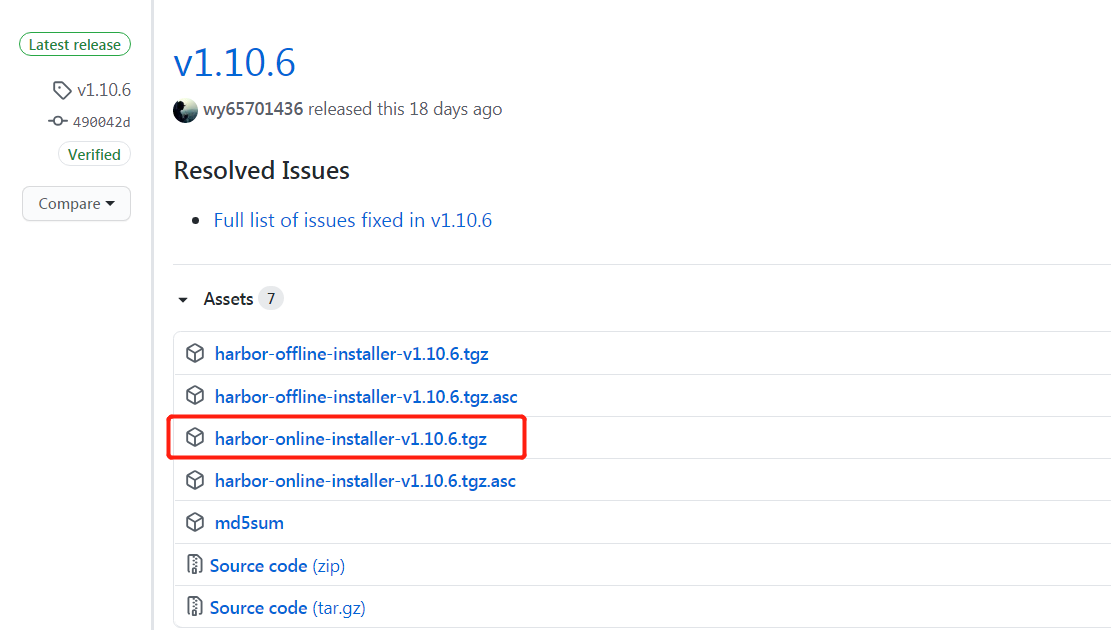
Use online installation here
wget https://github.com/vmware/harbor/releases/download/v1.2.0/harbor-offline-installer-v1.2.0.tgz -O harbor-offline-installer-v1.2.0.
sudo tar xf harbor-offline-installer-v1.2.0.tgz -C /opt/
 Cd /opt/harbor modify the configuration
sudo vim harbor.cfg
 Hostname = xxx.xxx.xxx After installation, perform the installation (server ip address)
./prepare
./install.sh
Wget: download port
CD switch to port directory
Modify the harbor.cfg file, just modify the host name, and other temporary defaults
Note* : Running ./install.sh does not generate a secret file: ./ common / config / ui / private_key.pem, certificate file: ./ common / config / registry / root.crt
This means that you can't generate a key. Baidu has been useless for a long time, or Google.
cd / opt / harbour
Sudo vi preparation
Need to modify the prepare file, line 498:
empty_subj = "/C=/ST=/L=/O=/CN=/"
 change into:
empty_subj = "/C=US/ST=California/L=Palo Alto/O=VMware, Inc./OU=Harbor/CN=notarysigner"
 Then set the permissions:
chown 10000.10000 ./common/config/registry/root.crt
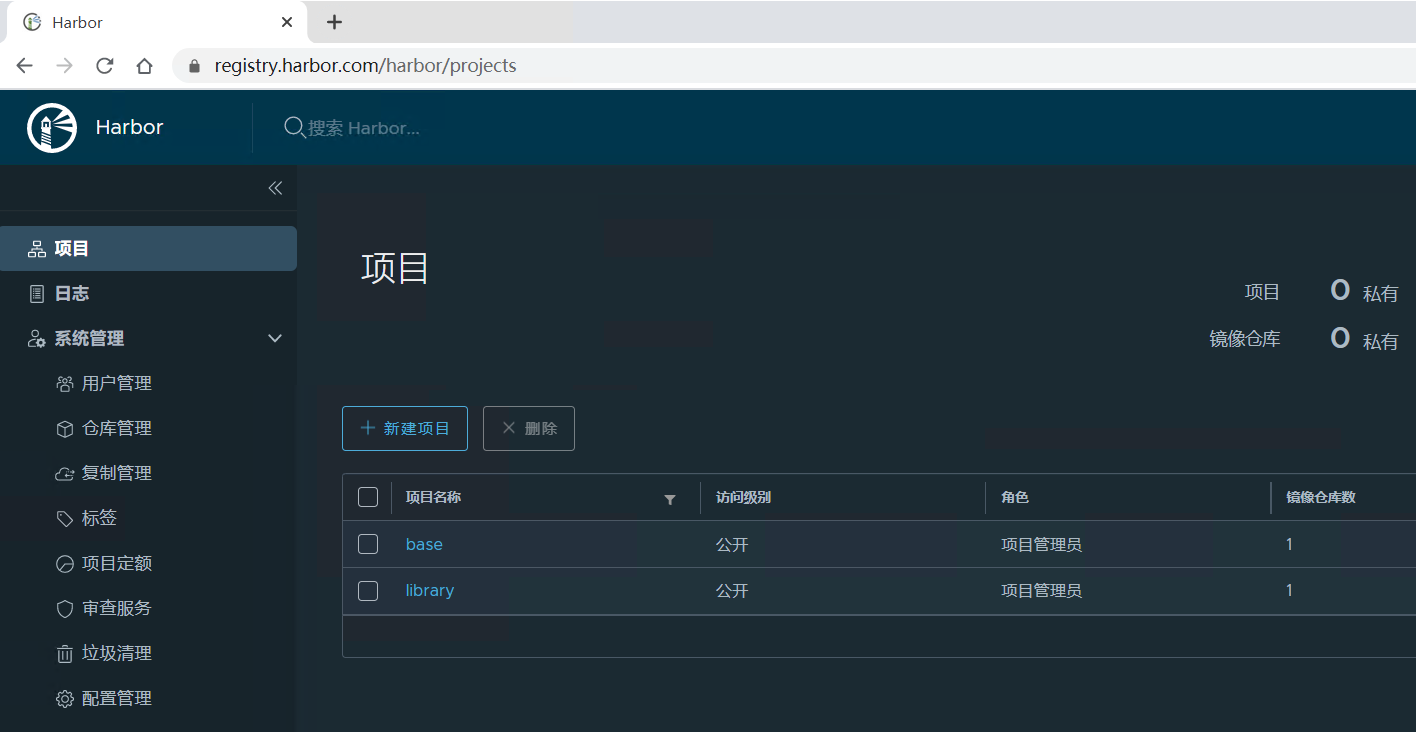
Finally sudo .install.sh is shown in Figure 2.
Successful, thank you.
Intelligent Recommendation
Harbor upgrade install scanner
First back up the original files Stop harbor Add Scan Module Start harbor Open successfully...
helm3 install harbor warehouse
main content helm install harbor warehouse The installation process only takes 2 minutes Domestic sources need to be replaced with domestic sources helm repo add stable http://mirror.azure.cn/kubernet...
Install harbor mirror warehouse
donwload pkg http://harbor.orientsoft.cn/harbor-1.2.0/harbor-offline-installer-v1.2.0.tgz After downloading the installation package, load the harbor's docker image. Configure 1. Editharbor.cfg If ing...
dashboard install harbor
Kubernetes-dashboard: (All nodes) Download image: docker pull kubernetesui/dashboard:v2.0.3 docker pull kubernetesui/metrics-scraper:v1.0.4 Wget https://raw.githubusercontent.com/kubernetes/dashboard/...
CentOS7 install harbor
1. Download the installation package Click here to download Harbor github project This is divided into online and offline versions, I downloaded the 1.8.1 online version After downloadin...
More Recommendation
Linux install Harbor
Checklist docker docker compose harbor offline package 1. Get resources The offline version is used here, which requires docker and docker-compose, which are more basic and will not be explained here ...
Install Harbor on CentOS 7
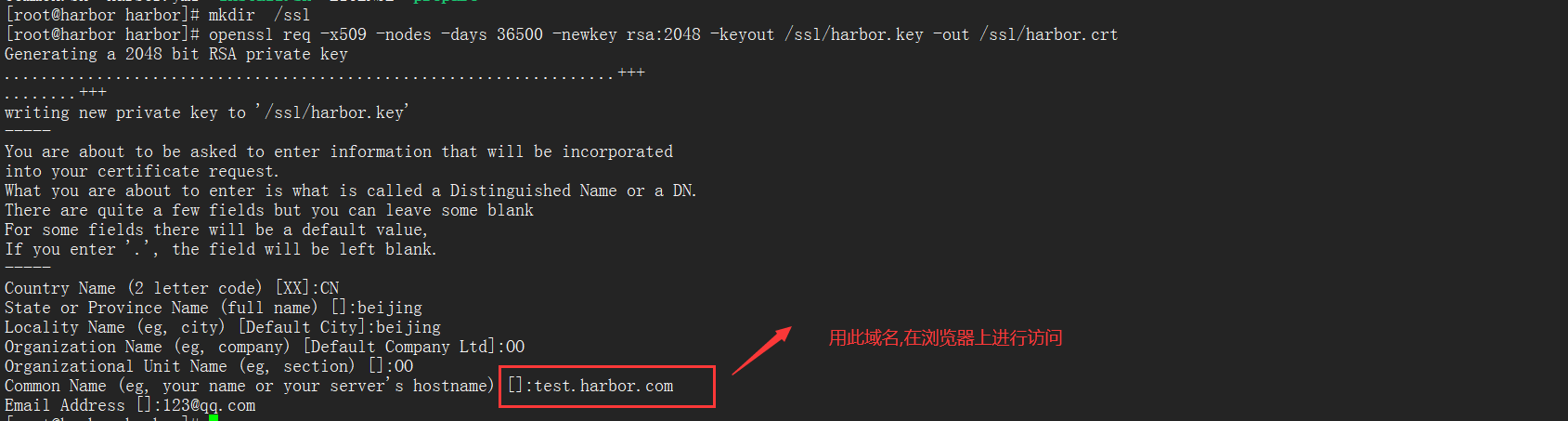
Download the version to be installed on the harbor's Git official website online version: The online version does not contain the docker image file. When the install file is executed, it will be downl...
centos install harbor
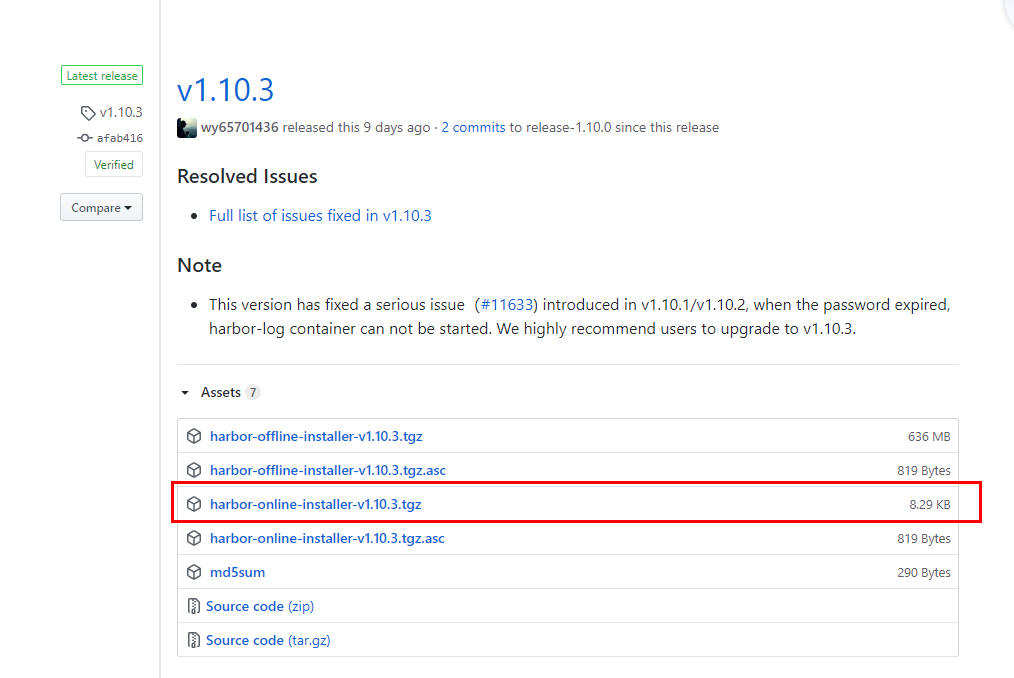
Prepare the environment Find github, download the corresponding installation file, and unzip it to the server upload to centos server, and unzip Modify harbor.yml inside the decompressed file installa...
install Harbor on centos7
1. Installation environment: Centos version: 7.X Docker version: 19.03.14 To install and use Harbor, you need to install Docker & Docker-compose 2.Docker installation Configure yum source: echo '#...
harbor install and configure https
harbor installation Official installation document: https://goharbor.io/docs/ You need to install docker and docker-compose before deploying harbor. Install docker Install docker-compose Harbor is div...