centos7.6 binary install harbor
harbor v1.9.1
centos 7.6
docker 18.06.1-ce
preliminary work
Install docker
yum install docker # install docker

 systemctl start docker # Run docker service
Install docker-compose
yum install docker-compose1. Download binary harbor
github:https://github.com/goharbor/harbor
Download offline version Harbor offline installer
wget download chant
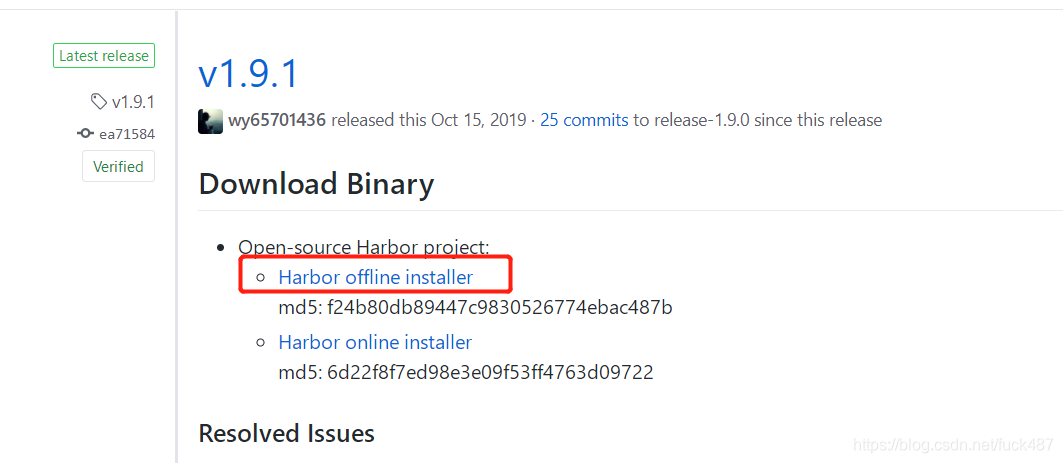
2. Modify the configuration file harbor.yml, the configuration varies from person to person, you can use the default configuration
a, http port: the default is 80, can be changed to other, I changed to 5050
b. Specify the host name: hostname can be a custom domain name or host ip, for simplicity I use the host ip 192.168.200.101
c. Data storage path: data_volume, you can additionally specify the storage path
d. Log storage path: location in log, you can also specify the log storage path
Note: The harbor is based on the official registry of docker. The registry port is 5000 by default. Because the harbor comes with nginx, it will be forwarded to port 5000 through nginx. So only the port specified by http needs to be exposed outside the firewall, which is 5050 here
3. Since the default configuration file is modified, the prepare file needs to be executed
4. Execute install.sh installation
5. Push mirror
Because my harbor uses http to deploy by default, because docker uses https to push to the private library by default, if you want to push through http, you need to set up the docker configuration file.
vim /etc/docker/daemon.jsonPlus the following
"insecure-registries":["192.168.200.101:5050"]After setting up docker, restart docker
systemctl daemon-reload
systemctl restart docker
Then you can push the image, first tag the existing image, the tag format is: ip: port/harbor project name/image name: tag name
docker tag mysql:latest 192.168.200.101:5050/library/mysql:latest Log in to the mirror private database and enter the harbor account password
docker login 192.168.200.101:5050Prompt login is successful, and the account password information is stored in the /root/.docker/config.json file
Authenticating with existing credentials...
WARNING! Your password will be stored unencrypted in /root/.docker/config.json.
Configure a credential helper to remove this warning. See
https://docs.docker.com/engine/reference/commandline/login/#credentials-store

Login Succeeded
Start push mirror
docker push 192.168.200.101:5050/library/mysql:latest Prompt push is successful, the prompt is similar to the following
The push refers to repository [192.168.200.101:5050/library/latest]
9ce0bb155166: Pushed
3f3a4ce2b719: Pushed
9b48060f404d: Pushed
5d3f68f6da8f: Pushed
7bff100f35cb: Pushed
latest: digest: sha256:bd76b84c74ad70368a2341c2402841b75950df881388e43fc2aca000c546653a size: 1369
5. If you need to modify the configuration file after installation, you can use the following methods
$ sudo docker-compose down -v
$ vim harbor.yml
$ sudo prepare
$ sudo docker-compose up -d
6. If the login password of the harbor user is modified, an error message will be reported when pushing the mirror
harbor denied requested access to the resource is denied
Go to /root/.docker/config.json to delete the generated verification
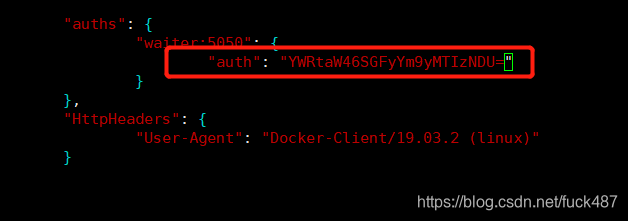
Then re-docker login ip: port
Intelligent Recommendation
Install PostgreSQL11 on CentOS7.6
Install PostgreSQL11 on CentOS7.6 CentOS installation Llvm and clang Upgrade repo Install postgresql11 CentOS installation Since CentOS7.6 startedjava11, so choose this new version Official download a...
Centos7.6 install php7.3
Add User User Group Download php Compile --with-fpm-user=www --with-fpm-group=www Here we use www www users, user groups The compiled program starts, belongs to this user, user group Compile error, re...
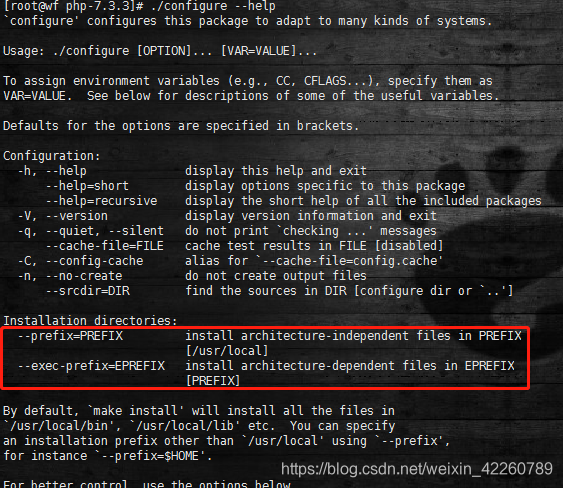
Centos7.6 compile and install php7.3.3
At first, I started to integrate the environment and found that it was not easy to use. Later, I compiled and installed some extensions and the settings were easy to find. Previously installed 5.6, 7....
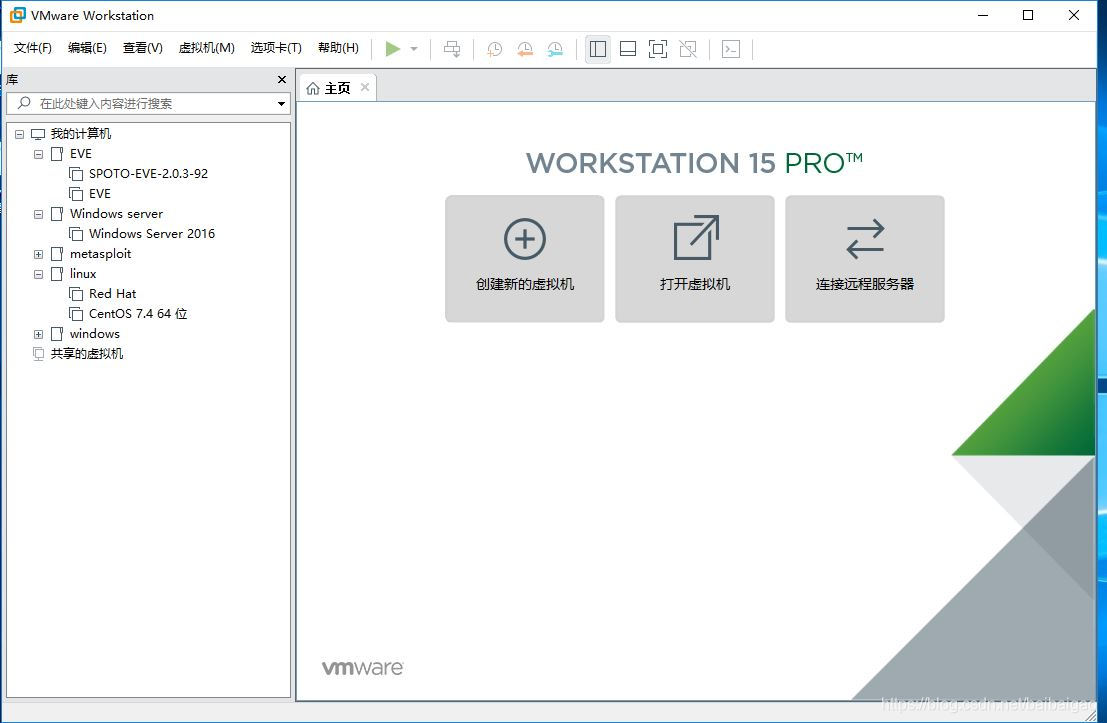
Install Centos7.6 in VMware15
Install this version of Centos7.6 using Vmware15 here. Vm may not be the latest version, but it is recommended to be at least version 12. Centos recommends using version 7. Cnetos7.6 download address:...
Centos7.6 install docker v18.09
I. Introduction Docker uses the container principle, we put the program into the container, to achieve "one package, run everywhere", as long as the development environment can run, can run ...
More Recommendation
Install Python3.7 under Centos7.6
Foreword Say something... Don’t say it, just open it. 1. First look at the system version 2. Update the yum source, yum source, I use the source of Ali cloud here. 3. Before installing python3.7...
CentOS7.6 compile and install Python3.6.8
I am using CentOS7.6 to install Python 3.6.8 Use the python -V command to see if Python is installed: Then take a look at the location of the Python executable: Go to the bin directory: You can see th...
Centos7.6 Install GMT
Centos 7.6 install GMT Packages that need to be downloaded: Add an EPEL third-party software source Basic dependency package Unzip three compressed files Copy the gshhg and dcw data to the gmt share d...
[Linux] Centos7.6 Install Zookeeper
Apache Zookeeper installation package download Before installing Zookeeper, we will go to the Apache Zookeeper official website to download the Zookeeper installation package Apache Zookeeper Download...
Install mysql5.7 under centos7.6
forward from: MySQL5.7 installation and configuration under CentOS7 (YUM) Installation environment: CentOS7 64-bit MINI version, install MySQL5.7 1, configure the YUM source inMySQLDownload the YUM so...