Vue-Admin-Block Framework Merge Unit
tags: VUE
ITable.vue
<template>
<div class="i-table">
  <Table ref="table" :stripe="stripe" :border="border" :height="height" :row-class-name="rowClassName" :loading="loading" :columns="columns" :data="data"  @on-selection-change="handleSelectionChange" :span-method="handleSpan"/>
  <!-- Table -->
  <slot />
  <Page v-if="total > 10" class="page" show-elevator show-total show-sizer placement="top" :total="total" :current="current" :page-size="pageSize" @on-change="handlePageChange" @on-page-size-change="handlePageSizeChange" />
  <!-- Page -->
</div>
</template>
<script>
export default {
  name: "ITable",
  props: {
    stripe: Boolean,
    border: Boolean,
    height: String,
    rowClassName: Function,
    loading: Boolean,
    columns: Array,
    data: Array,
    total: Number,
    handleSpan: Function,
  },
  data: () => ({
    current: 1,
    pageSize: 10
  }),
  methods: {
         // Export data as a .csv file
    exportCsv(obj) {
      this.$refs["table"].exportCsv(obj);
    },
         // Trigger when it is valid in multi-selection mode
    selectAll(status) {
      this.$refs["table"].selectAll(status);
    },
         / / Is valid in multi-selection mode, as long as the selected item changes, it will trigger
    handleSelectionChange(selection) {
      this.$emit("on-selection-change", selection);
    },
         // Get the current paging
    handlePage(type) {
      this.current = type ? 1 : this.current;
      return {
        current: this.current,
        pageSize: this.pageSize
      };
    },
         // change the page number
    handlePageChange(page) {
      this.current = page;
      this.$emit("on-page-change");
    },
         / / Switch to the number of each page
    handlePageSizeChange(page) {
      this.pageSize = page;
      if (this.current === 1) {
        this.$emit("on-page-change");
      }
    },
    // handleSpan ({ row, column, rowIndex, columnIndex }) {
    //   console.log("====ITable====")
    //   this.$emit("span-method",{ row, column, rowIndex, columnIndex },data=>{
    //     console.log("====return ITable====")
    //     console.log(data)
    //     return data
    //   });
    // }

  }
};
</script>
<style lang="postcss" scoped>
.i-table .page {
  margin-top: 16px;
}
</style>
Users.vue
<template>
<Content id="users">
<div slot="search">
<Search :model="search" :elem="searchElem" :btn-loading="list.loading" @on-search="handleDataList" />
</div>
<!-- Search -->
<div slot="extra">
<Button icon="md-add" @click="handleCreate"> Create </Button>
</div>
<!-- extra -->
<div v-if="toolbar.number" class="toolbar">
<span class="number"> Selected {{ toolbar.number }} items </span>
<Button type="error" icon="md-trash" @click="handleBatchRemove"> Remove </Button>
</div>
<!-- .toolbar -->
<ITable ref="list" stripe :columns="columns" :loading="list.loading" :data="list.data" :total="list.total" :handleSpan="handleSpan" @on-page-change="handleDataList" @on-selection-change="handleSelectionChange" />
<!-- ITable -->
<UserEdit ref="edit" @on-update="handleDataList" />
<!-- UserEdit -->
<!-- <Table :columns="columns" :data="list.data" border :span-method="handleSpan"></Table>-->
</Content>
</template>
<script>
import {
_batchdeluser, // Batch delete
_DELUSER, / / Delete
_GetUserList // list
} from "@/services/manage/users";
import UserEdit from "./UserEdit";
export default {
name: "Users",
components: {
UserEdit
},
data() {
return {
// Toolbar (Batch Delete)
toolbar: {
IDS: [], // ID array
Number: 0 // Select quantity
},
// form data
search: {
name: ""
},
/ / List properties
list: {
Data: [], // Structured Data
Total: 0, // data total
Loading: False // Load Status
},
// Form element
searchElem: [
{
// label: 'Name',
prop: "name",
placeholder: "Search Name",
icon: "md-search"
},
{
// label: 'Name',
prop: "starttime",
placeholder: "starttime",
element: "date",
format: "yyyy-MM-dd",
},
],
// Table column configuration description
columns: [
// {
// type: "selection",
// width: 60,
// align: "center"
// },
{
title: "Name",
key: "name",
minWidth: 120
},
{
title: "Age",
key: "age",
minWidth: 80
},
{
title: "Gender",
key: "gender",
minWidth: 80,
render: (h, params) =>
h("span", params.row.gender === 1 ? "Male" : "Female")
},
{
title: "E-mail",
key: "email",
minWidth: 120
},
{
title: "City",
key: "city",
minWidth: 100,
render: (h, params) => {
let city = params.row.city;
for (const key of Object.keys(city)) {
city = city[key];
}
return h("span", city);
}
},
{
title: "Birth",
key: "birth",
minWidth: 100
},
{
title: "Hobby",
key: "hobby",
minWidth: 100,
render: (h, params) => {
const hobby = params.row.hobby;
const hobbys = [];
for (const key of Object.keys(hobby)) {
hobbys.unshift(hobby[key]);
}
return h("span", hobbys.join());
}
},
{
title: "Operation",
key: "operation",
align: "center",
fixed: "right",
minWidth: 150,
render: (h, params) =>
h("div", [
h(
"a",
{
style: {
marginRight: "16px"
},
on: {
click: () => this.handleEdit(params.row)
}
},
[
h("Icon", {
props: {
type: "md-create",
size: 16
},
style: {
marginTop: "-2px",
marginRight: "4px"
}
}),
"Edit"
]
),
h(
"Poptip",
{
props: {
confirm: true,
transfer: true,
title: "Are you sure delete this task?",
"ok-text": "yes",
"cancel-text": "no"
},
on: {
"on-ok": () => this.handleRemove(params.row)
}
},
[
h("a", [
h("Icon", {
props: {
type: "md-trash",
size: 16
},
style: {
marginTop: "-2px",
marginRight: "4px"
}
}),
"Delete"
])
]
)
])
}
]
};
},
mounted() {
this.handledatAlist (); // Get list data
},
methods: {
/**
* Get list of users
* @Param {string} TYPE uses search, default undefined (not search)
*/
handleDataList(type) {
$ REFS ["List"]. SELECTALL (false); // Cancel
this.$Loading.start();
this.list.loading = true; // List loading status
Const Page = this. $ REFS ["List"]. Handlepage (TYPE); // Get paging information
// Simulated asynchronous request (search)
setTimeout(() => {
console.log(this.search.starttime)
console.log(this.search.starttime?this.$Utils.formatDate.format(this.search.starttime, "yyyy-MM-dd"):"")
this.search.starttime = this.search.starttime
?this.$Utils.formatDate.format(this.search.starttime, "yyyy-MM-dd")
:""
_getUserList({
...this.search,
pagePara: {
current: page.current,
pageSize: page.pageSize
}
})
.then(res => {
this.$Loading.finish();
const { users, total } = res.data;
this.list = {
data: users,
total: total,
loading: false
};
})
.catch(() => {
this.$Loading.error();
this.list.loading = false;
});
}, 500);
},
// New interface
handleCreate() {
$ REFS ["Edit"]. HandleModal ("create"); // Display creation modal frame
},
/**
* Edit interface
* @Param {Object} ROW current line data
*/
handleEdit(row) {
$ REFS ["Edit"]. HandleModal ("Edit", ROW); // Displays Editing Modal
},
/**
* delete users
* @Param {Object} ROW current line data
*/
handleRemove(row) {
this.$Loading.start();
this.list.loading = true;
// Simulate asynchronous request (delete)
setTimeout(() => {
_delUser({
id: row.id
})
.then(res => {
this.$Message.success(res.error.msg);
this.handleDataList();
})
.catch(() => {
this.$Loading.error();
this.list.loading = false;
});
}, 500);
},
/**
* Valid in multi-selection mode, just trigger as long as the item changes changes
* @Param {Array} Selection Optional Data
*/
handleSelectionChange(selection) {
const ids = [];
for (const item of selection) {
ids.push(item["id"]);
}
this.toolbar = {
ids: ids,
number: selection.length
};
},
// Batch delete users
handleBatchRemove() {
this.$Loading.start();
this.list.loading = true;
// Simulate asynchronous request (batch delete)
setTimeout(() => {
_batchDelUser({
ids: this.toolbar.ids.join(",")
})
.then(res => {
this.$Message.success(res.error.msg);
this.handleDataList();
})
.catch(() => {
this.$Loading.error();
this.list.loading = false;
});
}, 500);
},
handleSpan ({ row, column, rowIndex, columnIndex }) {
console.log("===Users===")
if (rowIndex === 0 && columnIndex === 0) {
return [1, 2];
} else if (rowIndex === 0 && columnIndex === 1) {
return [0, 0];
}
if (rowIndex === 2 && columnIndex === 0) {
return {
rowspan: 2,
colspan: 1
};
} else if (rowIndex === 3 && columnIndex === 0) {
return {
rowspan: 0,
colspan: 0
};
}
}
}
};
</script>
<style lang="postcss" scoped>
.toolbar {
margin-bottom: 24px;
text-align: right;
& .number {
margin-right: 8px;
}
}
</style>
Intelligent Recommendation
Vue builds vue-element-admin framework
Project initialization vue-element-admin source code If npm reports an error Cannot find module'core-js/modules/es6.regexp.constructor', you can install itcnpm install core-js@2Recognize es6 grammar S...
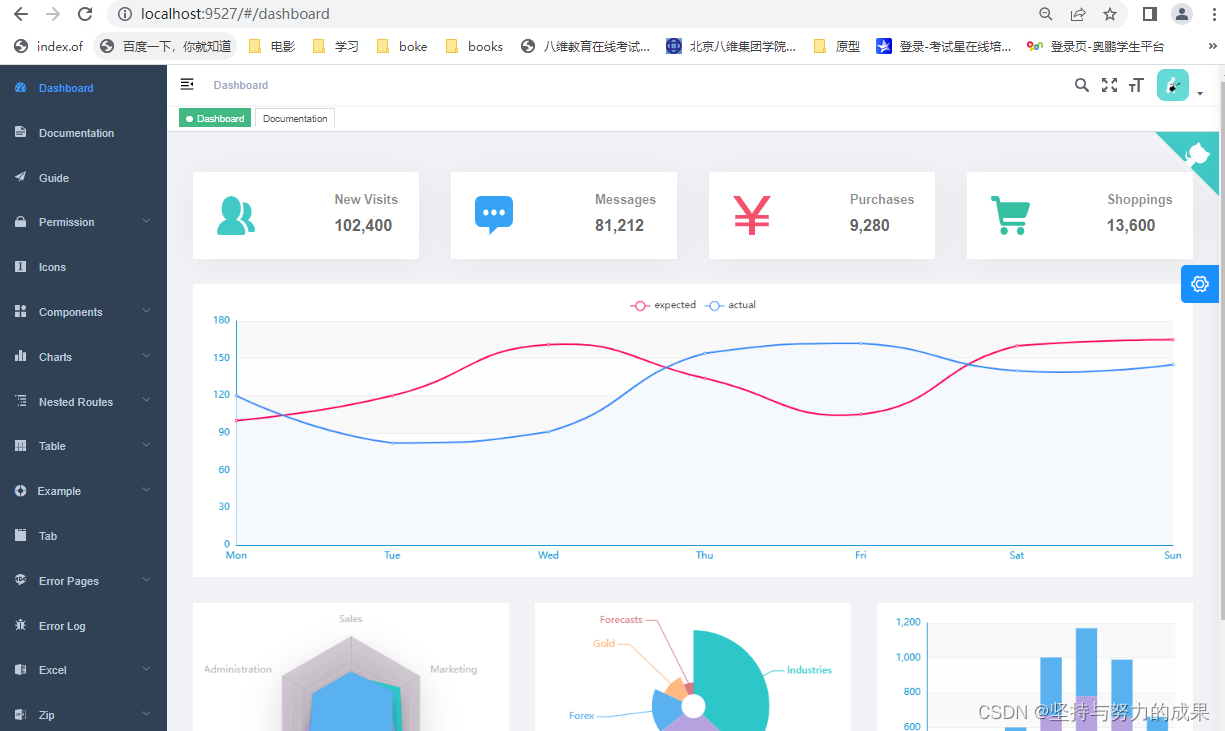
Vue Element Admin (Windown) of Vue framework
1. First of all, you need to view node.js First of all 2. clone framework If an error occurs, delete the following Successful installation ...

Vue-admin-better, Vue-Admin-Beautiful uses common problems, the problem of the Vue-Admin-Beautiful framework
First, the Vue-Admin-Beautiful frame is still very nice. I usually use the open source free version of the festival estimate, and use this framework has built several systems, and now use the common p...
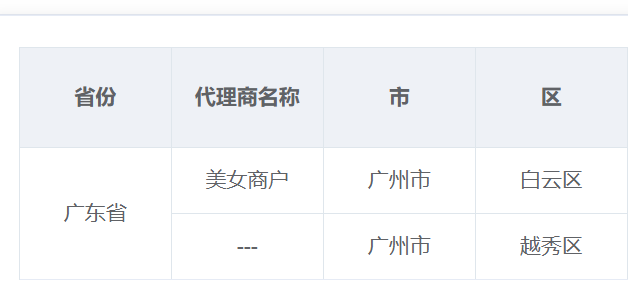
EL-TABLE Merge Unit (Vue + Element)
EL-TABLE Merge Unit (Vue + Element) - Add in El-table: span-method = "arrayspanmethod" Write a method in Methods: Result show:...
More Recommendation
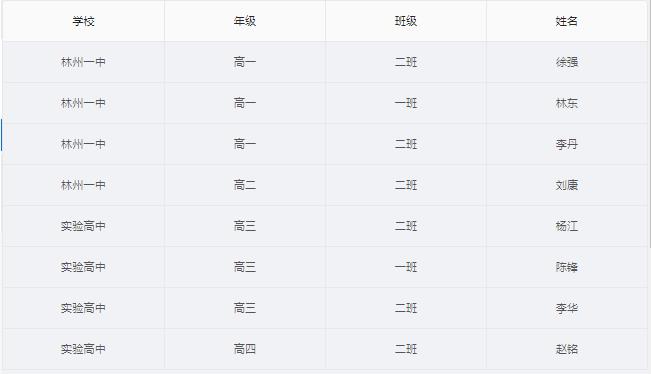
Ant Design Vue Table Component Merge Unit
Ant Design Vue Table Component Merge Unit In project development, sometimes the needs of cell merge is required, which is recorded here in Ant Design Vue. Before the merger: Merge first column: Merger...
Vue-element-admin framework development issues
1. About the paging of the vue-element-admin project, return to the default display of the first page to solve the problem Reference: https://blog.csdn.net/xfmuchengxue/article/details/84992879...

Vue-element-admin framework quick start to mastery
At the end of the year, the company has not been too busy lately. It feels that the Internet industry has experienced a cold winter this year and is not a hot track like the previous two years. The op...
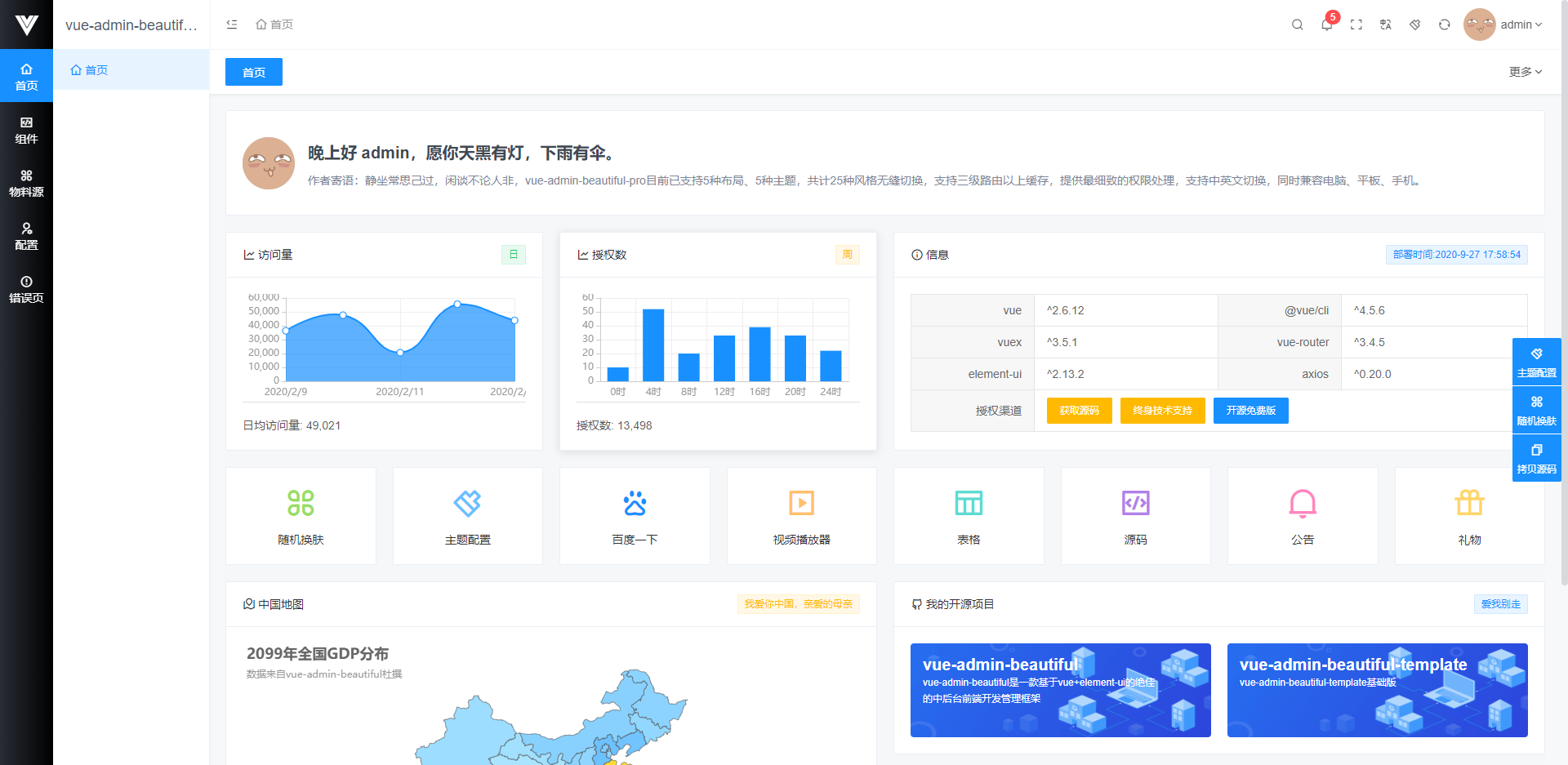
Recommend a vue-element-admin framework to everyone
Framework introduction vue-admin-beautiful is always based on the latest dependency on the latest architecture development, while ensuring the stability of the dependency, supports routing caches abov...
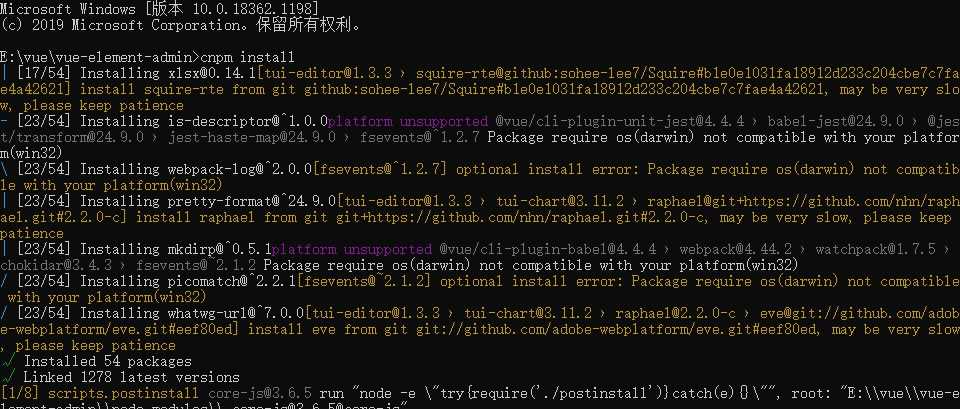
Run the vue-element-admin framework locally
1. Install git, nodejs 2.git clone https://github.com/PanJiaChen/vue-element-admin.git clone the project 3. Open cmd, enter the project folder, enter node -v npm -v View version informatio...