Vue-element-admin framework routing
tags: Frontal frame vue front end elementui
Routing and sidebar
The routing and sidebar are bound together, only the corresponding routes are configured under @ / router / index.js, the sidebar will generate
Configuration item
// When setting true, the route does not appear in the sidebar, such as 401, login and other pages, or some edit page / edit / 1
hidden: true // (Default False)

// This route is not clicked in breadcrumetry when setting Noredirect.
redirect: 'noRedirect'

// When you have a routing of the Children declaration below 1, you will automatically become a nest mode - such as the component page
// Only one, the sub-route will be displayed in the sidebar when the root route is displayed - such as the boot page
// If you want to display your root route regardless of the number of Children declaration below the routing
/ / You can set alwaysshow: true so that it will ignore the rules defined before, and always show root routes.
alwaysShow: true

name: 'router-name' / / Set the name of the route, you must fill in all kinds of problems when using <Keep-alive>
meta: {
  roles: ['admin', 'editor'] / / Set the route access to multiple permissions
  title: 'title' // Set the name of the route to display in the sidebar and breadcrumber
  icon: 'svg-name' / / Set the icon of the route, support SVG-CLASS, also supports ICON for EL-ICON-X Element-UI
  noCache: true // If set to true, it will not be <Keep-Alive> Cache (default false)
  breadcrumb: false // If set to false, it will not be displayed in BreadCrumb Bread (Default True)
  affix: true // If it is set to True, it will be fixed in tags-view (default false)

  // When the route is set, it will highlight the corresponding sidebar.
  // This is very useful in some scenarios, such as: a list of articles in: / Article / List
  // Click the article to enter the article details page, this time the route is / Article / 1, but you want to set the following settings on the routing of the list of articles on the sidebar.
  activeMenu: '/article/list'
}
Example:
  {
    path: '/',
    component: Layout,
    redirect: '/dashboard', / / Redirect the address, click on the bakerybocity to redirect the address
     hiden: true,   // Don't display it on the sidebar, default is False
     alwaysShow: true,  // Take the root route
     meta: { roles:['admin', 'editor'] },  / / Set with routing rights, sub-routing inheritance
    children: [{
      path: 'dashboard',
      name: 'Dashboard',
      component: () => import('@/views/dashboard/index'),
      meta: { title: 'front page', icon: 'dashboard' }    // Title sets the name of the routing sidebar, breadcrumbs displayed
    }]
  },
routing
Two routes: constantRoutes and Asyncroutes
ConstantRoutes: Represents routing, such as login page, 404, etc. do not require dynamic judgment privileges
Asyncroutes: Page represents those demand dynamic judgment permissions and dynamically added through Addroutes
Sidebar
Side bar based on ELEMENT-UI EL-MENU Reconstruction
The sidebar is dynamically generated by reading the route and combining permission judgment, but also needs to support routing wireless nesters, so the recursive component is used. There are two forms: SubMenu and EL-MENU-ITEM.
It is judged in SideBar. When you route the case of the Children declaration below is more than 1, it is automatically turned into a nested mode. If the sub-route is equal to one, the sub-routing is displayed by the side by default. In the column, if you don't want this, you can set alwaysshow: true in the root route to cancel this feature
Multi-level directory (nested route)
If your route is a multi-level directory, such as this item @ / views / nested, there is a three-level routing nested, don't forget to add one to the root file of the secondary directory.
Add page
First add the route you need to add in @ / router / index.js
Such as: Add an Example page
{
  path: '/example',
  component: Layout,
  redirect: '/example/export-example',
  name: 'example',
  meta: {
    title: 'Example',
    icon: 'excel'
  },
    children: [
    {
      path: 'export-example',
      component: ()=>import('example/exportExample'),
      name: 'exportExample',
      meta: { title: 'Sample Routing 1' }
    }
  ]
}
New VIEW
After the new route, you must create a corresponding folder under the @ / views folder. Generally, a route corresponds to a file. The functional component or method of the module is recommended to create a Utils or Components folder, each function module under this folder. Maintain your own Utils or Components components
New API
Finally, create the API service corresponding to this module under the @ / API folder.
Intelligent Recommendation
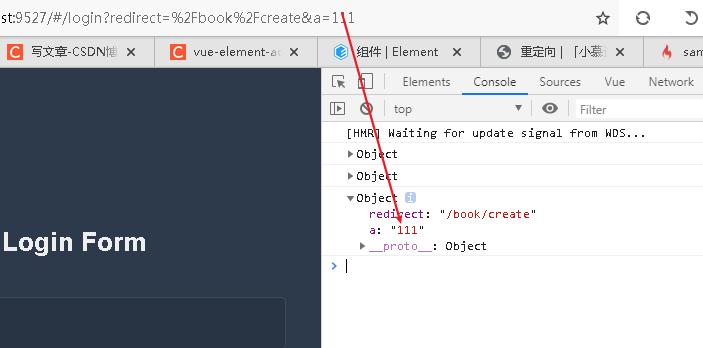
Vue-element-admin routing redirection logic
Redirect it when logging in Bread crumbs navigation uses redirection to be achieved by redirecting navigation. Redirection of the login page getOtherQuery: This is divided into two parts, redirect and...
Vue-element-admin dynamic routing configuration
Back end routing format [ { path: "/user", component: 'Layout', alwaysShow: true, &nb...
Vue-element-admin dynamic routing loading
store->modules->permission.js...
Vue-Element-Admin-I18N-4.2.0 Dynamic Routing
Vue-Element-Admin-4.2.0 Dynamic Routing Record Notice Modify Router.js Modify permission.js Note getAuthMenu used in Permission.js () This is a menu interface that queries the packaged data structure....
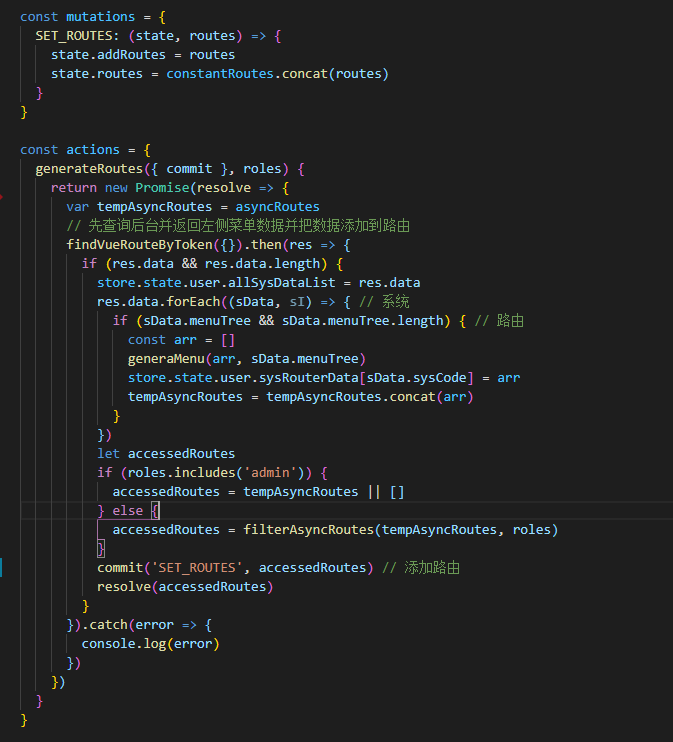
Vue element admin implements dynamic routing
1. First query the background through Token and the returned routing data is stored in Vuex 2. Obtain role permissions and corresponding routes Use router.addRoutes to add dynamic routing data to the ...
More Recommendation
Vue-Element-Admin front-end routing
Modify Store/Modules/Permission.js Store.State.user.asyncroutes needs to be stored in the Getinfo interface, here it is taken out...
Processing about the Vue-Admin-Beautiful framework routing
solution: Source: The routing label of the frame is placed in VUEX Path: SRC \ Store \ Modules \ Tabar.js The TabsBar.js file content is as follows: You can see how many labels in MUTATIONS can be use...
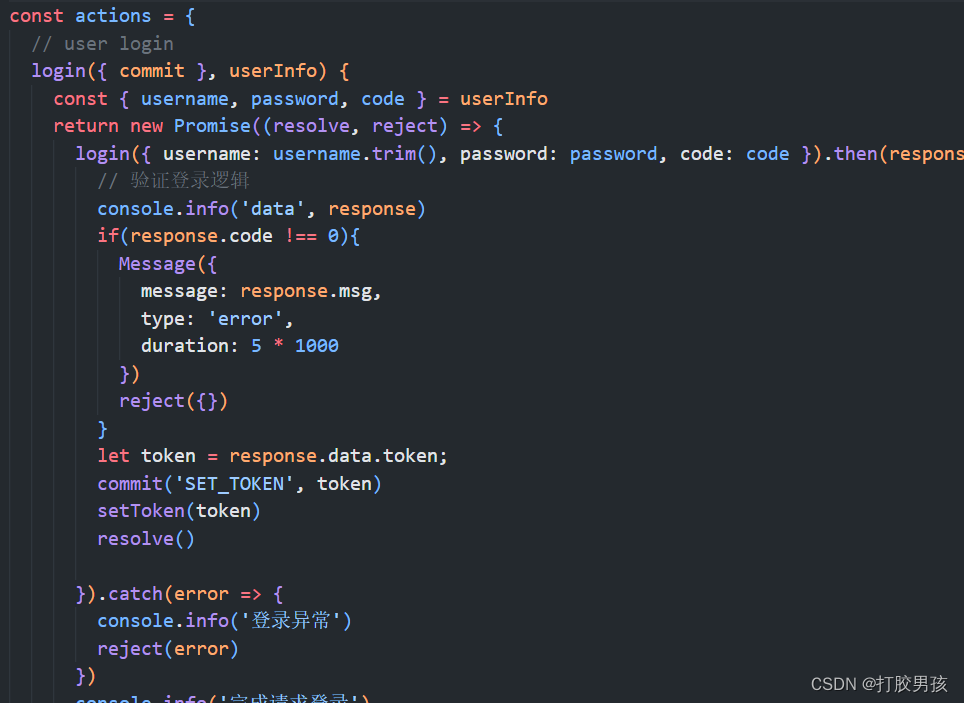
Vue-Element-Admin dynamic routing Vue-Element-Admin configuration dynamic routing Vue-Element-Admin implementation dynamic routing Vue-Element-Admin custom route
Articles directory 1. Implement ideas 2. Specific implementation 2.1 Menu Information JSON format returned by the back end 2.2 Modify Vue-Element-Admin's logical code after landing successfully 2.3 Mo...
Vue builds vue-element-admin framework
Project initialization vue-element-admin source code If npm reports an error Cannot find module'core-js/modules/es6.regexp.constructor', you can install itcnpm install core-js@2Recognize es6 grammar S...
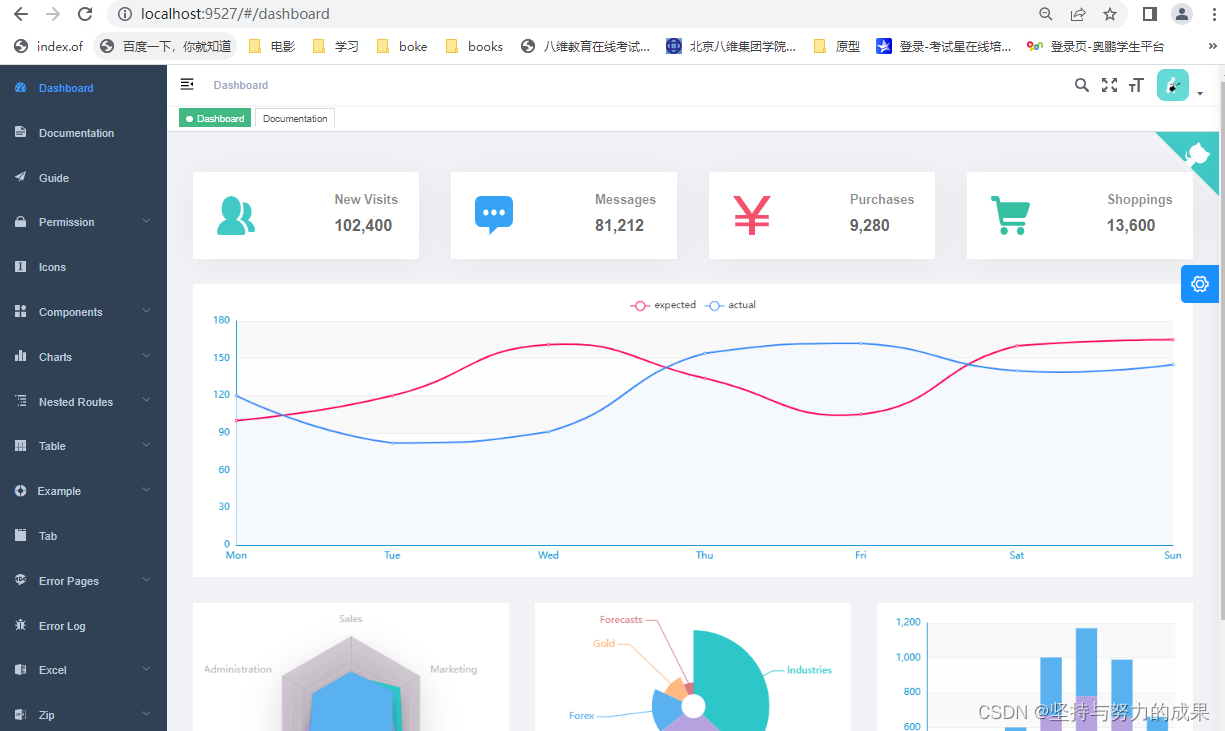
Vue Element Admin (Windown) of Vue framework
1. First of all, you need to view node.js First of all 2. clone framework If an error occurs, delete the following Successful installation ...