When the automated script starts the third-party app, the package name startup page is correct but an error is reported An unknown server-side error occurred while processing the command...
tags: android
When the automated script starts the third-party app, the package name start page is correct but an error is reported An unknown server-side error occurred while processing the command...
I checked a lot of people who encountered this problem. Most of the appActivity startup page names were not written correctly, so here is the command to get the correct package name and startup page name:
adb shell dumpsys window windows | grep mFoc
The premise of this command is to manually open a page of the app on the simulator or real machine.
In the result, the string from the left of the slash to the space before the space is the package name, and the string from the right of the slash to the space before the space is the Activity name. Just copy them separately.

The strange thing is that I start the built-in app, such as settings and cameras, but I start a third party and report an error saying that the package name and startup page name are incorrect. After thinking about it for a long time, I feel that the compatibility problem of Android is always very weird, so I changed to a different android sdk to try again. Android 9, 8, 7 are all the same error, try 6 again, it's amazing, 5 is also good . . . emmm, okay, the problem is solved magically like this.
Finally, I also found that the AVD simulator compatibility problem in android studio is particularly strange, and it can be started normally with a third-party simulator such as Gennymotion. I am convinced.
Intelligent Recommendation
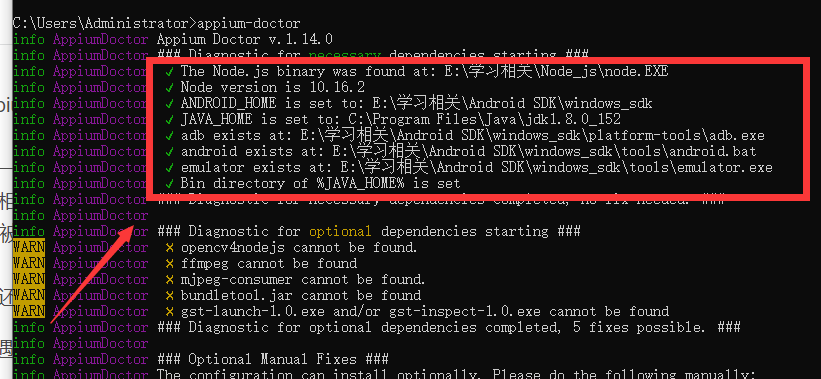
Appium pit of error encountered: An unknown server-side error occurred while processing the command Original.
Solution: using the command: appium-doctor checks environmental issues related SDK 1, if one occurs in the relevant X, Check your environment variables. 2, if there is no relevant folder, you might as...

Appium exception: An unknown server-side error occurred while processing the command. Original error: Could n
table of Contents 1. The exception is as follows: An unknown server-side error occurred while processing the command. Original error: Could not find 'adb.exe' in PATH. Please set the ANDROID_HOME or A...
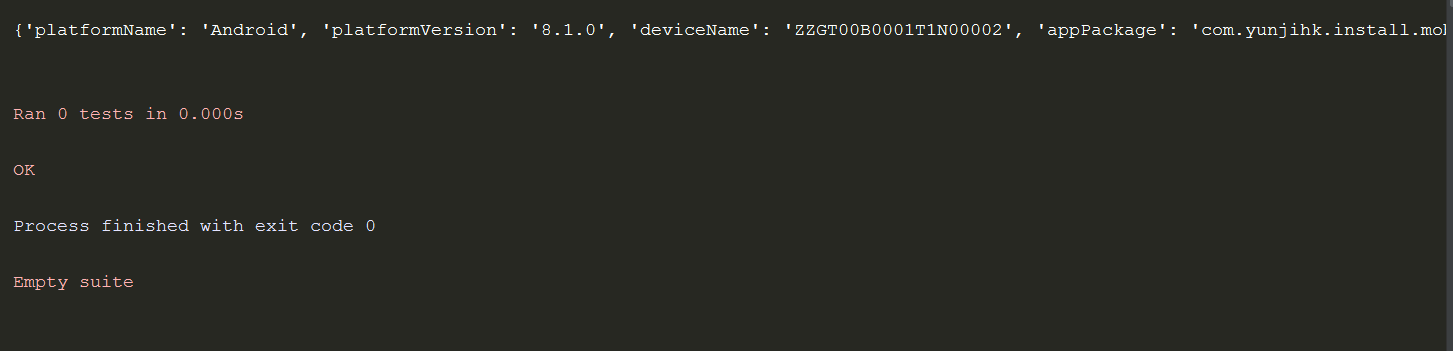
Mobile terminal test-appium (An unknown server-side error occurred while processing the command. Original error:)
1.adb shell dumpsys activity activities>D:/txt1.txt found: the attribute value of appActivity Additional supplements: The attribute of deviceName is found through the adb devices command The attrib...
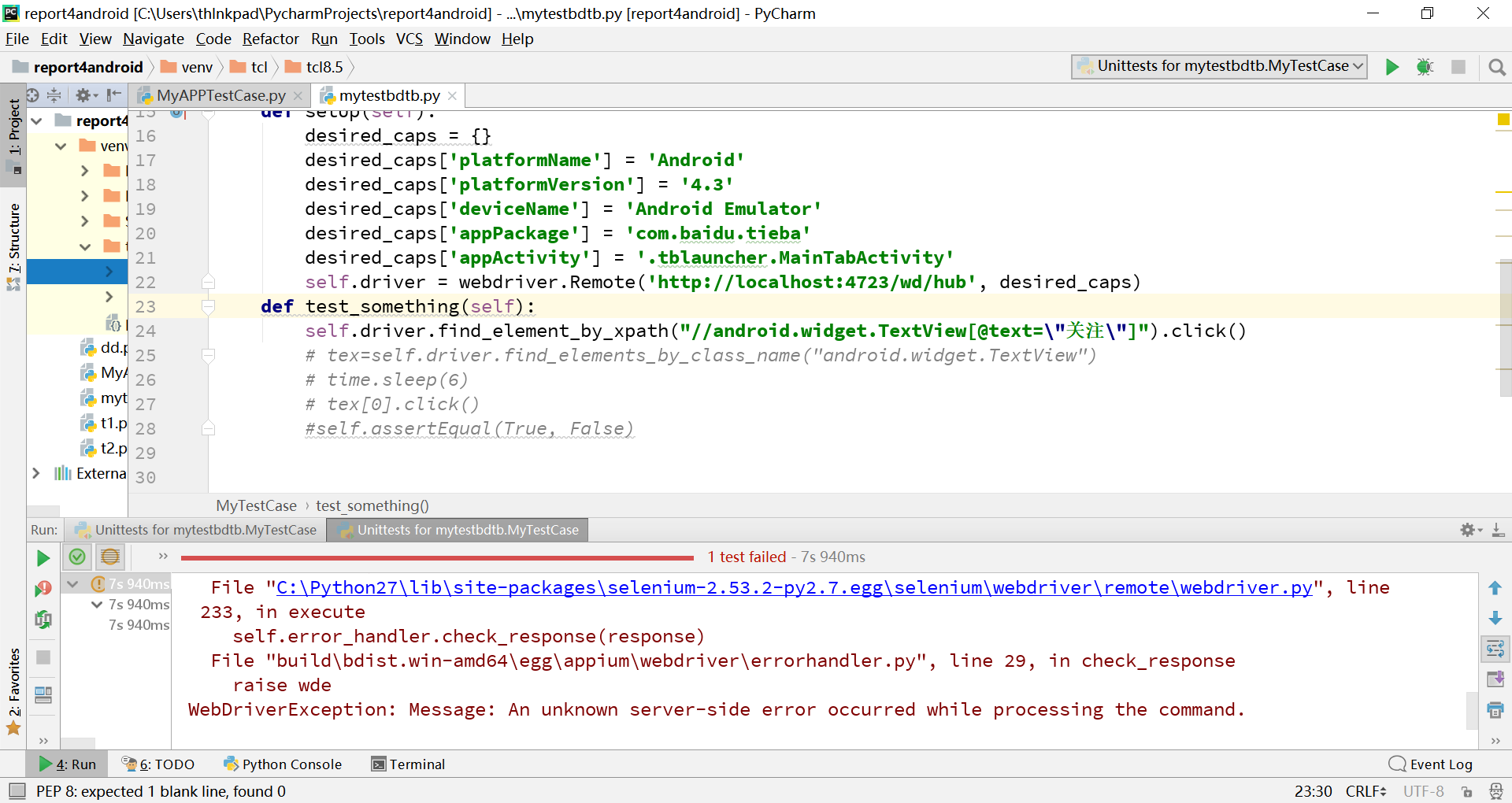
appium given in n unknown server-side error occurred while processing the command. handling
This exception Fellow students have experienced it. Because accustomed selenium, this anomaly appears again appium, the instinct to locate in other ways, to no avail. View adb devices are also normal....
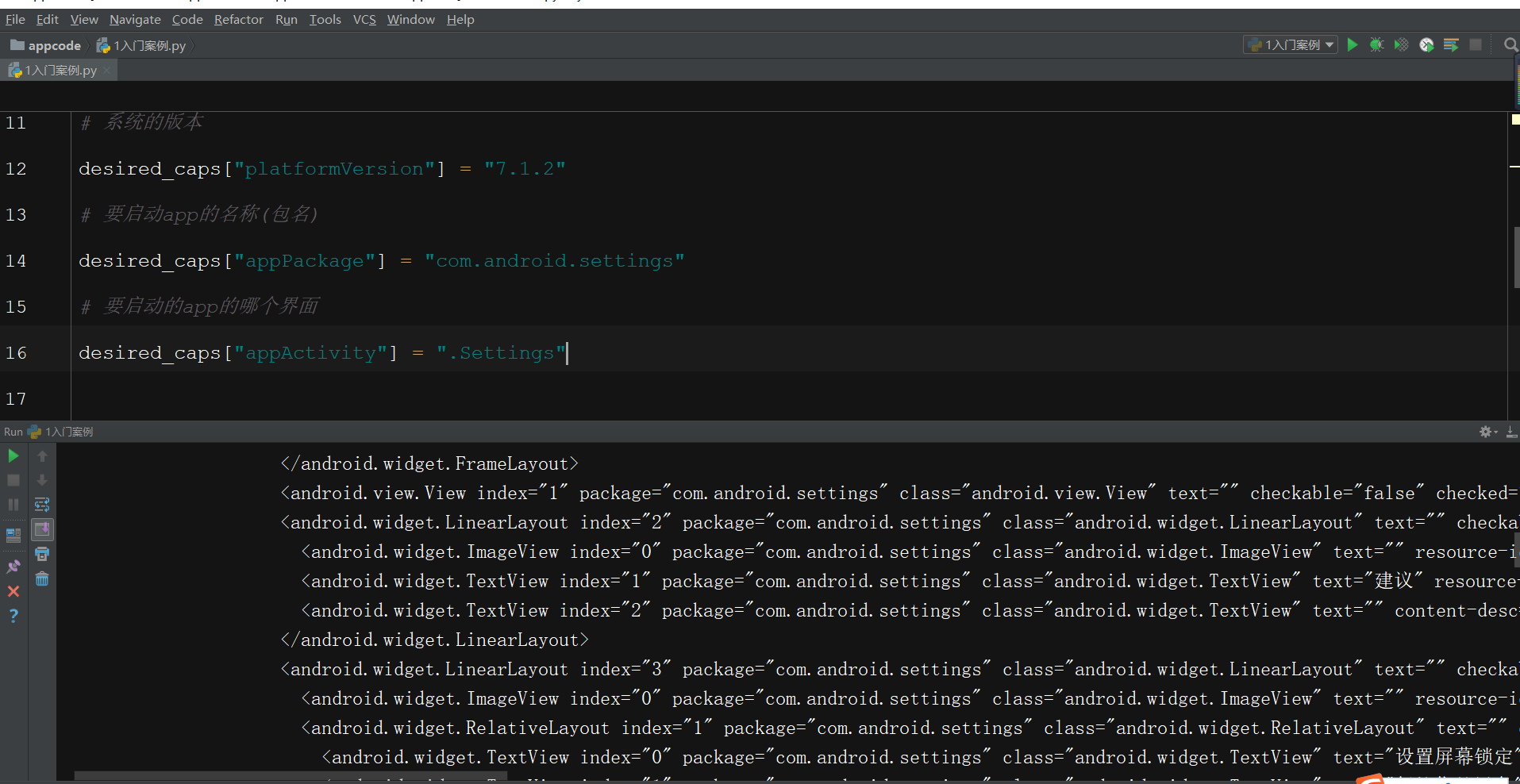
About ** Python+Appium ** Starting Times Error: UNKNOWNERROR: An UNKNOWN Server-Side Error Occurred WHILE PROCESSING The Co
aboutPython+APPium :UnknownError: An unknown server-side error occurred while processing the command. Original error: Cannot verify the signature of 'C:\Users\ \AppData\Local\Temp\20211020-6640-so7tsb...
More Recommendation

Solve appium org.openqa.selenium.WebDriverException: An unknown server-side error occurred while process
org.openqa.selenium.WebDriverException: An unknown server-side error occurred while processing the command Original error:. Invalid Version: reasons: (The server did not provide any stacktrace informa...
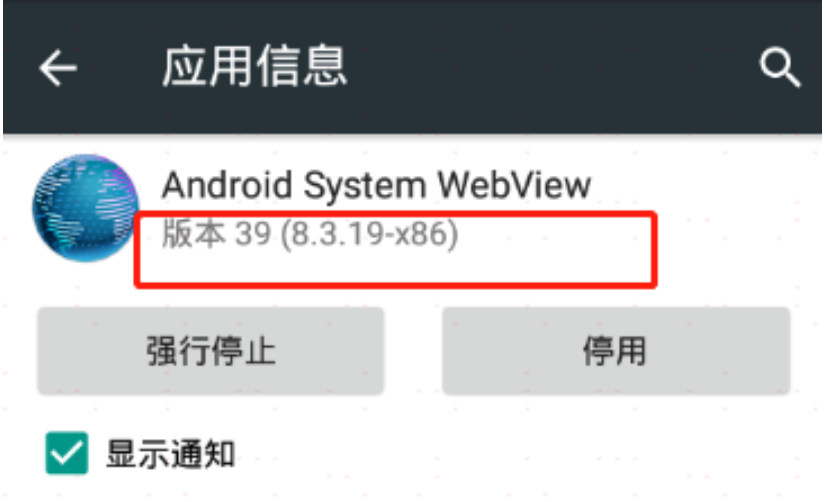
selenium.common.exceptions.WebDriverException: Message: An unknown server-side error occurred while
Article Directory the reason solution Error when running appium script (switching context)selenium.common.exceptions.WebDriverException… The error information reported by the PyCharm console is...
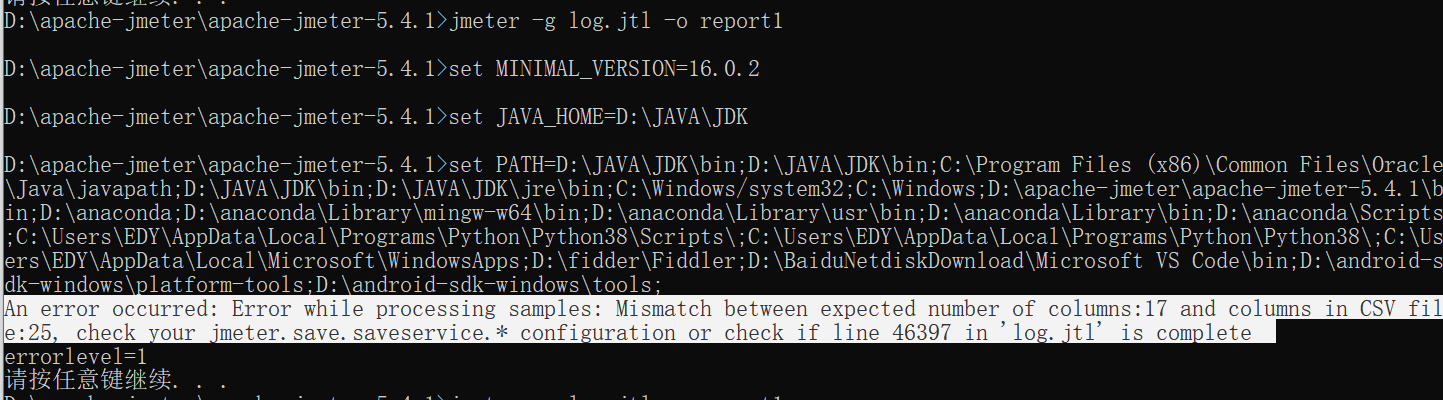
When using jmeter, an error is reported when executing the generated chart on the command line, An error occurred: Error while processing samples: Mismatch between……
Error: An error occurred: Error while processing samples: Mismatch between expected number of columns:17 and columns in CSV file:25, check your jmeter.save.saveservice.* configuration or check if line...
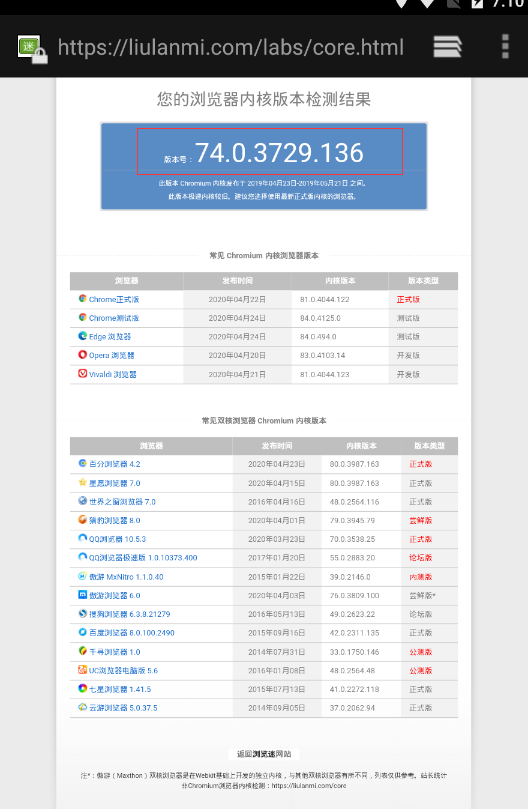
appium:selenium.common.exceptions.WebDriverException: Message: An unknown server-side error occurred
Frequently encountered problems in the process of automated execution: selenium.common.exceptions.WebDriverException: Message: An unknown server-side error occurred while processing the command... Sol...
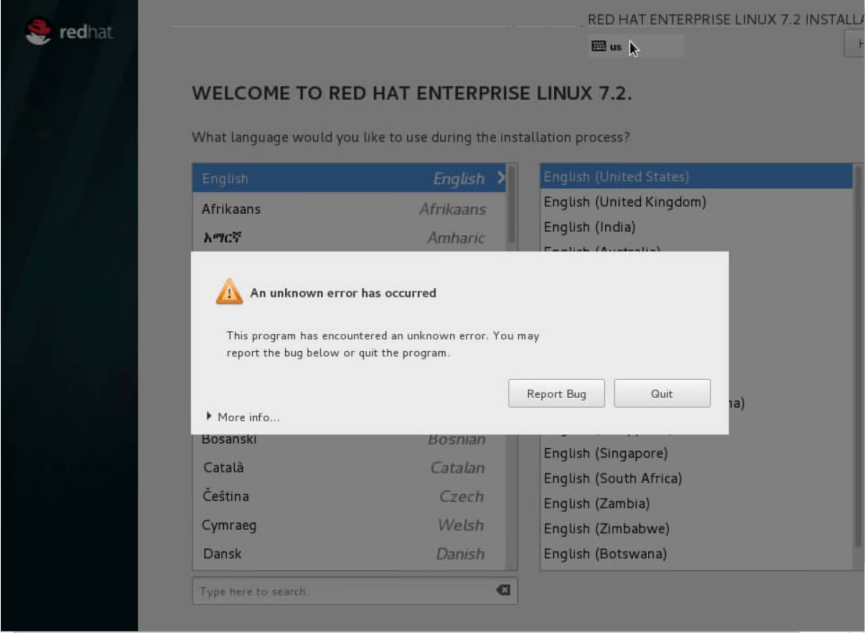
[Linux] "An unknown error occurred" error is reported when the physical server is reinstalled? --Work Actual Combat-Resolved-20200715
1. Failure environment The physical machine, rhel7.2 system, the original system, when reinstalling the system, an "an unknown error occurred" error was reported; This problem still persists...