Flutter Widget display and hide

In Android we can usevisibilityTo control the display and hiding of the control, how do we control it in Flutter?
In fact, there are 3 ways to control the display and hiding of Widget in Flutter:
However, the core idea of the three methods is to judge based on the value of the variable, so first define a variable:
bool visible = true;
The value of the variable can be controlled in the event, such as:
       onPressed: () {
         setState(() {
           visible = visible ? false : true;
         });
       },
ok, enter the topic.
method one
visible ? Padding(padding: EdgeInsets.all(30), child: Text('yechaoa')) : Container(),
according tovisibleJudgment displayPadding Still shows an emptyContainer。
Method Two
                    Opacity(
                      opacity: visible ? 1.0 : 0.0,
                      child: Padding(
                        padding: EdgeInsets.all(30),
                        child: Text('Now you see me, now you don\'t!'),
                      ),
                    ),
opacity In fact, the transparency is controlled based on visible, but in fact it is still occupying, which is equivalent toinvisible, And it will render and draw.
AnimatedOpacity is a widget with animation: AnimatedOpacity(opacity: null, duration: null), // an opacity and an animation duration
Method Three
                    Offstage(
                      offstage: visible,
                      child: Column(
                        children: <Widget>[
                          ...
                        ],
                      ),
                    ),
offstageWhen true, it means that it will not be rendered or occupied, which is equivalent togone。
In addition to measuring performance when choosing the above three methods, it is actually more important to meet the current development business.
Opacity:https://api.flutter.dev/flutter/widgets/Opacity-class.html
Offstage:https://api.flutter.dev/flutter/widgets/Offstage-class.html
Intelligent Recommendation
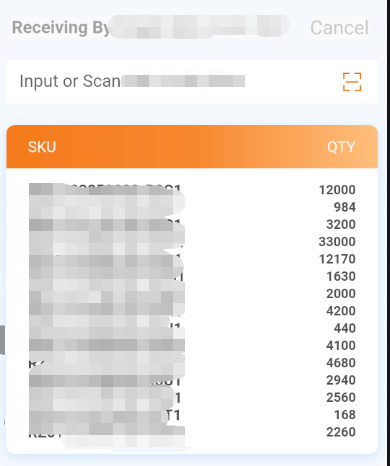
Flutter list <widget> Place in Column to display incomplete problems
There is currently a simple page implementation, where the list <widget> data is placed, and the display is incomplete. Current implementation method: 1. The top is divided into a layer 2.input ...
Flutter Widget(1): Basic Widget
Container The Container is similar to the ViewGroup in android. It is possible to set the background color, background image, border, rounded corners, alignment in all directions, etc. It is a Widget ...
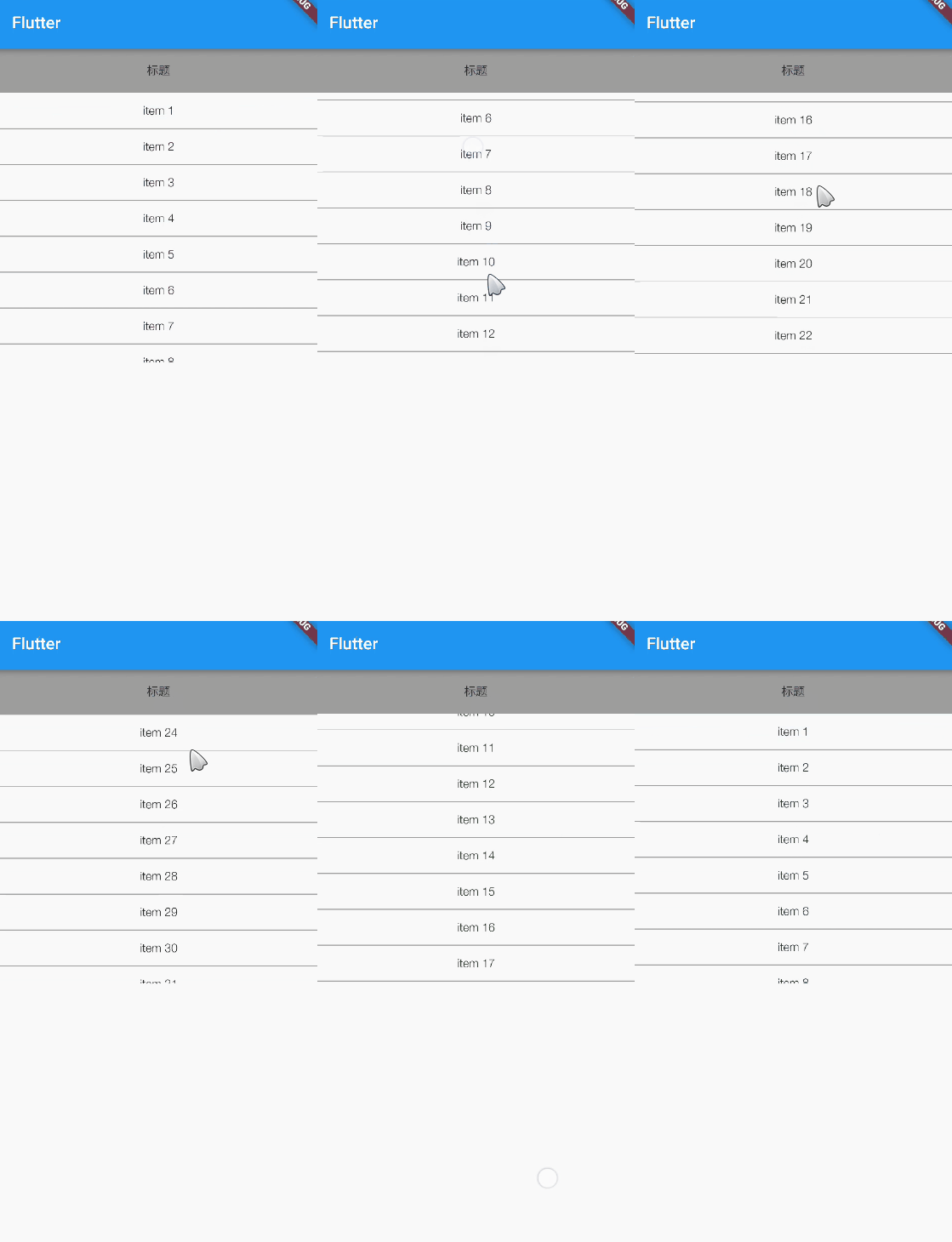
Flutter reports A RenderFlex overflowed error (wide height overflow) or Flutter Widget does not display solutions (Expanded, Flexible)
When we use Flutter to write ui, we often encounter that the widget is not displayed after writing. For example, the following code: The code is very simple, in fact, a Text and a ListView are placed ...

[FAQ10400] How to hide a widget or shortcut in the widget list?
[DESCRIPTION] The widget list includes two types: widget and shortcut. How to hide a widget or shortcut in the widget list? For example, hide the power control widget (Power Control) of the settings? ...
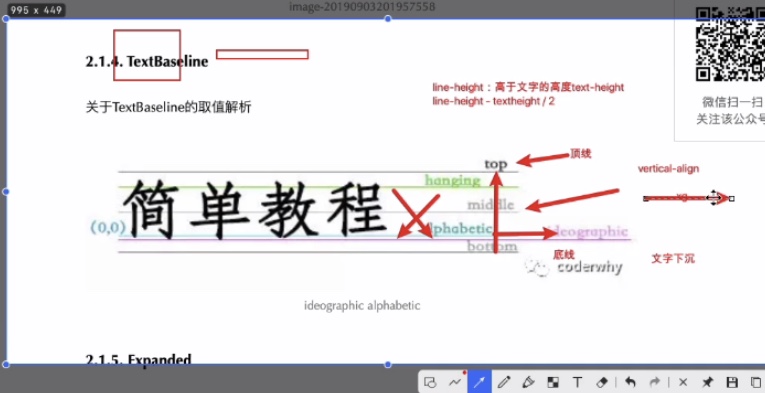
Flutter (4) Flutter layout widget
Flutter 4 Flutter layout widget One. Single layout component 1.1. Align component 1.1.1. Introduction to Align 1.1.2. Align walkthrough 1.2. Center component 1.2.1. Center introduction 1.2.2. Center w...
More Recommendation
Flutter (5) Flutter scrolling widget
Flutter Five Flutter Scrolling Widget 1. JSON reading and parsing 1.1. JSON resource configuration 1.2. JSON reading and parsing 1.3. JSON parsing code 2. ListView component 2.1. ListView basics 2.1.1...
Flutter Application Widget (1)
The Flutter Widget is built using a modern responsive framework, which is fromReactThe central idea is to build your UI with widgets. Widgets describe what their view should look like given its curren...
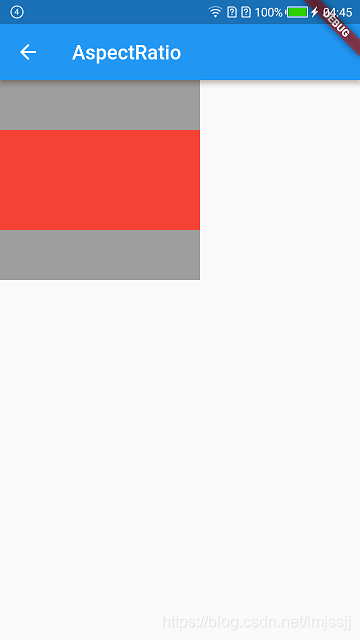
AspectRatio of Flutter Layout Widget
AspectRatio Is a widget that specifies the size of the child widget to a specific aspect ratio definition aspectRatio → double aspect ratio...
The flutter widget is loaded
There are two or more ways One is future.delay and the other is But this is still different from the operation. Most of the time it works in ontap and other methods, but it is not feasible in the othe...
Flutter Get the location of the widget
The first step is to declare the key: Texteditcontroller similar to TextField Assign a key attribute to a widget that needs to get position, size Use the following code to get the value ...