Detailed installation of Apache under Linux source code
1. Download the packages installed by Apache
https://mirrors.aliyun.com/apache/httpd/httpd-2.4.38.tar.bz2
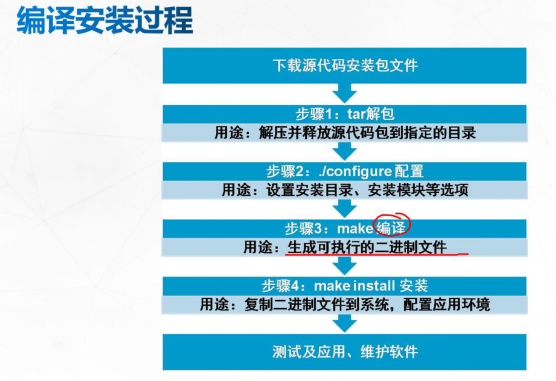
Unzip tar zxf httpd-2.4.38.tar.bz2 -C / opt
http://apache.fayea.com/apr/apr-1.6.5.tar.gz
Unzip tar zxf apr-1.6.5.tar.gz -C / opt
http://apache.fayea.com/apr/apr-util-1.6.1.tar.gz
Unzip tar zxf apr-util-1.6.1.tar.gz -C / opt
http://ftp.pcre.org/pub/pcre/pcre-8.00.tar.gz
Unzip tar zxf pcre-8.00.tar.gz -C / opt
Note that the apr installation package version is the same or lower than the apr-util installation package version.
2. The environment required to install Apache
yum install gcc gcc-c++ make -y
3. Create the installation directory
The installation directory is placed under / usr / local and established as follows
mkdir apr
mkdir apr-util
mkdir pcre
mkdir apache
4. Install apr
cd /usr/local/apr
1. Establish an installation inspection environment
./configure --prefix = / usr / local / apr (specify installation directory)
Generate a makefile compilation file
With echo $ ?, you can check whether the command is executed successfully. If it is 0, it succeeds, otherwise it fails.
2. Compile
make
Function: Compile the source code package into machine code, the compilation fails, make clean clears the previous compilation cache, and resolves the dependencies before making.
Use echo $? to see if it is successful
3. Installation
make install
Use echo $? to see if it is successful
5. Install apr-util
cd /usr/local/apr-util
1. Establish an installation inspection environment
./configure --prefix = / usr / local / apr-util (specify the installation directory) –with-apr = / usr / local / apr / bin / apr-1-config ( Establish a dependency relationship with apr)
Use echo $? to see if the execution is successful
2. Compile
make
Function: Compile the source code package into machine code, the compilation fails, make clean clears the previous compilation cache, and resolves the dependencies before making.
Use echo $? to see if it is successful
Possible error installation yum install expat-devel -y
3. Installation
make install
Use echo $? to see if it is successful
6. Install pcre
cd /usr/local/pcre
1. Establish an installation inspection environment
./configure --prefix = / usr / local / pcre (specify installation directory)
Use echo $? to see if the execution is successful
2. Compile
make
Function: Compile the source code package into machine code, the compilation fails, make clean clears the previous compilation cache, and resolves the dependencies before making.
Use echo $? to see if it is successful
3. Installation
make install
Use echo $? to see if it is successful
7. Install apache
cd /usr/local/apache
1. Establish an installation inspection environment
./configure --prefix=/usr/local/apache/ --with-apr=/usr/local/apr --with-apr-util=/usr/local/apr-util/ --with-pcre=/usr/local/pcre/
Use echo $? to see if the execution is successful
2. Compile
make
Function: Compile the source code package into machine code, the compilation fails, make clean clears the previous compilation cache, and resolves the dependencies before making
Use echo $? to see if it is successful
3. Installation
make install
Use echo $? to see if it is successful
8. Start Apache
1. Turn off the firewall
systemctl stop firewalld
2. Close the kernel firewall
setenforce 0
3. Start apache (start Apache with an absolute path)
/usr/local/apache/bin/apachectl start
4. View the progress
ps -ef |grep httpd

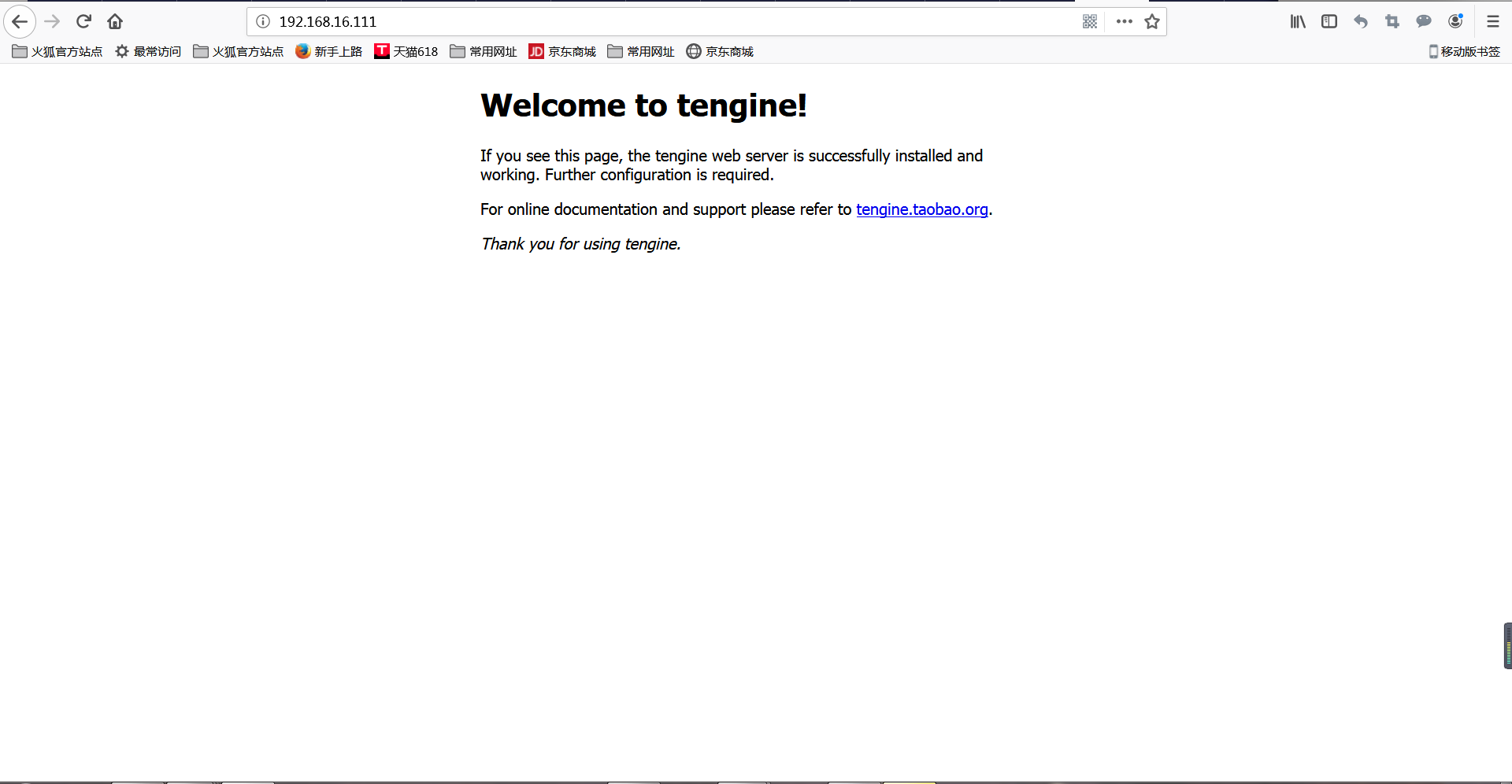
This will start Apache.
9. Set to start automatically
1. Add startup service
cp /usr/local/apache/bin/apachectl /etc/rc.d/init.d/httpd
chkconfig --add httpd
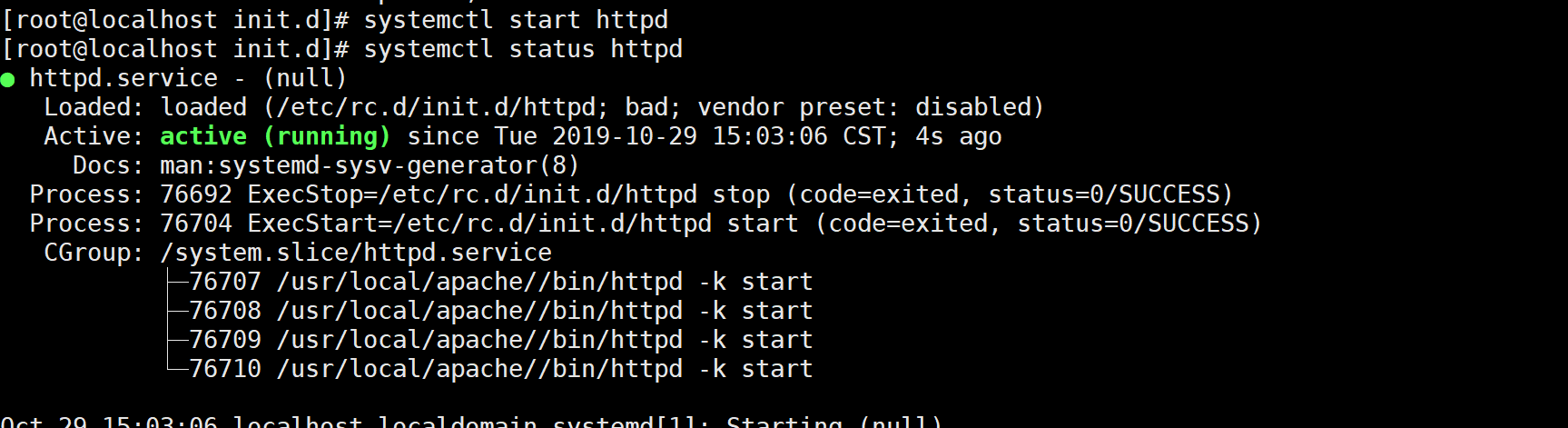
2. Run systemctl stop httpd

This situation may occur. It only needs to execute systemctl daemon-reload (reload of background program) to solve
there will be no problems during execution
Intelligent Recommendation
Apache source code installation
Source code installation Source code package: httpd-2.2.29.tar.bz2 Environmental Requirements Install the Development Tools Development Tools Development Tools. 1. Install the Development tools develo...
Compile and install httpd service under centos6.5 source code (that is, apache installation)
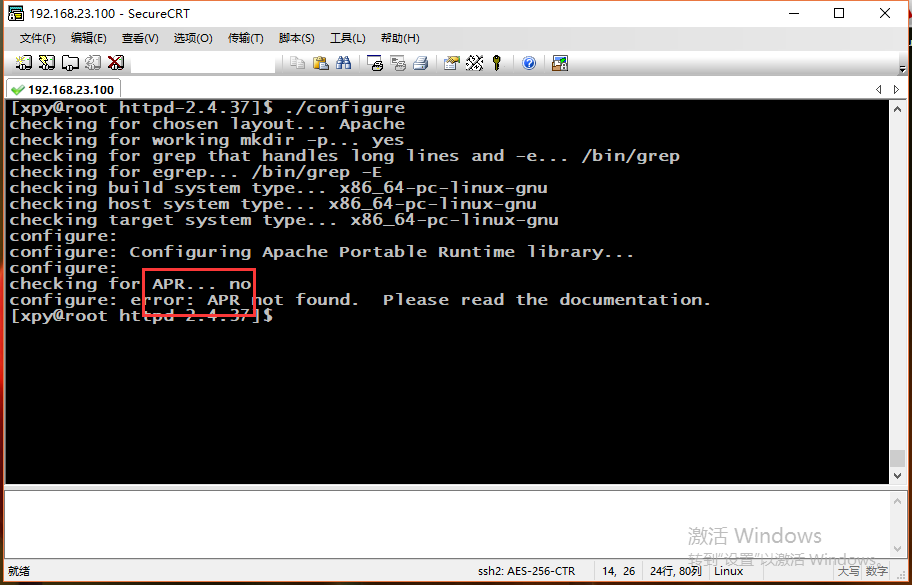
First, the source code is compiled and installed (the installation directory is in /home/xpy/tools/, ie cd /home/xpy/tools/) ----------- install gcc 1. First download the httpd service package, you ne...
httpd / apache source code download and installation, detailed steps
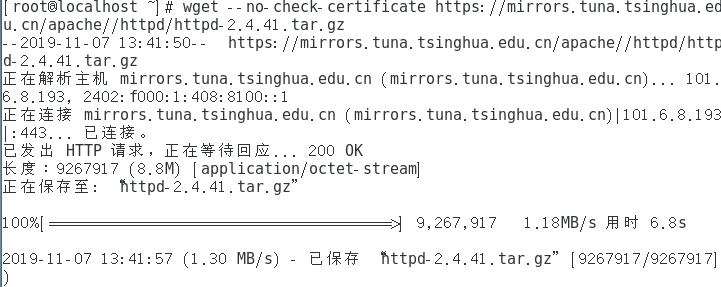
httpd / apache source code download and installation, detailed steps 1. Download the httpd source package The download command is: wget --no-check-certificate https://mirrors.tuna.tsinghua.edu.cn/apac...
Linux source code under the installation jdk1.8
① Download Source Package Download the official website:https://www.oracle.com/technetwork/java/javase/downloads/jdk8-downloads-2133151.html The downloaded Source Package jdk-8u121-linux-x64.tar.gz se...

Linux source code under Nginx installation and configuration
A. Installation Nginx source code Download: nginx: download After downloading the tar -zxvf xxx.tar.gz cd into the extracted directory, perform configuration ./configure (default installed / usr / loc...
More Recommendation

Installation and use of Mysql source code under Linux
Mysql source installation process: Suppose there are already two source files mysql-5.5.10.tar.gz and cmake-2.8.4.tar.gz (1) Install cmake first (mysql5.5 is compiled after cmake) (2) Create mysql ins...

Mysql-5.6.13 source code installation under Linux
1. Common errors: 1. The reason: the dependency package is not installed, Solution: #1.rm ...
RPM installation and source code under Linux
1. The relationship between applications and system commands Character System command application File location Generally in the /bin and /sbin directories, or shell commands Usually in /usr/bin and /...
Source code installation software under Linux
To compile and install the software yourself, you need to go through the following steps: Check the compilation environment——>Prepare the compilation environment (requires a lot of thir...
Mysql source code compilation installation under Linux
The entire installation process takes a long time Go to MySQL official website to download mysql-boost-5.7.31.tar.gz, or download it in the resources I shared. 1, decompression 2, install the package ...