Compile and install httpd service under centos6.5 source code (that is, apache installation)
First, the source code is compiled and installed (the installation directory is in /home/xpy/tools/, ie cd /home/xpy/tools/) ----------- install gcc
1. First download the httpd service package, you need to use the wget command, if wget is not installed, then yum -y install wget
wget http://mirrors.shu.edu.cn/apache/httpd/httpd-2.4.37.tar.gz
2. Unzip httpd-2.4.37.tar.gz
tar zxvf httpd-2.4.37.tar.gz
3. Enter cd httpd-2.4.37
4. Start the installation
1) Test the installation to see if any packages are missing
./configure
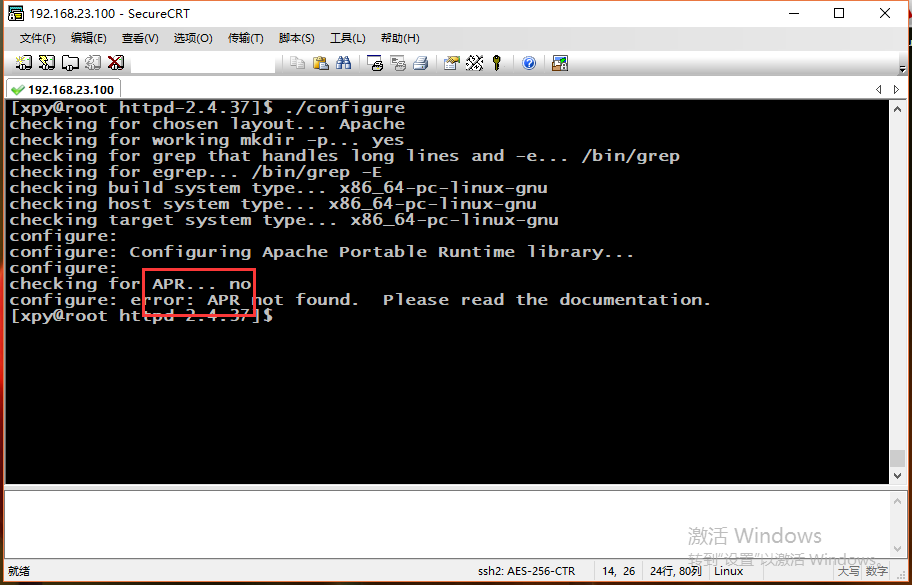
The above is missing apr (portable operating environment) and apr-util
2) Download apr (portable operating environment) and apr-util
wget http://mirrors.shu.edu.cn/apache/apr/apr-1.6.5.tar.gz
wget http://mirrors.shu.edu.cn/apache/apr/apr-util-1.6.1.tar.gz
3) Unzip and install apr and apr-util separately
tar -zxvf apr-1.6.5.tar.gz
tar -zxvf apr-util-1.6.1.tar.gz
4) Switch to installation under apr-1.6.5
cd apr-1.6.5
./configure \
> --prefix=/application/apr-1.6.5
make &make install
5) Switch to installation under apr-util-1.6.1
cd apr-util-1.6.1
./configure \
> --prefix=/application/apr-util-1.6.1/ --with-apr=/application/apr-1.6.5/
At this time, an error will be reported
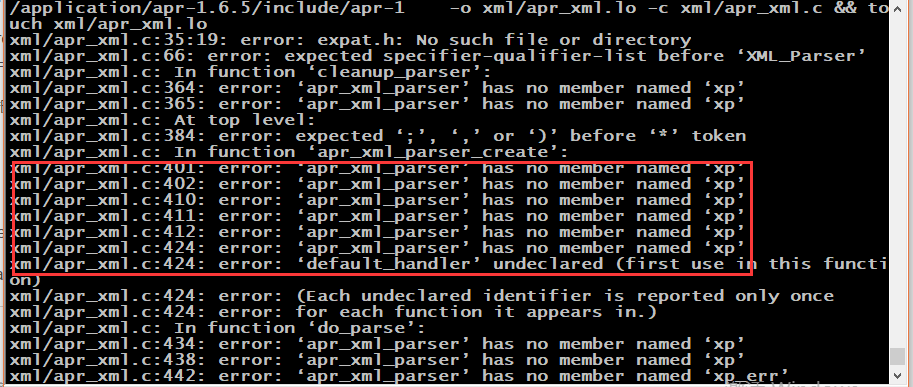
Need to install another service, yum install expat-devel
If it is not installed by the root user, an error will be reported
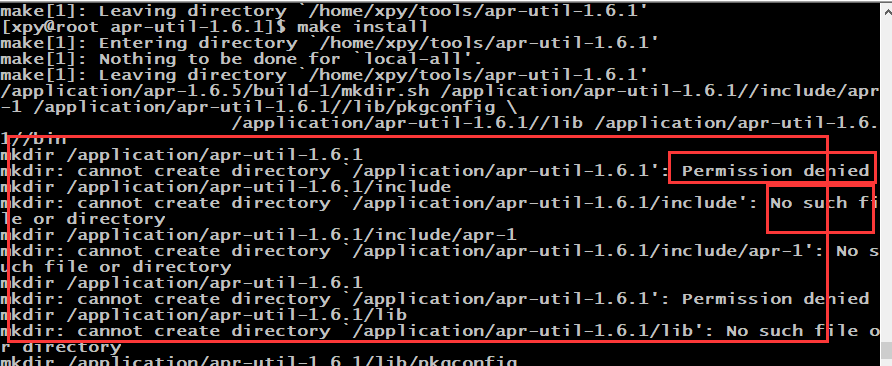
At this time, switch to the root user
make & make install
6) When both apr and apr-util are installed, return to install apache
cd /home/xpy/tools/httpd-2.4.37
Try to install ./configure and find an error
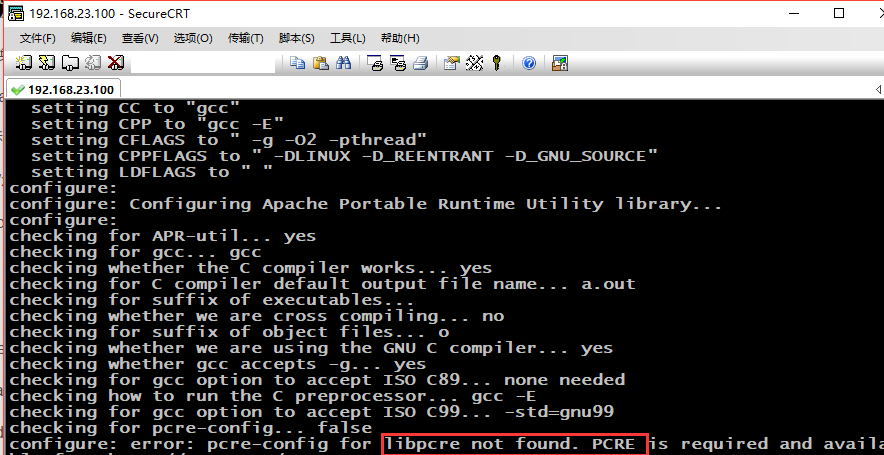
This is the lack of pcre package, need to reinstall
7) Install the pcre package (cd /home/xpy/tools/), remember not to download pcre2
Download package wget https://ftp.pcre.org/pub/pcre/pcre-8.42.tar.gz
Unzip tar -zxvfpcre-8.42.tar.gz
./configure \
--prefix=/application/pcre-8.42
At this time, an error will be reported again, prompting configure: error: You need a C++ compiler for C++ support.
At this time, an environmental tool needs to be installed
yum groupinstall "Development Tools"
After the installation is complete, reinstall pcre
./configure \
--prefix=/application/pcre-8.42
make & make install
8) Install apache (sentence knocking)
./configure \
--prefix=/application/apache2.4.37 \
--with-apr=/application/apr-1.6.5 \
--with-apr-util=/application/apr-util-1.6.1 \
--with-pcre=/application//pcre-8.42 \
--enable-deflate \
--enable-expires \
--enable-headers \
--enable-modules=most \
--enable-so \
--with-mpm=worker \
--enable-rewrite
But it will report an error, suggesting checking whether to enable mod_deflate... configure: error: mod_deflate has been requested but can not be built due to prerequisite failures
This is the reason why zlib-devel is not installed
yum install zlib-devel
Repeat the ./configure action again
make
make install
The installation is complete (check if there is an error echo $?)
9) Create a soft connection
ln -s /application/apache2.4.37/ /application/apache
10) Start the apache service
/application/apache2.4.37/bin/httpd -k start
11) Check if the port is up
lsof -i :80
12) Check if the process is up
ps -ef | grep httpd
13) See if it works
View ip
ifconfig eth0
Enter this address in the URL
Intelligent Recommendation

Apache-httpd service installation
First, compilation and install Apache HTTPD service 1. Turn off the firewall to transfer the software package required to install Apache to / opt directory Install HTTPD service 2, install environment...
Centos6.5 build Apache httpd service (yum)
Centos6.5 build httpd service 1. Execute the command: 2. Start the service 3. The default port for developing httpd is 80 4. Access httpd service Browser address input: http://192.168.126.101/(Please ...
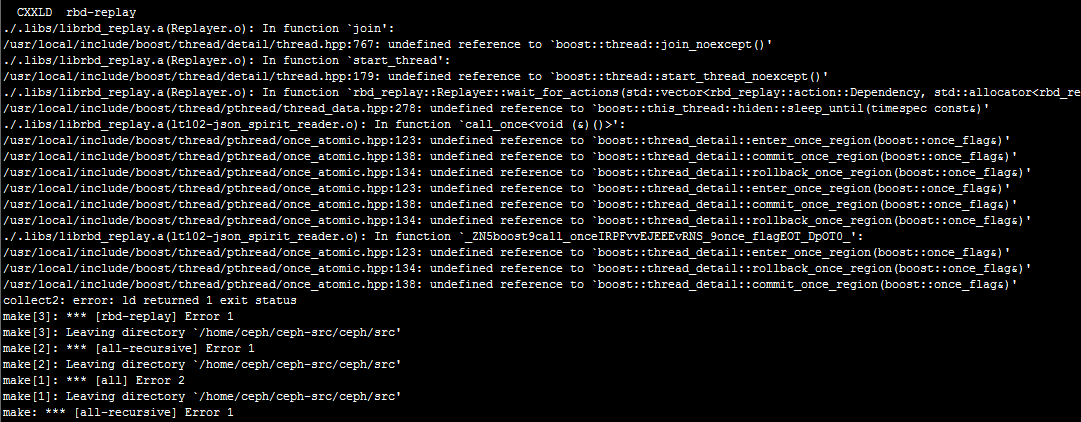
Compile Ceph source code under CentOS6.5
introduction Compiling ceph source code is not an easy task. Many errors were reported in the middle, such as the dependency on C++11, the dependency on BOOST, and the dependency on a large number of ...
Apache httpd source code compilation and installation
Source code compilation installation Apache httpd 2.4.41 Installation Environment: CentOS7.8 + HTTPD2.4.41 + APR-1.7.0 + APR-UTIL-1.6.1 + PCRE-8.43 Base environment installation 1, download compile AP...
Centos6.5 source code to compile and install nodejs
Written in front: mode 1 failed, mode 2 succeeded 1, when installing node.js with source code will report the error and the installation is unsuccessful; because the error is not resolved, the source ...
More Recommendation
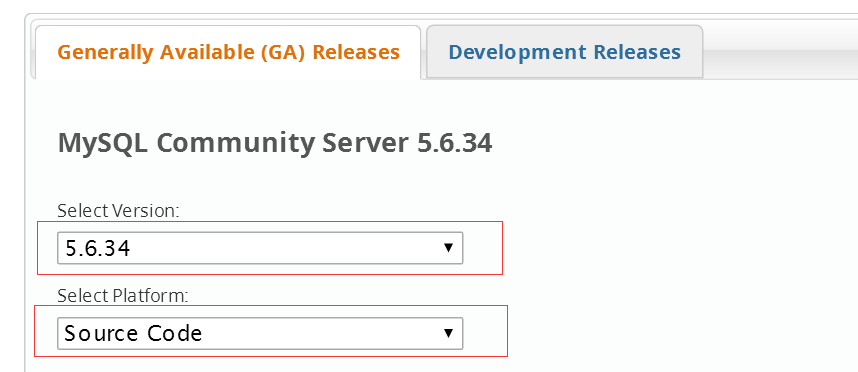
CentOS6.5 environment source code compile and install mysql5.6.34
centos6.5 environment source code compile and install mysql5.6.34 Source code download address http://dev.mysql.com/downloads/mysql/5.6.html#downloads Select Generic Linux (Architecture Independent), ...

Compile and install postgres10.4 in centos6.5 source code
Compile and install postgres10.4 Download the installation package postgres-10.4.tar.gz Unzip the installation package to the installation directory / usr / local Enter root mode to decompress. In nor...
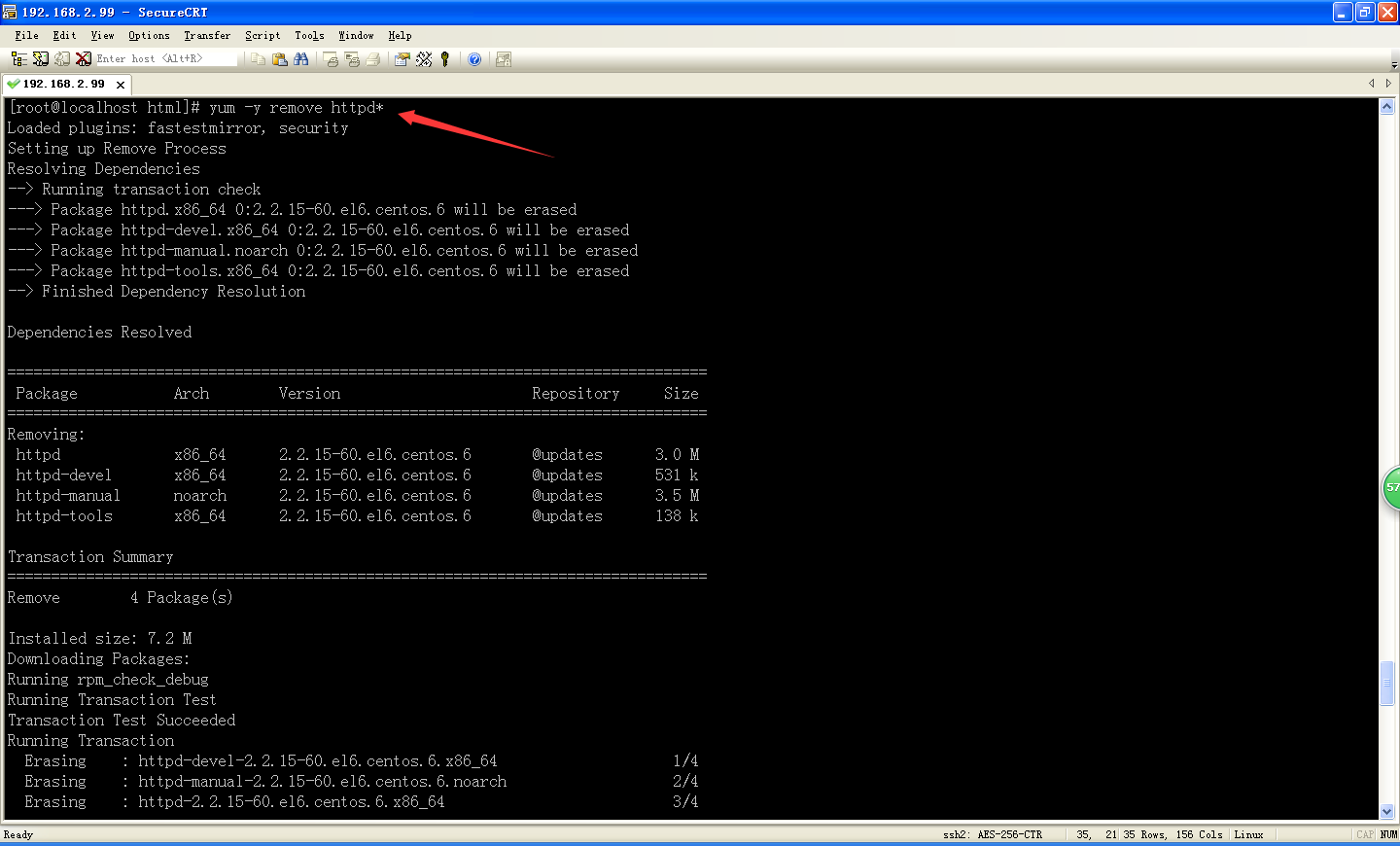
Build Apache httpd server environment under CentOS6.5
Preparation: 1, CentOS6.5 virtual systems; 2, CentOS6.5 IP address: 192.168.2.99 3, the virtual system can on the external network Here we begin the configuration: Step 1: Install First, we need to pu...
Compile and install Apache httpd 2.4 under centos 7
Centos 7.4 minimal installation version, using Alibaba Cloud source, yum update updated before installation Download the latest version of Apache HTTP Server http://httpd.apache.org/download.cgi Insta...
Apache httpd 2.4 source code compile one -click installation and uninstalled script
Apache httpd 2.4 source code compile one -click installation and uninstalled script A key installation implement Log One -click uninstallation test...