Use Nacos Configuration Center and Springboot to achieve dynamic task scheduling
tags: java spring boot quartz
It is well known that SpringBoot can use timed tasks through @Scheduled, but we need to dynamically export reports regularly. What can we do? Of course, there are many task schedulers on the market that are also good. This article mainly teaches you to use the Nacos configuration center Realize dynamic task scheduling with SpringBoot.
Not much to say, the code is here.
public interface AbstractDynamicSchedule extends Runnable {

    /**
           * mission name
           * @return returns the name of the execution task for logging
     */
    String taskName();

    /**
           * The cron expression yaml key of the task
     * @return yaml key
     */
    String cronKey();

}
The strategy mode is adopted to implement our main body. Dynamic creation of tasks is definitely not Runnable. From the source code of Scheduled, we can understand that a new timing task can be created through .schedule (Runnable, Cron), and a timing can be cancelled through .cancel Task Then we can start from here to make changes.
import cn.timesgroup.market.backend.common.schedule.AbstractDynamicSchedule;
import com.alibaba.nacos.spring.context.event.config.NacosConfigReceivedEvent;
import com.alibaba.nacos.spring.util.parse.DefaultYamlConfigParse;
import com.google.common.collect.Lists;
import lombok.extern.slf4j.Slf4j;
import org.apache.commons.lang3.StringUtils;
import org.springframework.context.ApplicationContext;
import org.springframework.context.ApplicationListener;
import org.springframework.scheduling.annotation.SchedulingConfigurer;
import org.springframework.scheduling.concurrent.ConcurrentTaskScheduler;
import org.springframework.scheduling.config.CronTask;
import org.springframework.scheduling.config.ScheduledTaskRegistrar;
import org.springframework.stereotype.Component;

import javax.annotation.Resource;
import java.util.*;
import java.util.concurrent.ConcurrentHashMap;
import java.util.concurrent.ScheduledFuture;

@Component
@Slf4j
public class NacosCronDataIdChangeListener implements ApplicationListener<NacosConfigReceivedEvent>, SchedulingConfigurer {

    private static final String CRON_YAML = "application-dynamic-schedule.yml";

    private ScheduledTaskRegistrar taskRegistrar;
	//Store the created timed task, if it is modified, it is used to delete the previous timed task
    private static final ConcurrentHashMap<String, ScheduledFuture<?>> SCHEDULED_FUTURES = new ConcurrentHashMap<>();
    private static final ConcurrentHashMap<String, CronTask> CRON_TASKS = new ConcurrentHashMap<>();
    @Resource
    private ApplicationContext applicationContext;
    /**
           * Store all dynamic timing task processing classes
     */
    @Resource
    private Map<String, AbstractDynamicSchedule> scheduleMap;

    @Override
    public void onApplicationEvent(NacosConfigReceivedEvent event) {

        if (!CRON_YAML.equals(event.getDataId())) {
            return;
        }

        DefaultYamlConfigParse parse = new DefaultYamlConfigParse();
        Properties properties = parse.parse(event.getContent());

        Collection<AbstractDynamicSchedule> editCronScheduleMap = Lists.newArrayList();

        // Compare each configuration
        scheduleMap.keySet().forEach(schedule -> {

            AbstractDynamicSchedule bean = (AbstractDynamicSchedule) applicationContext.getBean(schedule);
            String cronKey = bean.cronKey();

            String oldCronValue = CRON_TASKS.get(cronKey).getExpression();
            String newCronValue = properties.getProperty(cronKey);

            if (Objects.equals(oldCronValue, newCronValue)) {
                return;
            }

            // has changed
            editCronScheduleMap.add(scheduleMap.get(schedule));
        });

        this.refreshTasks(editCronScheduleMap);
    }

    public void refreshTasks(Collection<AbstractDynamicSchedule> tasks) {

        tasks.forEach(schedule -> {

            String cronKey = schedule.cronKey();

            // Cancel the deleted strategy task
            if ("-".equals(cronKey) || StringUtils.isBlank(cronKey)) {
                SCHEDULED_FUTURES.get(cronKey).cancel(false);
            }

            String cronNewValue = applicationContext.getEnvironment().getProperty(cronKey);

            // There is no change in the timing task
            if (
                    (SCHEDULED_FUTURES.containsKey(cronKey)
                            && CRON_TASKS.get(cronKey).getExpression().equals(cronNewValue))
                    || StringUtils.isBlank(cronNewValue)
            ) {
                return;
            }

            boolean isUpdate = false;
            // If the strategy execution time has changed, cancel the task of the current strategy
            if (SCHEDULED_FUTURES.containsKey(cronKey)) {
                SCHEDULED_FUTURES.get(cronKey).cancel(false);
                SCHEDULED_FUTURES.remove(cronKey);
                CRON_TASKS.remove(cronKey);
                isUpdate = true;
            }

            CronTask task = new CronTask(schedule, cronNewValue);
            CRON_TASKS.put(cronKey, task);
            ScheduledFuture<?> future = Optional.ofNullable(taskRegistrar.getScheduler())
                    .orElse(new ConcurrentTaskScheduler()).schedule(task.getRunnable(), task.getTrigger());
            SCHEDULED_FUTURES.put(cronKey, future);

            if (isUpdate) {
                log.info("Timing task modification, taskName={}, cronKey={}, taskNewCron={}",
                        schedule.taskName(), cronKey, cronNewValue);
            } else {
                log.info("Added scheduled tasks, taskName={}, cronKey={}, taskCron={}",
                        schedule.taskName(), cronKey, cronNewValue);
            }

        });
    }

    @Override
    public void configureTasks(ScheduledTaskRegistrar taskRegistrar) {

        this.taskRegistrar = taskRegistrar;

        this.refreshTasks(scheduleMap.values());
    }
}
Here you can listen to the NacosConfigReceivedEvent event to know when the configuration file has changed. When changing, we can also match and change the corresponding timing tasks. Here we use cronKey to match. Of course, don’t forget to monitor the configuration change meeting After listening to all here, we only pay attention to the ones that should be concerned.
And the SchedulingConfigurer is only used to get the required ScheduledTaskRegistrar so that the corresponding monitoring can be performed
Now we can test it
@Component
@Slf4j
public class TestSchedule1 implements AbstractDynamicSchedule {


    @Override
    public String taskName() {
        return "Test Timing";
    }

    @Override
    public String cronKey() {
        return "test-dynamic-schedule";
    }

    @Override
    public void run() {
        log.debug(new Date() + "----1");
    }
}
Yaml file:
test-dynamic-schedule: 0 * * * * ?

Run Info:


This concludes this article.
Original: imyzt Thanksgiving thinking~ Thanksgiving imyzt~
Inspired by job
The idea comes from this:
Intelligent Recommendation
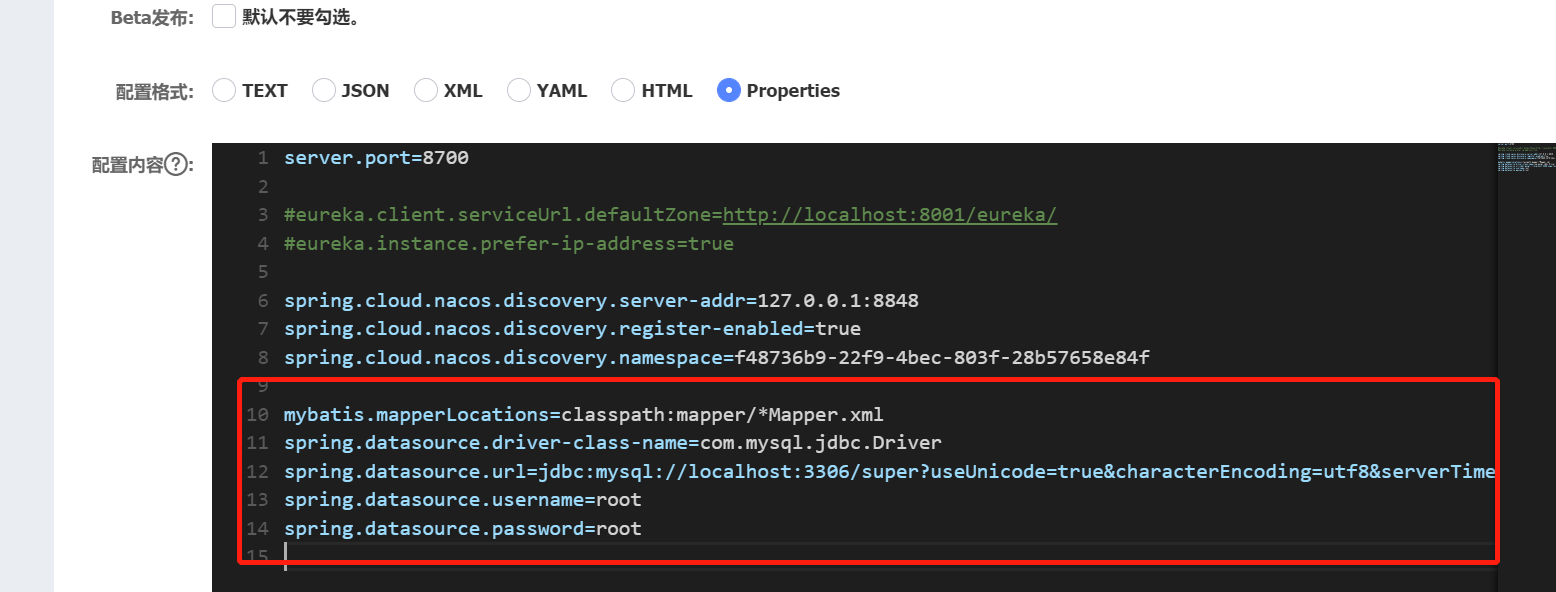
springboot+nacos configuration center
Official website nacos download address:Releases · alibaba/nacos · GitHub Start the Nacos service Linux/Unix/Mac Start command (standalone represents standalone running on standalone mod...
@ScHEDuled scheduling tasks in Springboot Dynamic Modification Based on NACOS Configuration
Spring frameworks come from 3.0, with task scheduling feature, it is a lightweight quartz, and it is convenient, simple, and does not need to rely on other JAR packets. It is more convenient to use in...
SpringBoot Quartz achieve integrated distributed dynamic task scheduling
Quartz achieve the dynamic execution of administrative tasks through the task by Quartz persisted to the database to ensure that only a single node to perform in a clustered environment, when a node f...
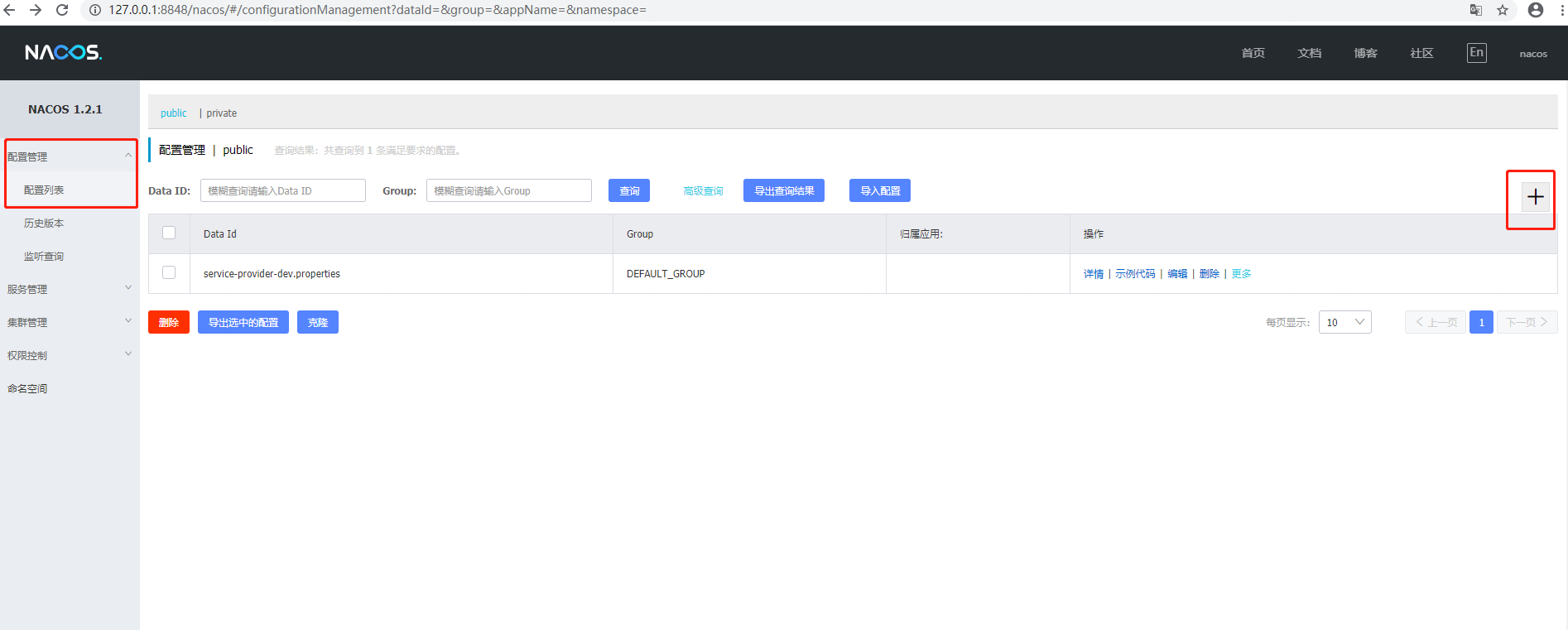
Use springboot to integrate nacos as configuration center and registration center
Recently I learned about alibaba's microservices, so I wrote a small demo integrating nacos. When nacos is used as the configuration center and registration center, some blog materials on the Internet...
SpringBoot Dynamic Get Value from NACOS Configuration Center in Static Method
Most of the online part of this part is some of the needs that do not meet my needs, what @Value () and @configurationproperties are got, and the conflict of the version, they have tried it, tortured ...
More Recommendation
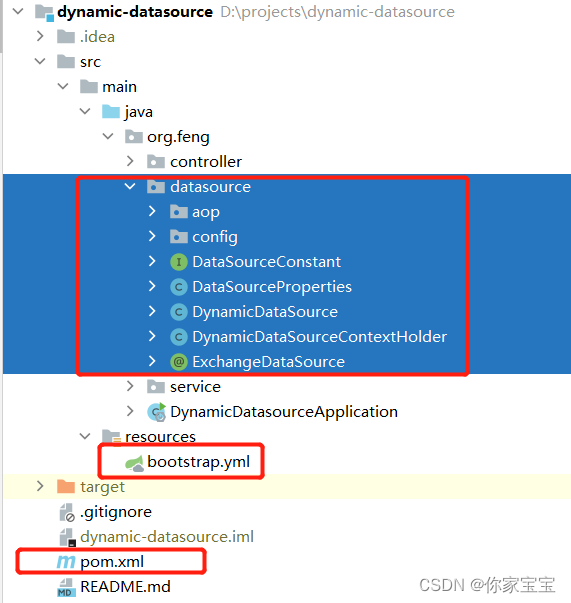
SpringBoot dynamic data source switch (NACOS configuration center)
Articles directory Foreword 1 Project file structure 2 Configuration file and pom.xml file 2.1 pom.xml 2.2 bootstrap.yml 2.3 Configuration in nacos 3 java file content 3.1 ORG.Feng.DataSource 3.1.1 Dy...
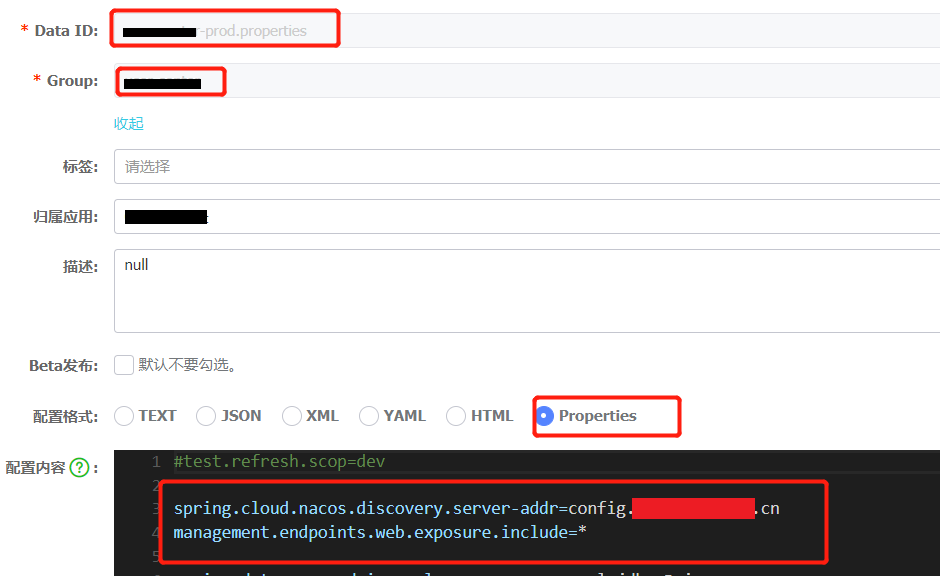
Nacos configuration center use
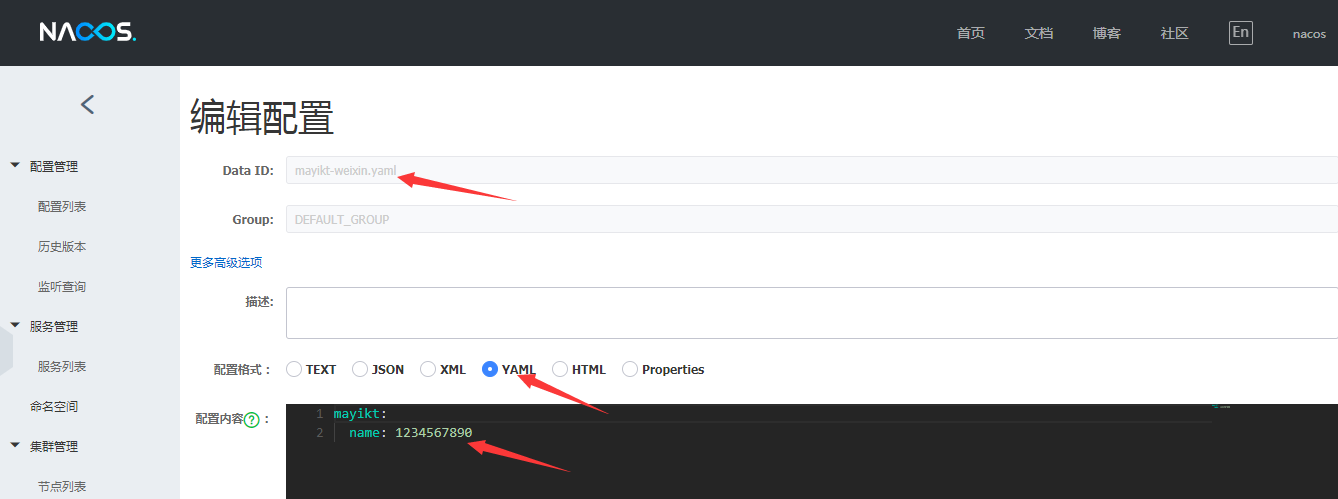
Post the document first https://github.com/alibaba/spring-cloud-alibaba/wiki/Nacos-config https://nacos.io/zh-cn/docs/what-is-nacos.html As a configuration center, what functions do we hope this confi...
Use of nacos configuration center
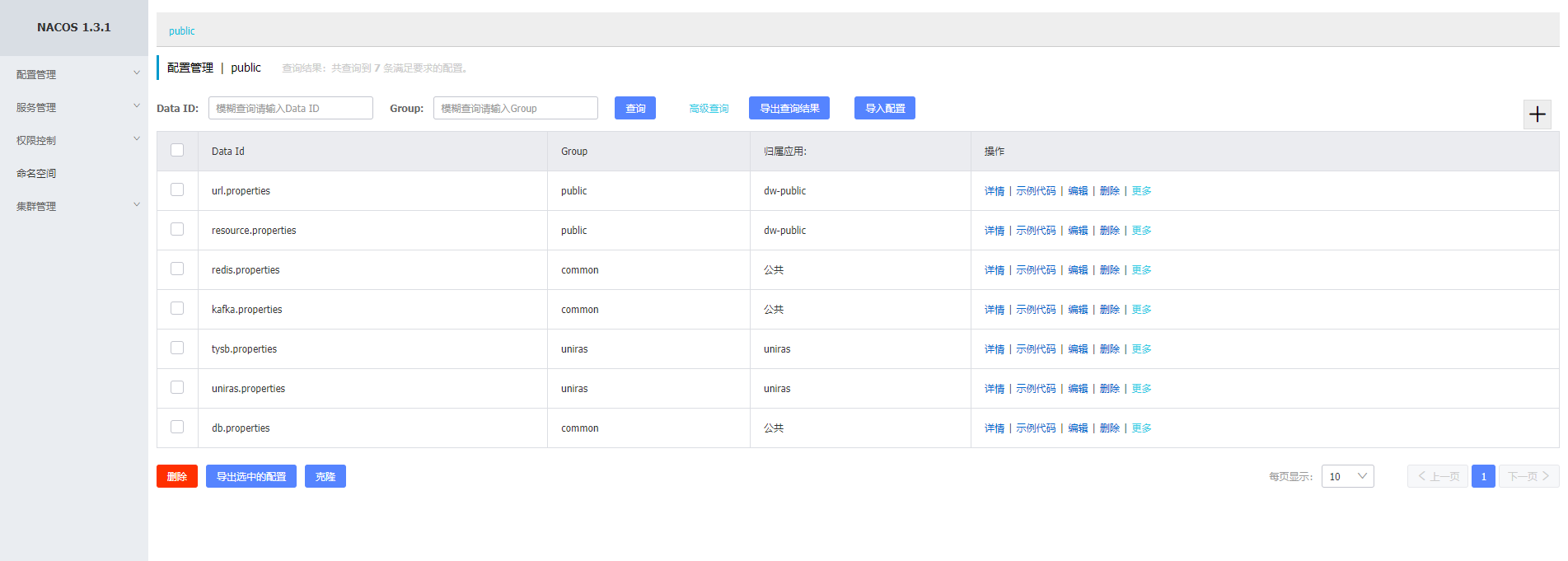
1. Download the compressed package, unzip it, and run bin/start.bat https://github.com/alibaba/nacos/releases 2. Visit the homepage 127.0.0.1:8848/nacos/ 3. New configurationDataid naming format: serv...
Use nacos as configuration center
nacos Official website: http://nacos.io/ Official document: https://nacos.io/zh-cn/docs What is nacos? Official introduction: Why use nacos? 1. Unified configuration 2. Unified specification 3. Dynami...
Use nacos as a configuration center
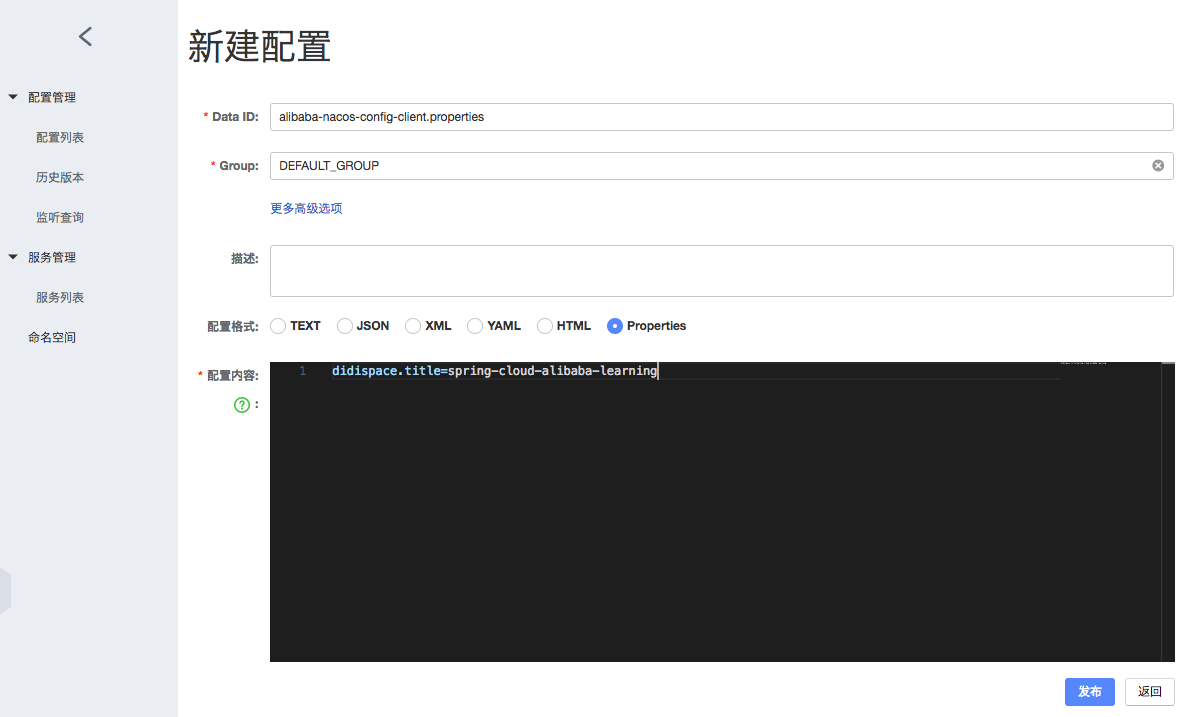
Use nacos as a configuration center Introduction In addition to achieving the registration discovery of the service, NACOS is also integrated together. With the configuration management function of NA...