Generate IP core (use your own HDL code)
In FPGA design, sometimes the previously written design code is used. It is usually better to customize these similar reusable modules independently into an IP block for future needs. The design process is as follows:
Step 1: Write a module as usual for building engineering design. Take the lighting of LED as an example (starting from everything), the code is as follows (it is a frequency division 1000hz program, the output looks at the LED display):
module led(
           input clk,
		   input key,
		   output reg clk_div
    );
reg [4:0] cnt1;
reg [15:0] cnt2;
reg [9:0] cnt3;
reg clk_div1;
reg clk_div2;
reg clk_div3;

initial
begin
  cnt1 = 5'd0;
  cnt2 = 16'd0;
  cnt3 = 10'd0;
  clk_div1 = 0;
  clk_div2 = 0;
  clk_div3 = 0;
end

 always @(posedge clk) //200MHz frequency division to 10MHz
begin
   if(cnt1 == 9)
	begin
	   clk_div1 <= ~clk_div1;
		cnt1 <= 5'd0;
	end
	else
	   cnt1 <= cnt1 + 1;
end
 always @(posedge clk_div1) //10MHz frequency division to 1000Hz
begin
   if(cnt2 == 4999)
	begin
	   clk_div2 <= ~clk_div2;
		cnt2 <= 16'd0;
	end
	else
	   cnt2 <= cnt2 + 1;
end

always @(posedge clk_div2)
begin
   if(key)
	  clk_div <= 1;
	else
	  clk_div <= 0;
end


endmodule
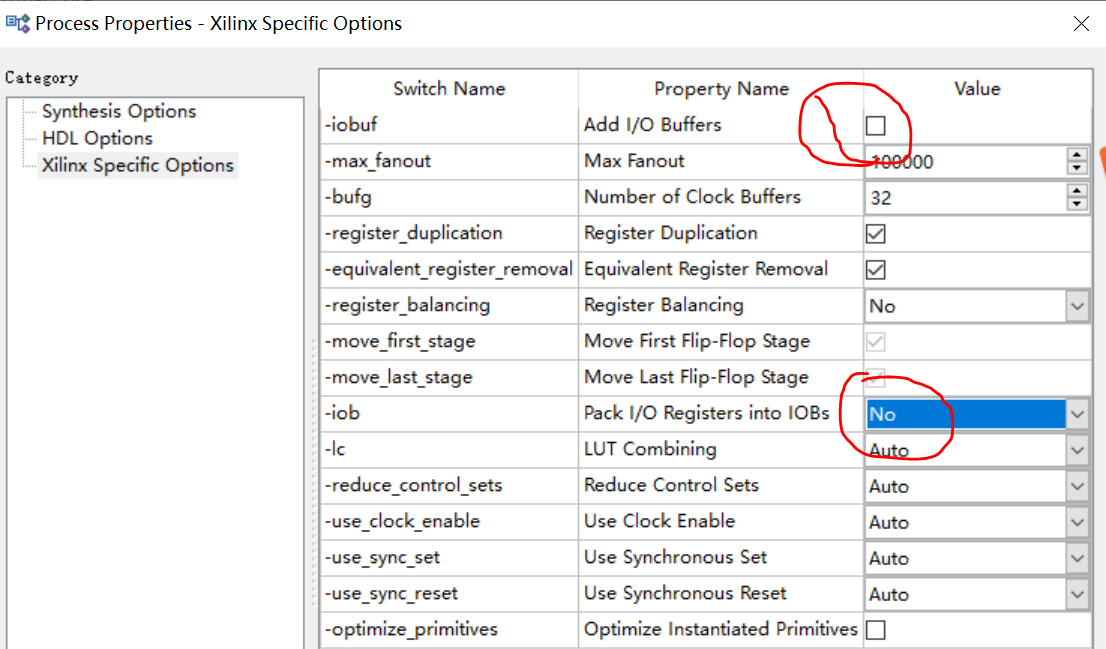
Set the synthesis option, and IO buf cannot be added in the synthesis process (taking into account the interface with external modules). In the comprehensive settings, -iobuf is not checked, -iob is NO, as shown in the figure below
Step 2: Make a blockbox module (that is, a wrapper package design of an IP core), the wrapper program is as follows:
module led(
       input clk,
	   input key,
       output reg clk_div
    );

endmodule //only declare the port
The third step, to use this IP, you need to add the blackbox of the second part to the project as a v file, call this module, and then add the led.ngc file to the project folder.
module top(
    input clk,
	input key,
	output valid,
	output led
    );

assign valid = (led = 1'b1) ? 1:1'b0;

 led U1 //Call led IP core
(
    .clk(clk),
	.key(key),
	.clk_div(led)
);
endmodule
Project engineering file, note: be sure to add the led Wrapper program to the project
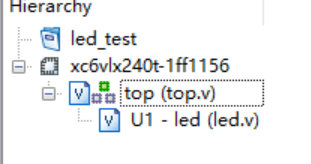
Comprehensive success

At this point, you can generate IP cores from your own HDL code to avoid rewriting or adding when you need to use duplicate codes.
Intelligent Recommendation
Quickly generate your own QR code
Import jar package Two ways to generate a QR code The QR code belonging to us is so simple, go to try it! !...
Use icoMoon to generate your own icon library
1. Log in to the website 2. Import your own icon svg picture 3. Follow the prompts to select the svg and resource you want to upload 4. Click to select 5. Generate your own font library and download 6...

Use your own style to generate a catalog
One, create your own style If you don't want to use the style that comes with the office, you can choose the text format you set yourself. On the "Start" tab, click the drop-down arrow in...
Use QT to generate your own dynamic library (on)
First, the problem description Call the standard C dynamic library of C ++ exported when writing C #, but that dynamic library is just some functions, and the class is not passed. Recently, I have a s...
How to package and call your own IP core in vivado
Write the source code and do the necessary simulation In order to package your own IP core, first create a new project and add a .v file to write verilog code. As shown below After writing the source ...
More Recommendation
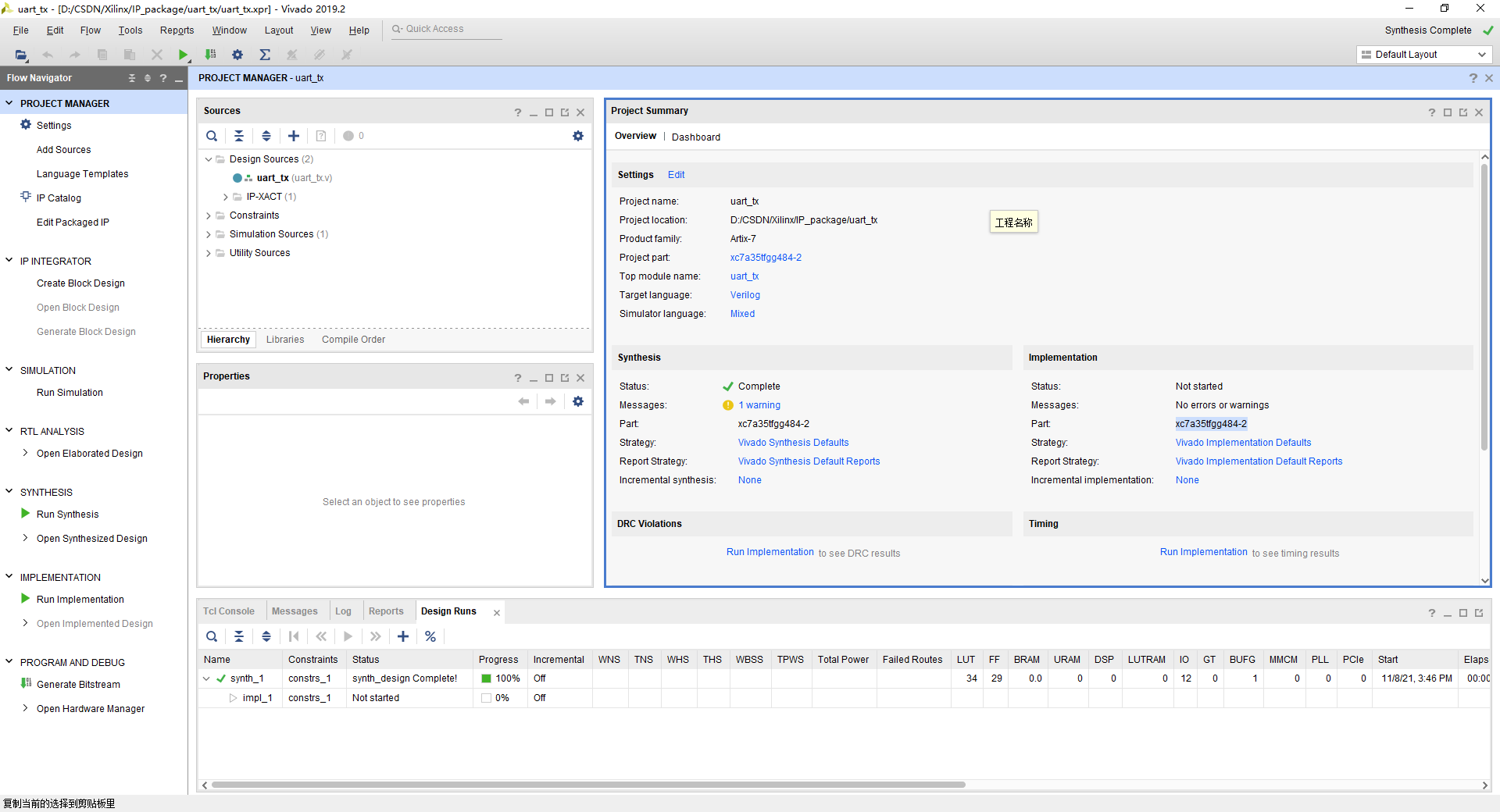
Teach you to pack your own Vivado IP core
written in front Module reuse is a basic skill that logic designers must master. By packaging mature modules into IP cores, reuse can be achieved, avoiding repeated wheel creation, and greatly improvi...

Verilog HDL-IP core development-FIFO-IP core (III)
1. Basic concepts of IP core IP (Intellectual Property) is intellectual property. In the semiconductor industry, IP cores are defined as "predesigned circuit func...
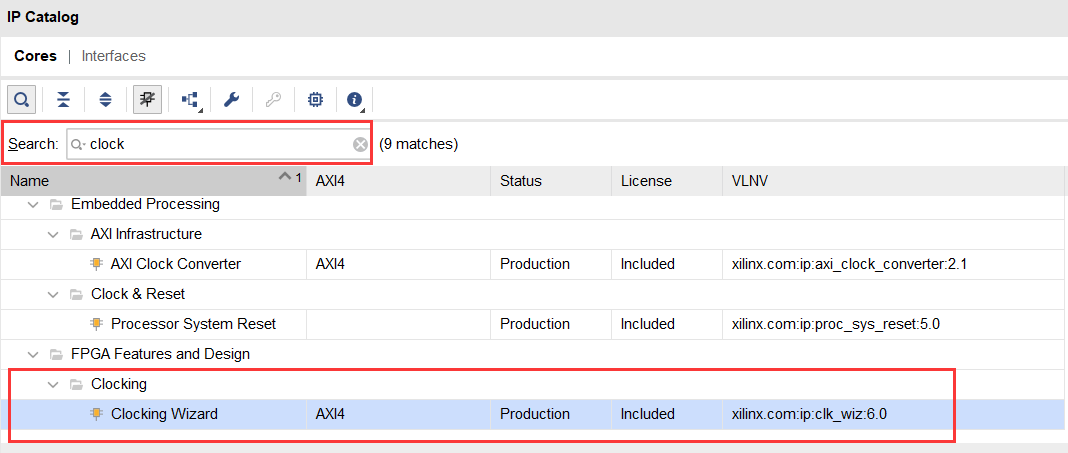
HDL/FPGA study notes twenty-five: the use of Vivado PLL IP core
1. PLL IP core configuration When we need to use frequency division or frequency multiplication, we need to use the PLL IP core in Vivado to get the clock frequency we want. The following briefly expl...
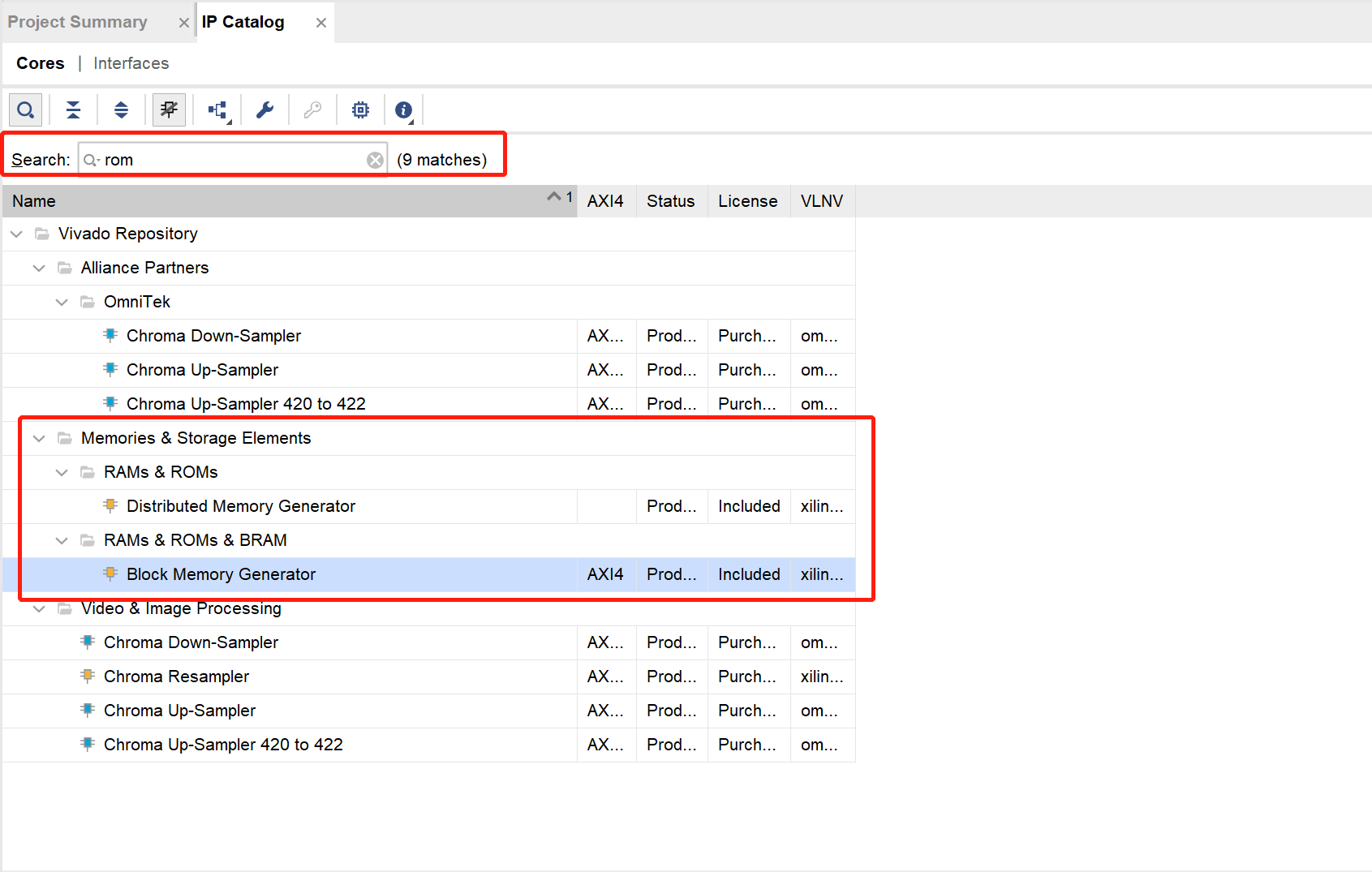
HDL/FPGA study notes twenty-four: the use of Vivado ROM IP core
1. ROM IP core configuration ROM is much simpler than the RAM mentioned earlier, because it only has a port for reading data and no port for writing data. However, it can still be configured as a sing...
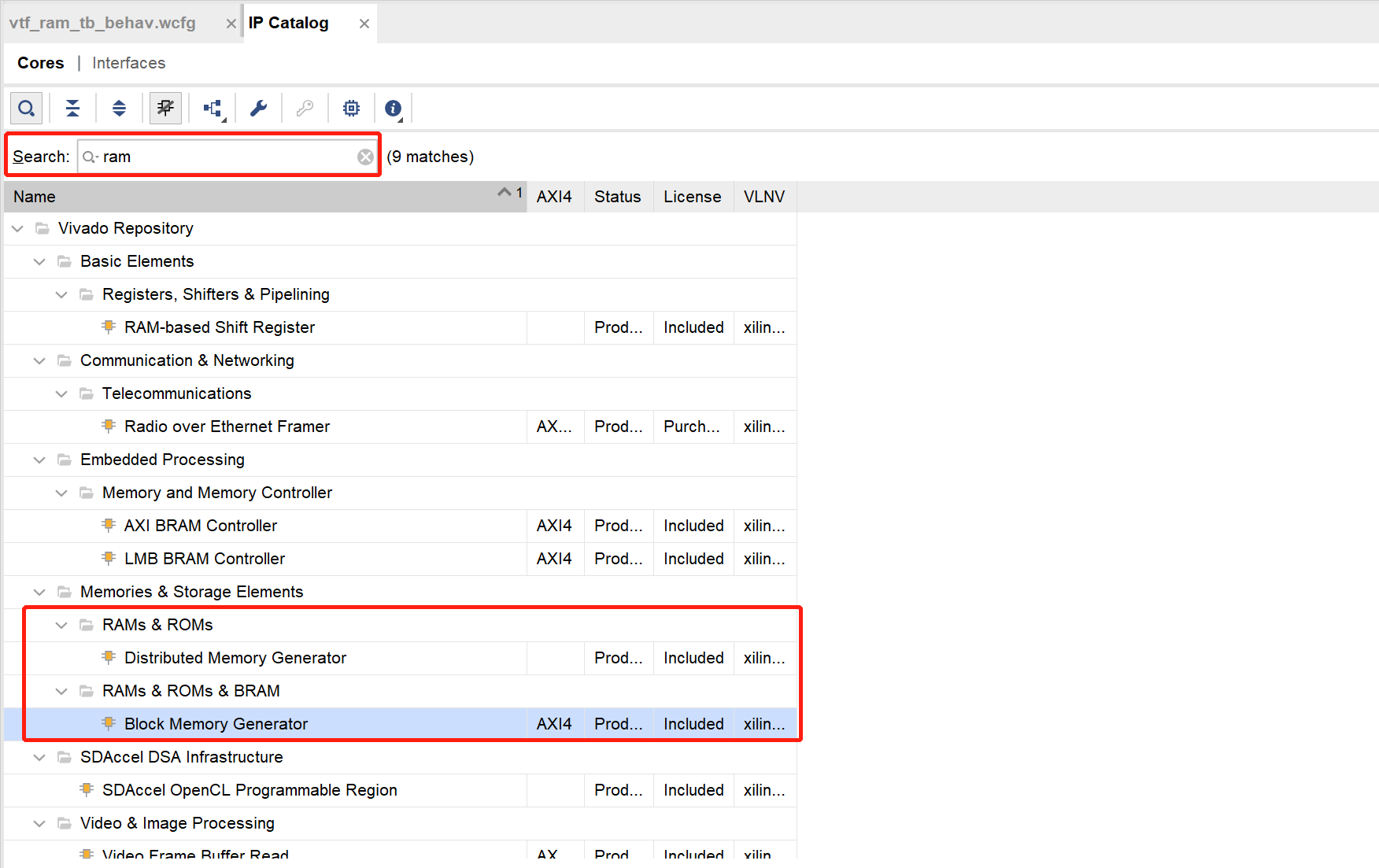
HDL/FPGA study notes 22: the use of Vivado dual-port RAM IP core
1. Introduction to dual-port RAM Double mouthRAM(dual port RAM)Widely used in heterogeneous systems, throughDual port RAM, Chips with different hardware architectures can realize data interaction, so ...