cocos creator learning 7-basic components
tags: game development cocos-creator
Sprite component
In game development, the displayed picture is called a sprite
The sprite component is one of the commonly used components in cocos creator

| Type attribute | effect |
|---|---|
| simple | The most common mode of sprites, after selecting this mode, the picture will be scaled to the specified size |
| Tiled | Tile mode, the picture is tiled |
| Slice | Jiugongge mode, specify the stretch area (the corners of the Jiugongge will not stretch) |
| Filled | Set the filling method (circle, rectangle), you can use the ratio to crop the displayed picture (only the displayed ratio) |
Button component

The CustomEventData in the figure is to pass a string to the response function
Note: If you mount the button component on a node with a size of (0,0), it will not function properly.
Add the button component through code
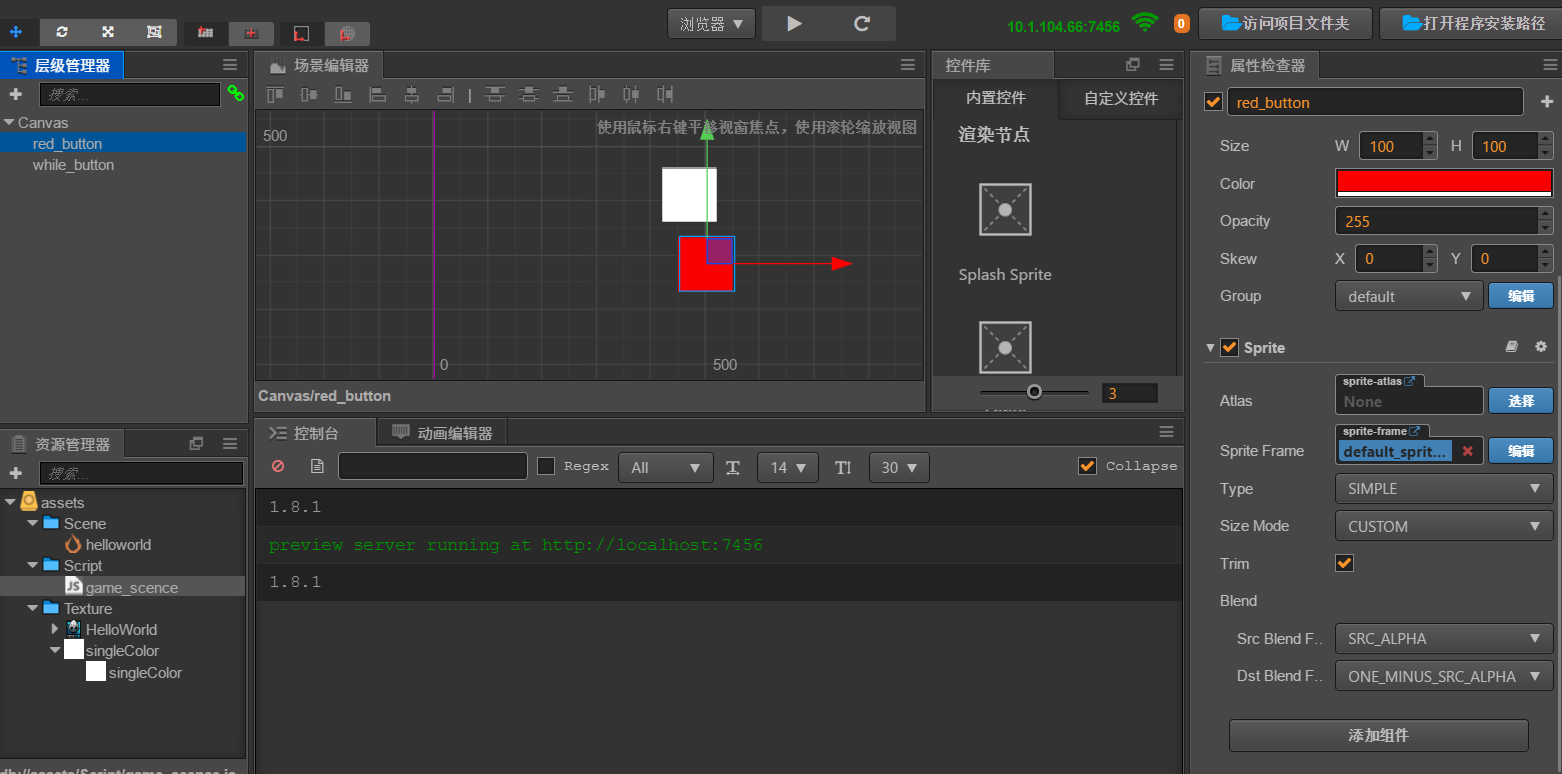
//Get button component
start:function(){
this.getbutton = this.node.getChildByName("while_button").getComponent("cc.Button");
//1, add button component
        this.red_button = this.node.getChildByName("red_button").addComponent(cc.Button);
        // 2. Add a response function
        var click_event = new cc.Component.EventHandler();
        click_event.target = this.node;
        click_event.component = "game_scene";
        click_event.handler = "on_red_button_click";
        click_event.customEventData = "test";
        // this.red_button.clickEvents = [click_event];
        this.red_button.clickEvents.push(click_event);
 },
        // The code triggers the response event of the button instead of touching it yourself
Test:function() {
            var click_events = this.red_button.clickEvents;
            for(var i = 0; i < click_events.length; i ++) {
                var comp_env_handle = click_events[i];
                // Pass in parameters through emit
                comp_env_handle.emit(["", "test"]);
    },
Label component
This component is a component that displays text
| Attribute list | Description |
|---|---|
| String | What the text shows |
| Horiznotal | Horizontal alignment: left, right, center |
| Vertial | Top, bottom, center, word and line layout |
| Font Size | font size |
| LineHeight | Height of each row |
| OverFlow | Typesetting |
| None | No features |
| Clamp | Truncated |
| Shank | Automatically scale to node size |
| Resize Height | Automatically wrap lines according to width |
| Font | ttf font file, bitmap font font file |
| Font Family | Font family, which font library of the system is used |
| Use System Font | Whether to use system font |
We can also change the way the text appears by modifying the anchor point
This component also provides an attribute for developers to customize the system text-Font, this attribute bar only recognizes ttf files
Get the label component in the code
There are many ways to obtain components, one is to bind the cc.Label property in the properties, and then operate. The same effect can be achieved in the following code
var M_label=this.node.getChildByName('Hello').getComponent(cc.Label);
M_label.string="Hello,world!";
RichText component
It is a special label component, which has a richer and more flexible text format than label.

It has tag elements similar to HTML language
Element attributes
| Label element | Features |
|---|---|
<color=#00ff00> |
You can specify text attributes |
<img src=''> |
Can insert pictures |
<u> |
Underline text |
<i> |
Render in italics |
<b> |
Render in bold |
<size> |
Specify the font rendering size, the size value must be an integer |
<outline> |
Set the stroke color and stroke width of the text |
The above is an introduction to the more common practical components in Creator, try more to know more
Intelligent Recommendation
WeChat game learning-summary of common basic operations of Cocos Creator
1. Scene operation Second, node operation 1. Get Node Common methods cc.find ("node path"), this.node.getChildByName ("child node name"), etc. Recommend a learning exchange group t...
Cocos Creator Basic Learning --- Click on the incident after clicking
Failure after triggering Click on the event to just trigger one time, click again to create any effect, so in order to avoid the conflict of conflicts or small bugs caused by continuous click, there a...
cocos creator learning (8) summary of rigid bodies, collision components, and physical components
1. How to move a rigid body? 2. What is the difference between a collision component and a physical collision component? 3. What is the difference between the three physical collision components? 4. H...
Cocos Creator Learning Summary 2
1. js file can be defined at the same time, class definition, function definition, structure definition; but Ts file is closer to C# mode, everything is class 2. Asset is a resource placed under Asset...
[Cocos creator] rocker learning notes!
Cocos Creator rocker The mobile phone virtual rocker refers to a virtual rocker for a full-touch mobile phone, and directly controls the virtual rocker on the touch screen for games. The effect of thi...
More Recommendation
The life cycle of script components in Cocos Creator
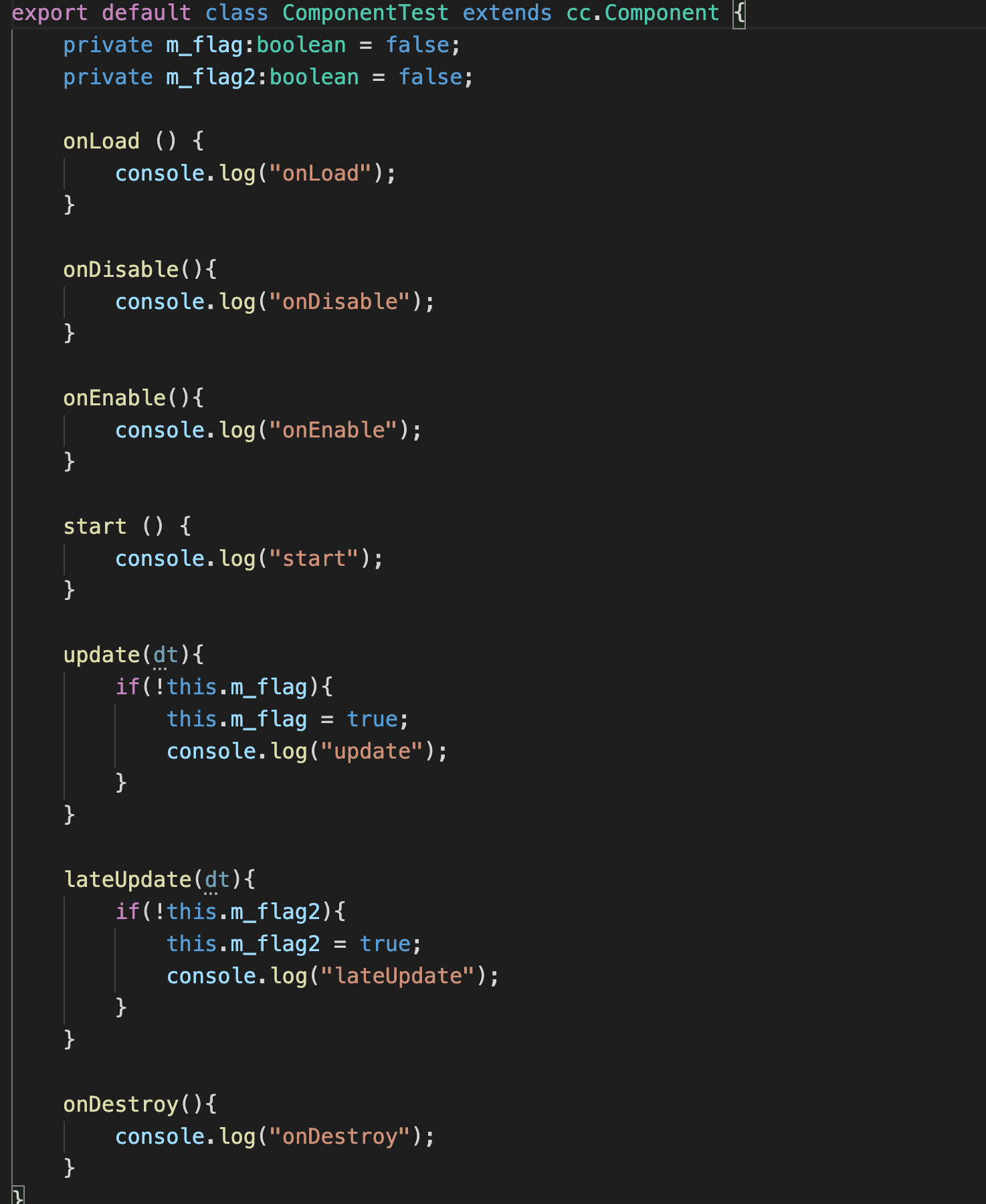
The life cycle of script components in Cocos Creator In Cocos Creator, cc.Component has the following life cycles. onLoad、start、onEnable、onDisable、onDestroy、update、lateUpdate。 So what is their order o...
Simple understanding of Cocos Creator nodes and components 01
1: To clearly know the difference between nodes and components Node: The node type created in the level manager is NODE node can be understood as a DOM or a HTML script Component: The components bound...
Cocos Creator V3.2 rigid body and collision components
Question: How to make two rigid bodies collide? Must be added for the two nodes that need to produce collision effects Rigid body componentandCollision component Necessary conditions 1: Add rigid body...
Develop a WeChat game with cocos creator (7) Modular
Cocos Creator allows you to split the code into multiple script files and have them call each other. To achieve this, you need to understand how to define and use modules in Cocos Creator. This step i...

Cocos Creator Basics One Wentong (7)--button
1. button button component 1. How to add buttons ①. Create button component directly ②. Create a button component on the component 2. button button properties Among them, the transition attribute has ...