Reference article address:
connect to the server
- Connect to the server using a terminal
- Connect with tools like FileZilla
Some basic commands
File operation command
| Features | command |
|---|---|
| View file content | cat test.js |
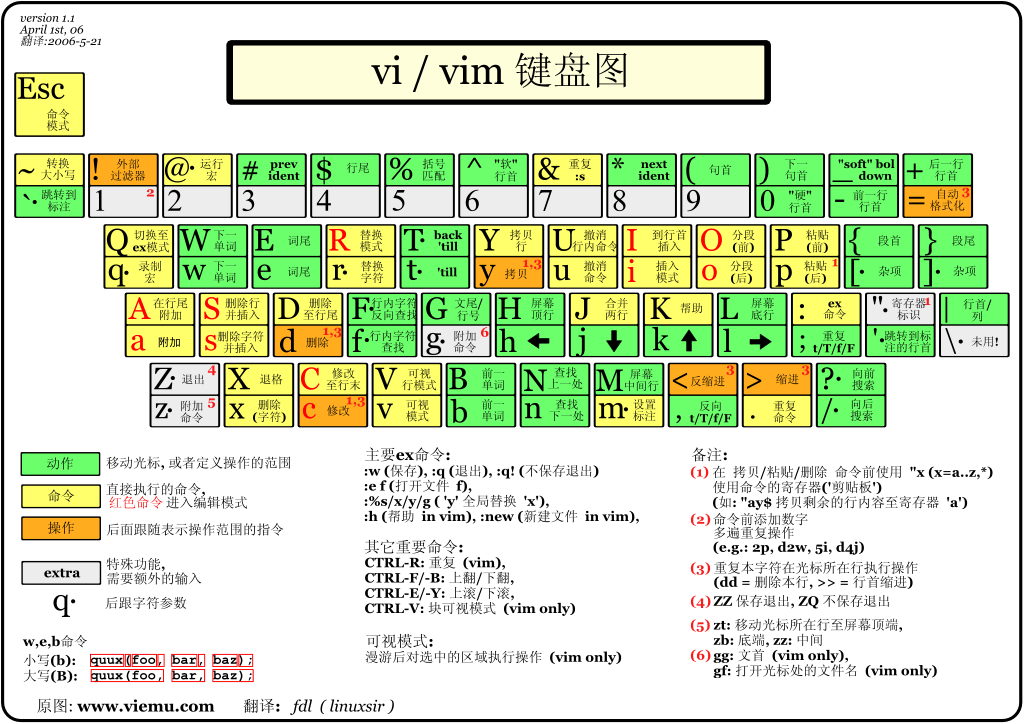
| Edit file content | vim test.js/vi test.js |
| Create folder | mkdir test |
| Create a file | touch test.js |
| Delete Files | rm test.js |
Delete folder
rm -rf test

 1. -r is recursive down, no matter how many levels of directory, delete
2. -fIs to delete directly, without displaying any prompt information

Copy code
Copy file directory and file
// willtest1 n files or folders are copied totest2

cp -a /home/test1/* /home/test2

Copy code
Directory cut
// willtest1 n files or folders are cut totest2

mv -a /home/test1/* /home/test2

Copy code
Directory rename
// willtest1 renamed totest2

mv /home/test1 /home/test3

Copy code
Compress zip and unzip zip
// compressiontest1 all files aretest1.zip
zip -r test1.zip /home/test1

 // Unziptest1.zip
unzip test1.zip


 // Compress the specified file abc.text and folder dir1
zip -r test1.zip abc.text dir1

 // Unziptest1 multiple zip package
unzip test1/?.zip

 / / Only view the contents of the compressed package without decompression
unzip -v test1.zip

 / / Check if the compressed package is completely downloaded
unzip -t test1.zip

 // Unzip the zip and download all of its contents to the first level directory
unzip -j test1.zip

Copy code