[Android] LINT check
1 Android LINT check
Android LINT is a static code analysis tool.
It will scan and check our code, discover problems in advance, output a file through the Lint Tool tool, tell us which line code has a problem.
Specifically, it can check for potential bugs, optimized code, safety, performance, availability, accessibility, internationalization, etc. in our Android project.
The current AS default installation.
2 LINT workflow
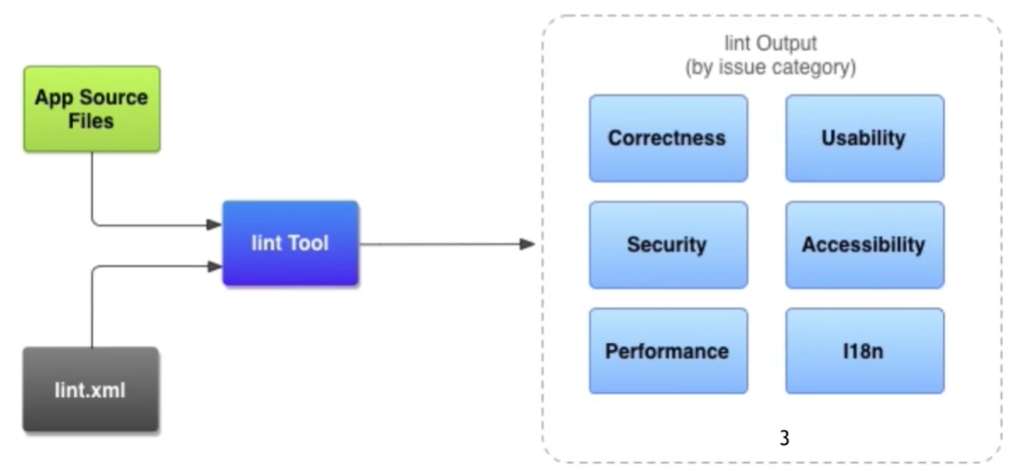
3 How to configure Lint
-
Configure Lint.xml
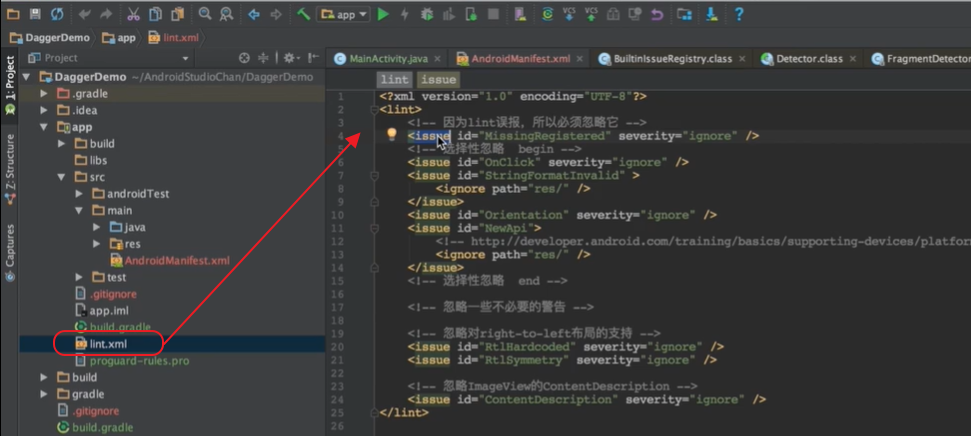
-
Add a comment in the Java code and XML layout files to suppress the LINT check
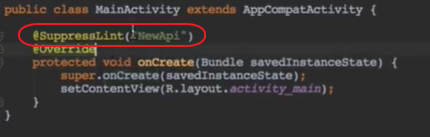
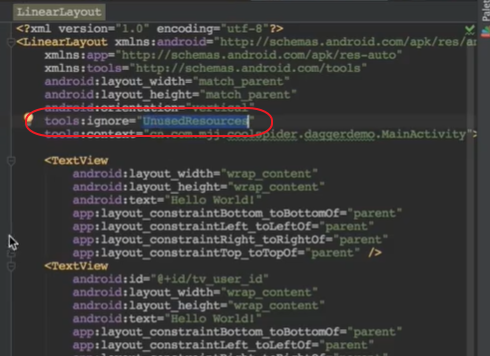
-
Custom LINT
Depending on your business needs, custom implementation Detector: Defines a variety of scan requirements to implement its own scanner.
Custom LINT is a custom atector. In Detector, the Scanner method in Java is implemented. Each Scanner scanner can define one or more different types of entries, each entry can be set to the corresponding description, severity, and so on.
Intelligent Recommendation
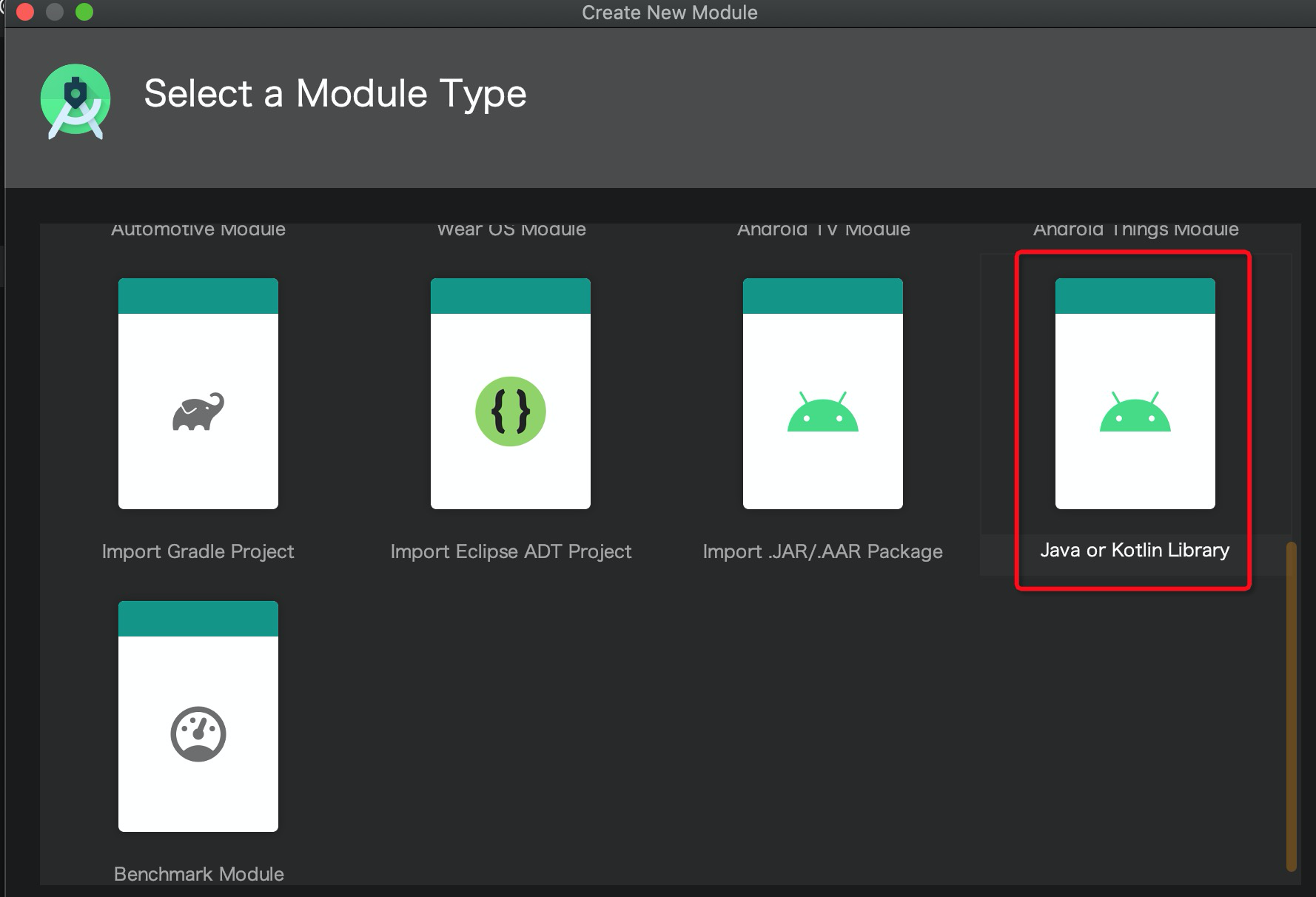
Custom lint check for Android Studio 3.0+ version
Custom lint check for Android Studio 3.0+ version Define LintModule Develop lint rules lint library dependency New log inspection rule LogDetactor IssueRegistry Register Registry Dependency of lint ch...
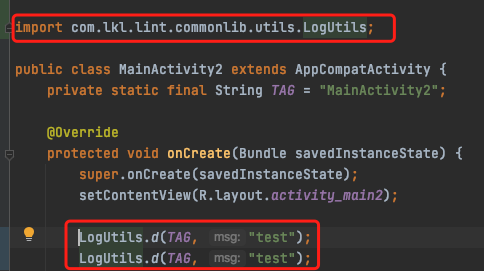
Android LINT Check FIX Auto Guide Pack
Android LINT Check FIX Auto Guide Pack The FIX automatically fixes the class to automatically import. Example For example, Log uses the packaged tool class to repair: Automatic codeimport com.lkl.lint...
lint check
1、 For example, if you copy the same code in xml, you will be prompted to repeat the code 2、 It has a lint tool tool, which will package our Android source code and lint.xml configuration file into a ...

android Lint
Android provides us with a great tool for checking when the program conforms to the specification (various warnings). Instructions:Right click on your project -> Android Tools -> Run Lint...
US group take-out Android Lint code check practice
Overview Lint is an Android static code checking tool provided by Google that scans and discovers potential problems in the code, reminding developers to fix them early and improve the quality of the ...
More Recommendation
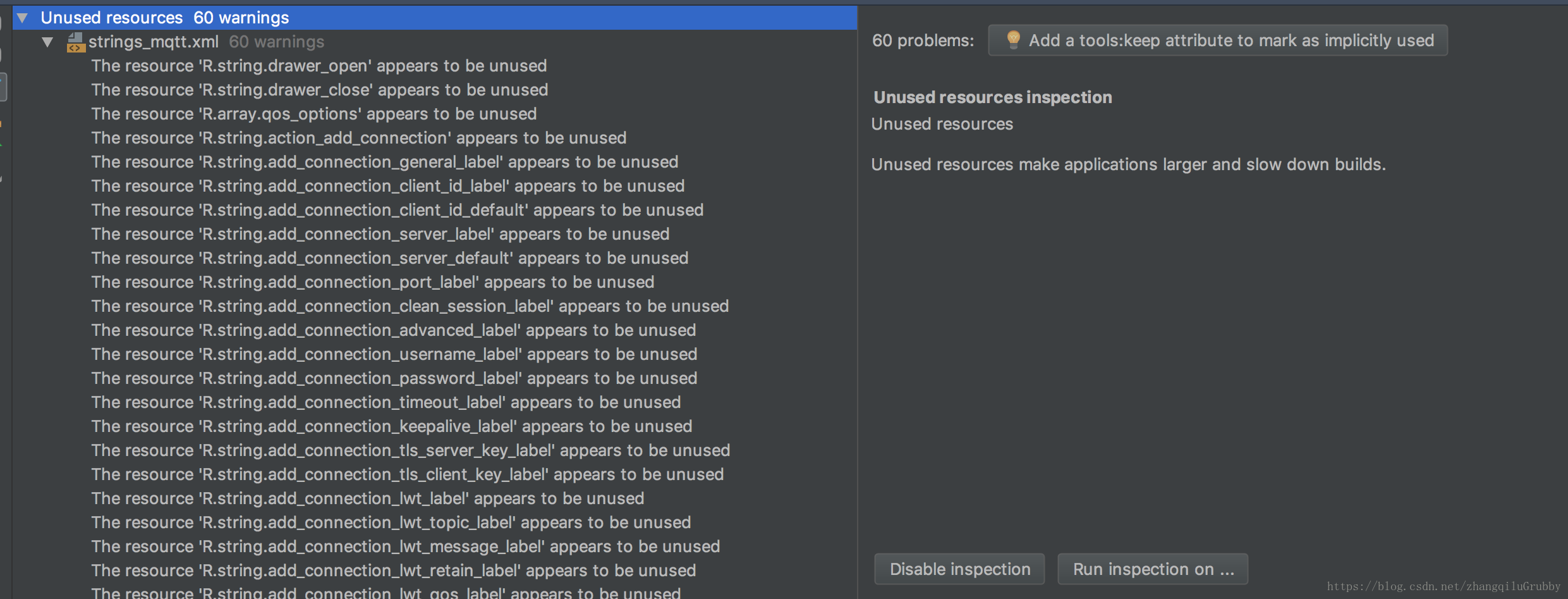
Android Studio uses Lint to check and remove useless resource files
There will often be some useless code and resources in the project. It is too troublesome to find and delete one by one. Today we will use Lint to check and remove useless resource files in Android St...
Android r system compiles LINT tool check problem record
Android R has a new inspection method for the modification of the system API. For code static checks, it becomes more stringent. The types of code or parameters must be added to @nonnull. Otherwise, c...
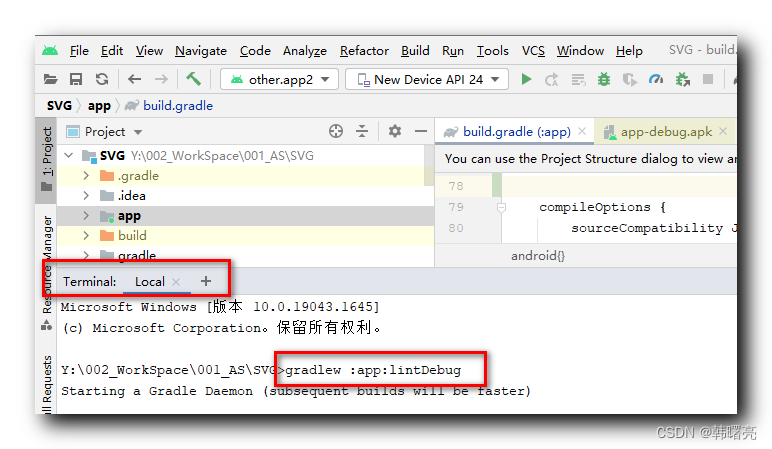
[Error record] The Lint check the report error when compiling Android Studio
Articles directory 1. Report an error message 2. Solution 1. Plan 1 2. Plan 2 1. Report an error message In the Terminal panel in Android Studio, execute Order , Do lint check, test code structure, re...
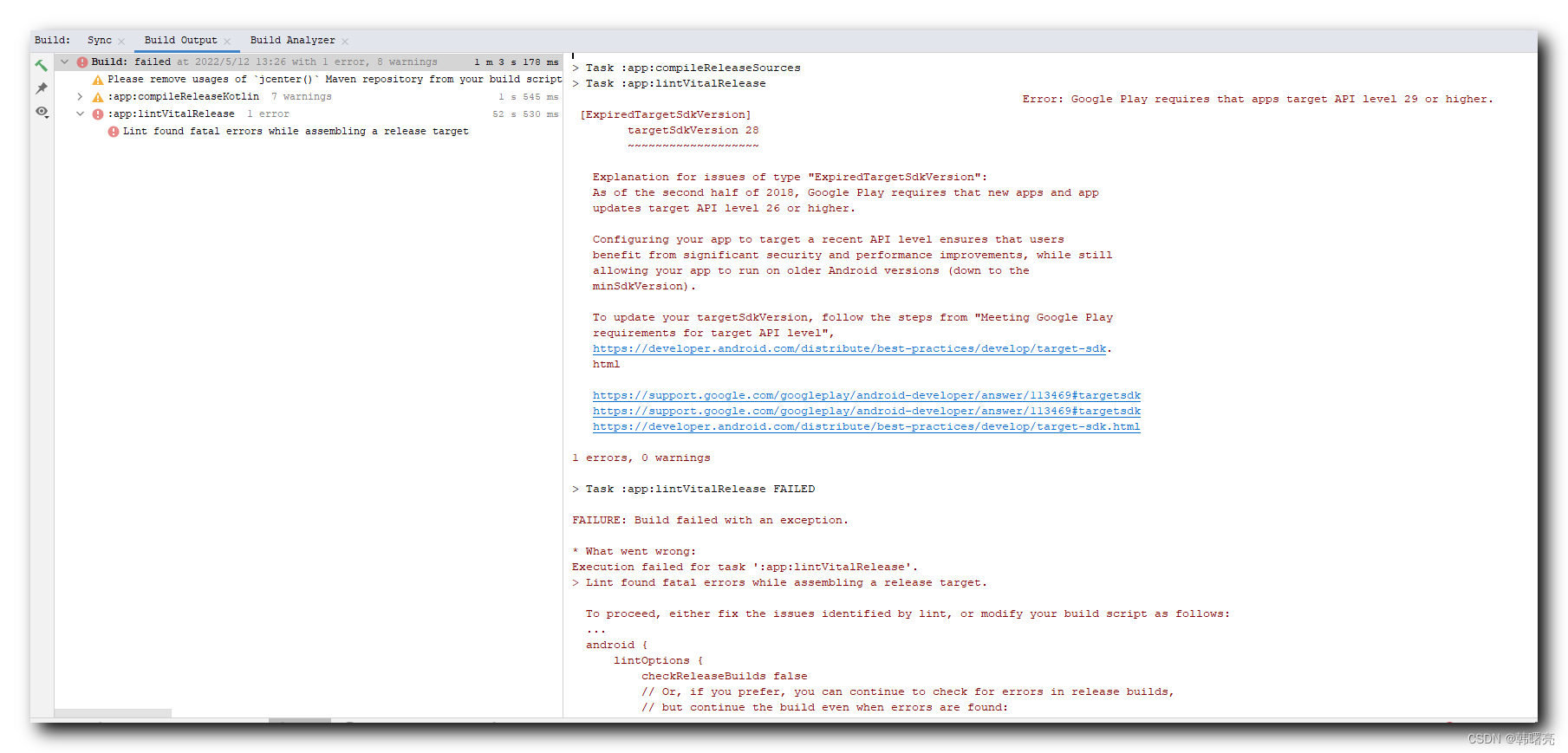
[Error record] Lint check the report error when compiling Android Studio
Articles directory 1. Report an error message 2. Solution 1. Report an error message When Android Studio compiles packing, report the following errors: 2. Solution When Google Play is put on the shelv...
[Error record] Lint check and report error when compiling Android Studio
Articles directory 1. Report an error message 2. Solution 1. Report an error message In the Terminal panel in Android Studio, execute Order , Do lint check, test code structure, report the following e...